
Hotel QR code menu for room service and dining
Give guests your room service, restaurant and bar menus on their phone. Update dishes and prices instantly — no reprinting room folders.
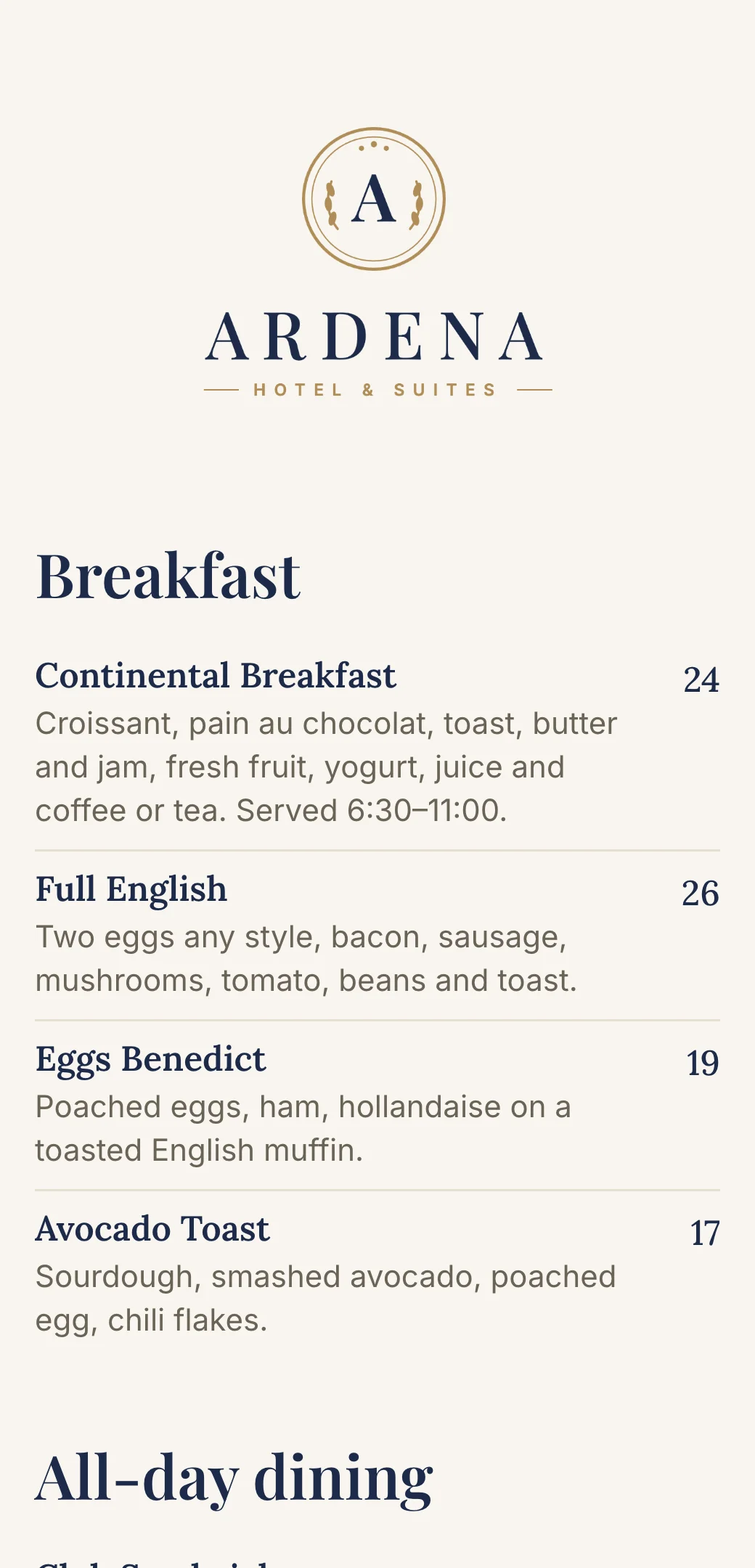



Why hotels use QR code menus
Printed in-room menus go out of date, get worn and cost money to reprint for every room. A hotel QR code menu keeps every outlet’s menu current on guests’ own phones.
No reprinting room service folders when prices change
One menu for every room, always up to date
Room service, restaurant, bar and breakfast in one place
Easy to read for international guests on any phone
Works on iPhone and Android — no app required
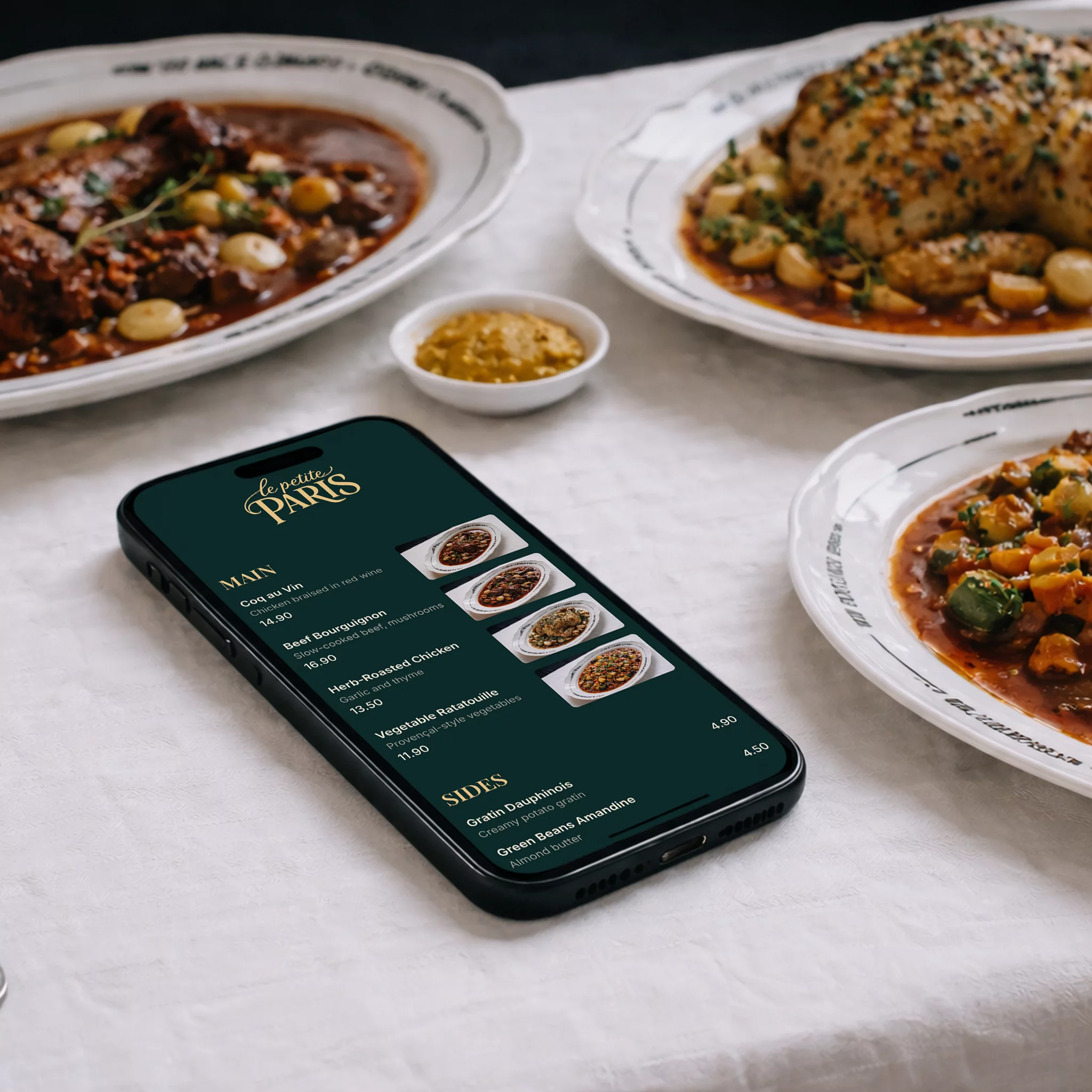
How guests use your hotel QR code menu
No app, no front-desk call to ask for a menu — just a phone camera.
- 1
Scan the code
Guests scan the QR code in their room, at the restaurant table or by the pool.
- 2
Your menu opens
It loads straight in the browser on iPhone and Android — no hotel app to install.
- 3
Browse and order
They see dishes, prices and serving hours, then order by phone or from your staff.
Where to put your hotel menu QR code
One code per outlet, wherever your guests eat and drink.
In every room
On the desk, nightstand or TV card so guests can order room service any time.
Restaurant tables
Table tents or stickers so diners can browse as soon as they sit down.
Lobby bar and lounge
Show cocktails, wine and snacks without handing out printed lists.
Breakfast room
List the buffet, à la carte extras and serving times.
Pool and spa
Let guests order drinks and light bites from their sun lounger.
Terrace and rooftop
Seasonal menus for outdoor spaces, updated as often as you like.
A QR code that matches your hotel
Your colors
Match the QR code and your menu to your hotel’s branding and logo.
Print-ready downloads
Download a 1000×1000 PNG or an SVG that stays sharp on room cards and signs.
Print once, update forever
The code always opens your latest menu, so changing dishes or prices never means reprinting room cards.
Comes with a menu link
Send the same menu in pre-arrival emails, booking confirmations and guest messaging.
On your website
Link to your restaurant and bar menus from your hotel website instead of uploading PDFs.
Separate menus per outlet
Keep room service, restaurant, bar and breakfast as separate menus, each with its own QR code.
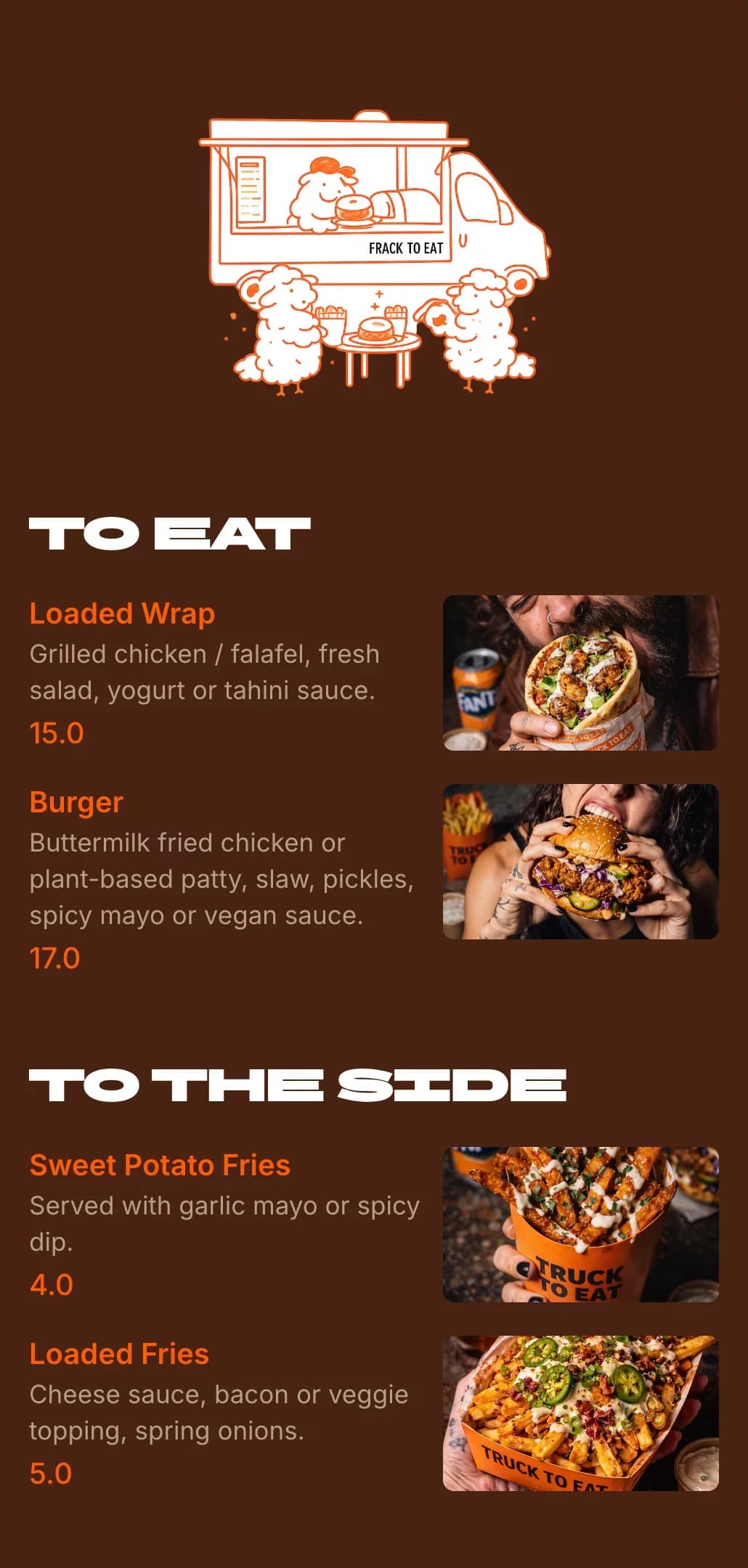
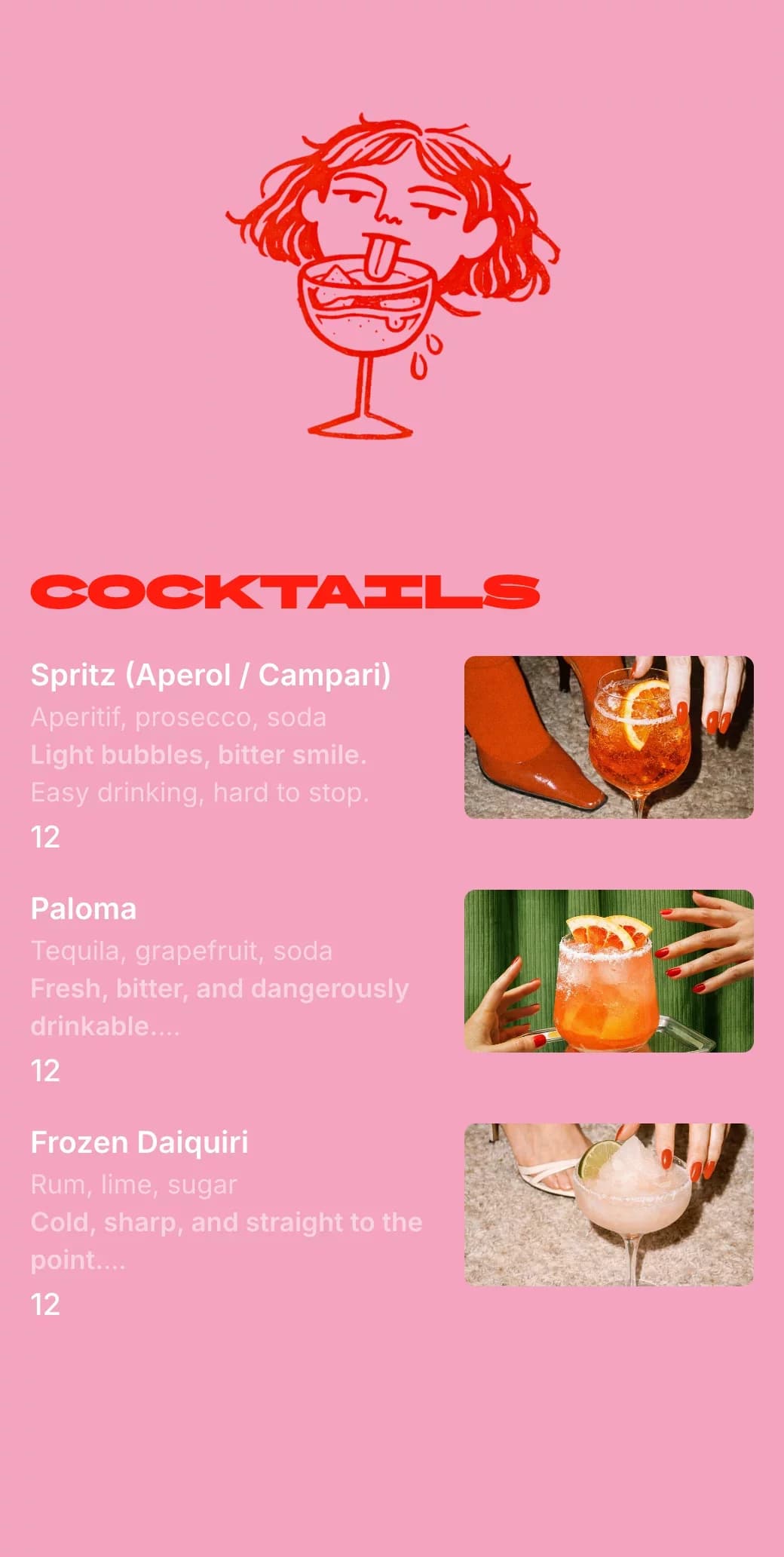
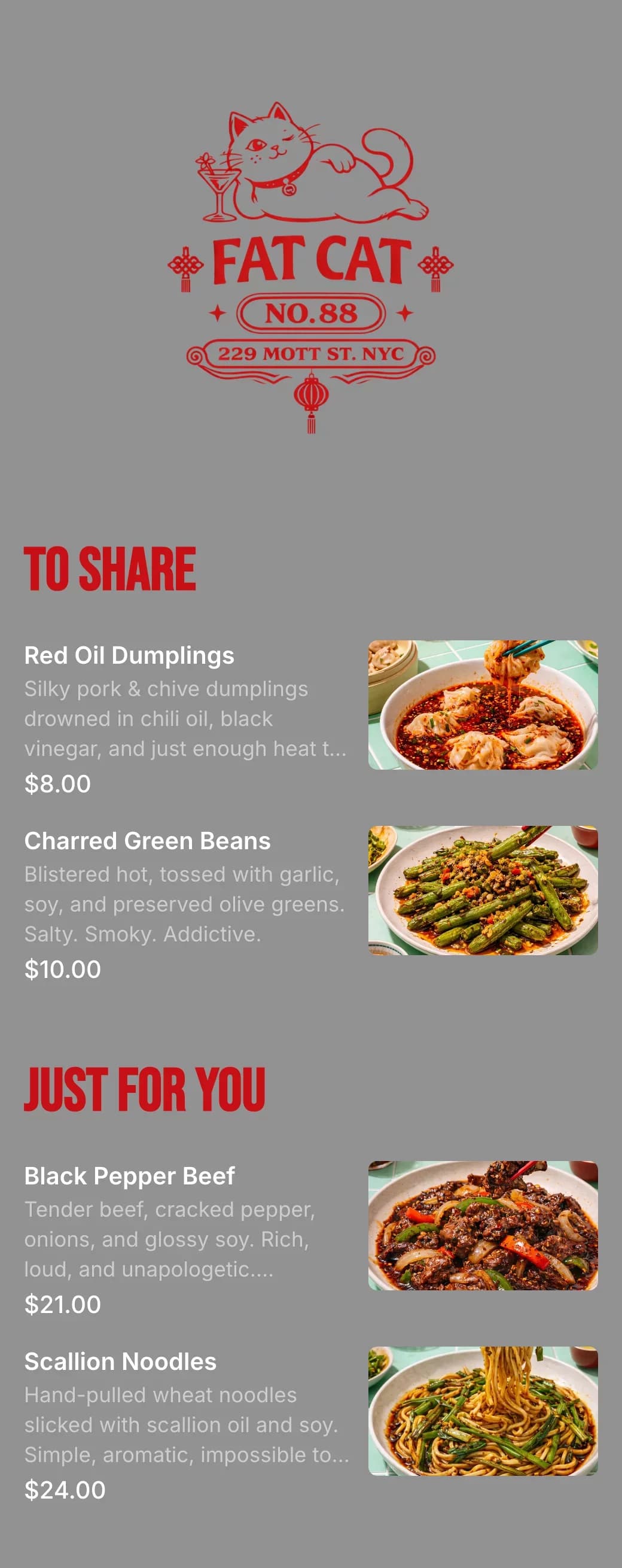
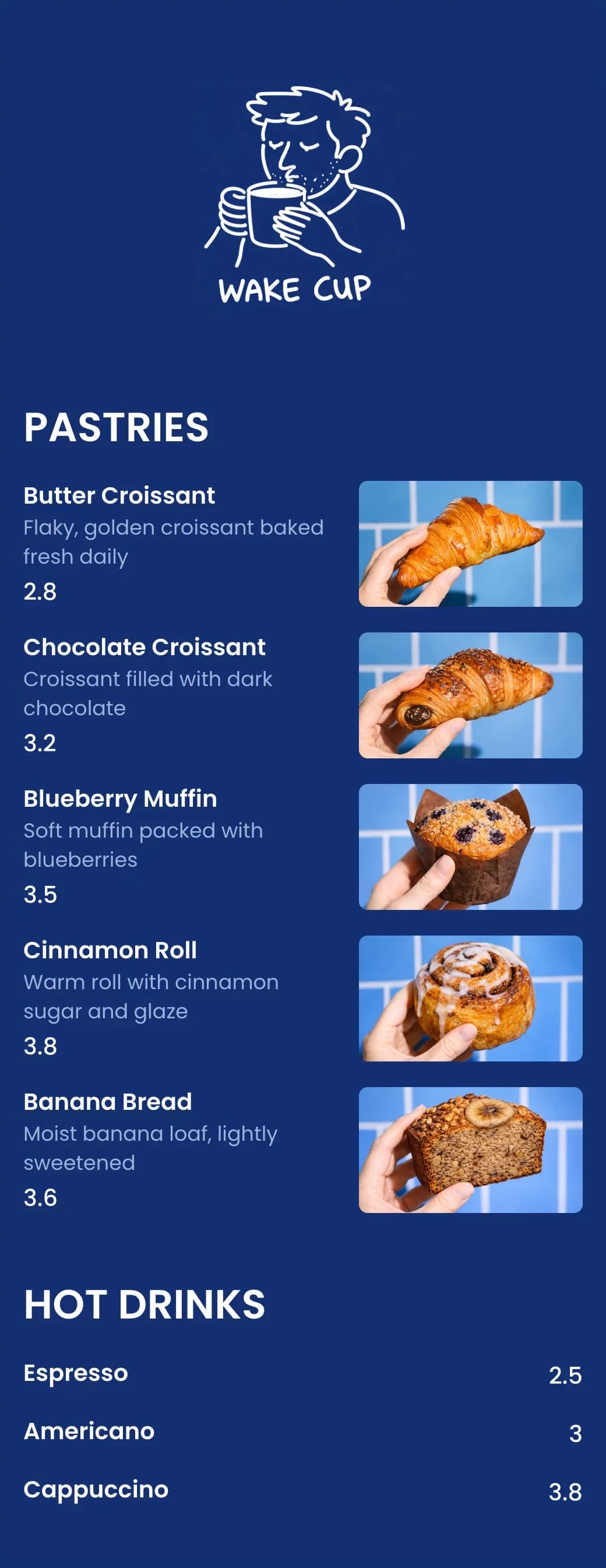
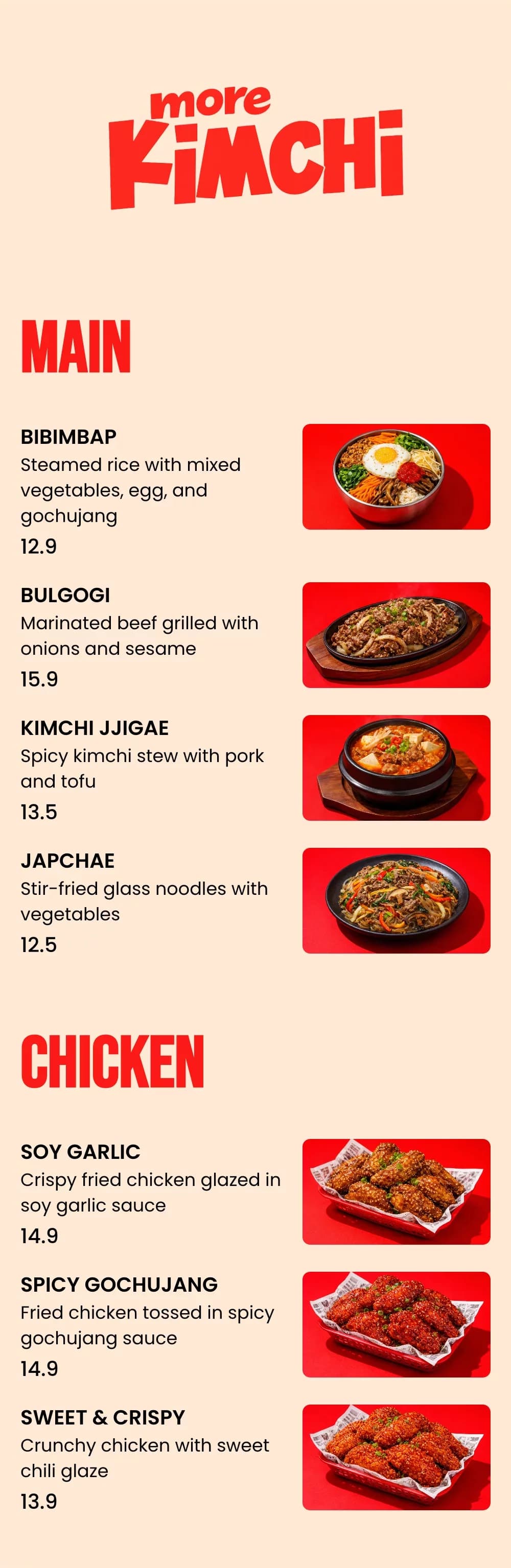
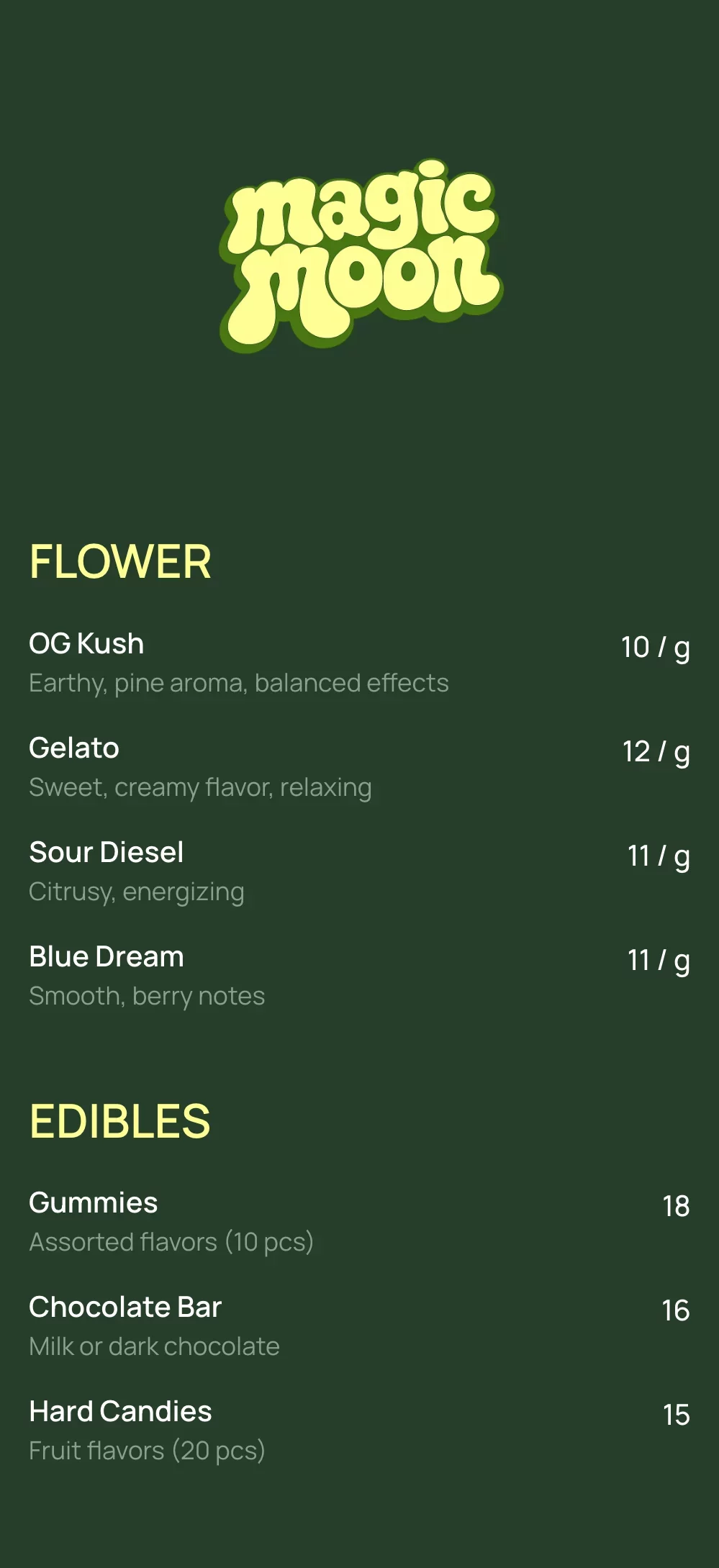
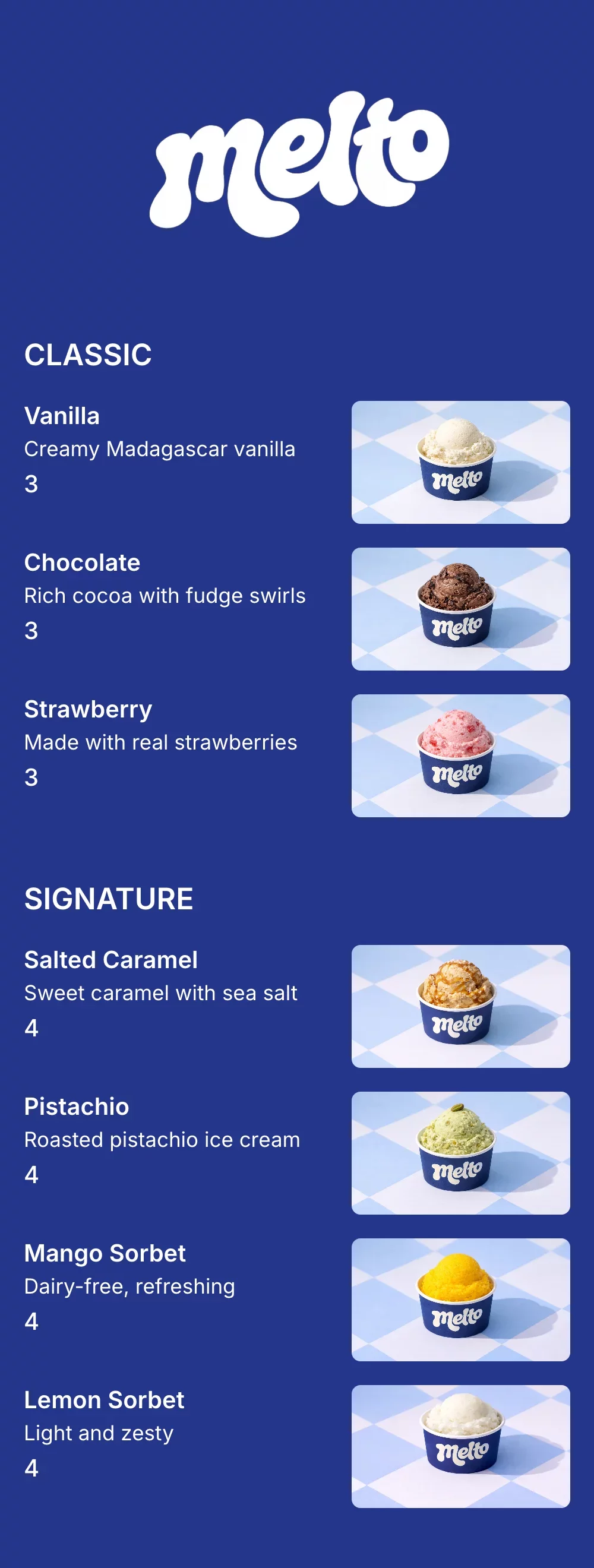
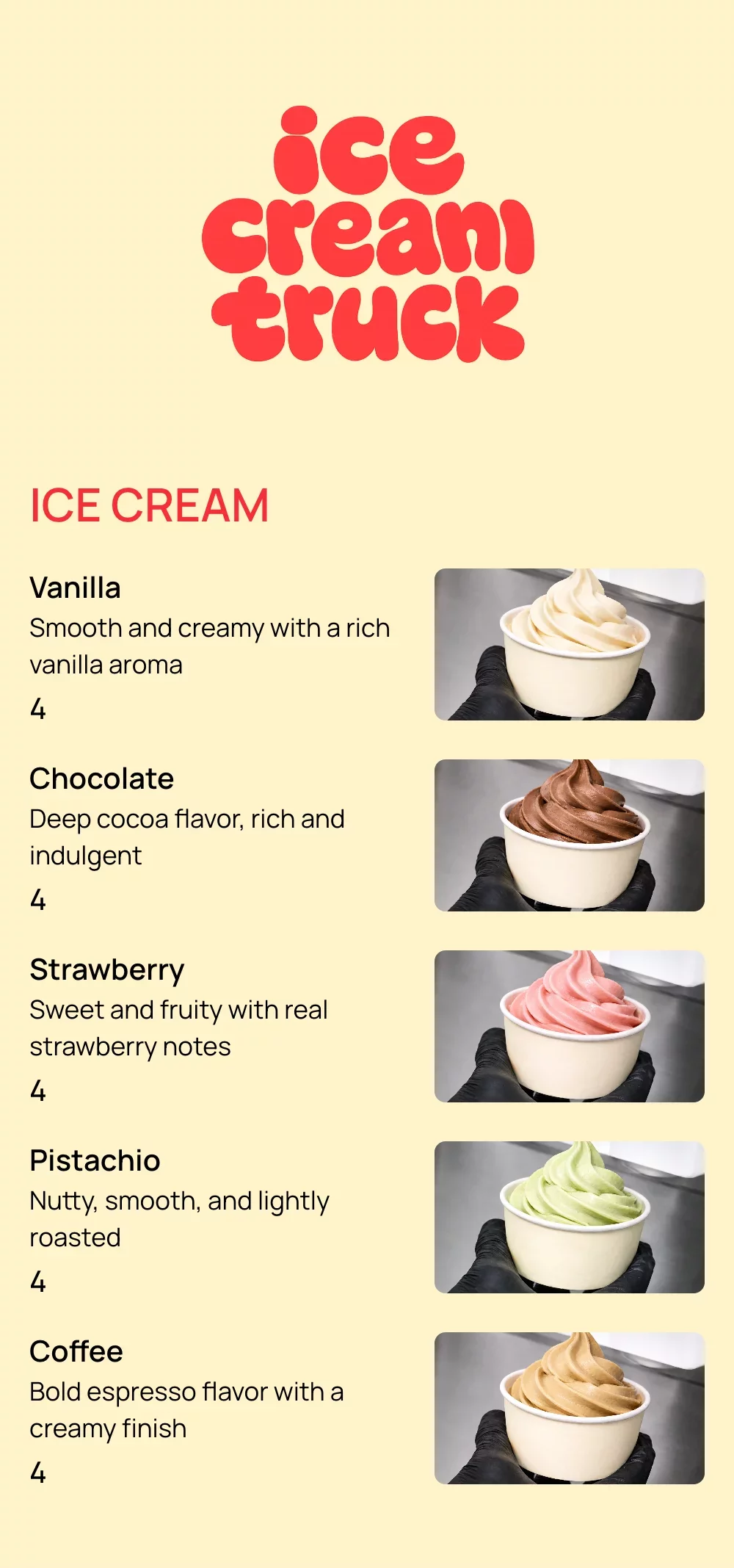
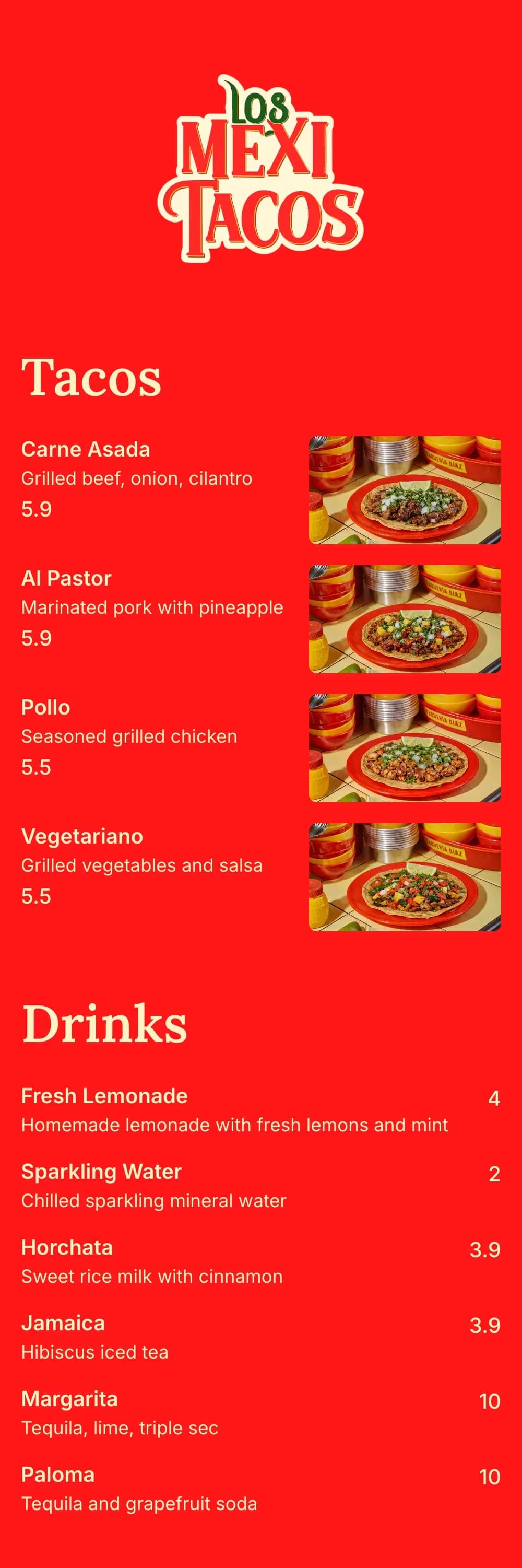
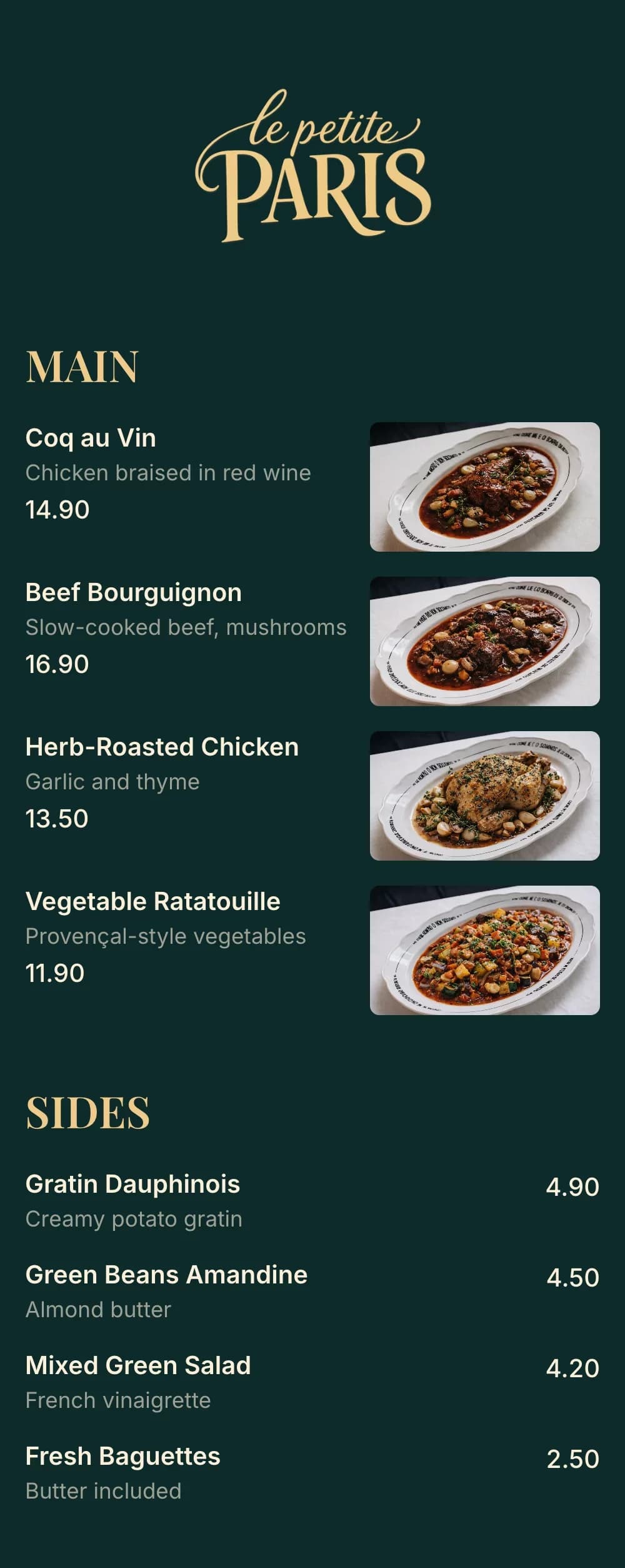
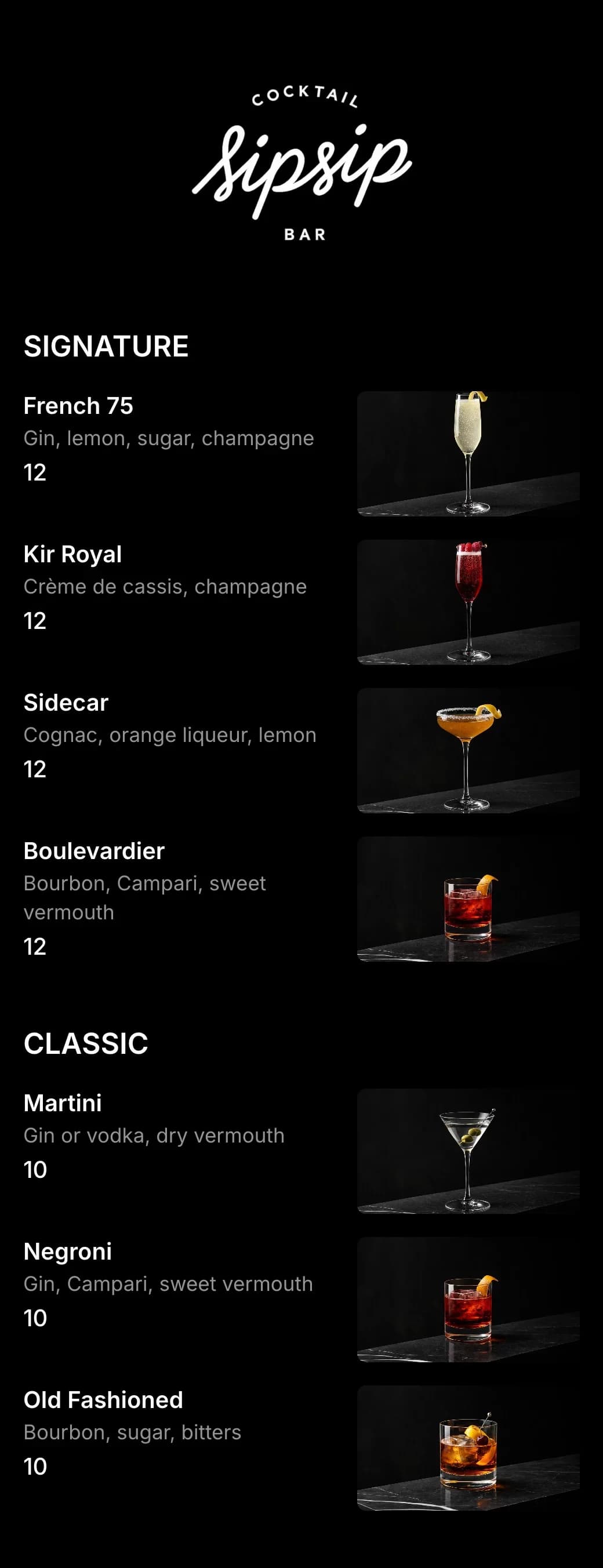
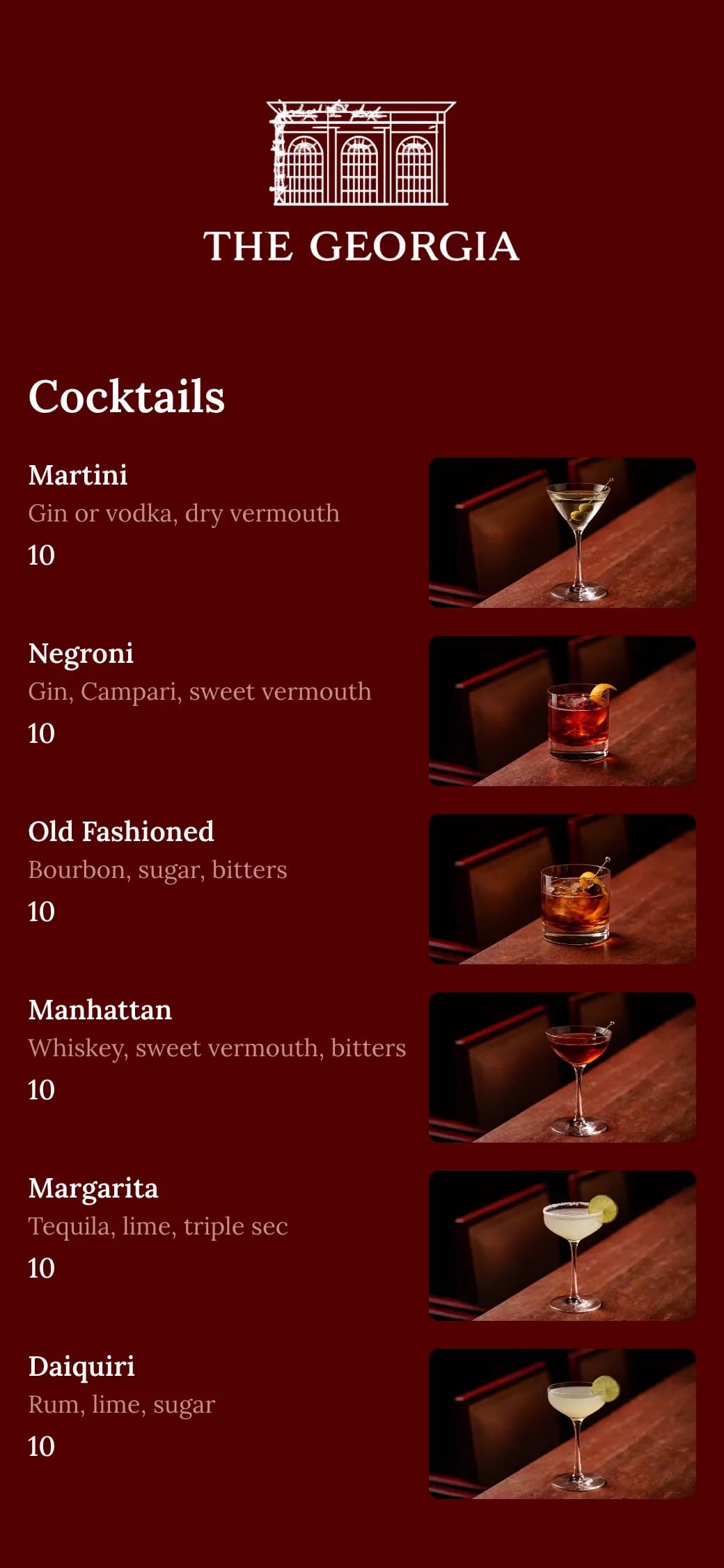
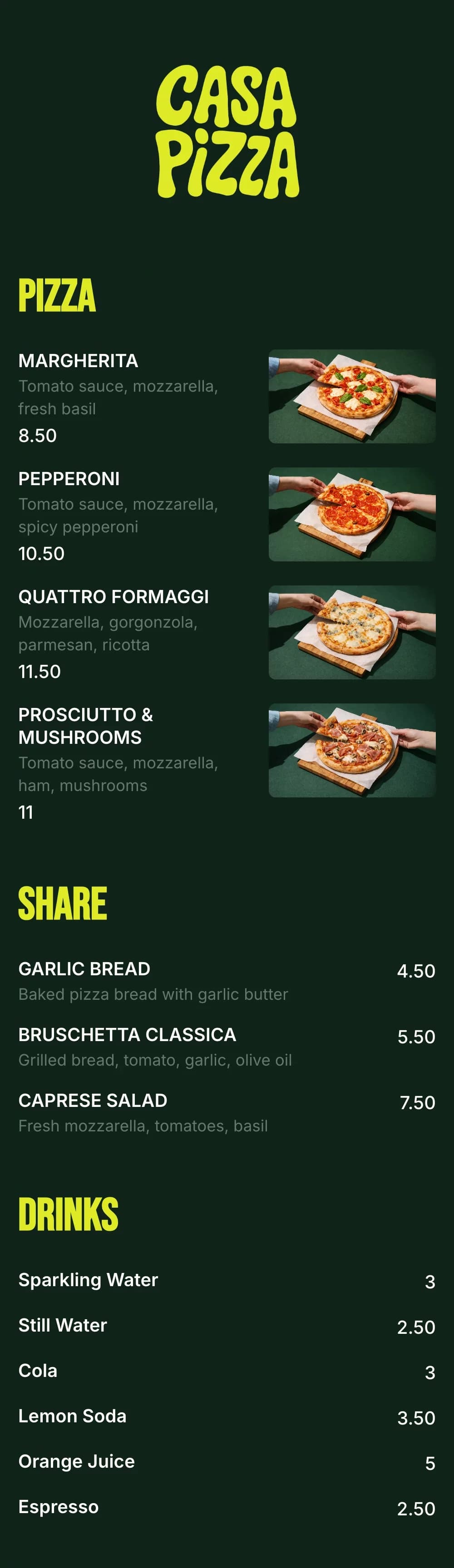
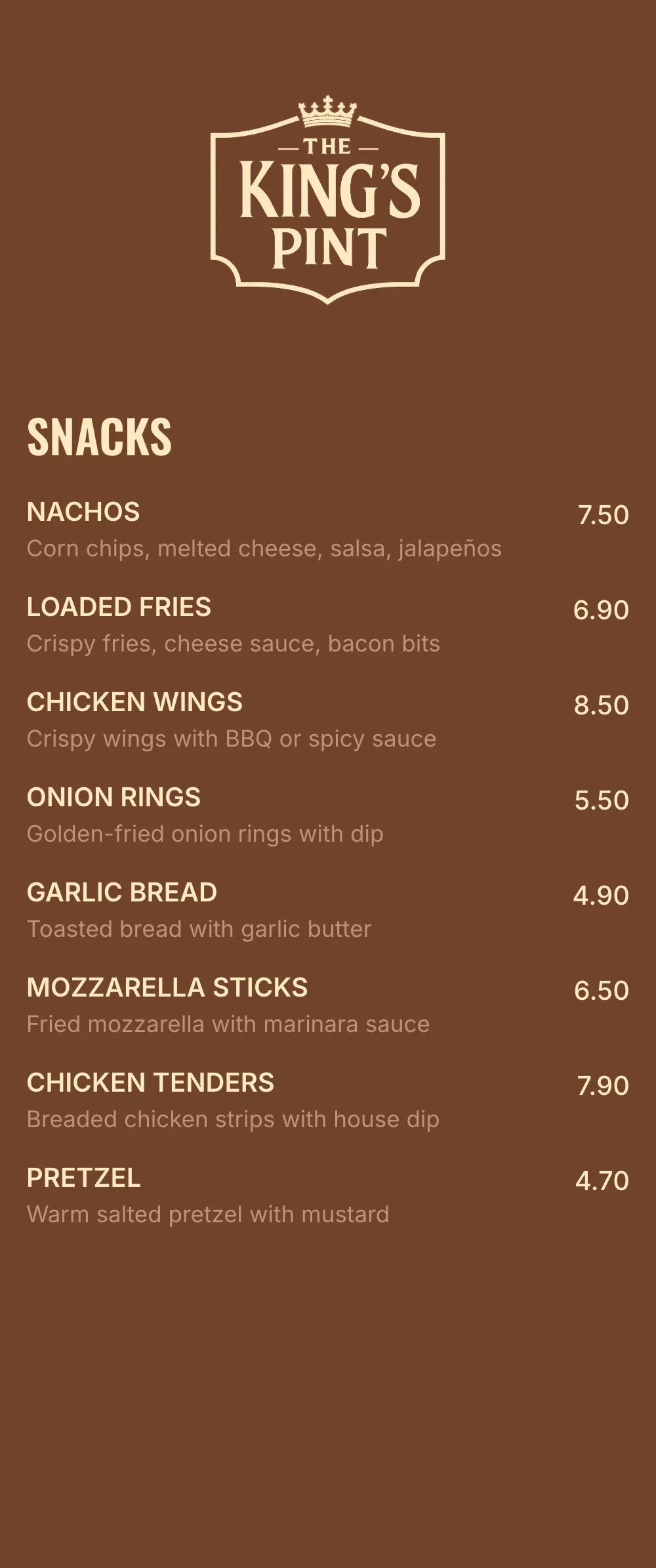
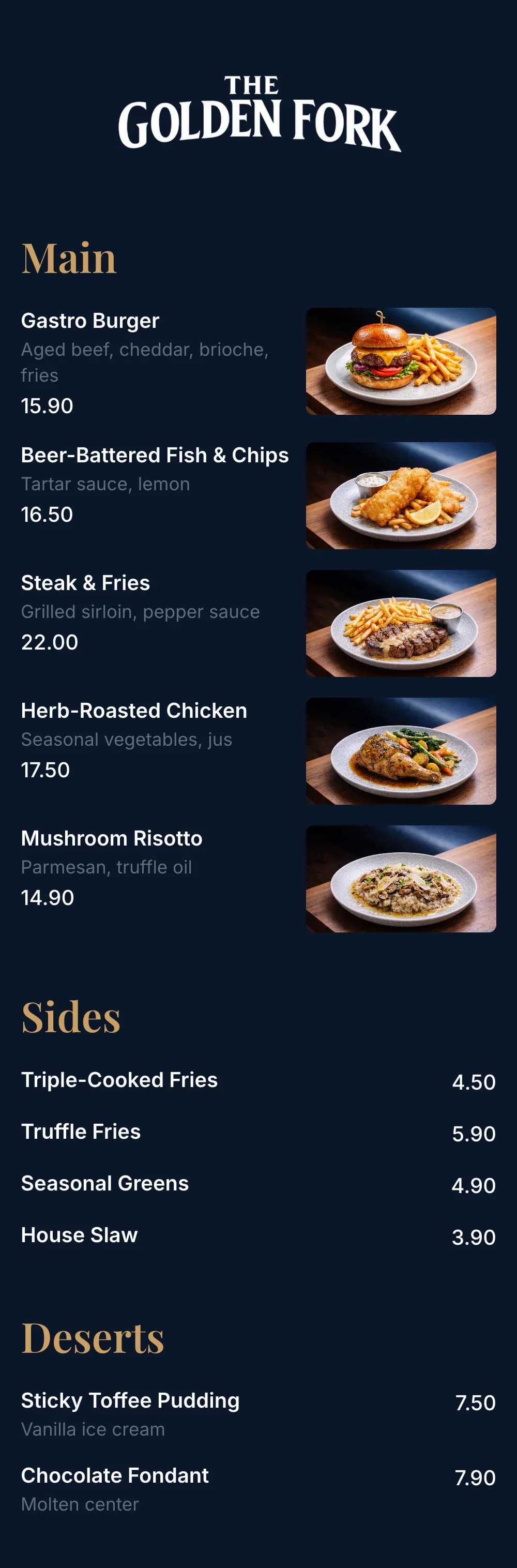
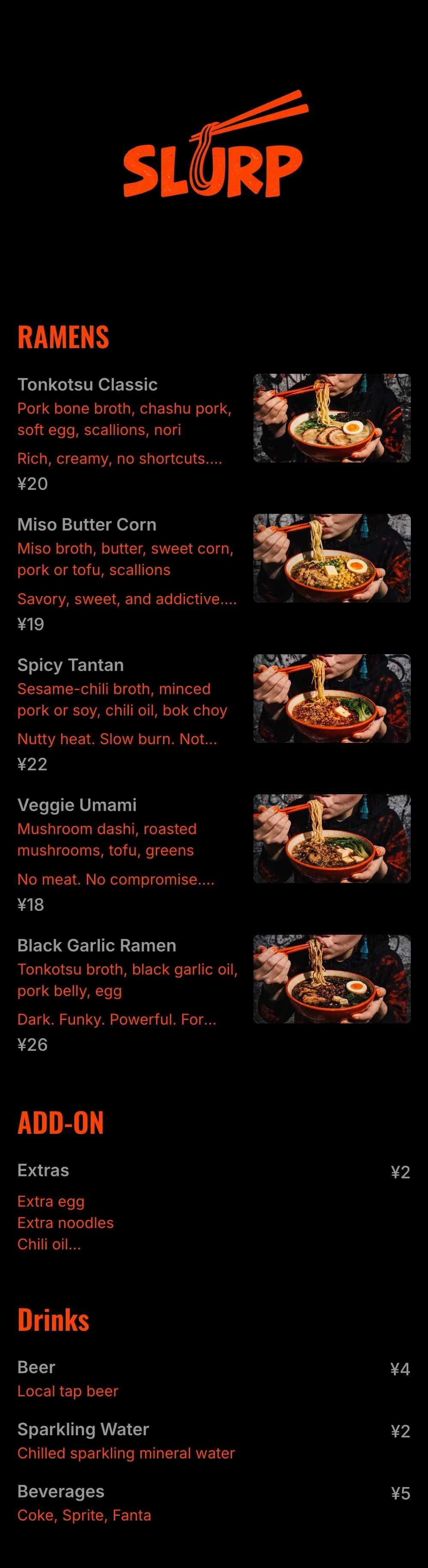
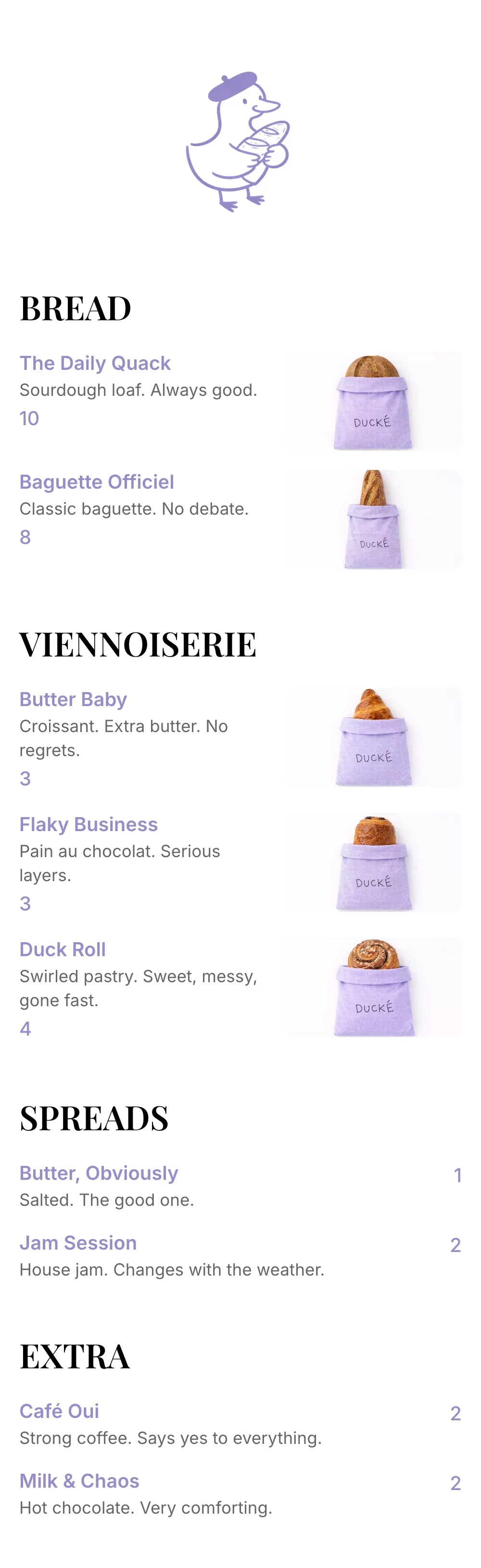
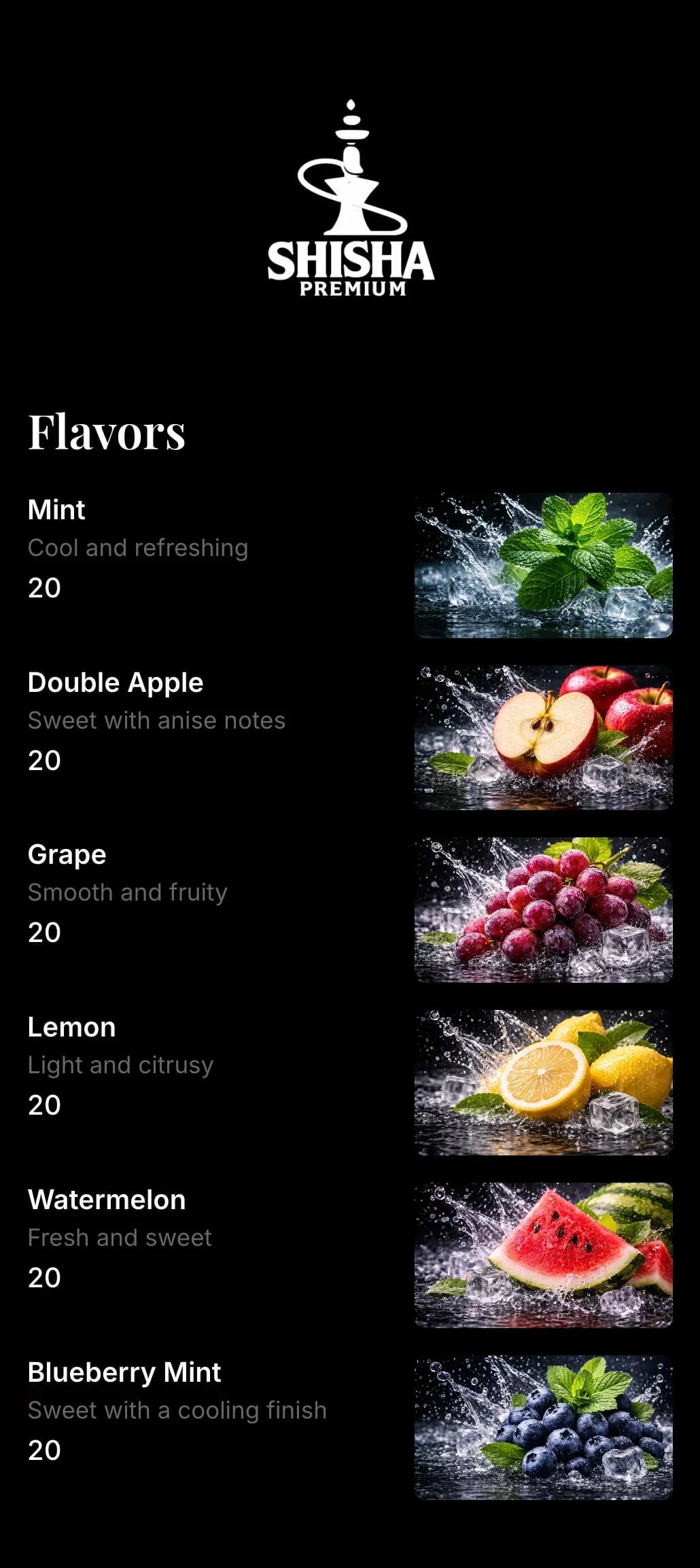
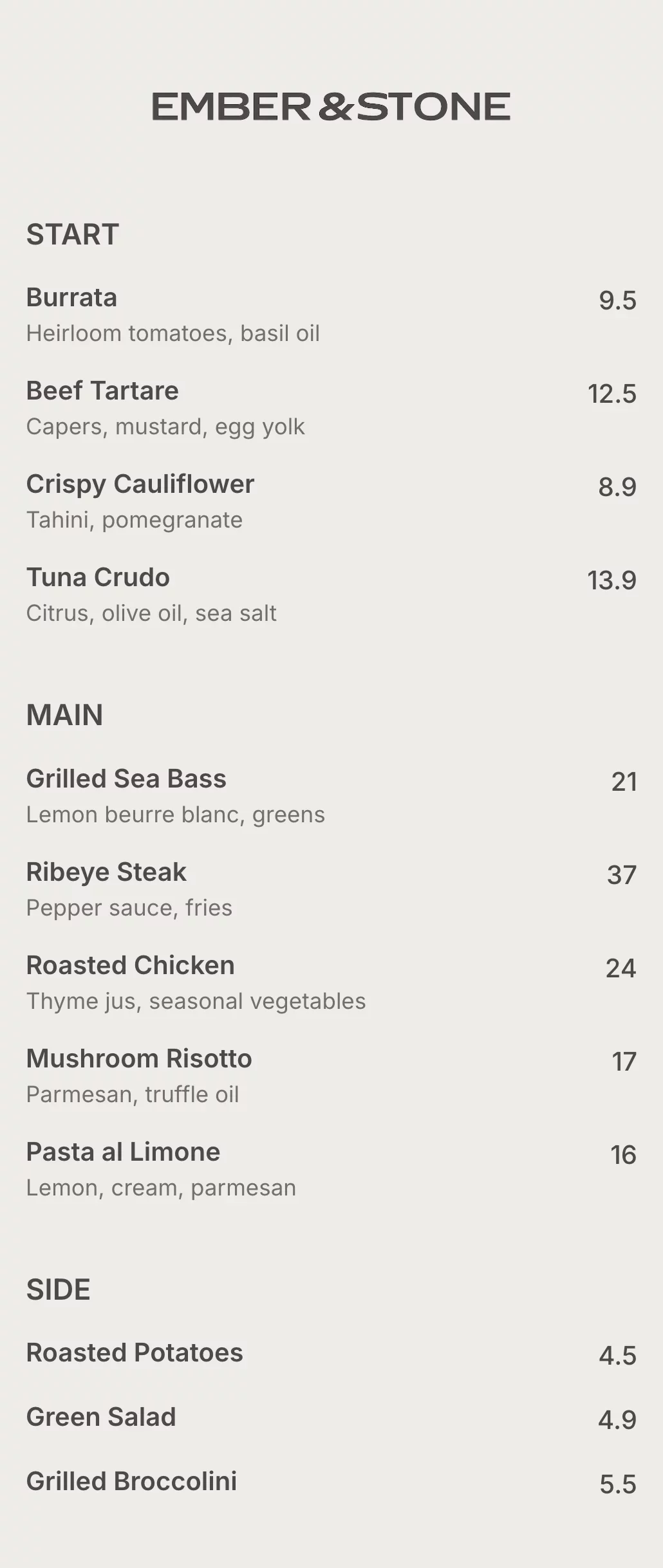
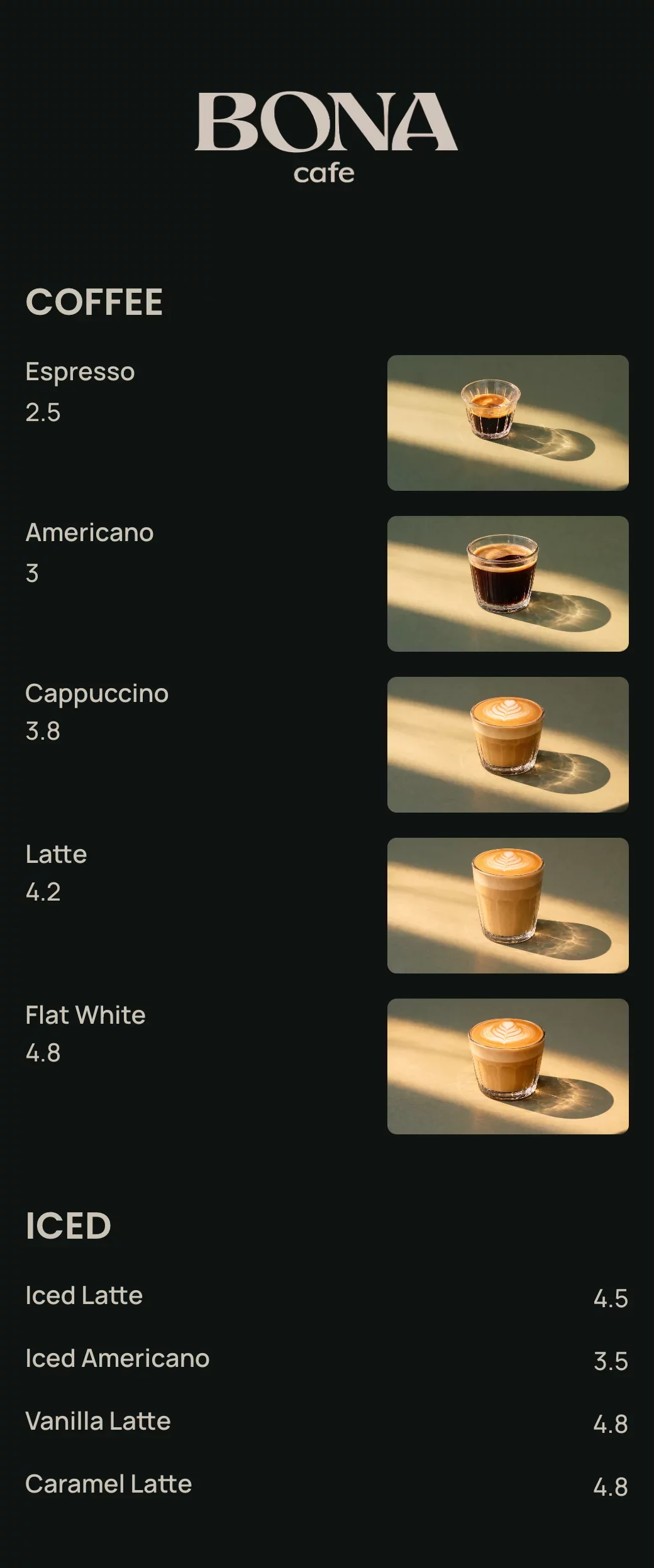
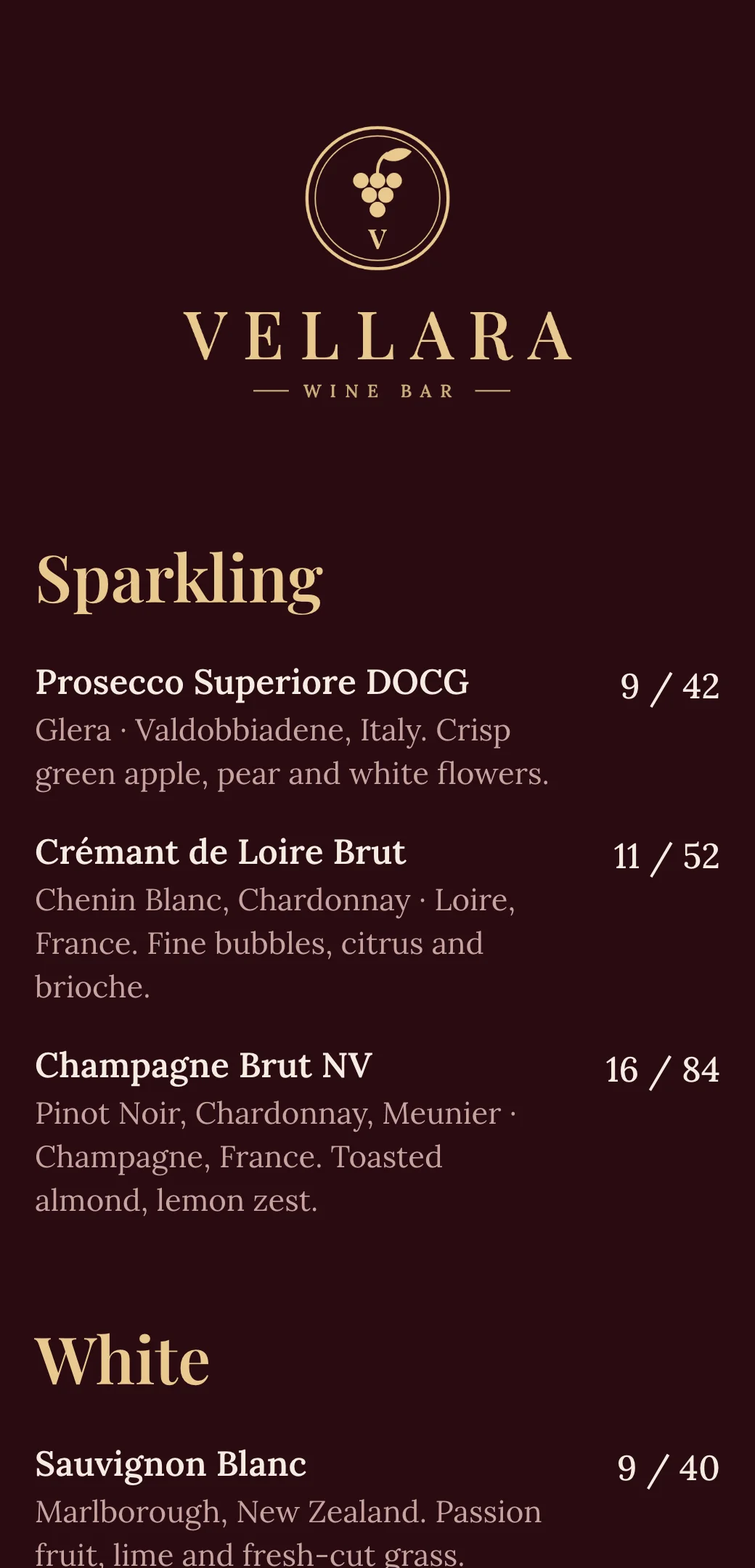
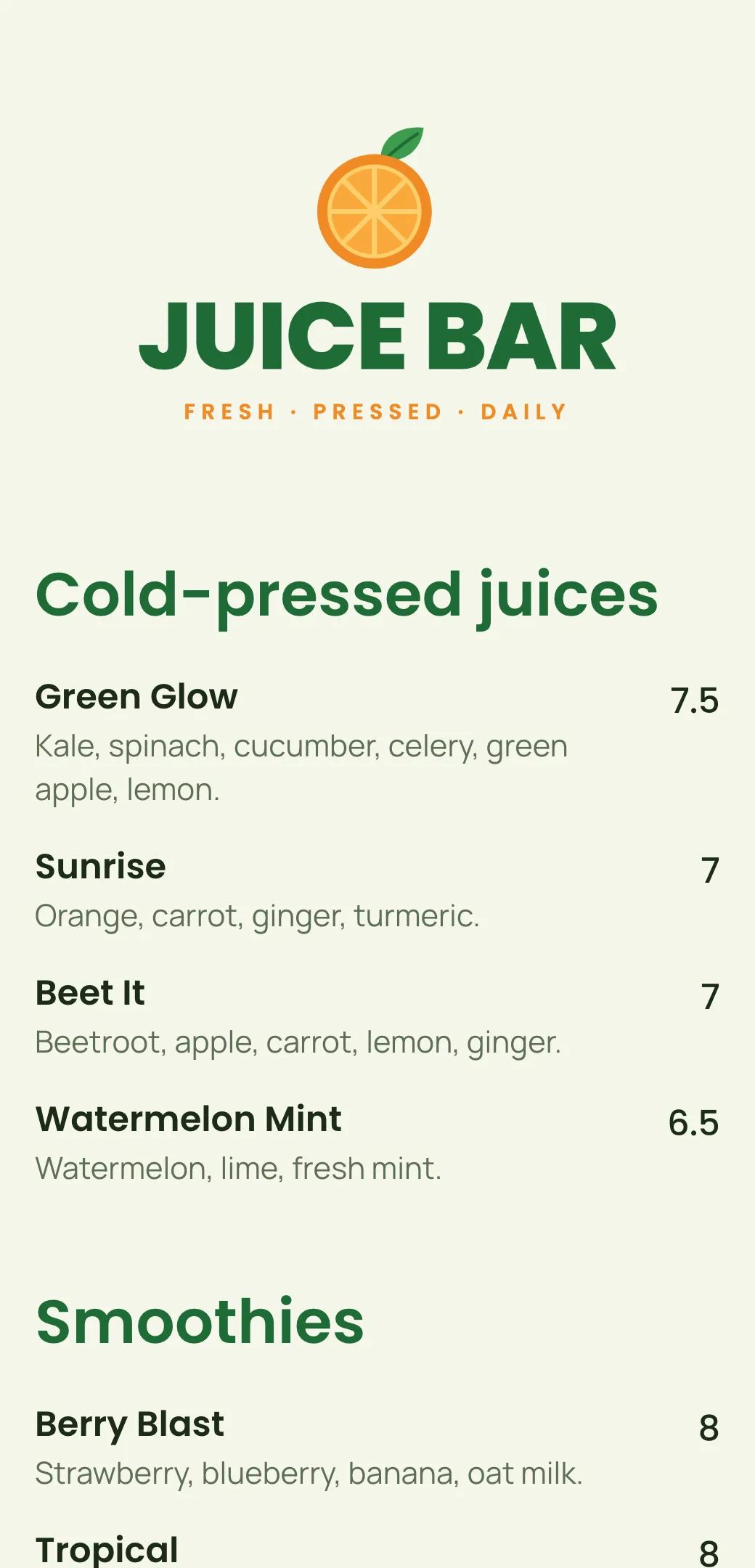
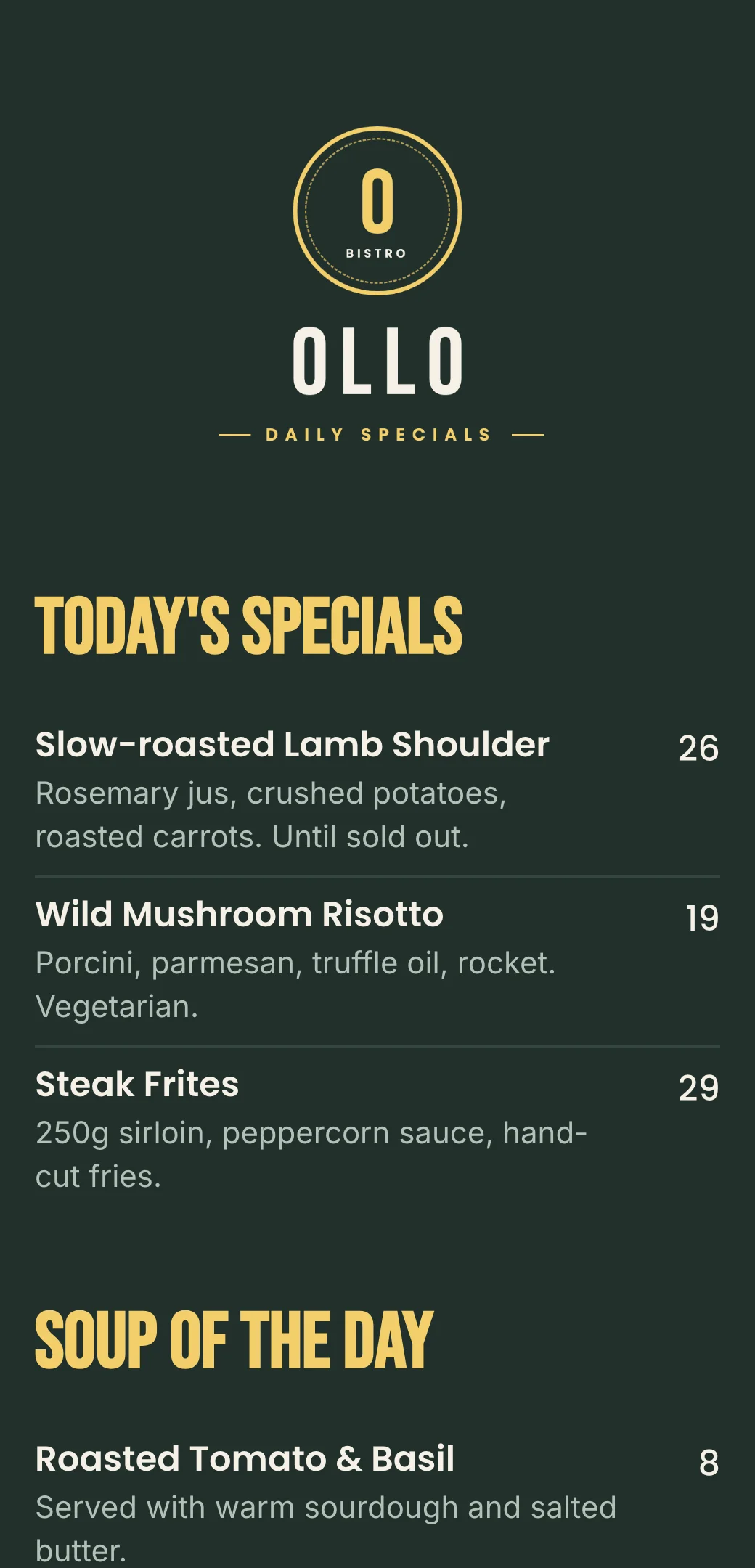
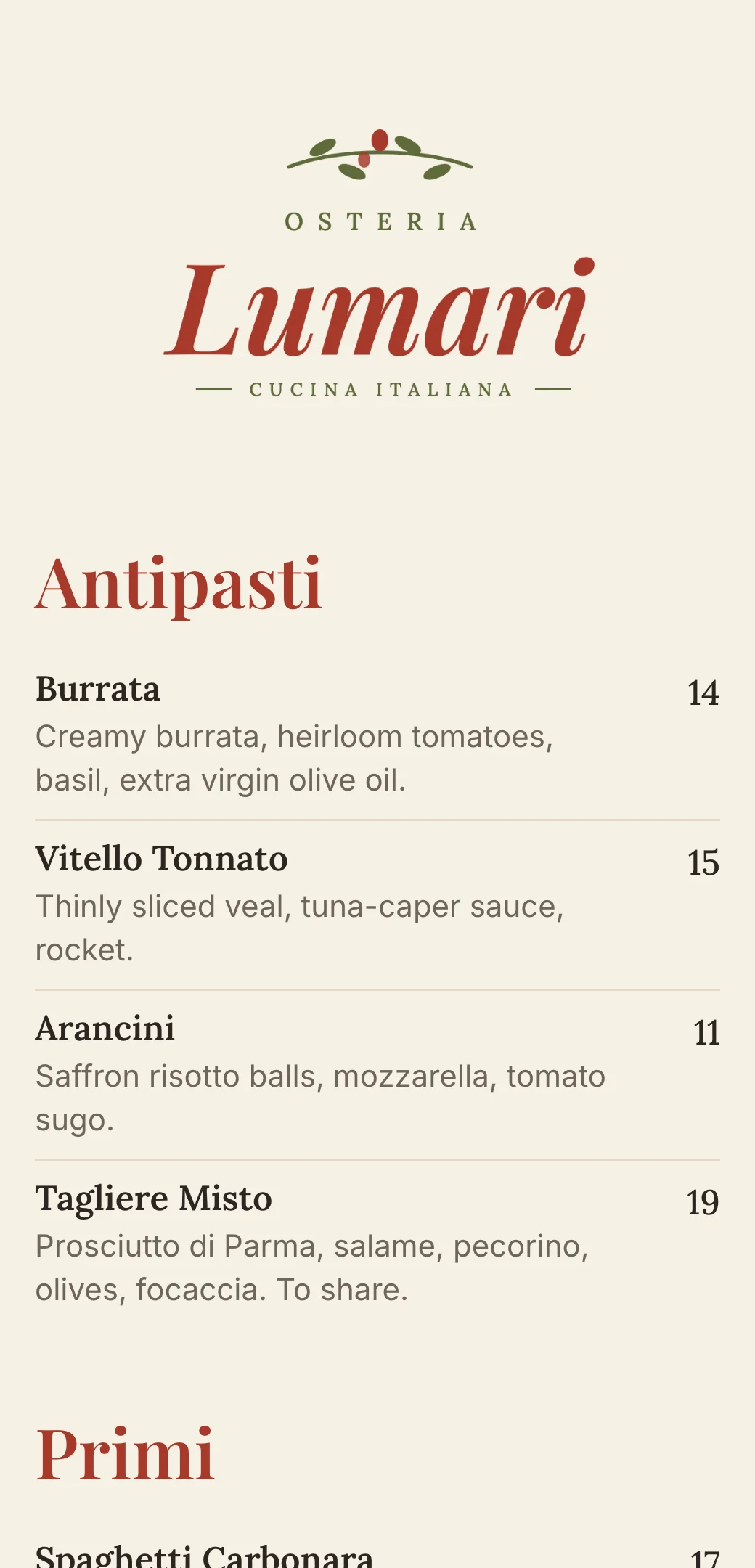
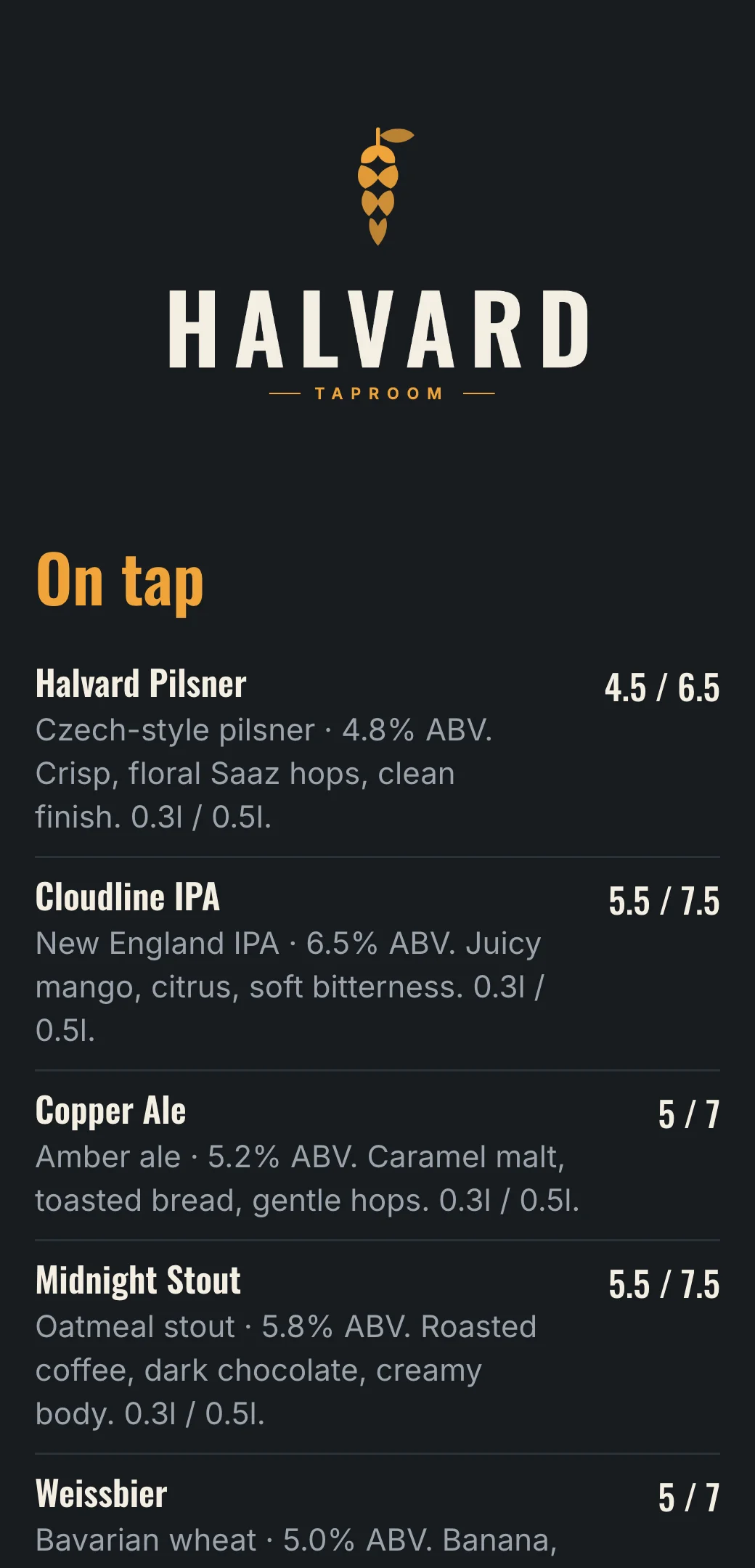
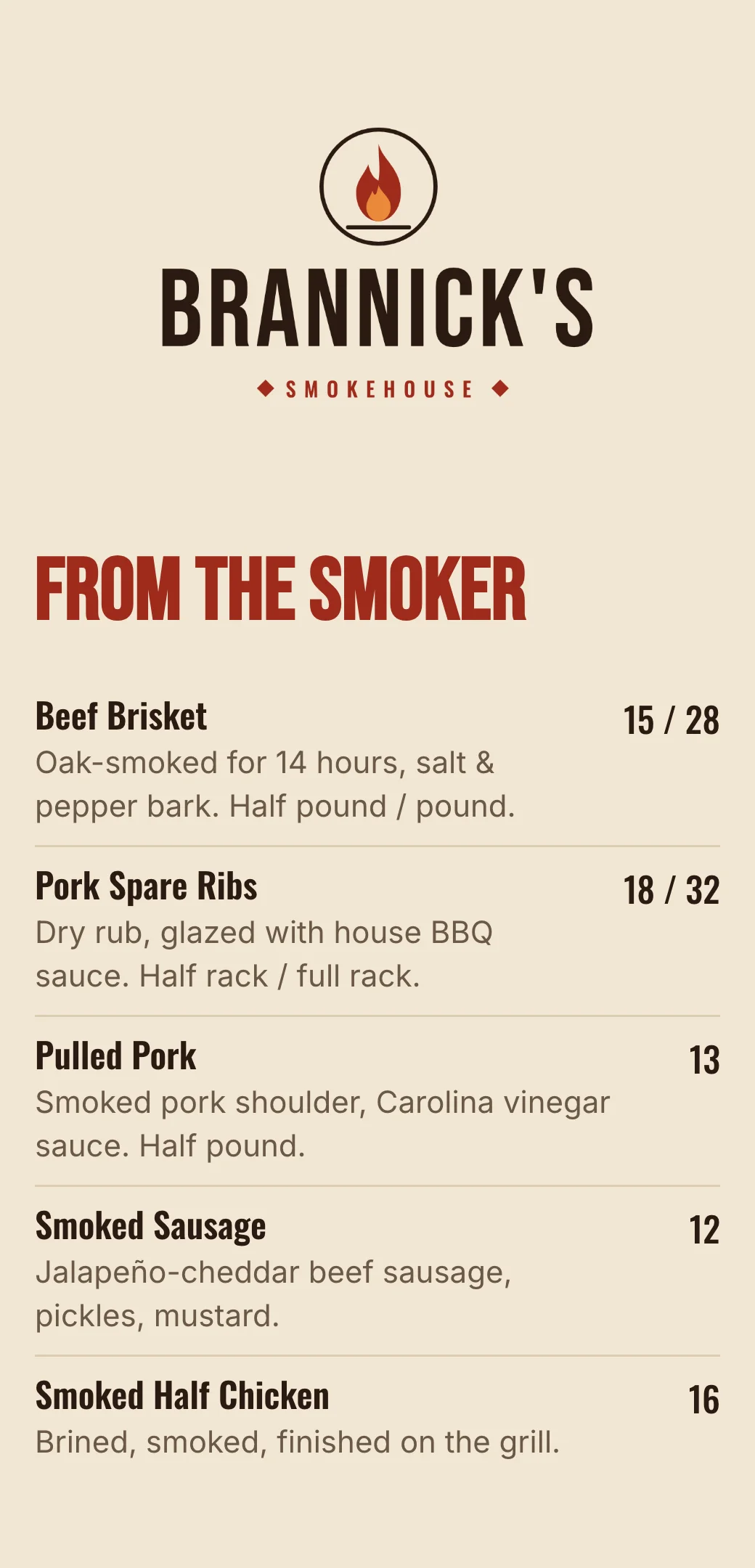
Menu templates for hotel restaurants and bars
Explore professionally designed digital menu templates for restaurants. Create menus online, customize branding, and share your menu with a link or QR code.
Your questions, answered
- What is a hotel QR code menu?
- A hotel QR code menu is a digital menu guests open by scanning a QR code in their room, at the restaurant or at the bar. It replaces printed room service folders and menus.
- Do guests need to download an app?
- No. The menu opens directly in the phone’s browser on iPhone and Android.
- Can I have separate menus for room service, the restaurant and the bar?
- Yes. Create a menu for each outlet, each with its own QR code and link, and update them independently.
- Is there a hotel menu template?
- Yes. Start from the hotel menu template, then change the dishes, prices, colors and logo to match your hotel.
- Can I update the menu without reprinting the QR codes?
- Yes. The QR code always points to your latest menu, so price changes, new dishes and seasonal menus show up instantly.