
QR menu maker
Build a menu, style it and get a QR code guests can scan — all in a few minutes.
Make your QR menu
From blank page to QR code menu in about 3 minutes
No designer, no printer, no app. Everything happens in your browser.
- 0:00
Pick a template
Start from a ready-made design for your type of business, or from a blank menu.
- 0:30
Add categories and dishes
Type in names, descriptions and prices, and drag items into the order you want.
- 2:00
Make it yours
Upload your logo and choose the background, text colors and fonts.
- 3:00
Publish and print
Your menu goes live with its own link and QR code, ready to download as PNG or SVG.
Everything a QR menu maker should do
The tools you need to build, style and share a menu — and nothing you’ll have to learn.
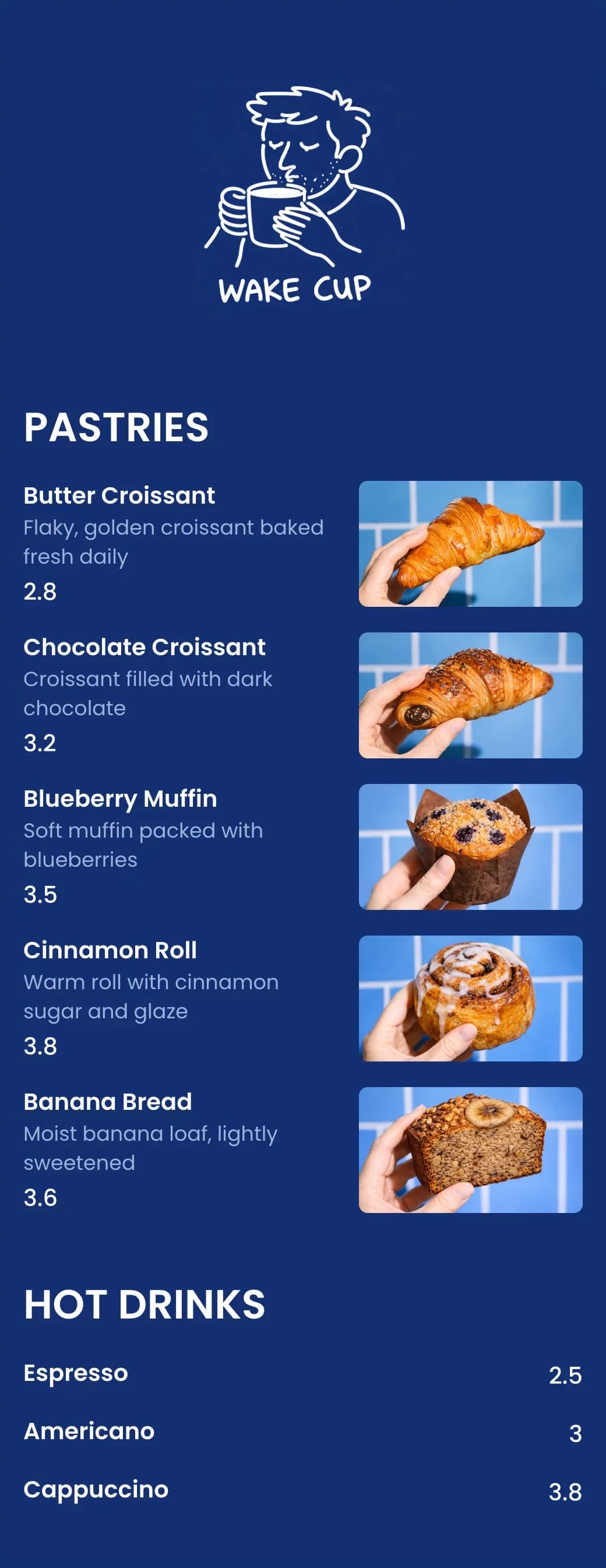
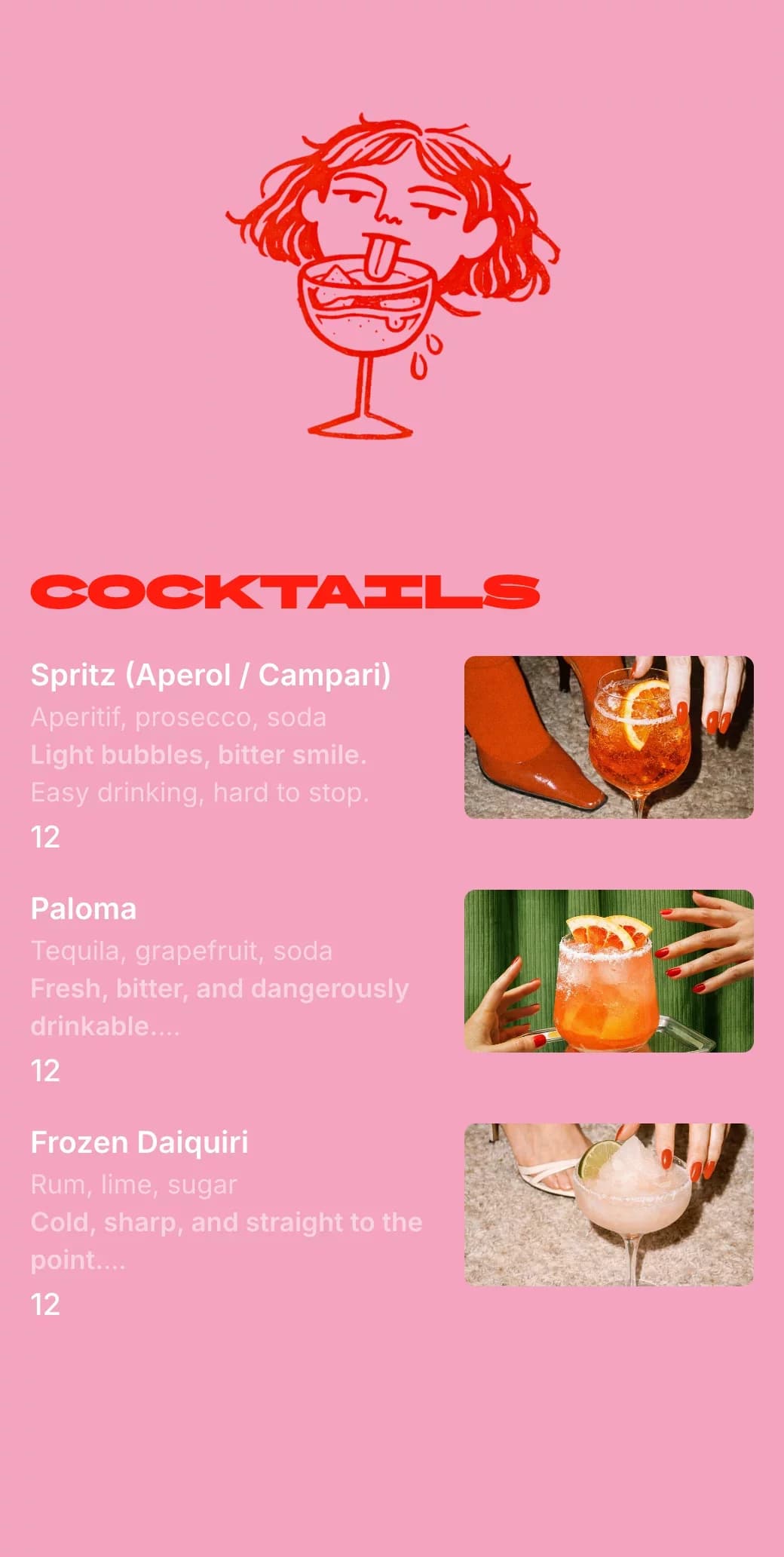
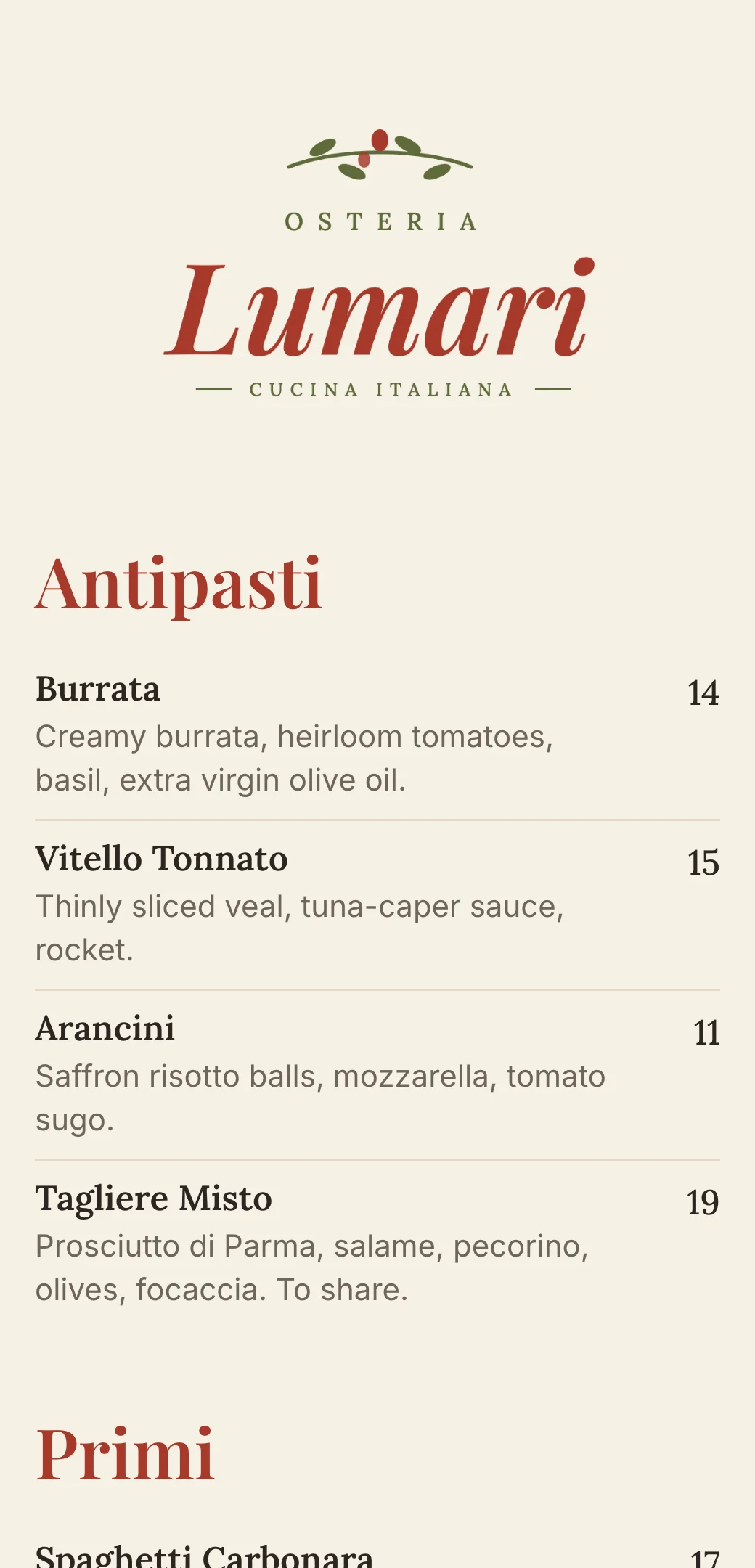
Templates for every kind of menu
Cafés, bars, pizzerias, food trucks, hotels and more — each one fully editable.
QR code included
Every menu gets its own code in your colors, as PNG or SVG.
Fonts and colors
Separate fonts and colors for categories, dish names and descriptions.
Changes go live instantly
Update a price and every guest sees it on the next scan.
Your currency
Show prices with a symbol or a currency code.
As many menus as you need
Food, drinks, brunch or room service — each with its own link and QR code.
A QR menu for every kind of business
Start from a template built for your menu, then change anything.
Your questions, answered
- What is a QR menu maker?
- A QR menu maker is an online tool for building a digital menu and generating the QR code that opens it. You edit the menu in your browser, and guests scan the code to view it on their phone.
- Do I need design skills to make a QR menu?
- No. Start from a template, type in your dishes and prices, and adjust the colors and fonts if you want. The menu is automatically laid out for phones.
- How long does it take to make a QR code menu?
- A short menu takes just a few minutes. Larger menus take longer to type in, but you can publish and keep adding dishes later.
- Can I edit my menu after printing the QR code?
- Yes. The QR code always opens your latest menu, so you can change dishes, prices and design anytime without reprinting.
- Can I add photos and descriptions to dishes?
- Yes. Each dish can have a photo, a description and a price, and you can style descriptions with their own font and color.
- Where can I learn more about the QR code itself?
- See the restaurant QR code guide for colors, sizes and printing tips, or read about QR code menus for restaurants.