Specials menu template
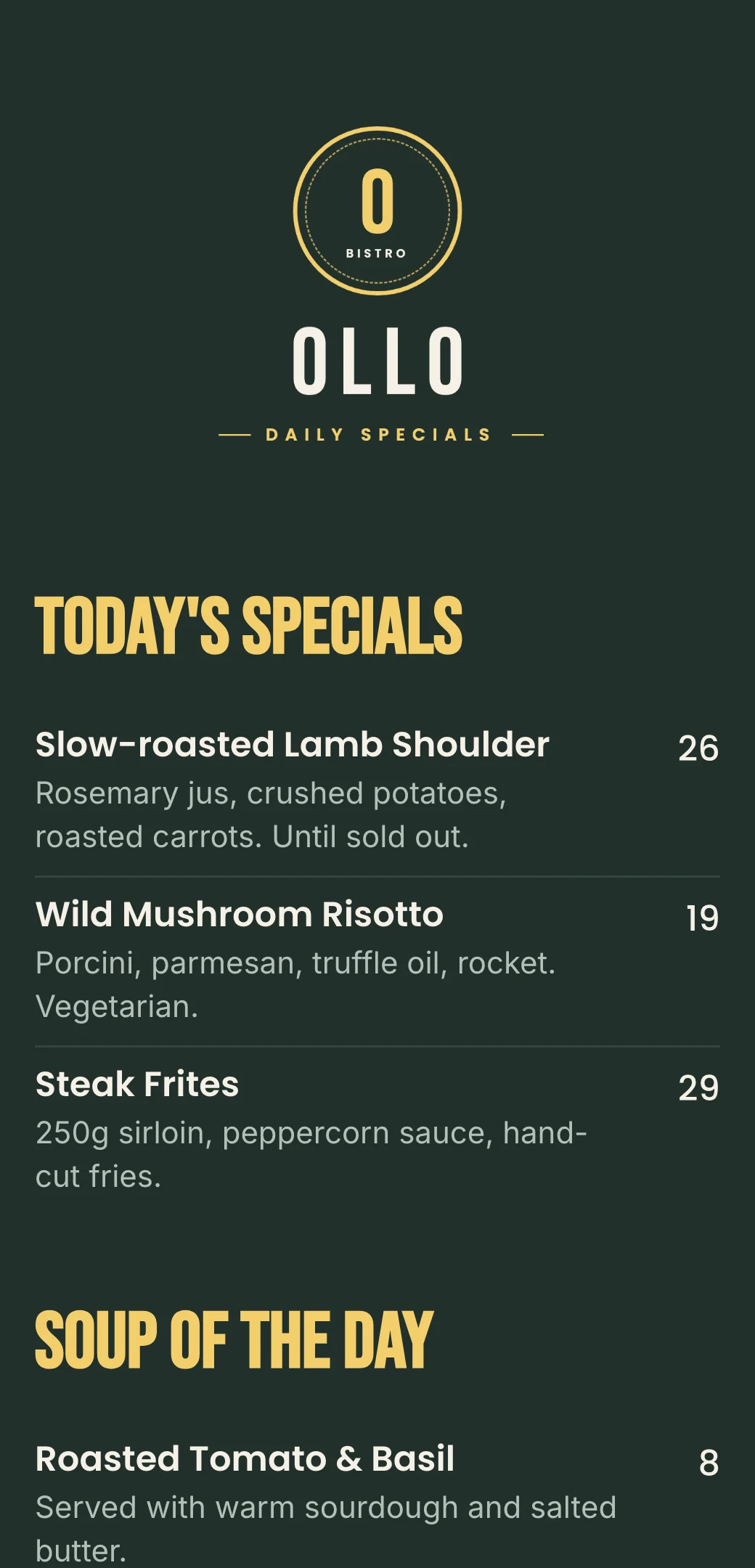
Create a digital Specials menu online that’s easy to customize and update. Customize the design, add items and prices, and generate a QR code menu you can share with a link or anywhere your customers are.
Easy to customize
Share via Link, QR, Website, Social Media
Publish updates in seconds
Custom branding
How to create Specials QR code menu
Add your Specials dishes, customize menu design, and instantly share restaurant menu with a link or QR code.
Add your menu items
Enter your dishes, descriptions, prices using a simple menu editor.

Customize your design
Choose colors, fonts, and layout to match your restaurant’s brand.
Generate QR code & Publish
Get a unique scan for menu QR code that opens your menu instantly on any phone.
Specials menu creator made for digital menus
Say goodbye to printed menus. Build, update, and share your digital menu instantly—always accurate, always on brand.
Specials menu maker
Choose colors, fonts, and layout to match your restaurant’s brand.
QR code menu generator
Each Specials menu gets a unique QR code customers can scan at the table.
Custom branding
Match your menu to your restaurant brand with colors, fonts, and layout.
Instant updates
Change prices, items, or availability in seconds—no reprints.
Mobile-friendly menu
Designed to be easy to read on any phone, with clean layout and fast loading.
Shareable menu link
Use your Specials menu link on Google, Instagram, website, or delivery platforms.
QR code Specials menu vs printable PDF menu
Compare digital menus for restaurants with printable PDF menus and see which menu maker is better for online restaurant menu design.
Restaurant menu templates for every business
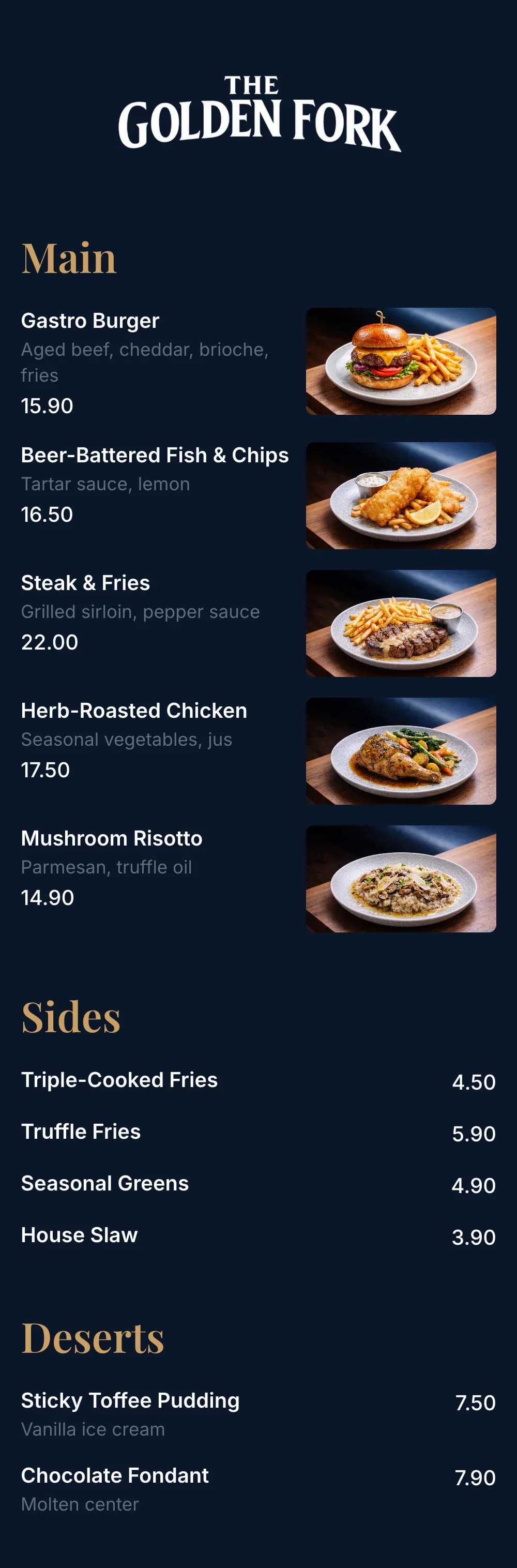
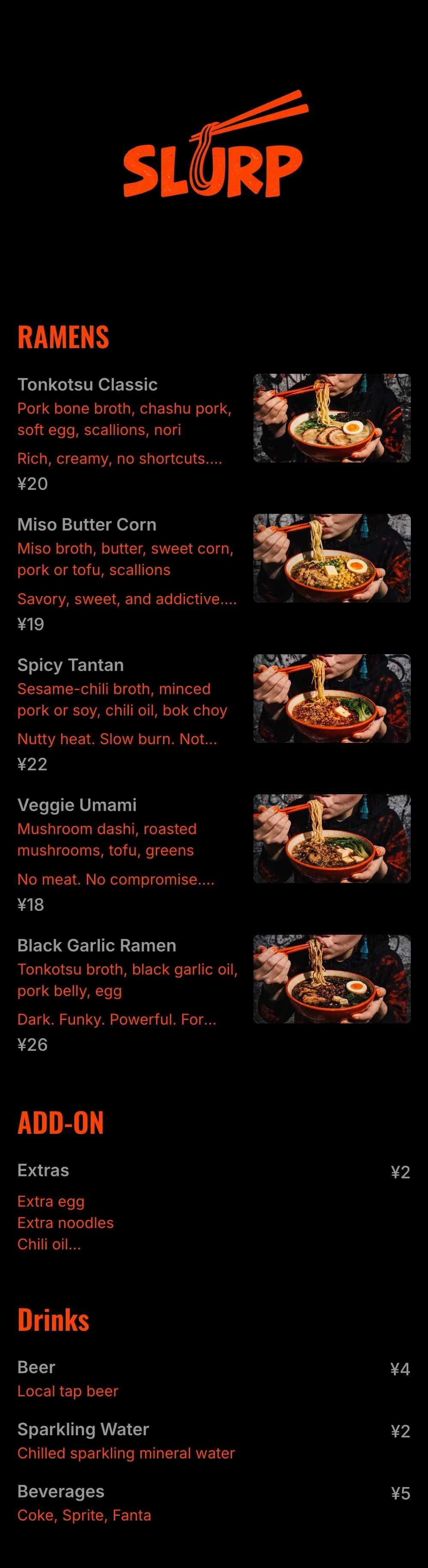
Explore professionally designed digital menu templates for restaurants. Create menus online, customize branding, and share your menu with a link or QR code.
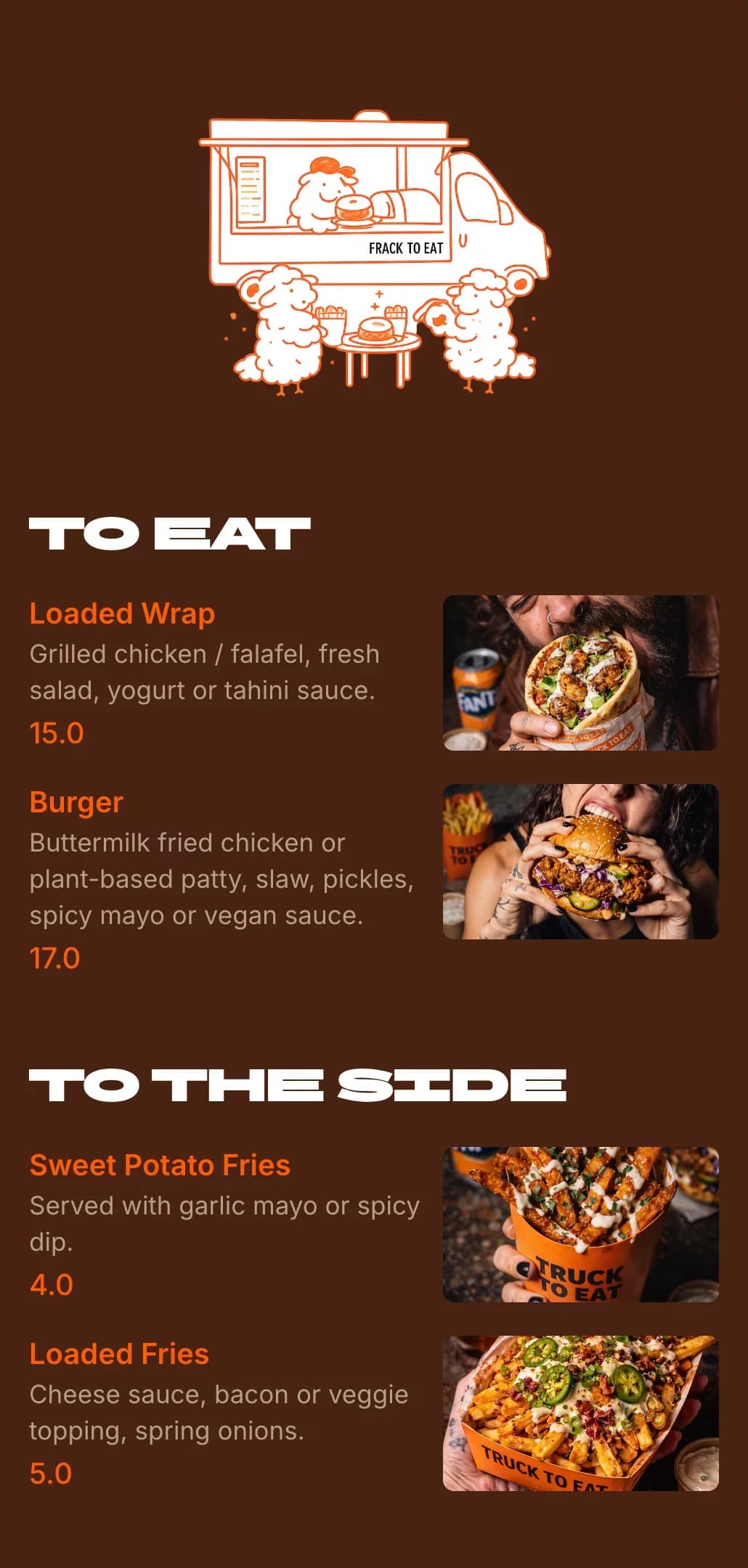
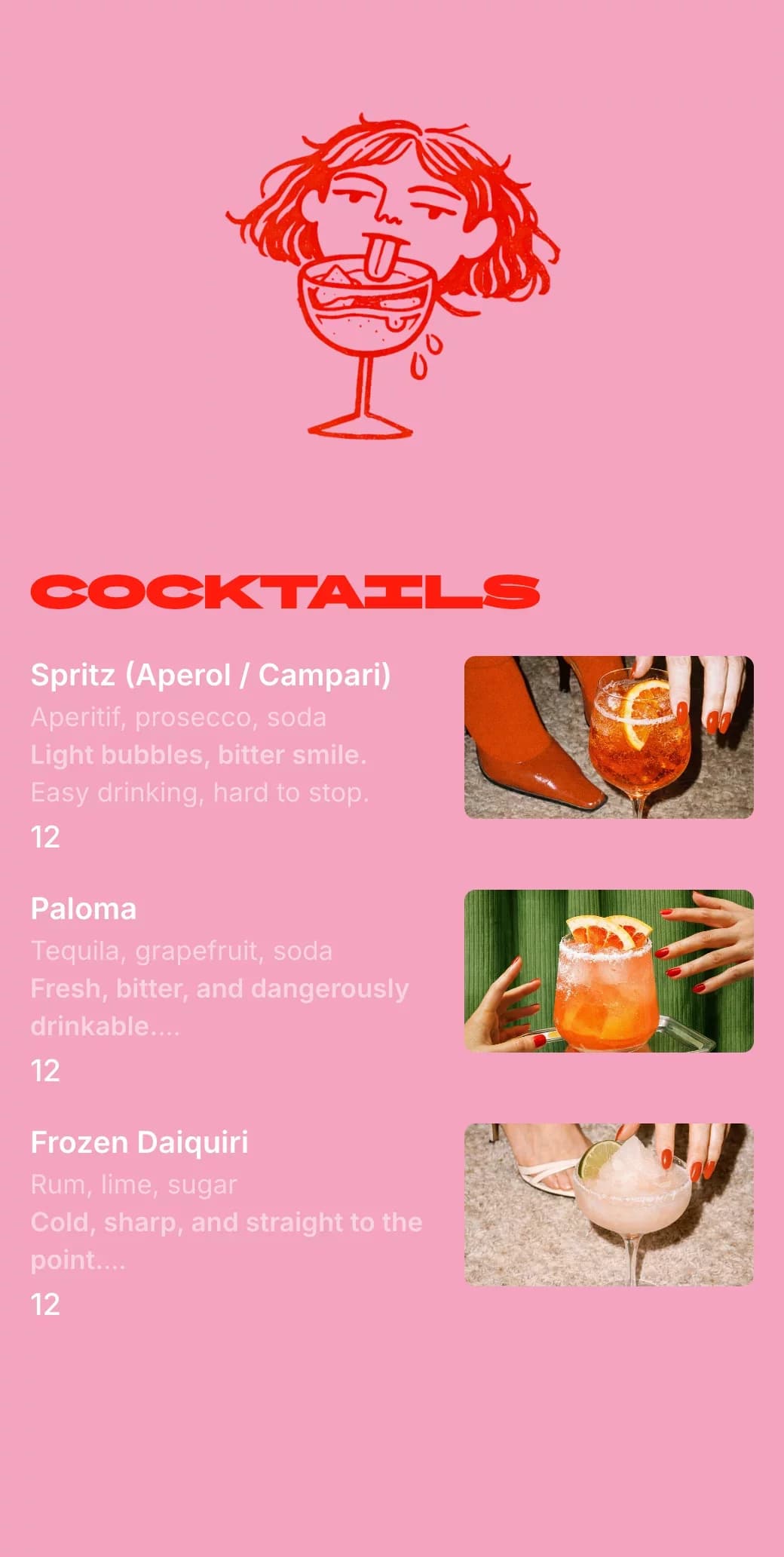
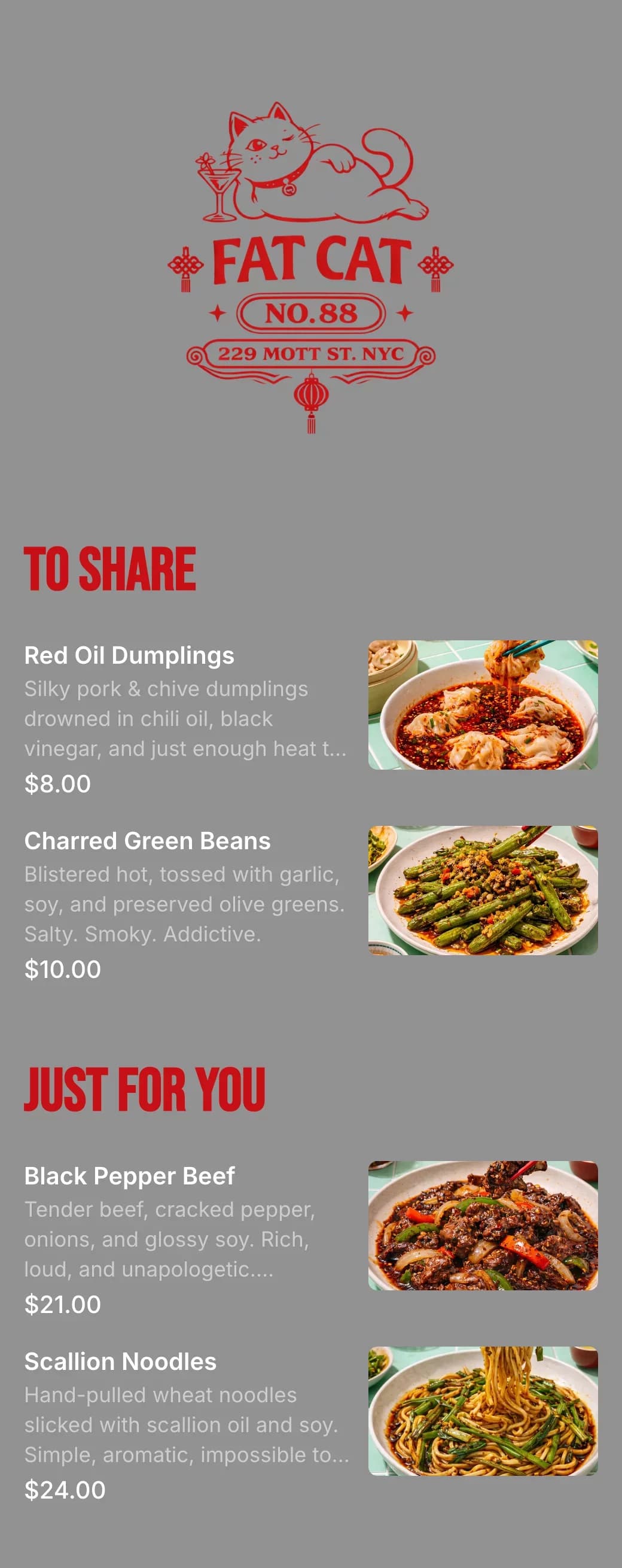
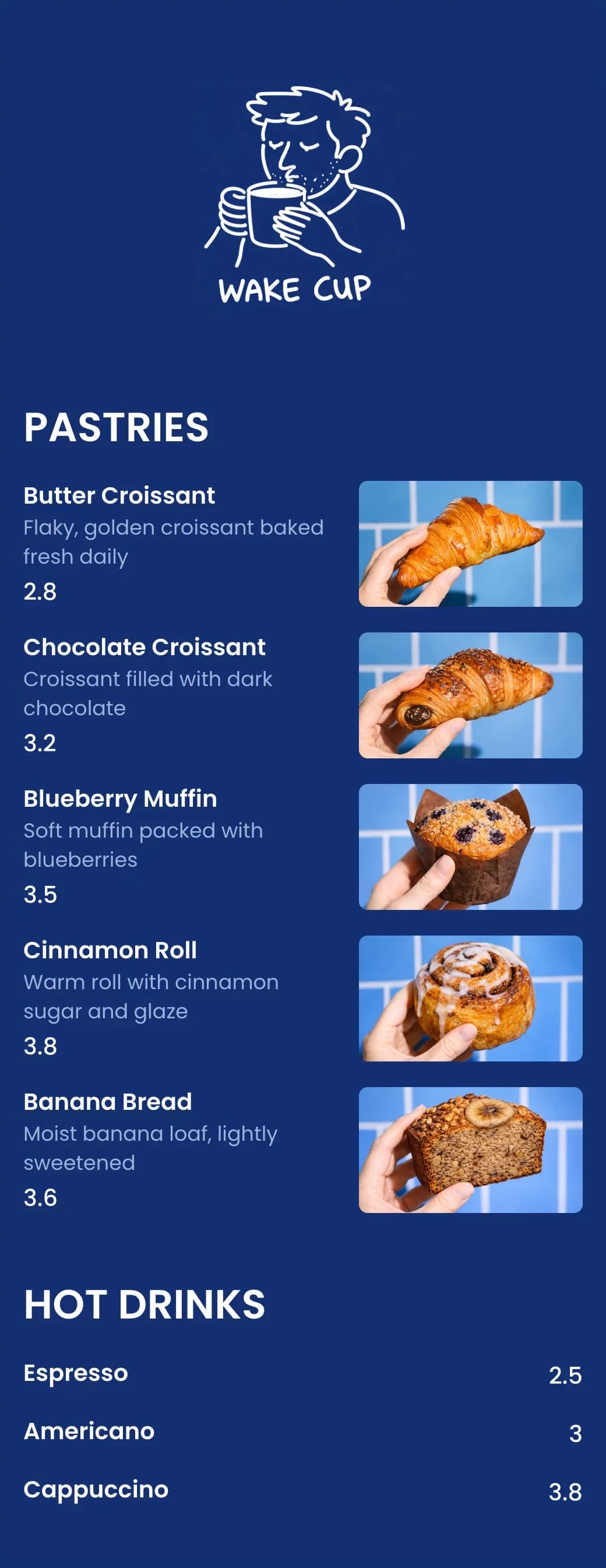
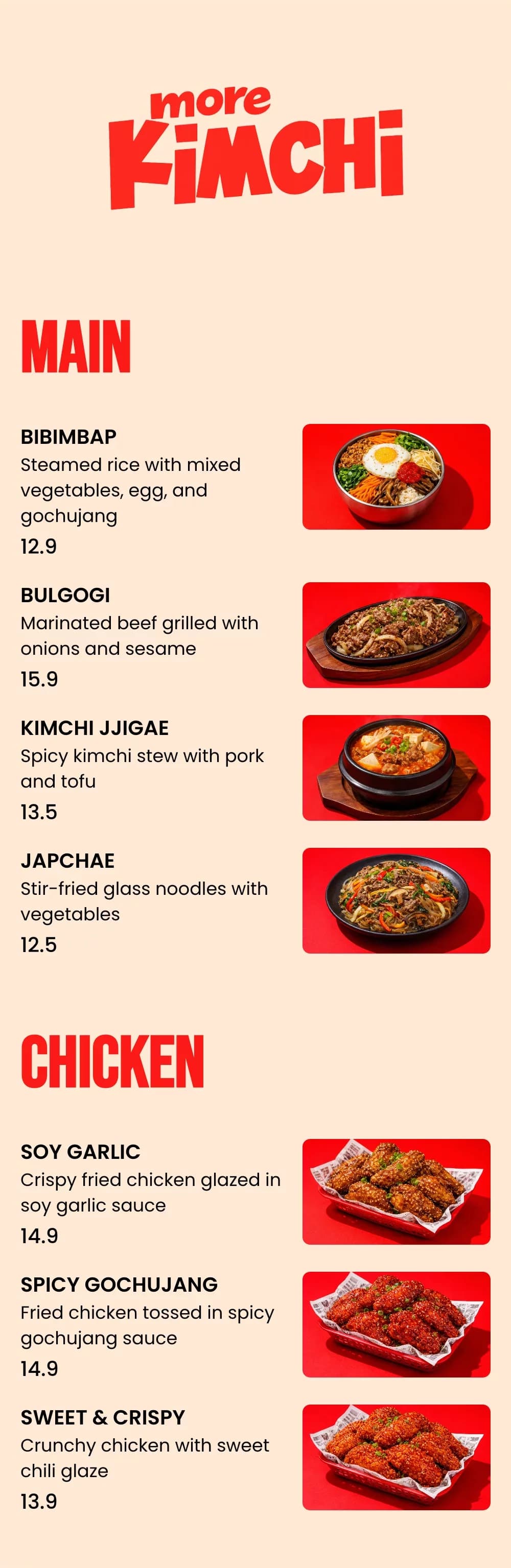
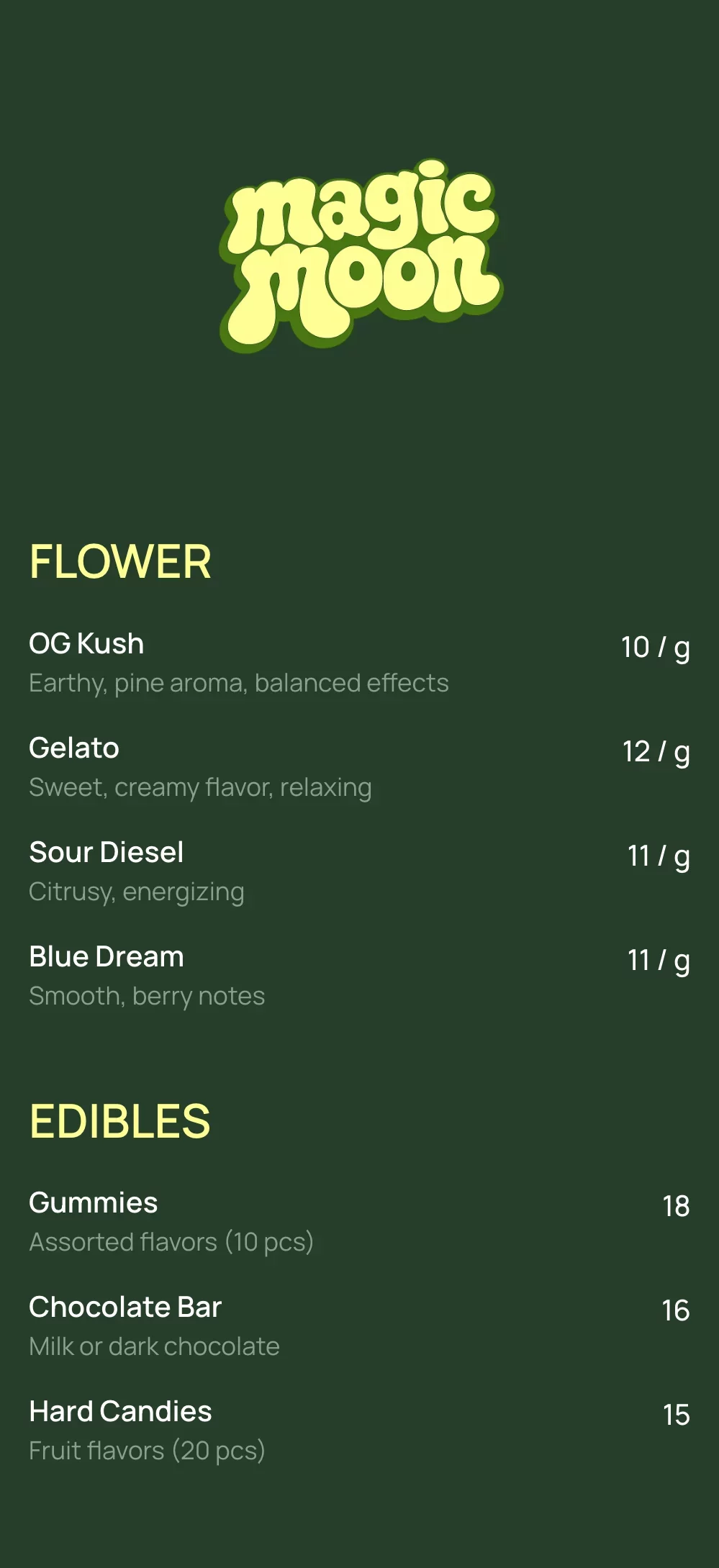
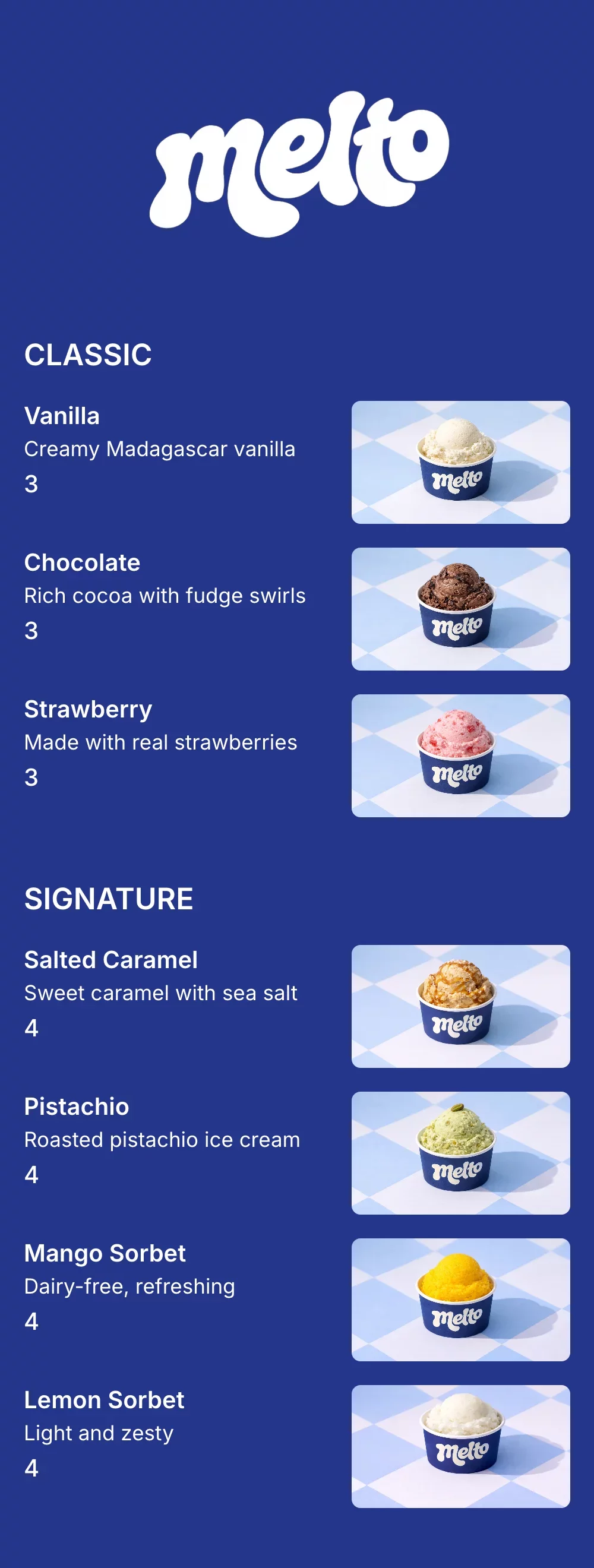
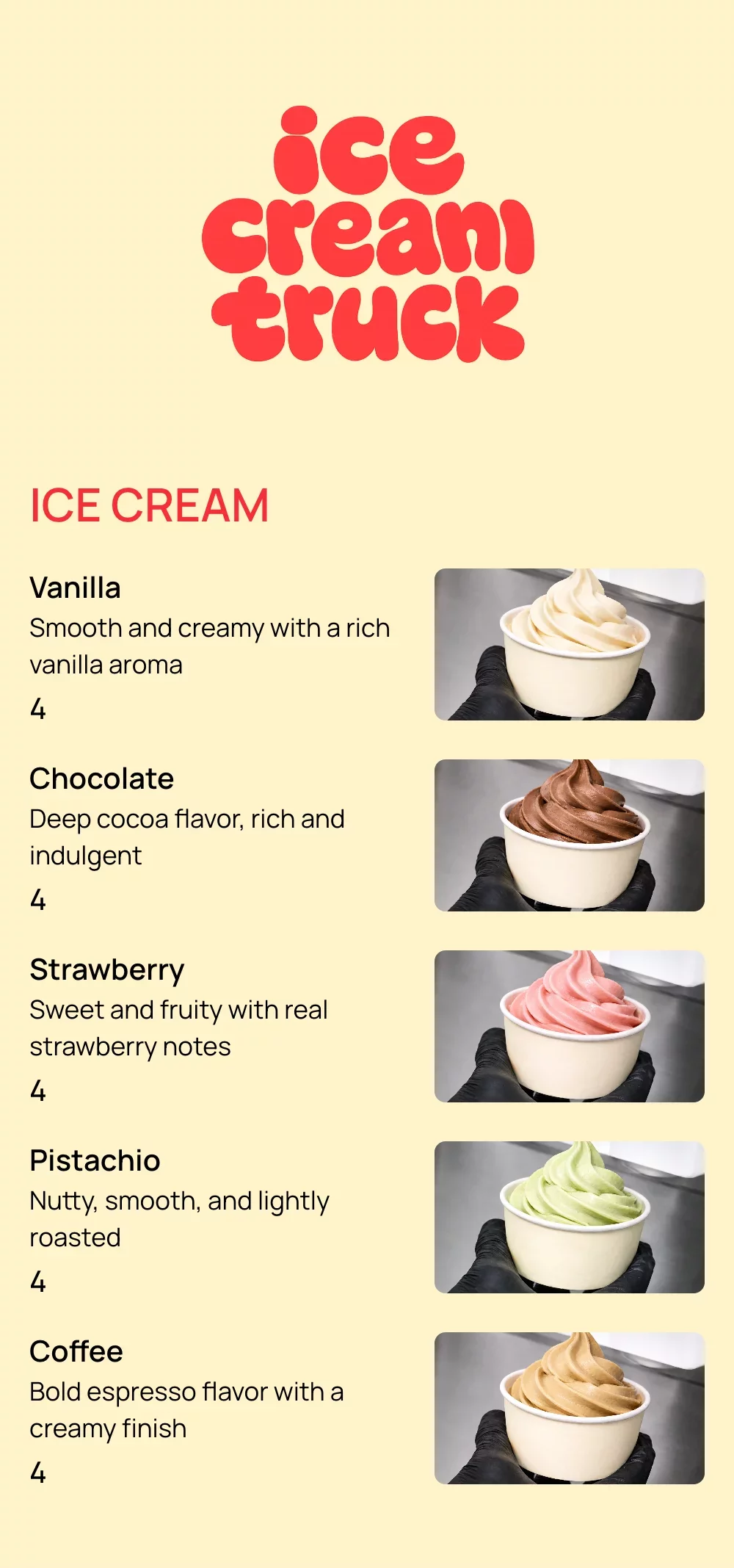
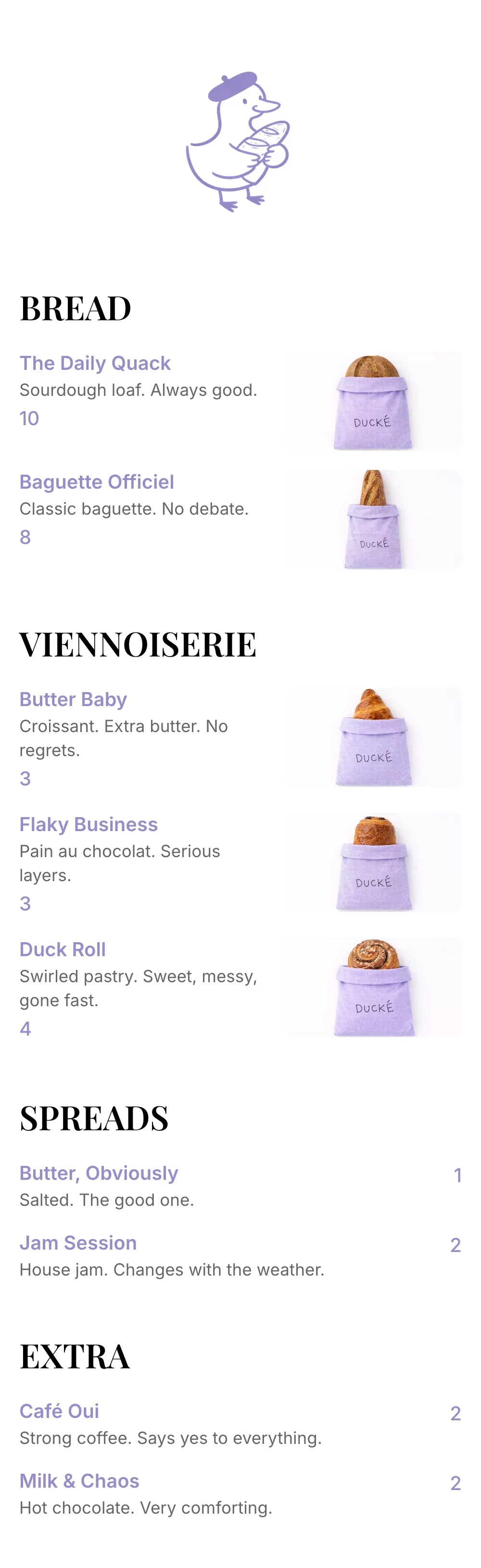
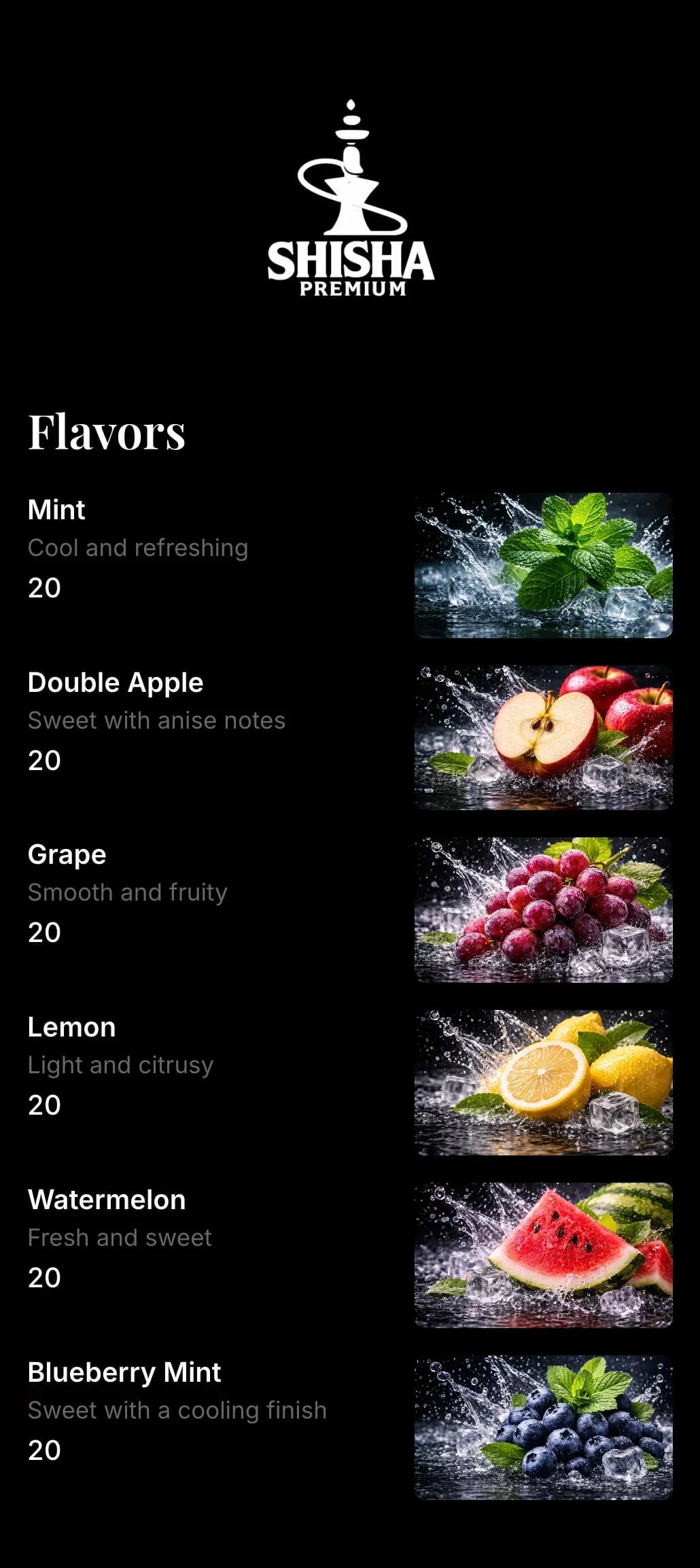
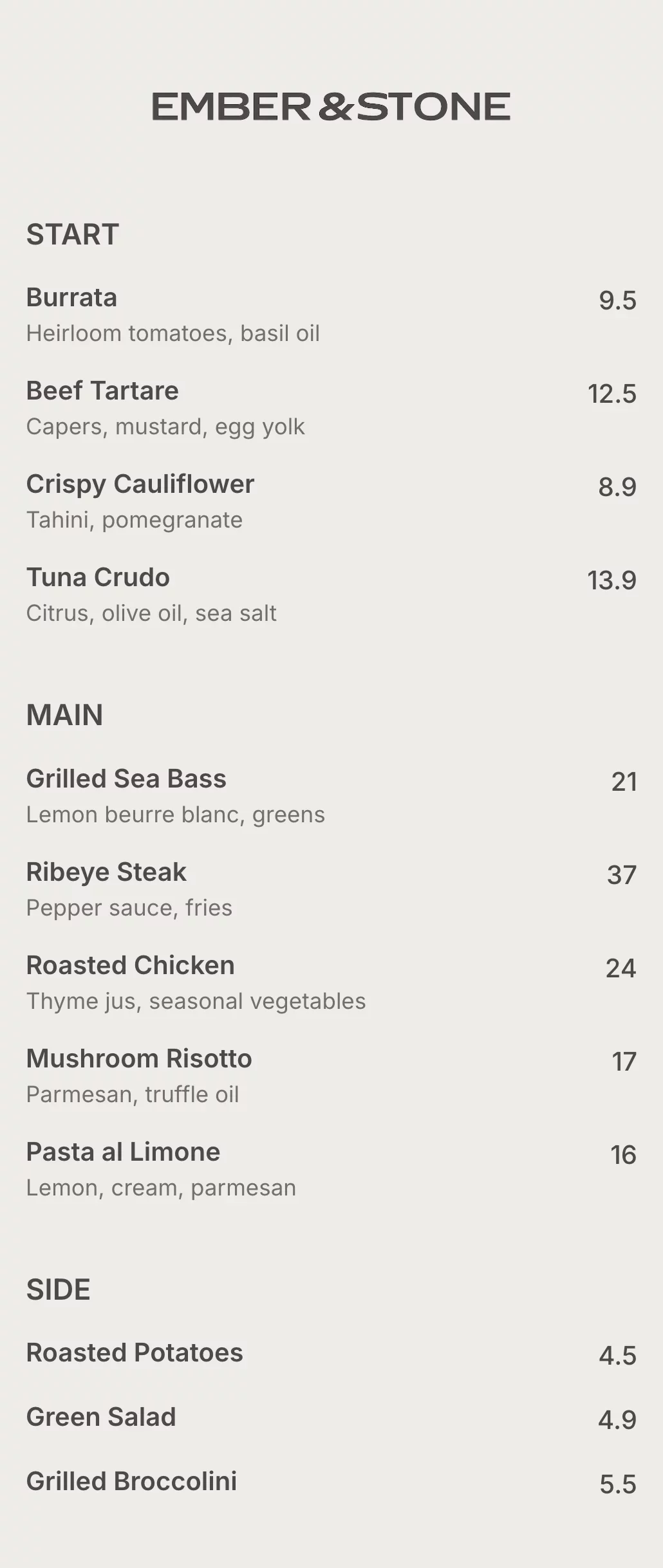
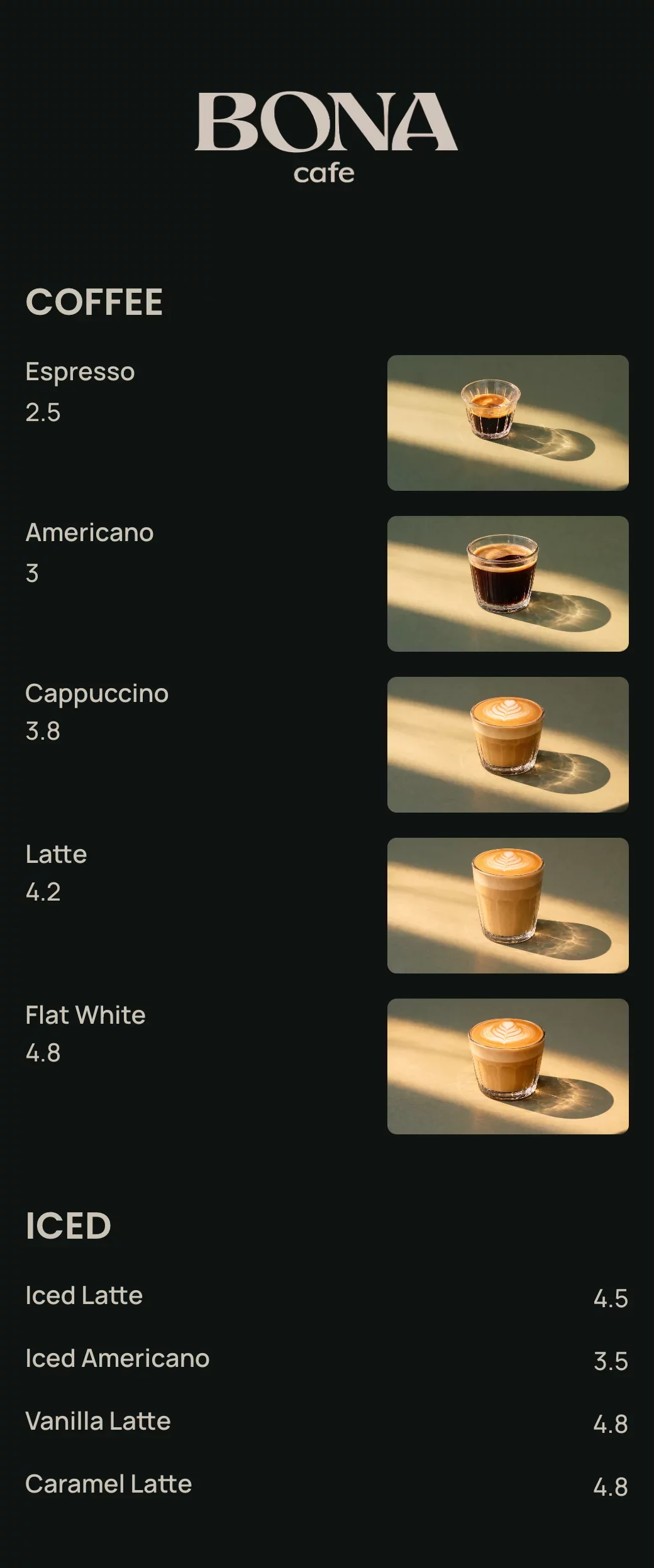
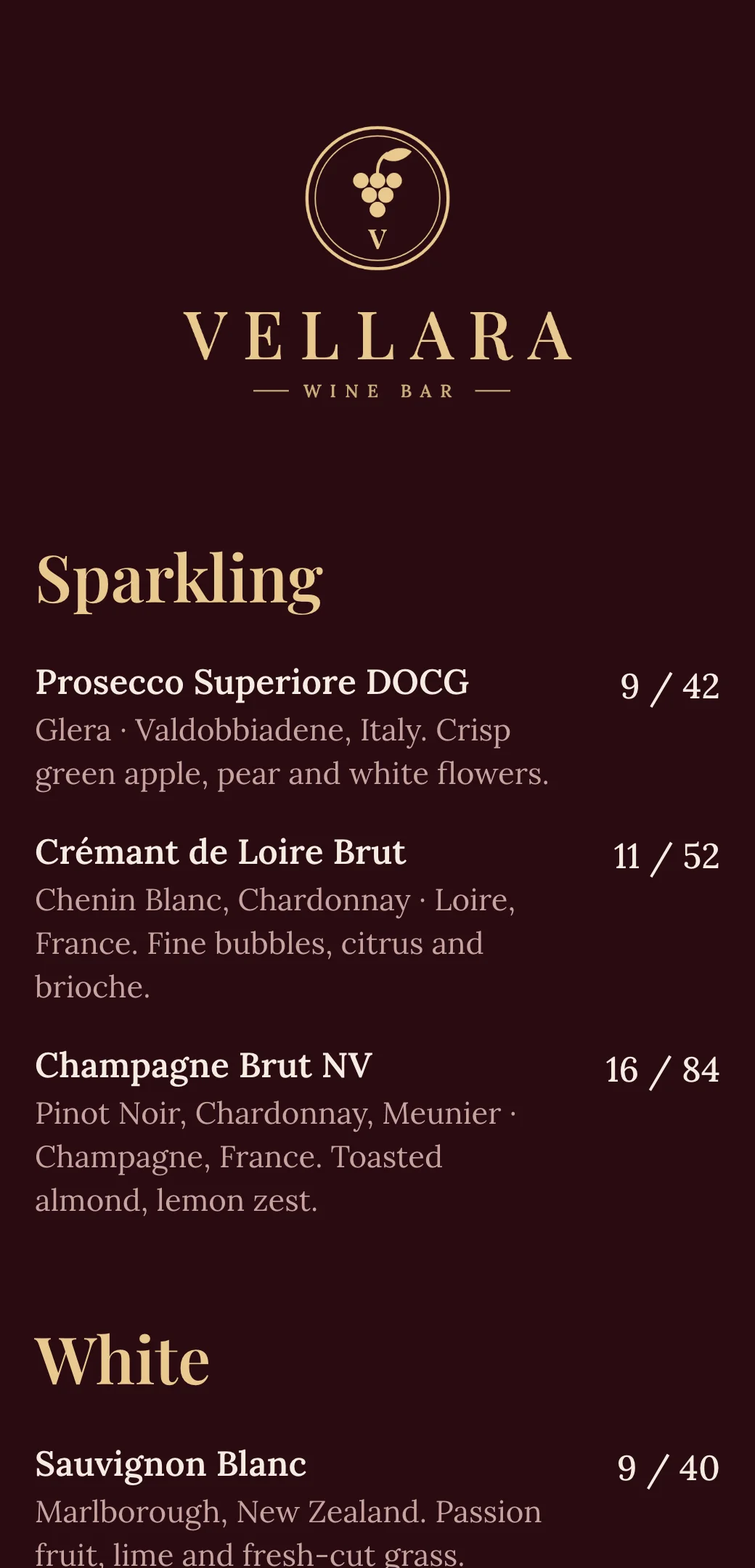
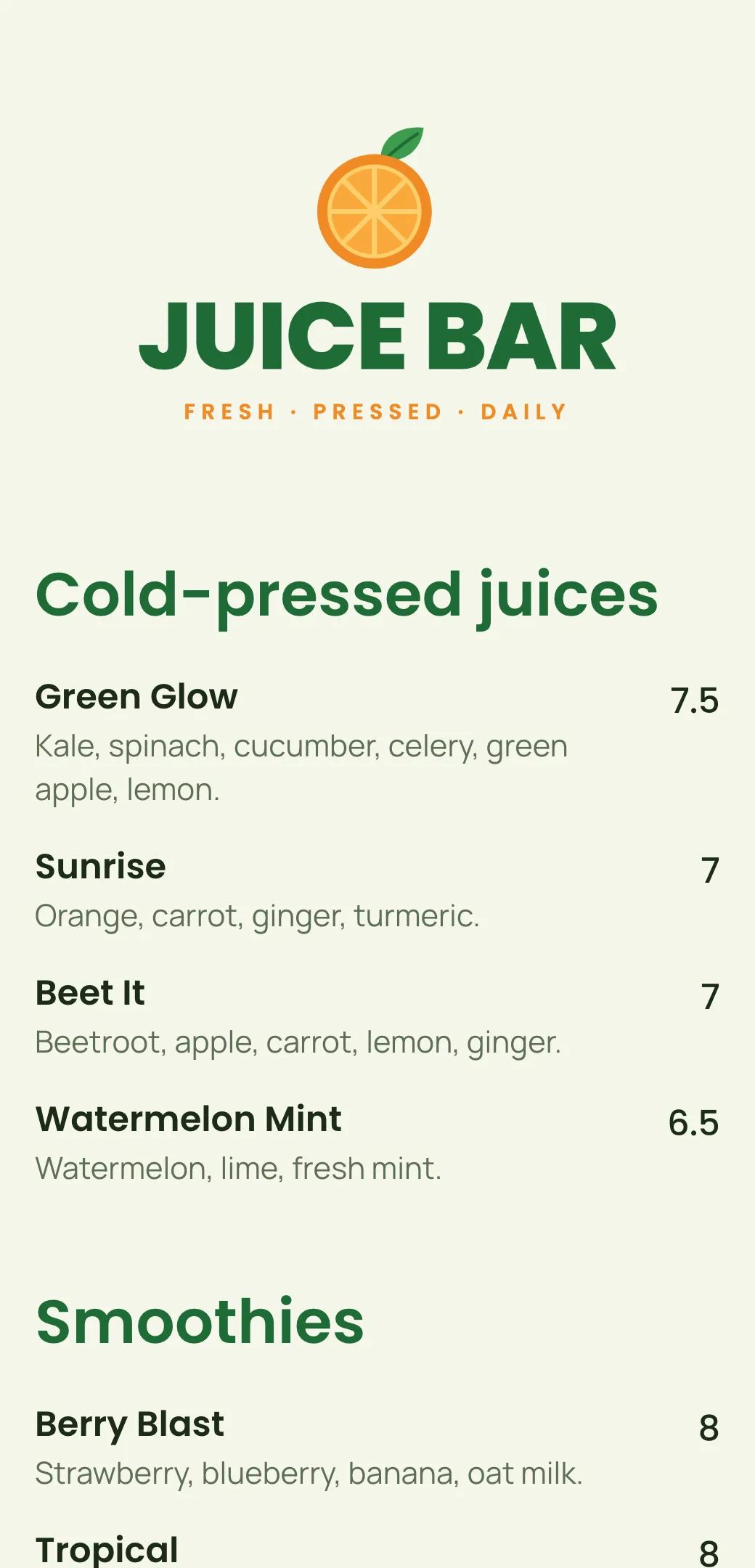
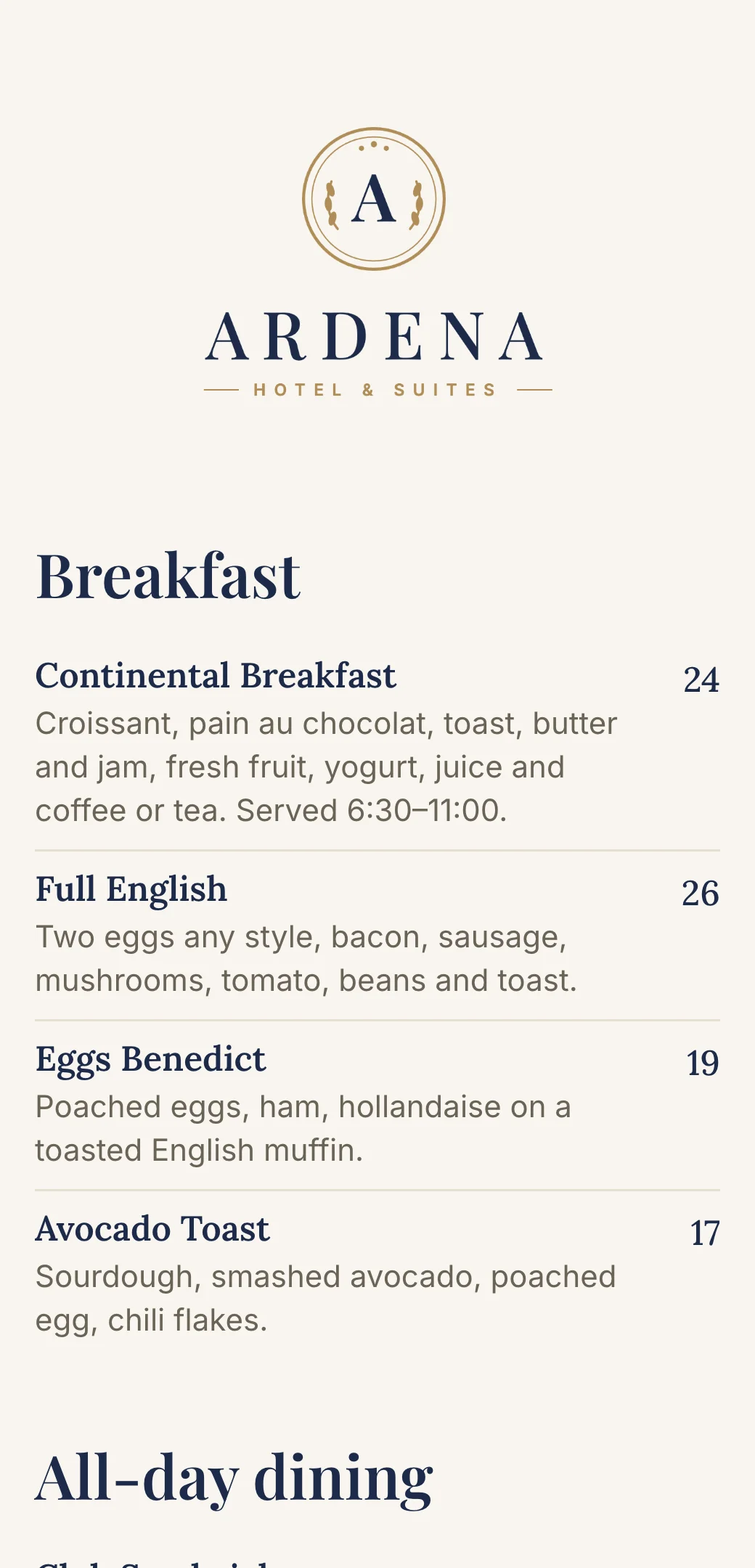
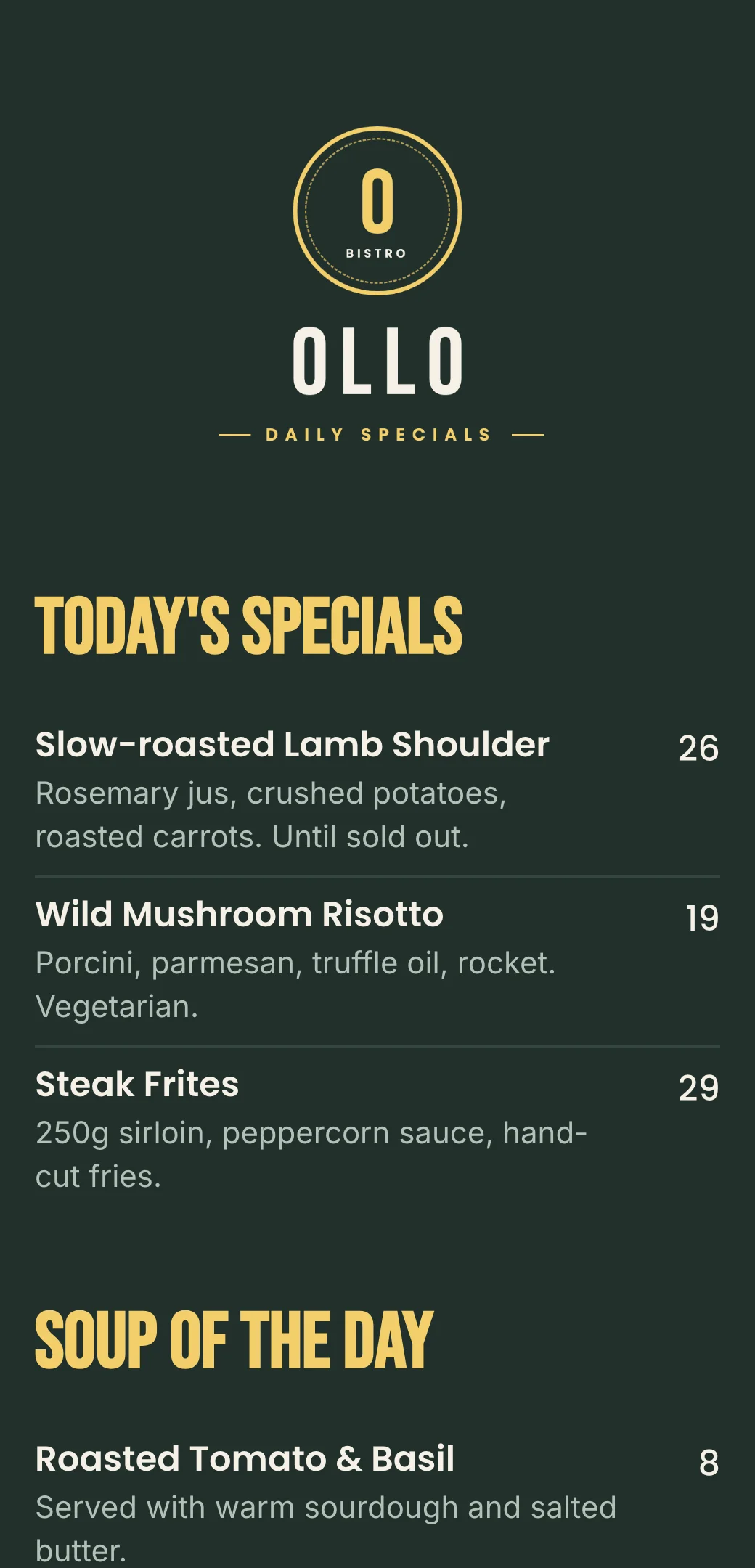
Specials menu maker questions and answers
- What is a specials menu?
- A specials menu lists dishes and drinks that change often — today’s specials, soup or catch of the day, lunch deals and happy hour — separately from your regular menu.
- How do I update daily specials without reprinting?
- Edit the dishes and prices in the editor each morning and publish. Guests scanning the QR code always see today’s specials, and the code never changes.
- Can I show times for lunch deals and happy hour?
- Yes. Add the days and times to a category or item description, for example “Mon–Fri, 12:00–15:00” or “17:00–19:00”.
- Should my specials be a separate menu?
- It works well as its own menu with its own link and QR code — put it on a table card or the bar while your main menu stays the same. You can also add a specials category at the top of your main menu.
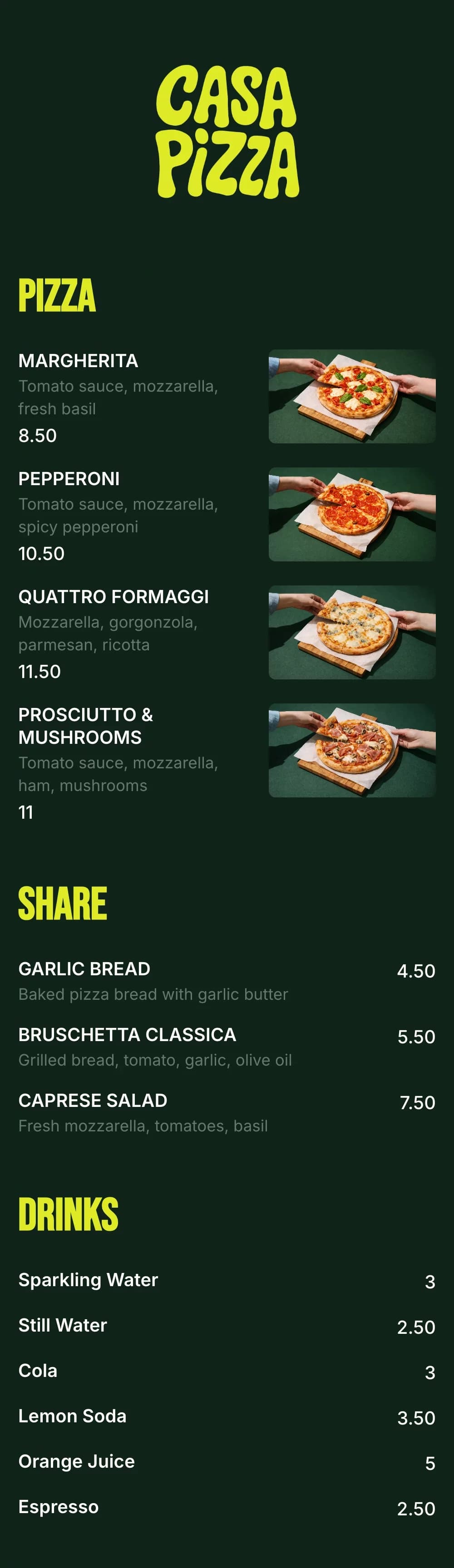
- Can I make the specials menu look like a chalkboard?
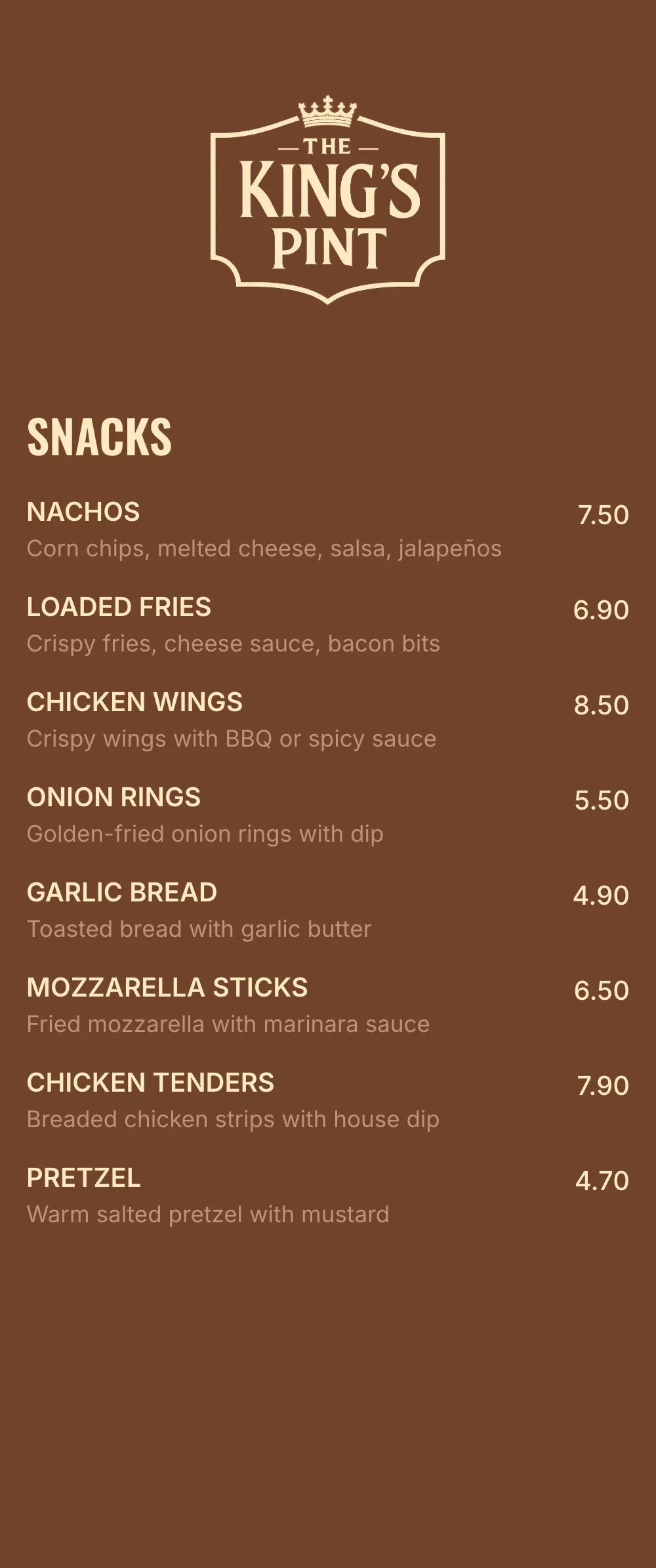
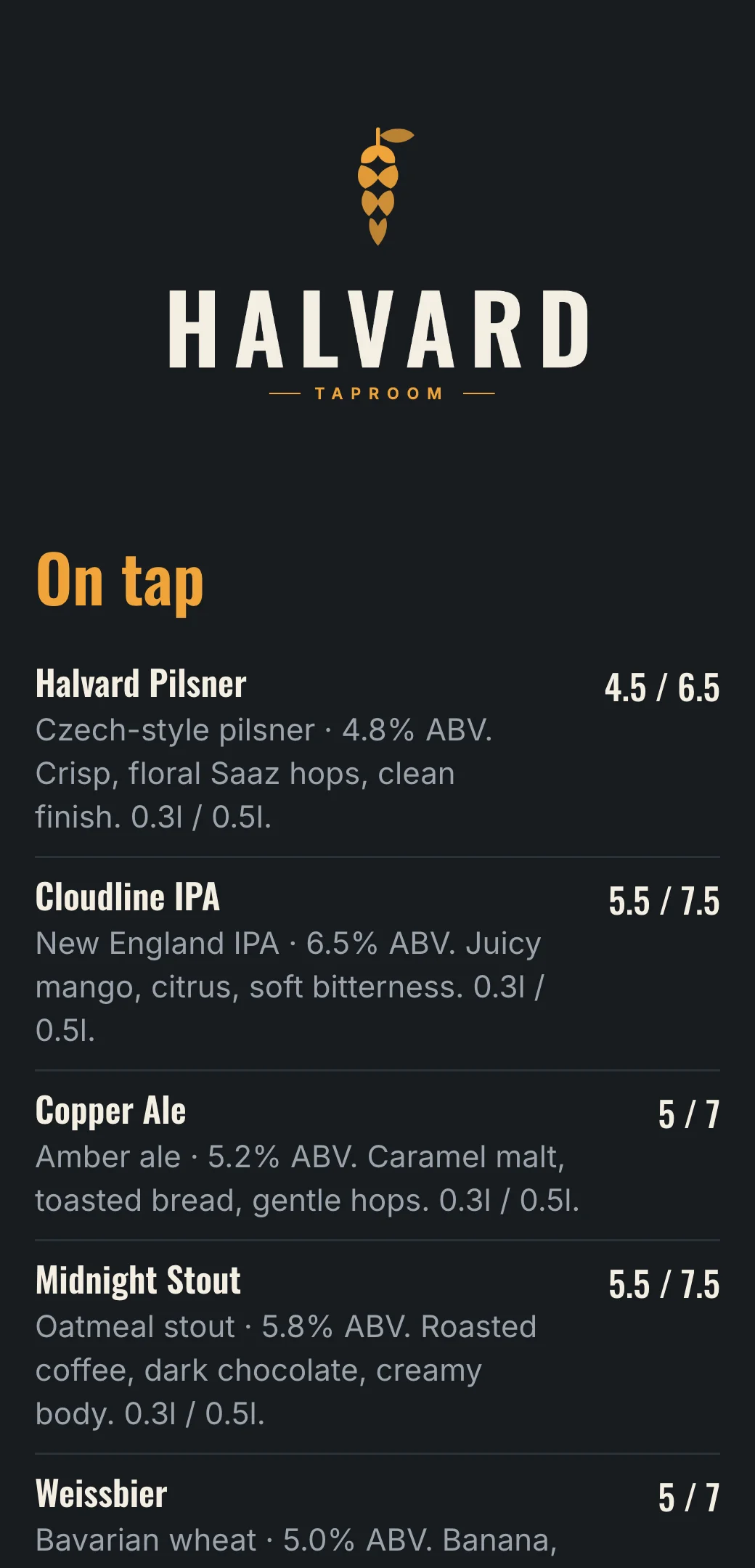
- Yes. Use a dark background with light, bold fonts and a bright accent color for headings, and turn on dividers between dishes.