
QR code menu for restaurants
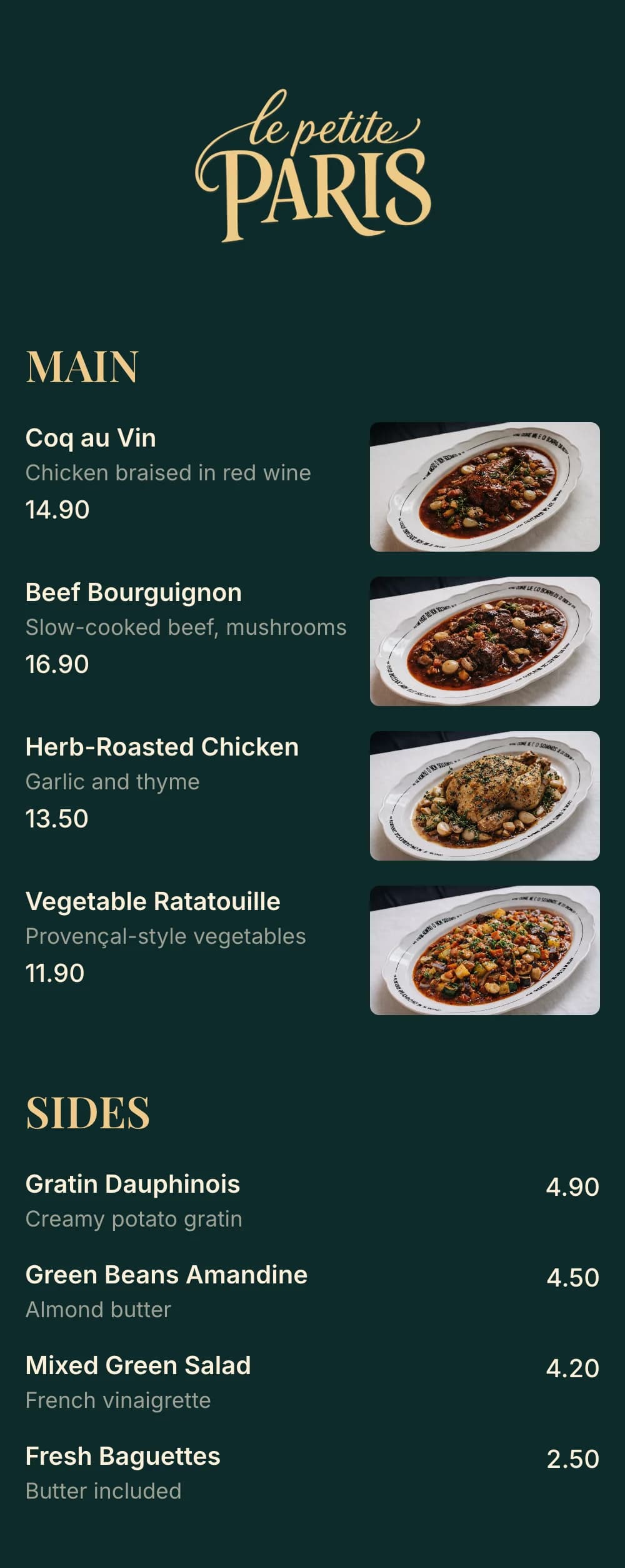
Create a digital menu customers can scan on their phone. Update items and prices instantly — no printing, no apps.



Why restaurant owners use QR code menus
Printed menus are expensive to update, hard to keep clean, and frustrating on mobile. A QR code menu solves all of that with one simple scan.
No more reprinting menus when prices change
Customers view your menu instantly on their phone
Cleaner tables, fewer physical menus
Perfect for dine-in, takeaway, and delivery
Works on iPhone and Android — no app required
How guests use your QR code menu
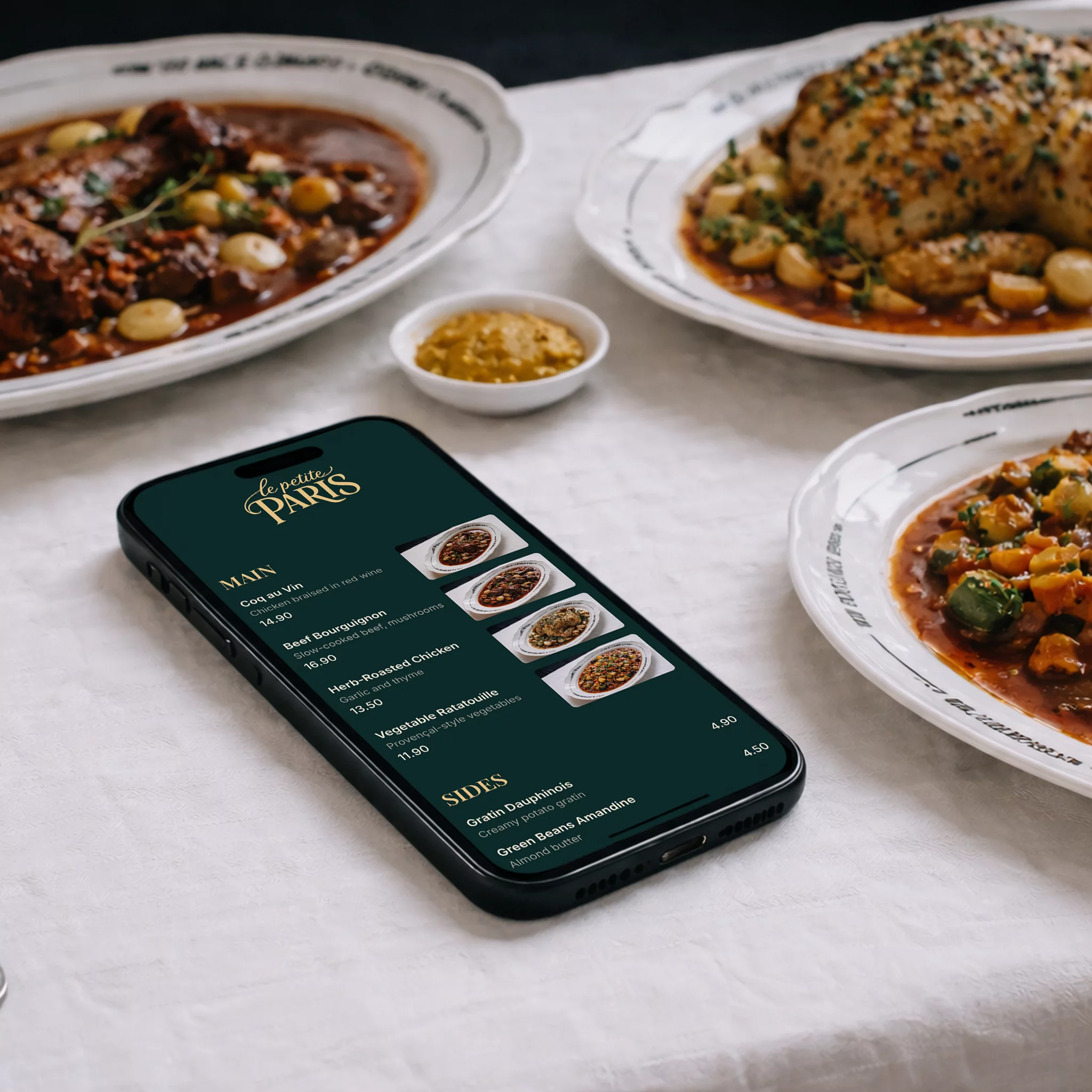
No app, no download, no waiting for a printed menu — just a phone camera.
- 1
Scan the code
Guests point their phone camera at the QR code on the table, door or counter.
- 2
Your menu opens
It loads straight in the browser on iPhone and Android — no app to install.
- 3
Browse and order
They see your dishes, descriptions and prices, always up to date.
Where to put your menu QR code
One code works everywhere your customers are — inside and outside your restaurant.
On every table
Table tents, stickers or coasters so guests can browse as soon as they sit down.
Front window and door
Let passers-by check your menu before they walk in.
Counter and takeaway
Speed up ordering at the counter and for pick-up customers.
Receipts and flyers
Bring customers back to your menu for the next visit or order.
Delivery packaging
Add the code to bags and boxes so customers can reorder easily.
Social posts and stories
Share the code or your menu link on Instagram, Facebook and more.
A QR code that matches your brand
Your colors
Choose the QR code and background colors to fit your branding.
Print-ready downloads
Download a 1000×1000 PNG or an SVG that stays sharp at any print size.
Print once, update forever
The code always opens your latest menu, so changing dishes or prices never means reprinting it.
Comes with a menu link
The same menu is available as a link for your website, Google profile and social media.
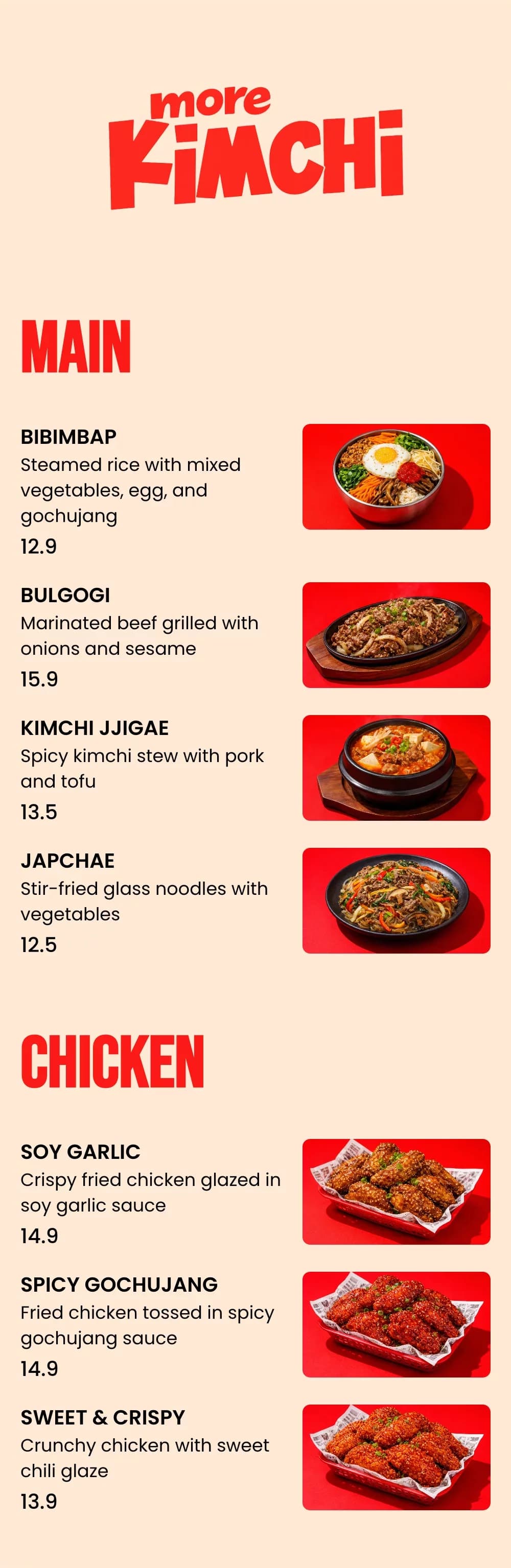
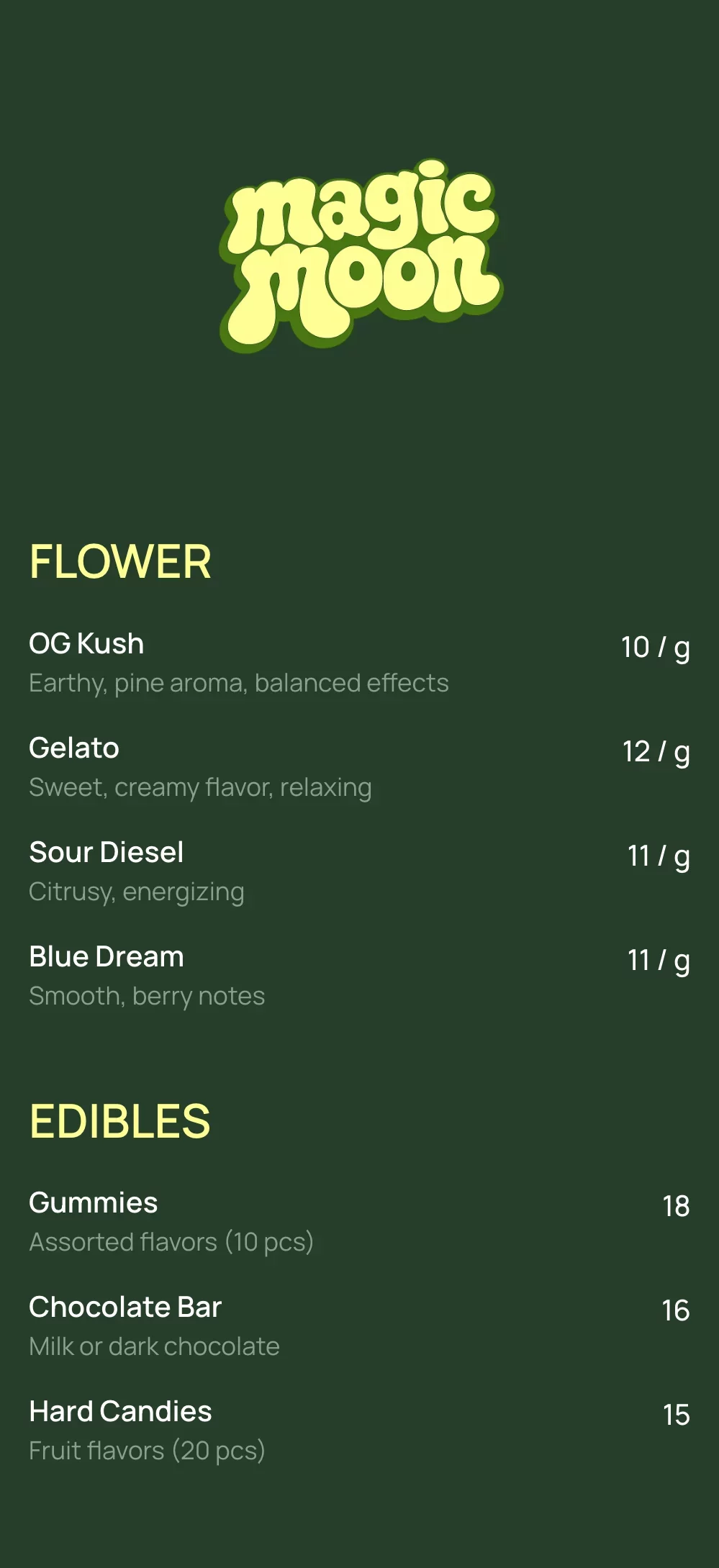
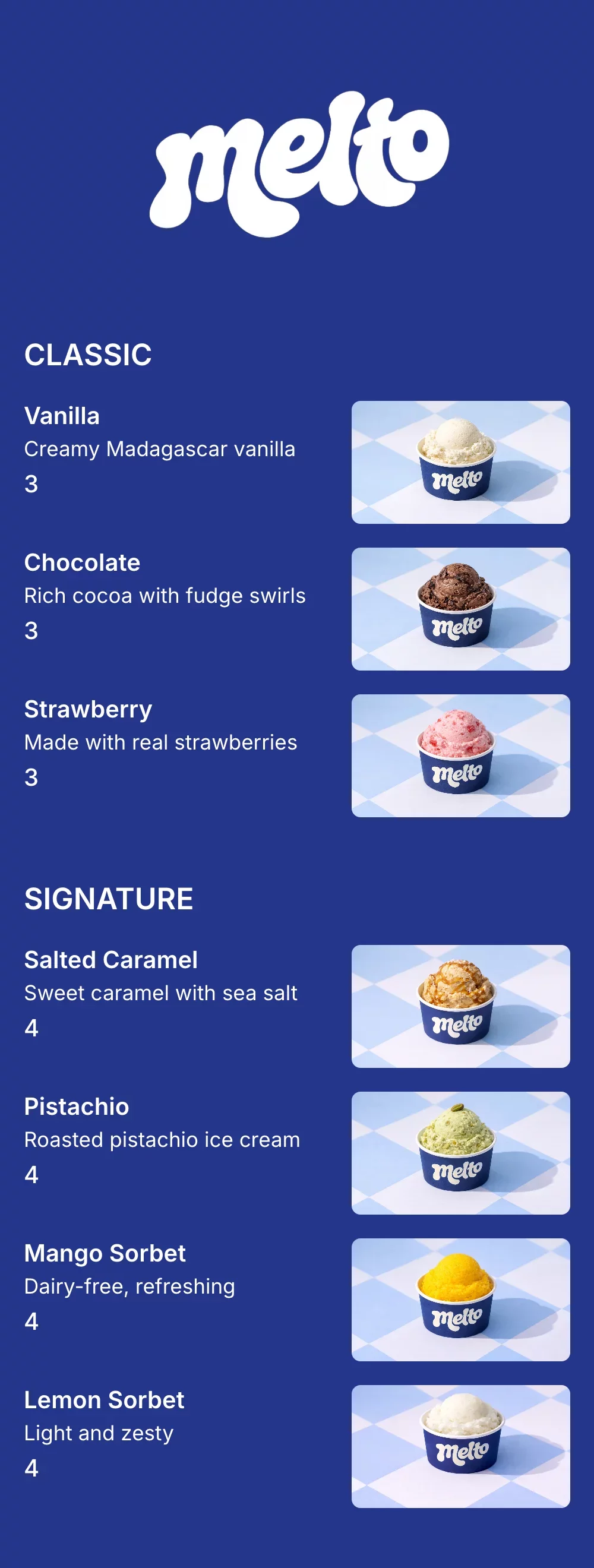
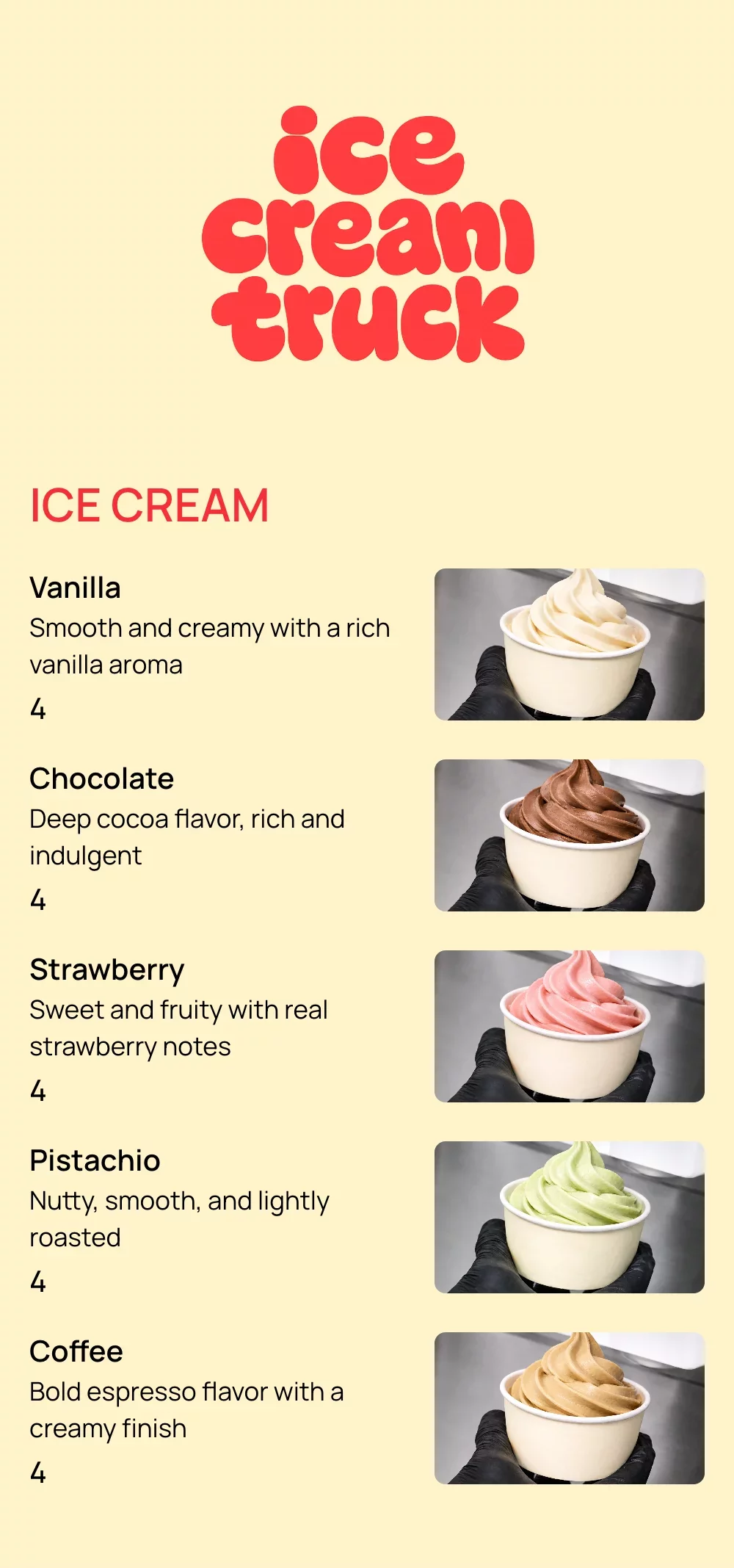
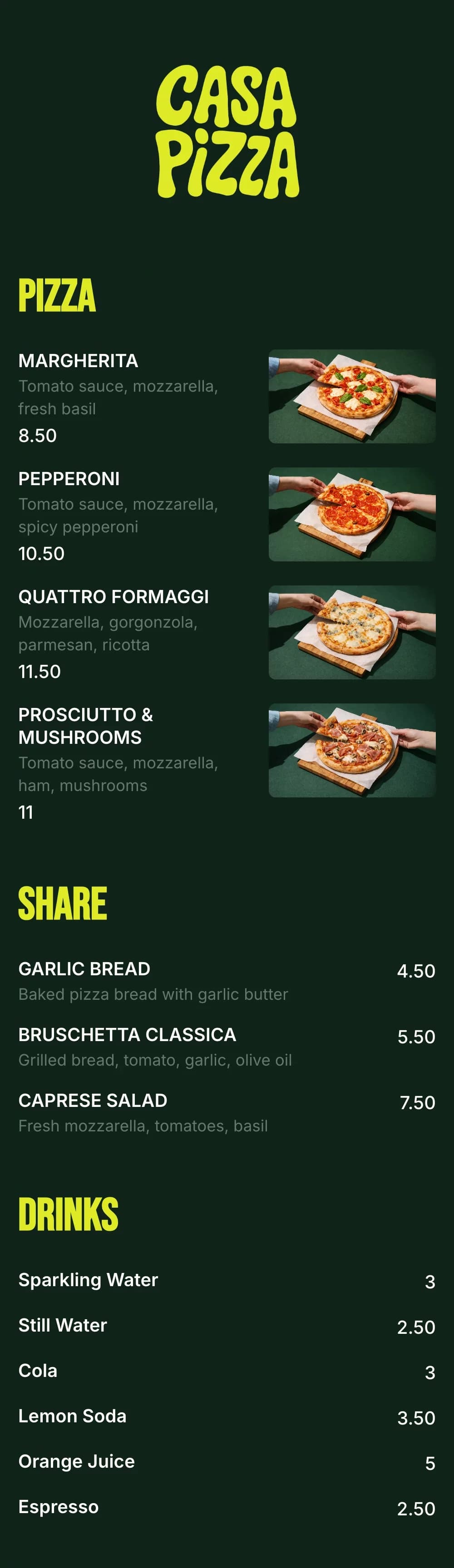
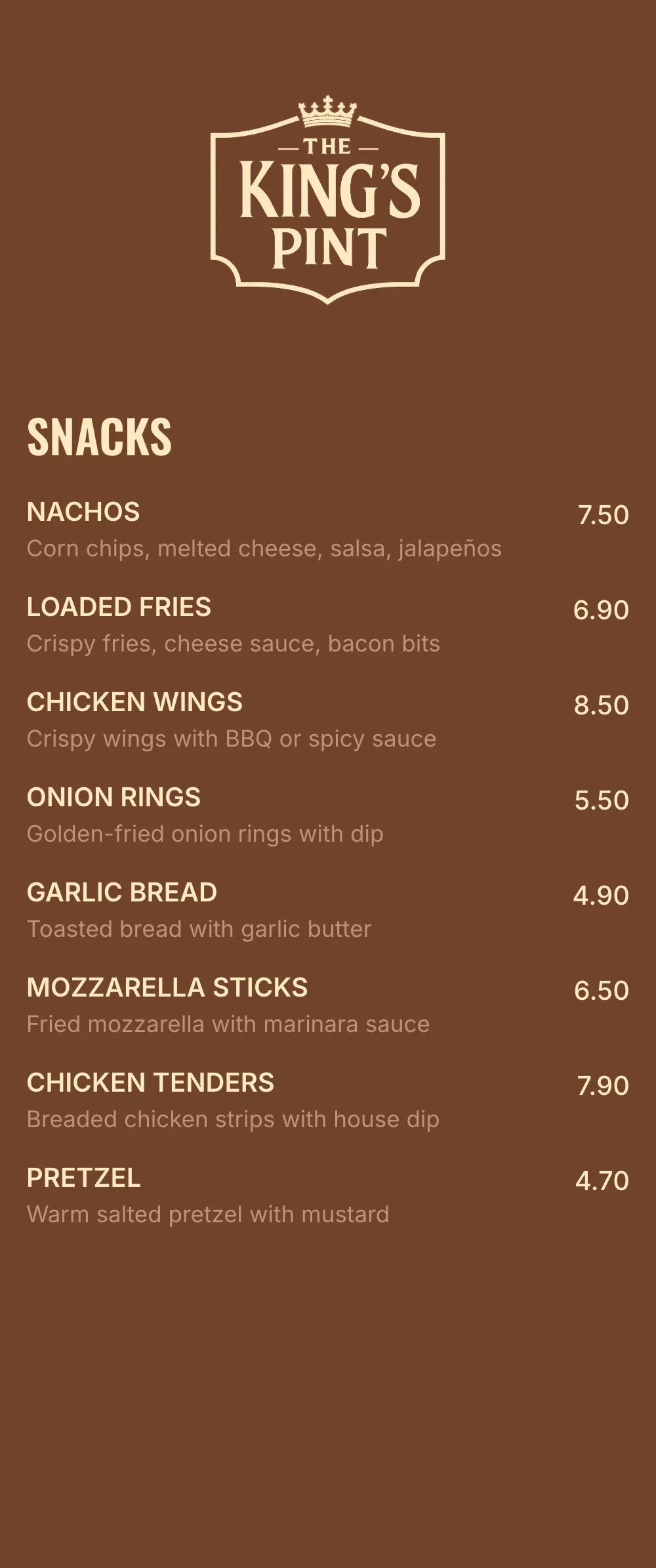
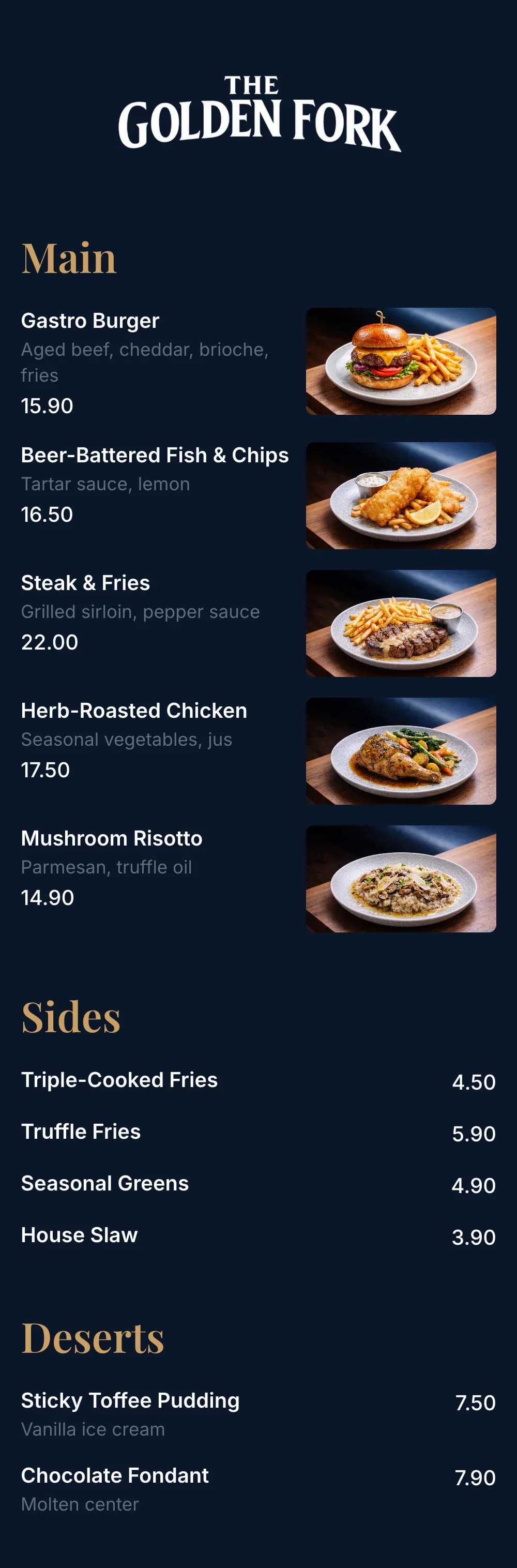
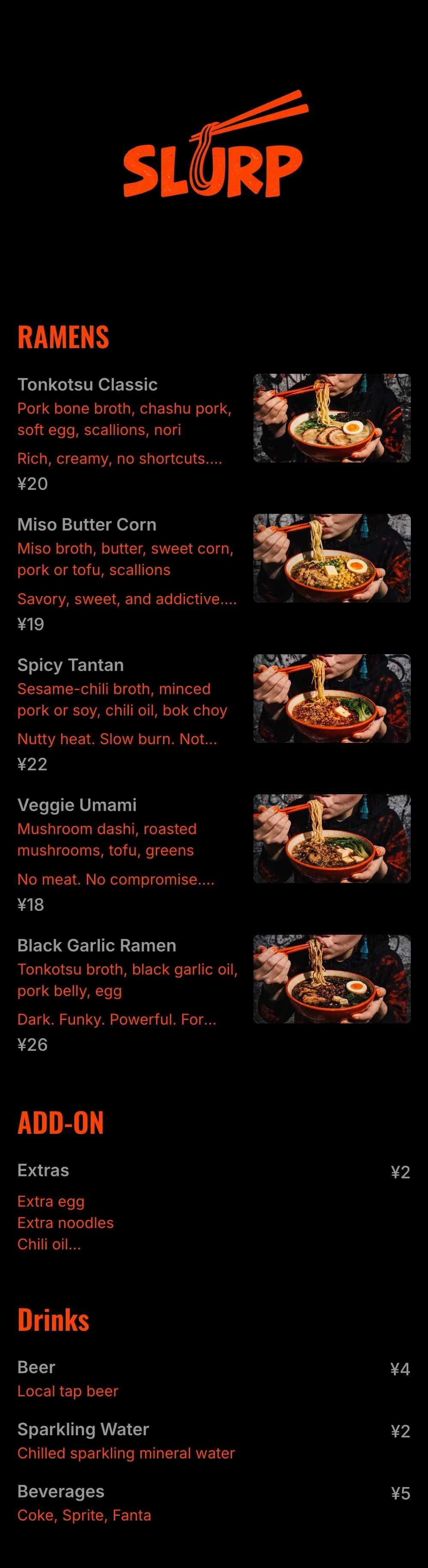
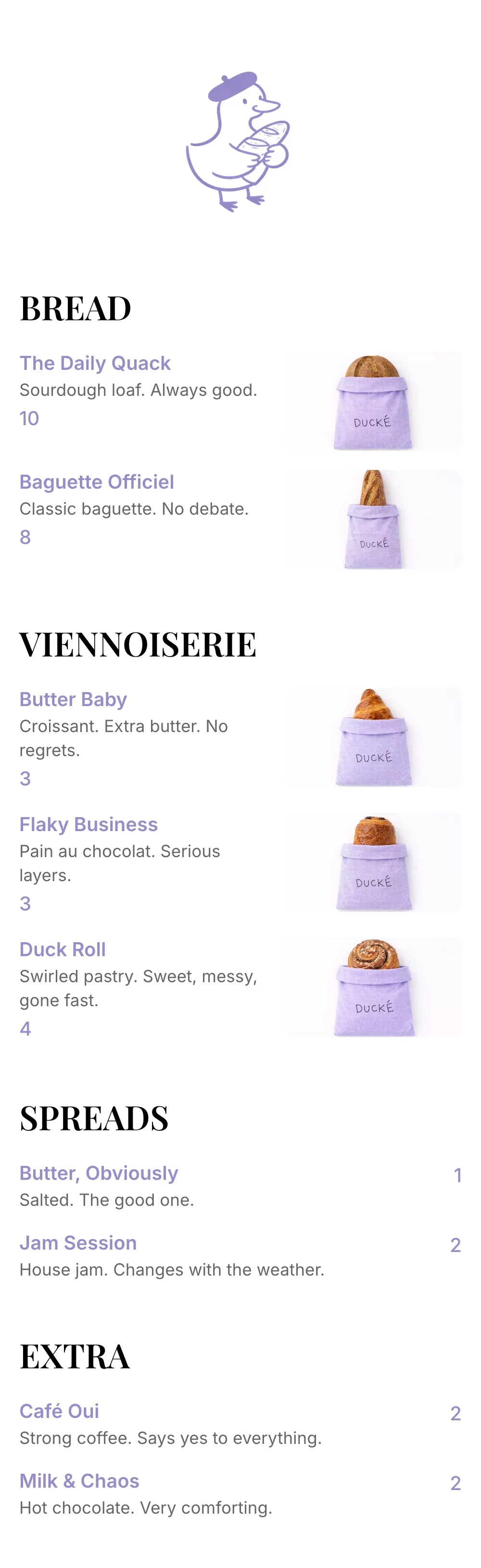
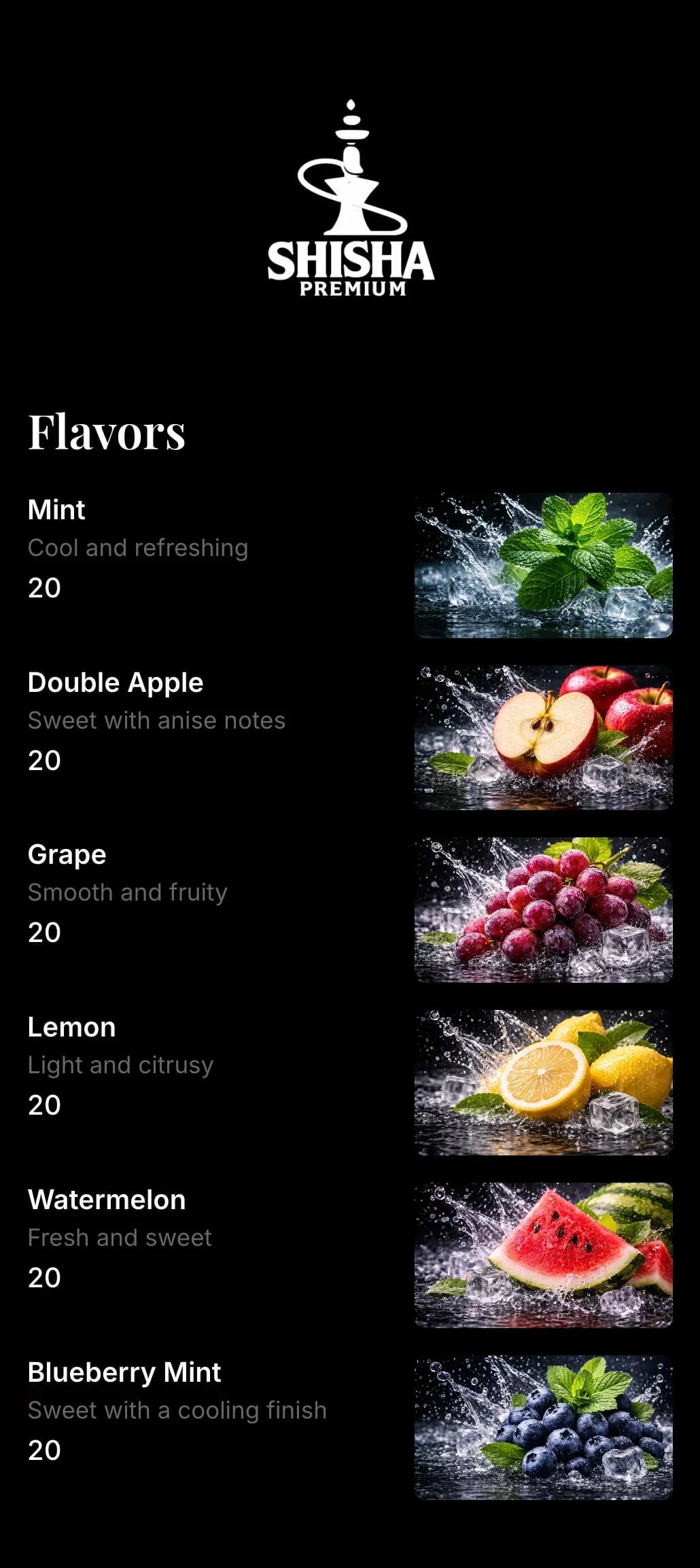
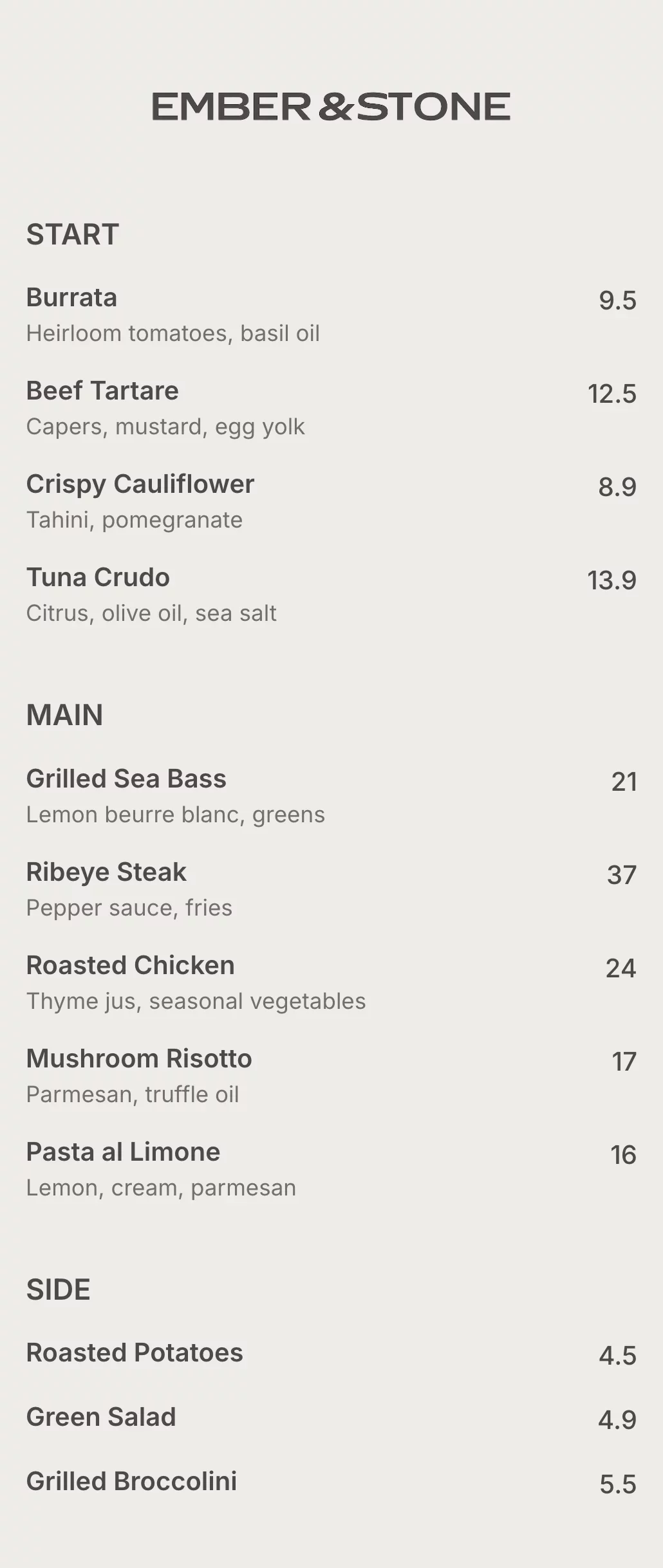
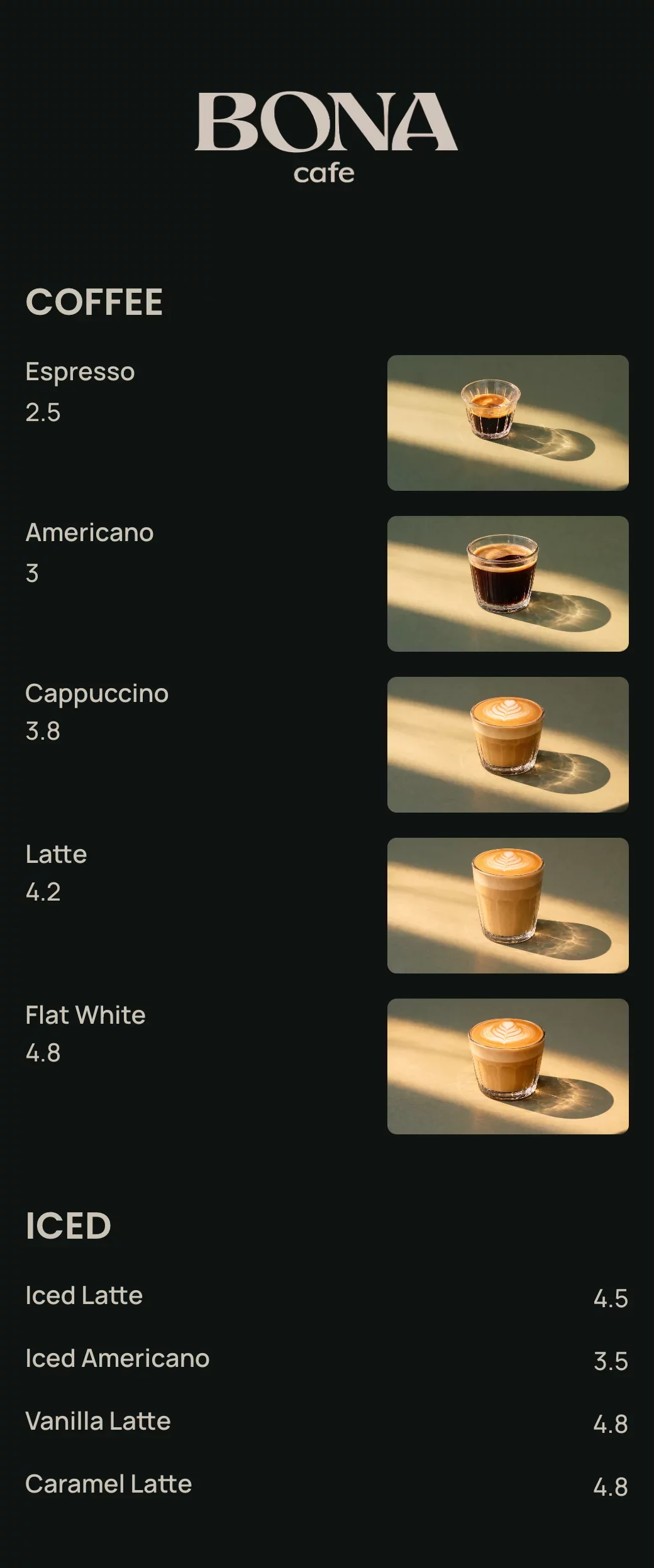
QR code menu templates for every business
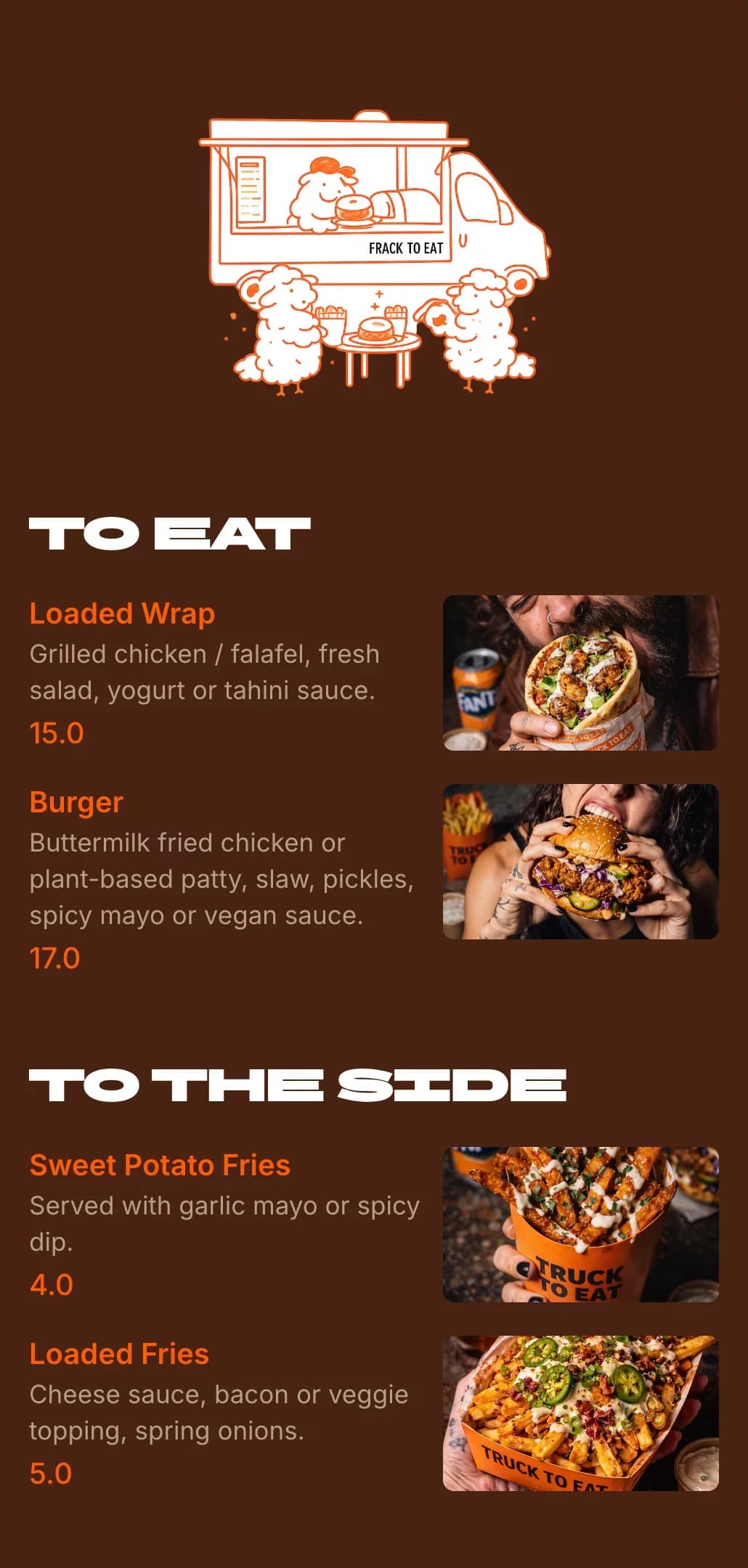
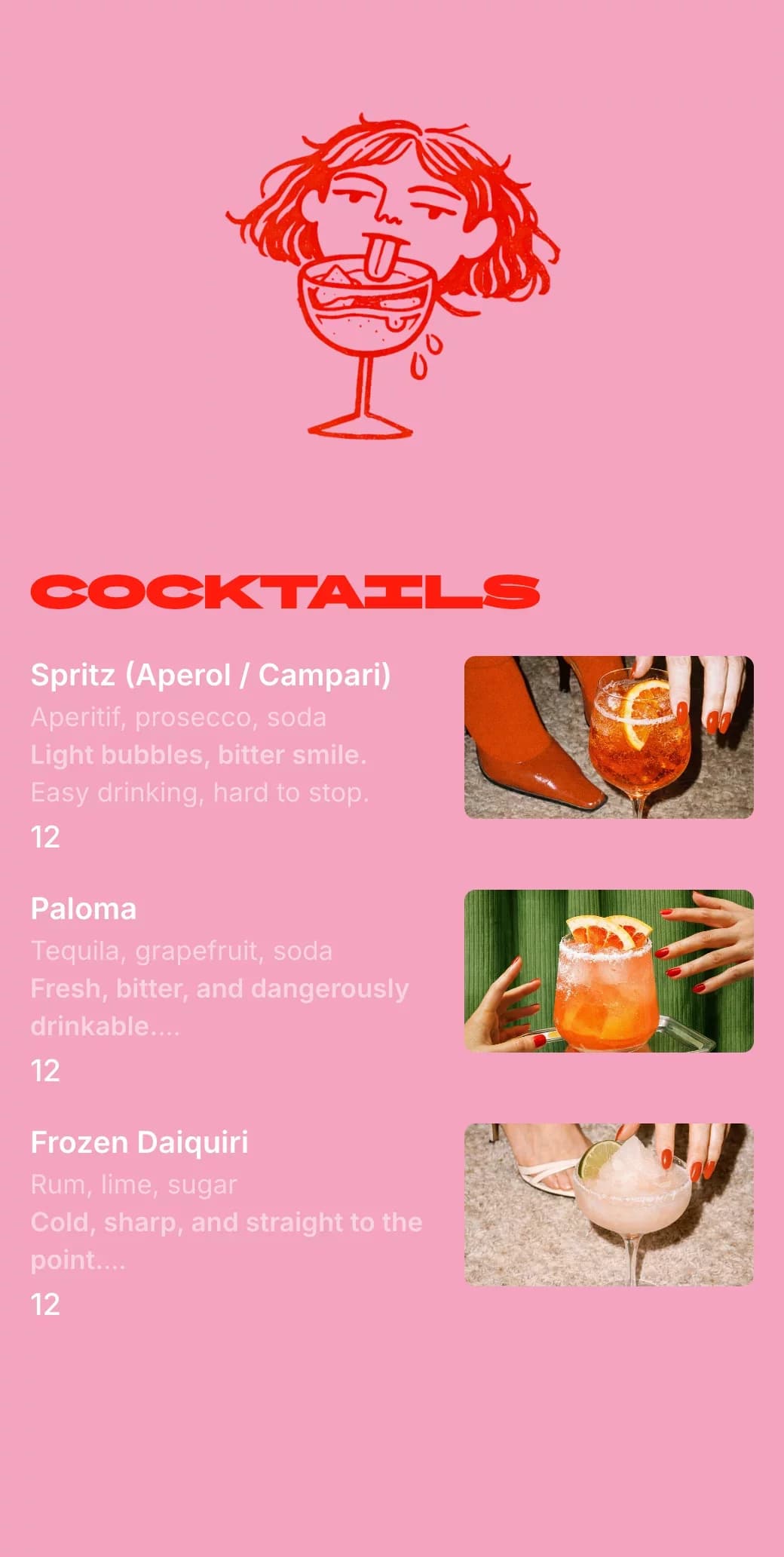
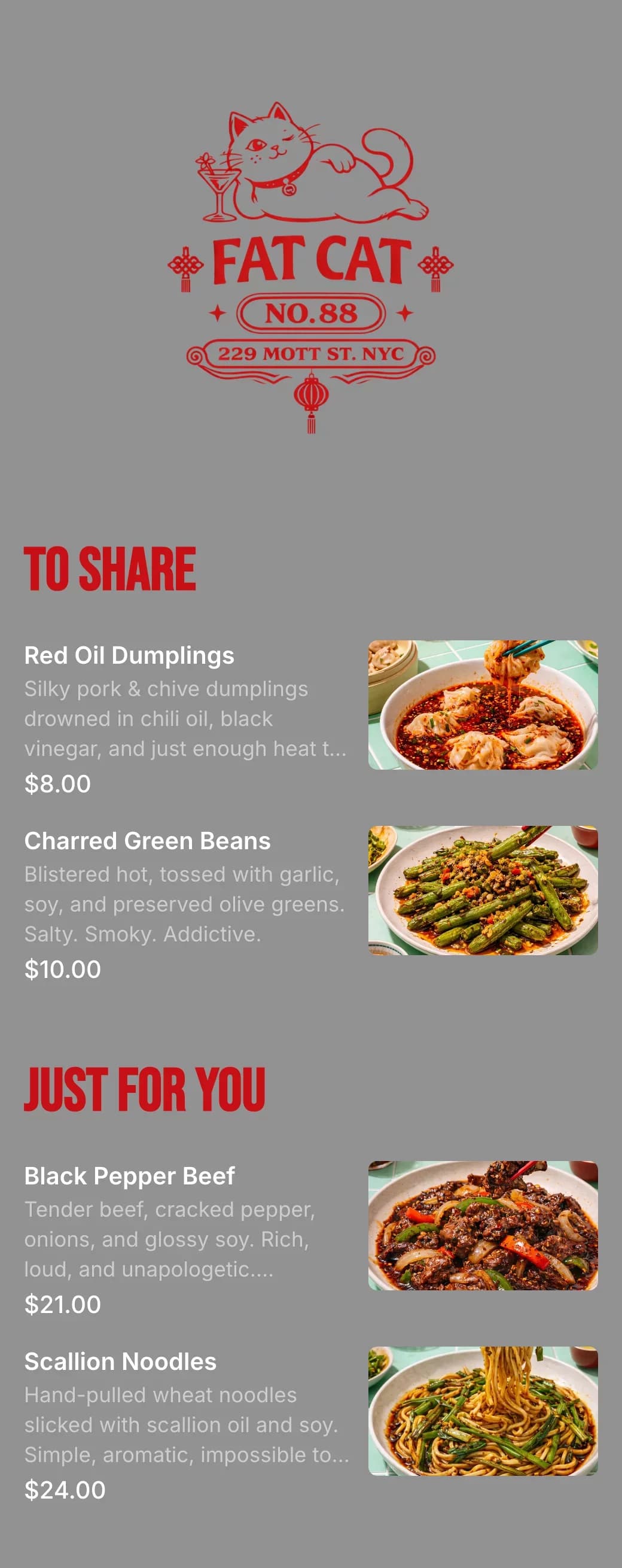
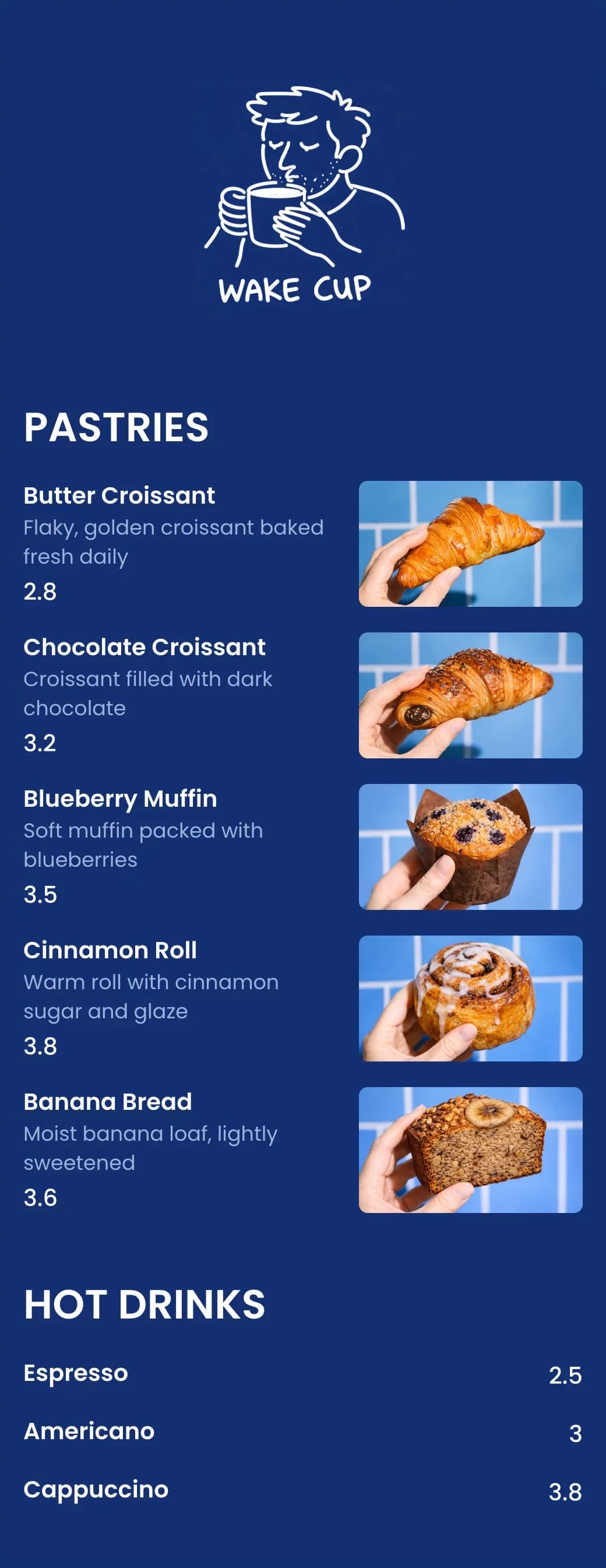
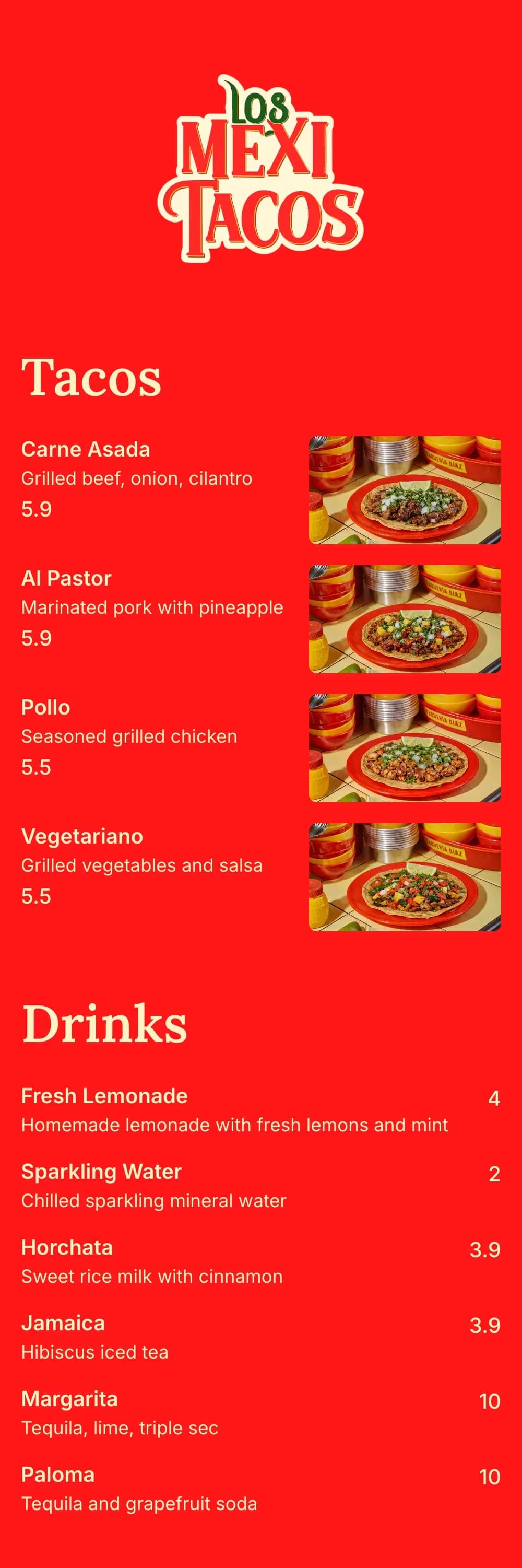
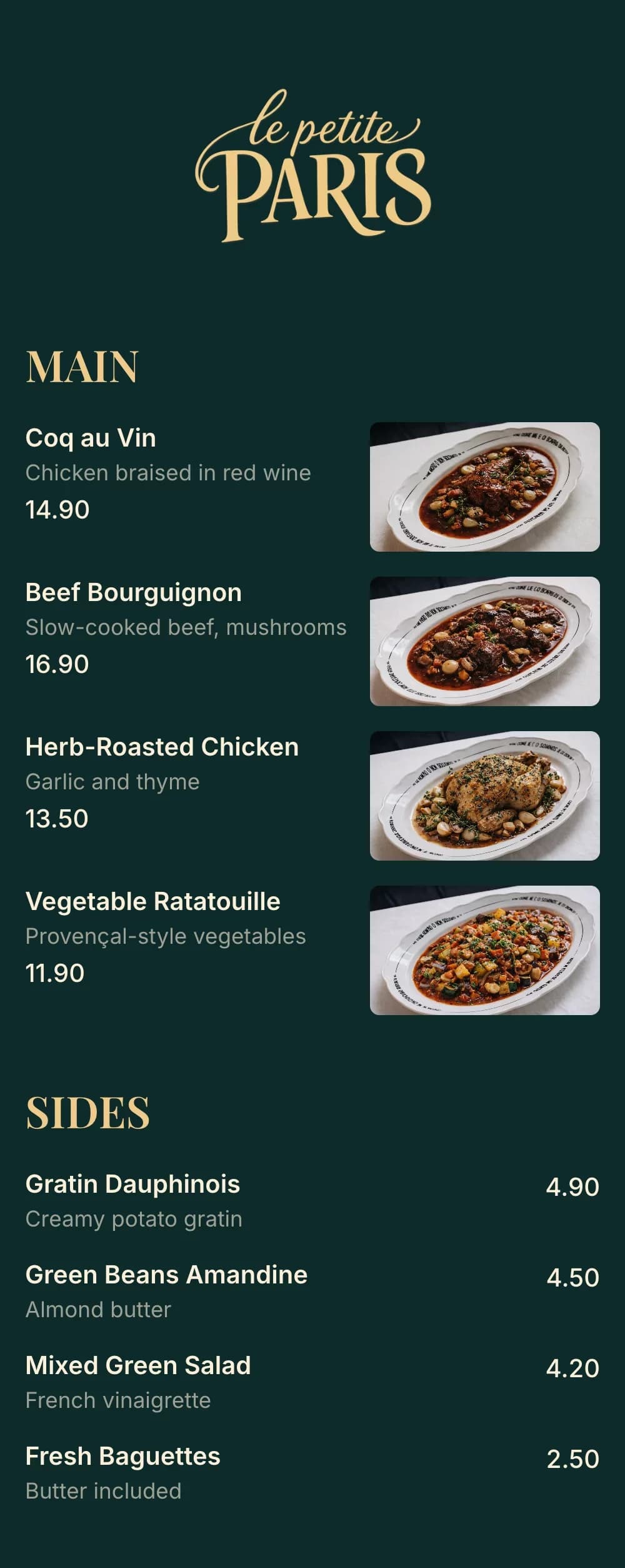
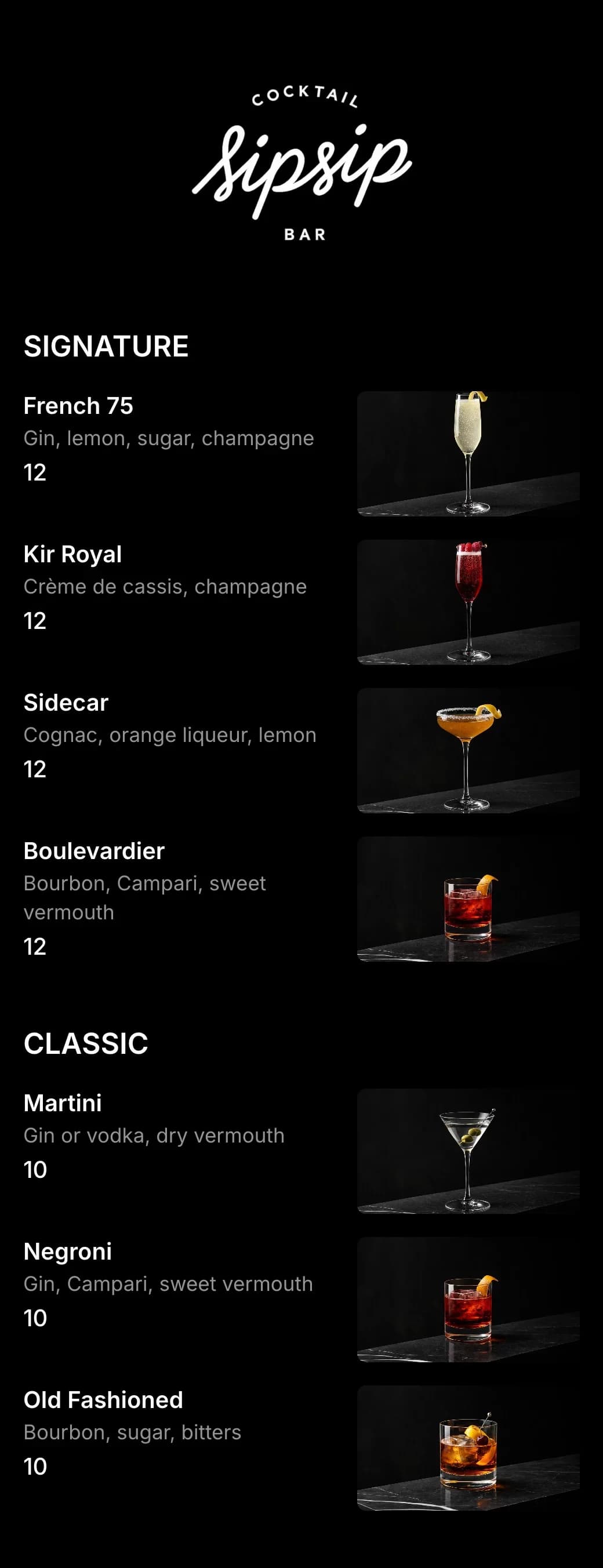
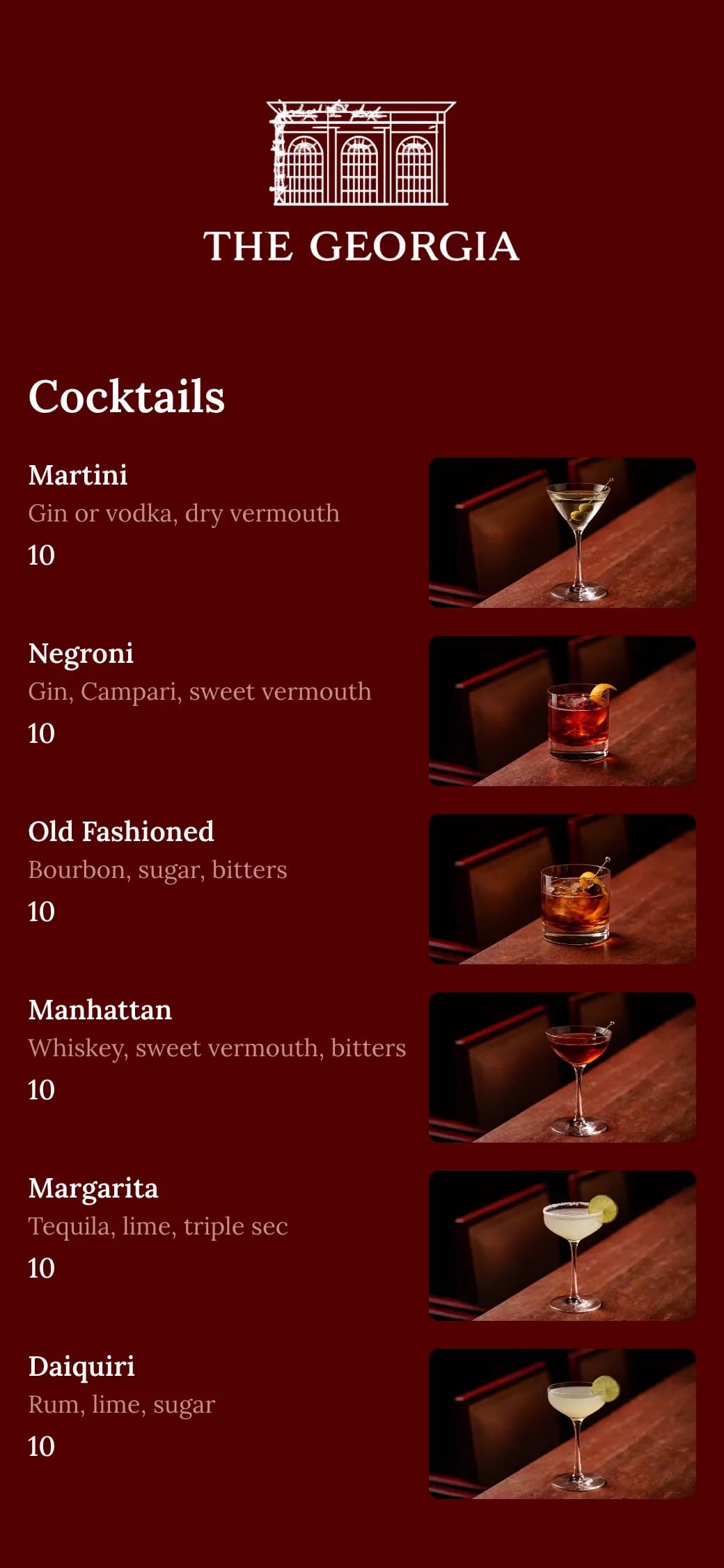
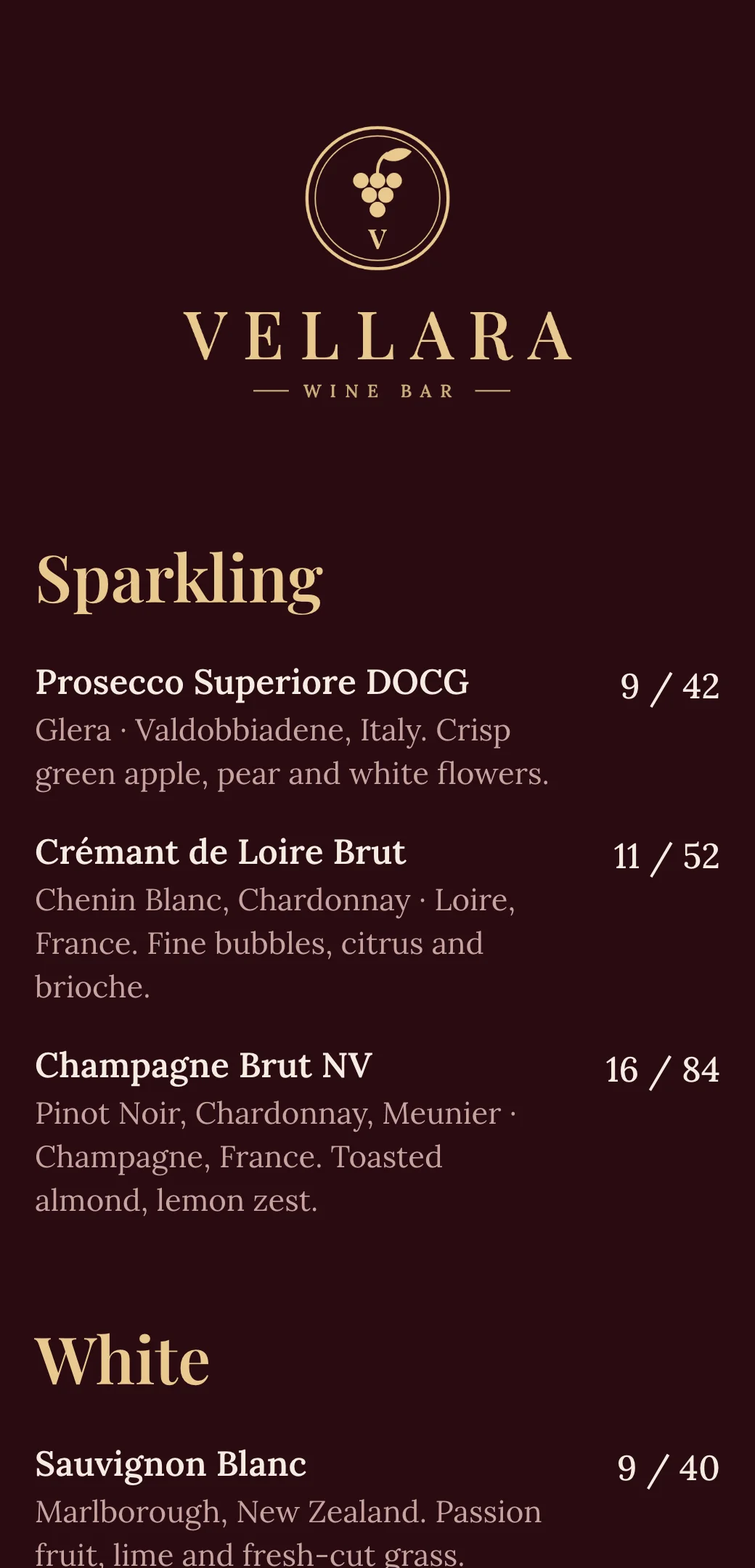
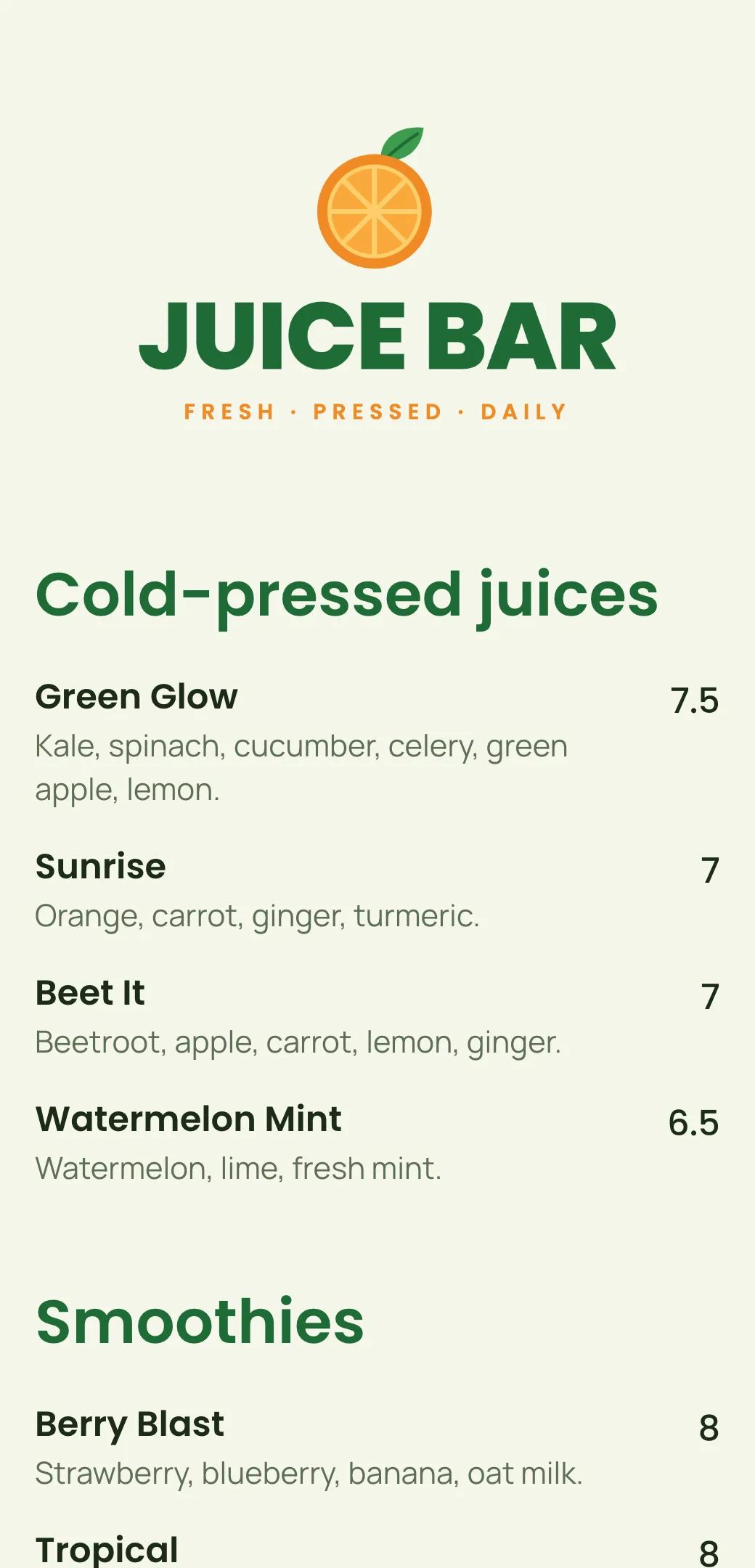
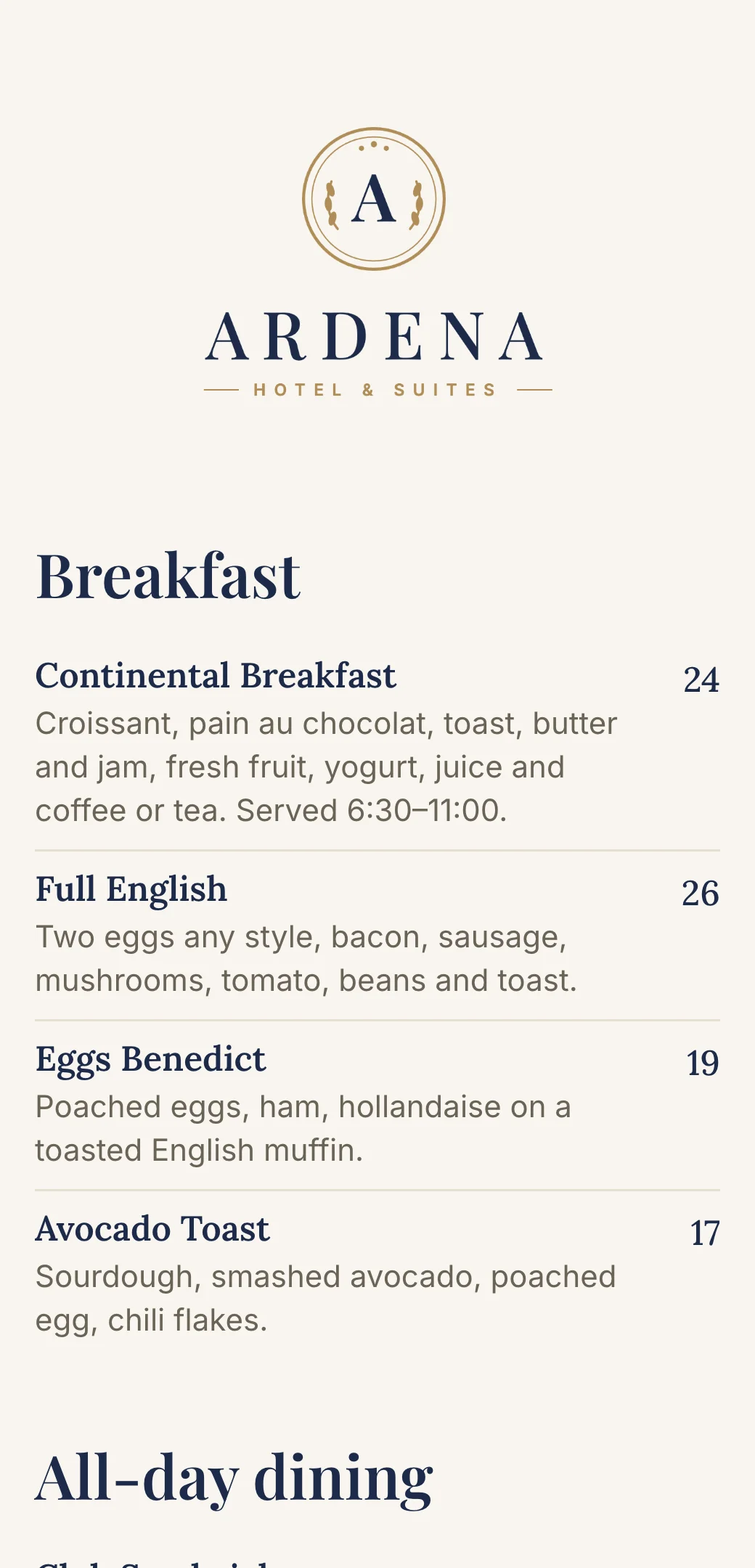
Explore professionally designed digital menu templates for restaurants. Create menus online, customize branding, and share your menu with a link or QR code.

Your questions, answered
- What is a QR code menu?
- A QR code menu is a digital restaurant menu customers can access by scanning a QR code with their phone camera.
- Do customers need to install an app?
- No. The menu opens directly in the browser on iPhone and Android.
- Can I use the QR code on tables and online?
- Yes. The same QR code and menu link works on tables, websites, Google, and social media.
- Is a QR code menu suitable for cafés and food trucks?
- Yes. Digital restaurant menus are perfect for cafés, food trucks, bars, and takeaway spots because they’re quick to update and easy to access with a QR code or link.