Kids menu template
Create a digital Kids menu online that’s easy to customize and update. Customize the design, add items and prices, and generate a QR code menu you can share with a link or anywhere your customers are.
Easy to customize
Share via Link, QR, Website, Social Media
Publish updates in seconds
Custom branding
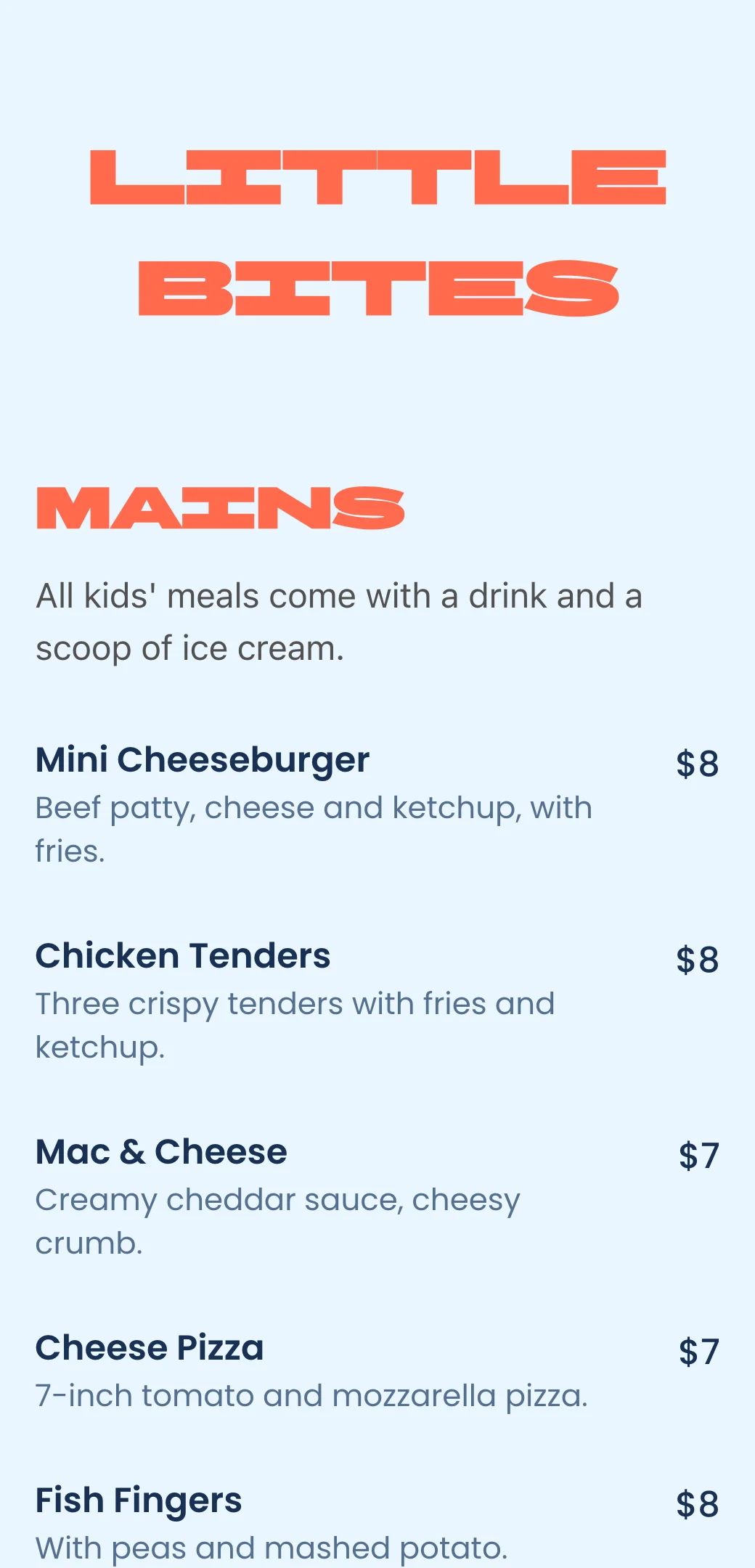
How to create Kids QR code menu
Add your Kids dishes, customize menu design, and instantly share restaurant menu with a link or QR code.
Add your menu items
Enter your dishes, descriptions, prices using a simple menu editor.

Customize your design
Choose colors, fonts, and layout to match your restaurant’s brand.
Generate QR code & Publish
Get a unique scan for menu QR code that opens your menu instantly on any phone.

Kids menu creator made for digital menus
Say goodbye to printed menus. Build, update, and share your digital menu instantly—always accurate, always on brand.
Kids menu maker
Choose colors, fonts, and layout to match your restaurant’s brand.
QR code menu generator
Each Kids menu gets a unique QR code customers can scan at the table.
Custom branding
Match your menu to your restaurant brand with colors, fonts, and layout.
Instant updates
Change prices, items, or availability in seconds—no reprints.
Mobile-friendly menu
Designed to be easy to read on any phone, with clean layout and fast loading.
Shareable menu link
Use your Kids menu link on Google, Instagram, website, or delivery platforms.
QR code Kids menu vs printable PDF menu
Compare digital menus for restaurants with printable PDF menus and see which menu maker is better for online restaurant menu design.

Restaurant menu templates for every business
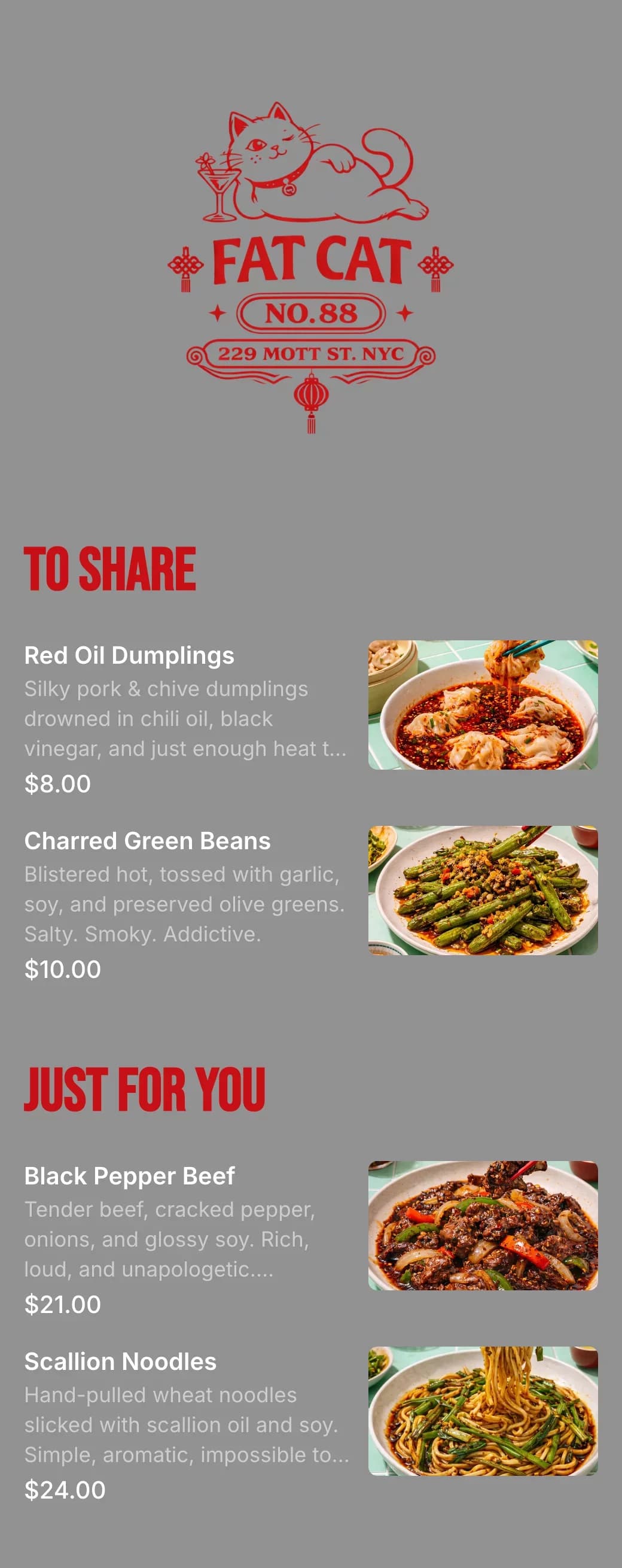
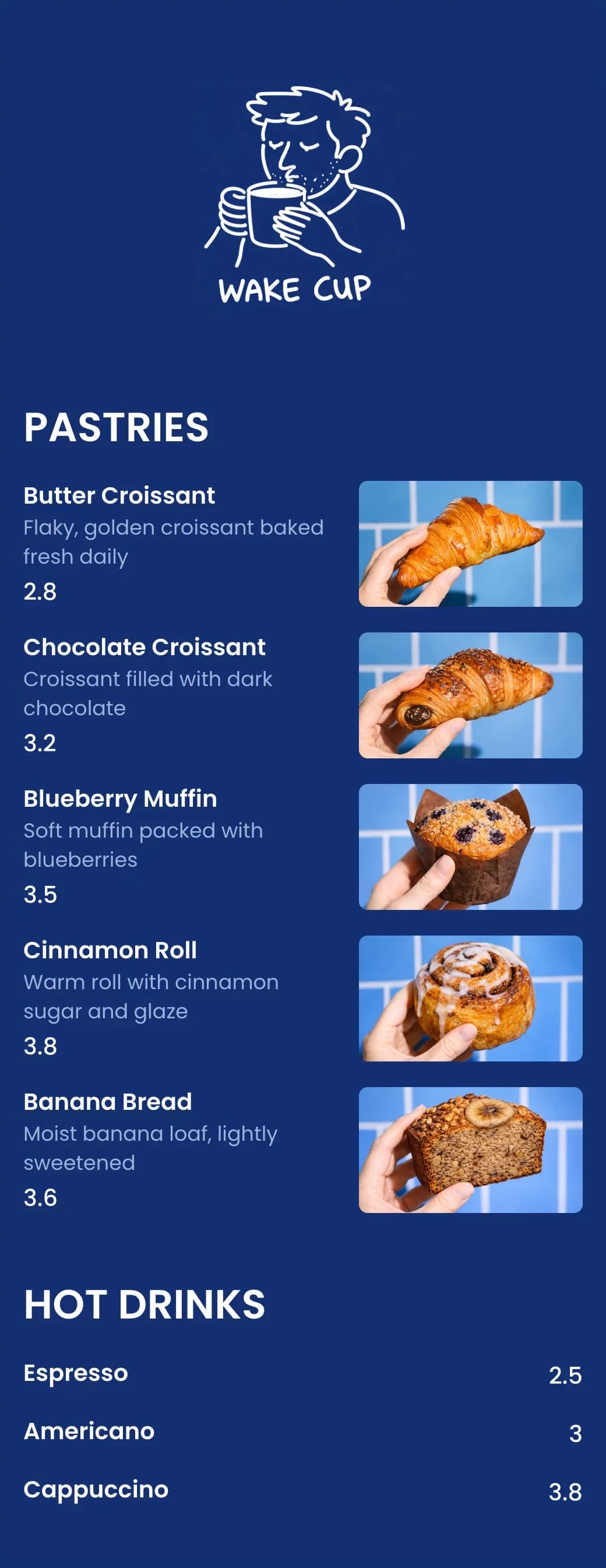
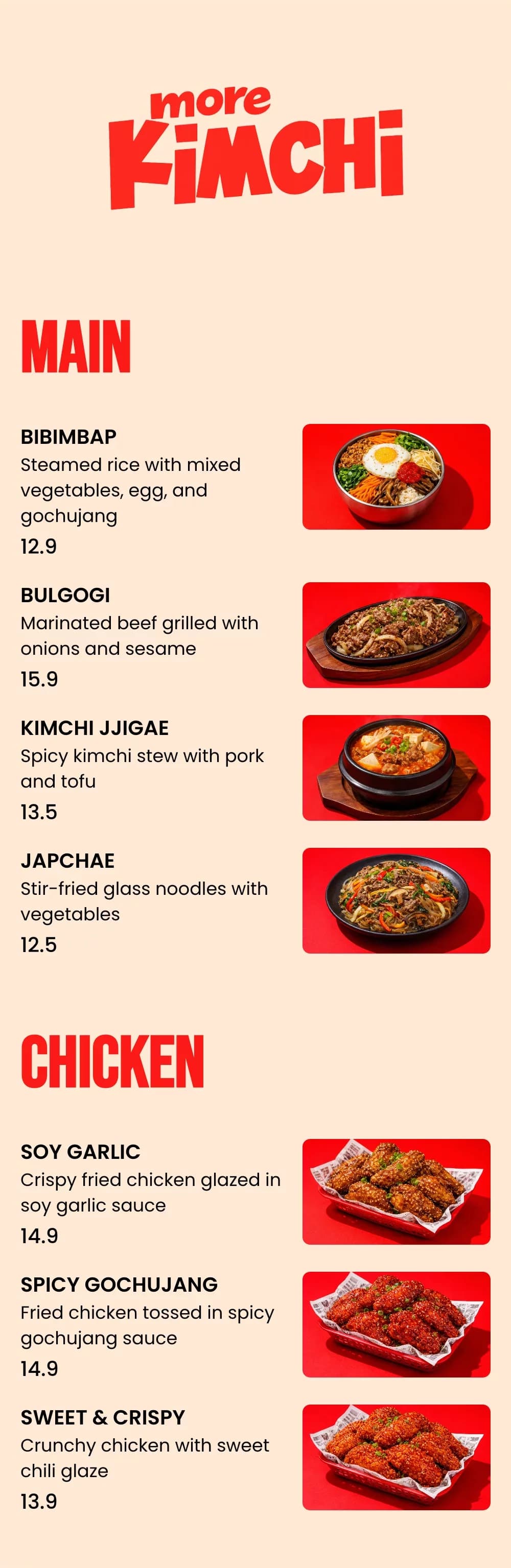
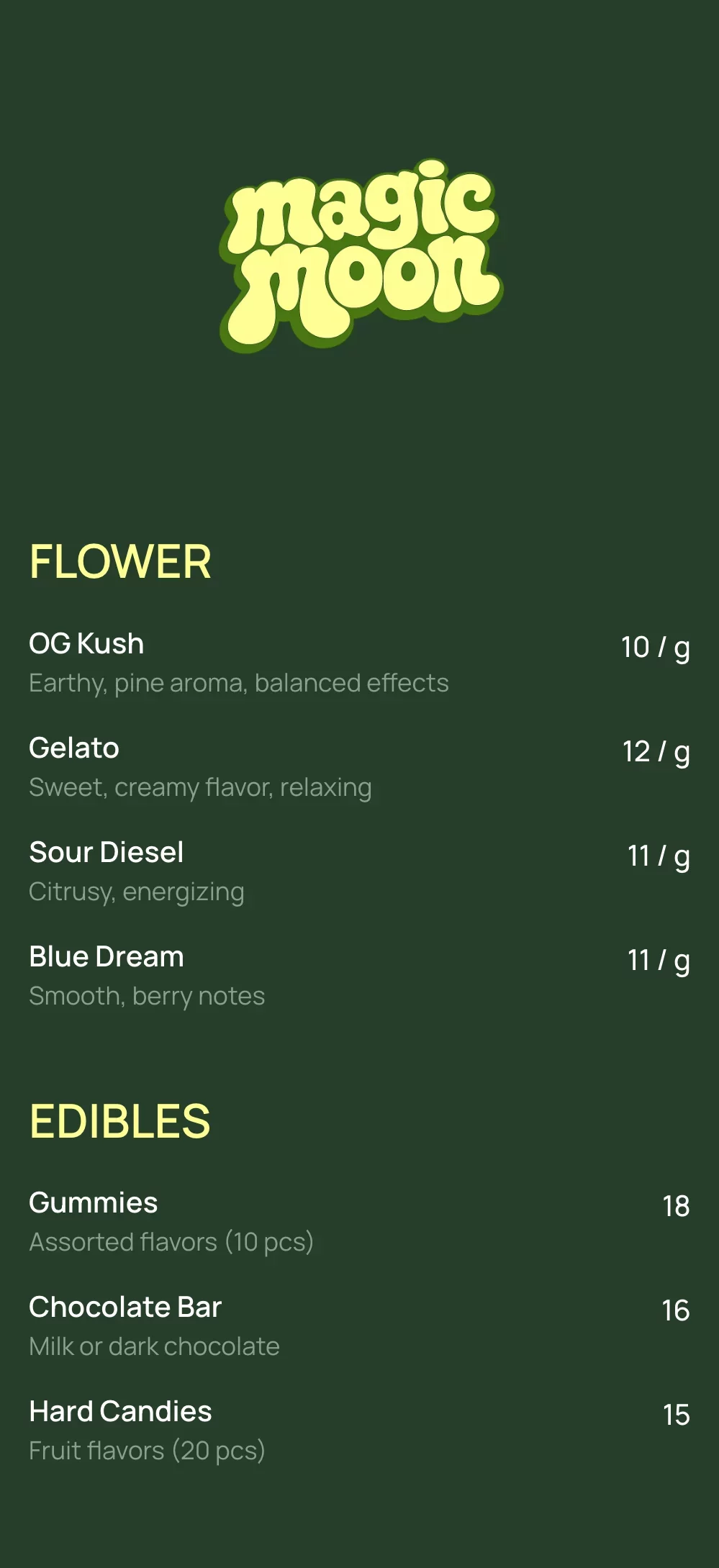
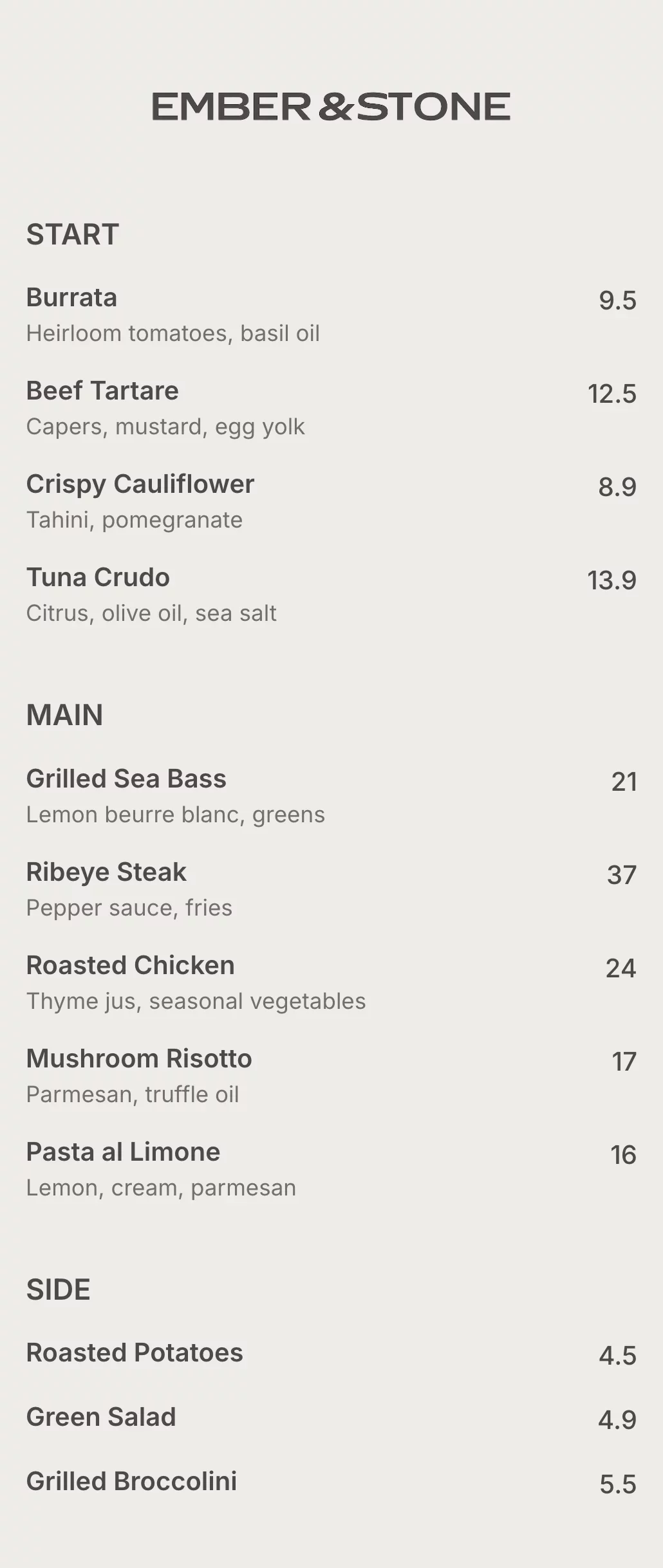
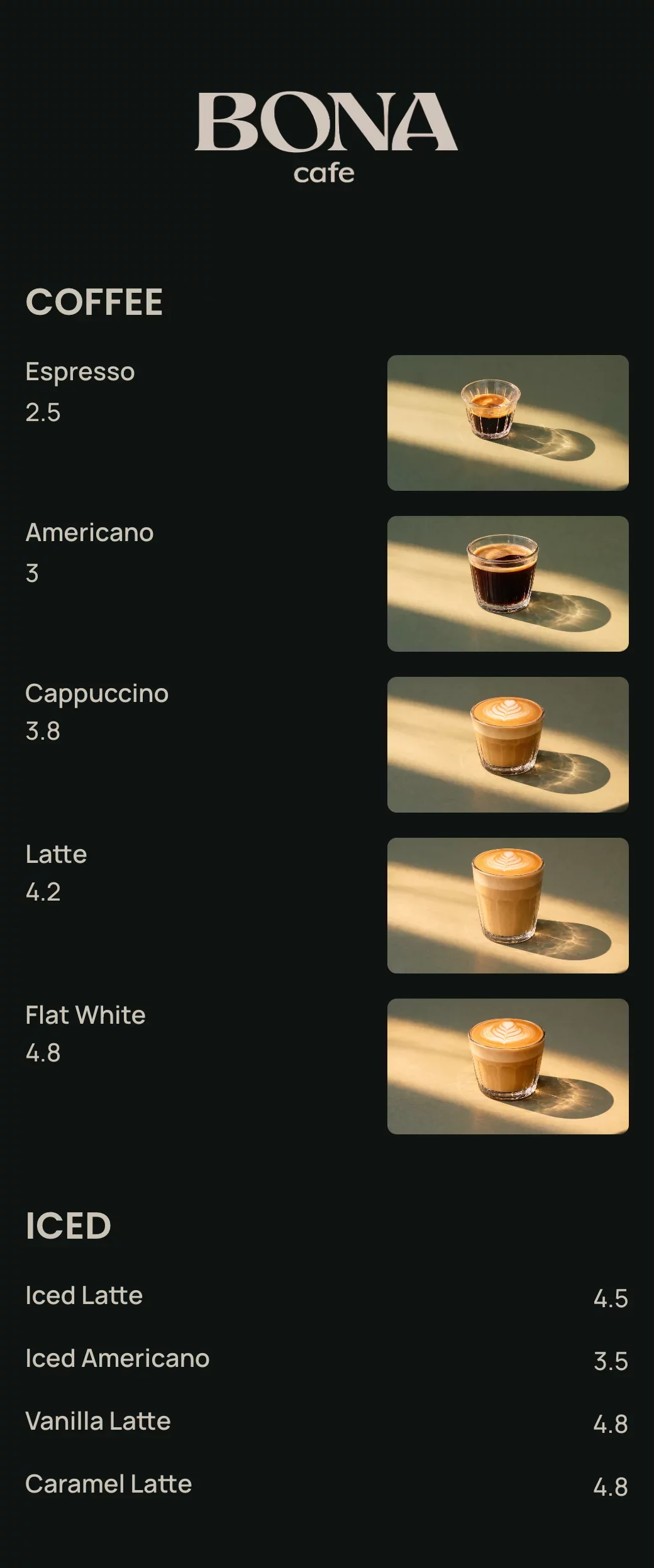
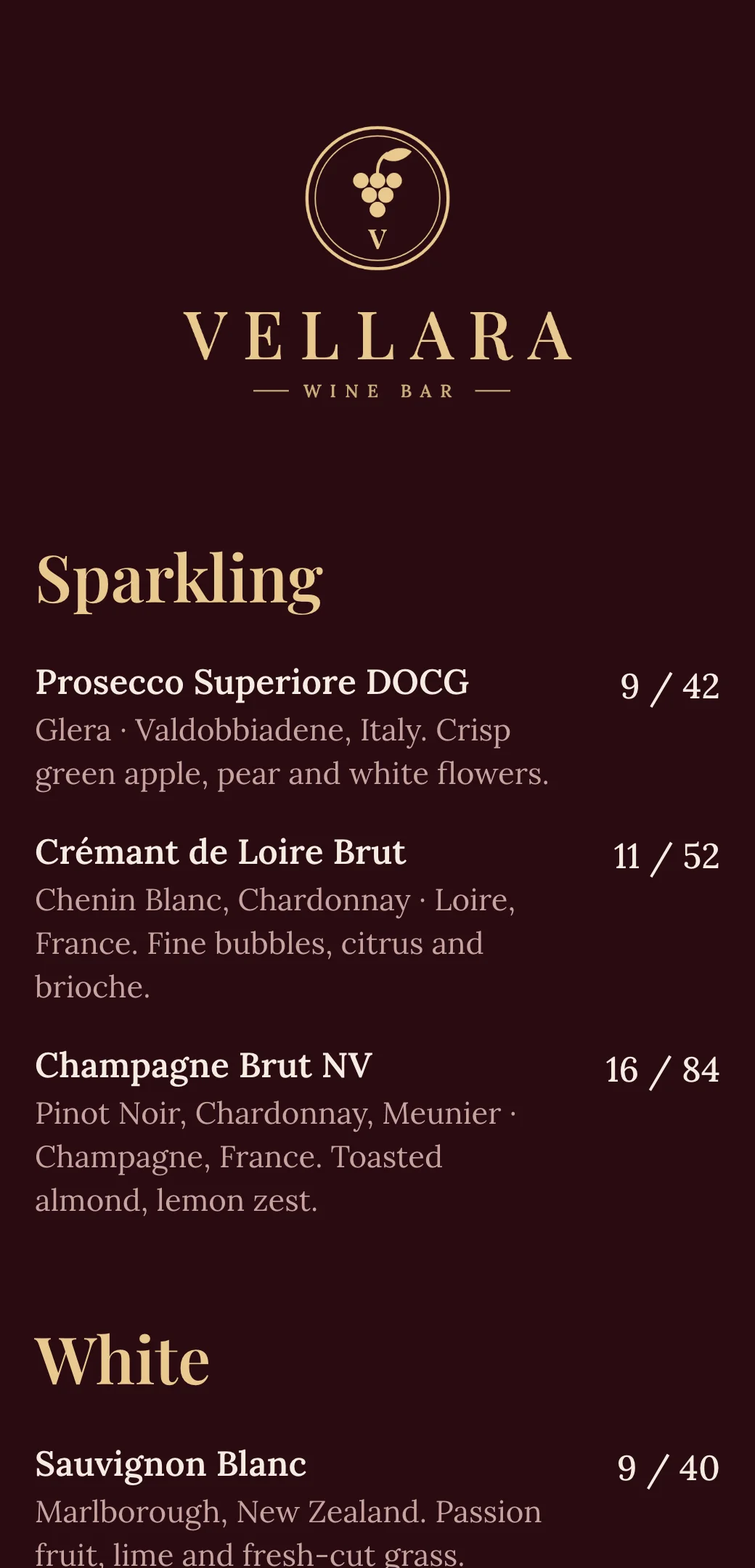
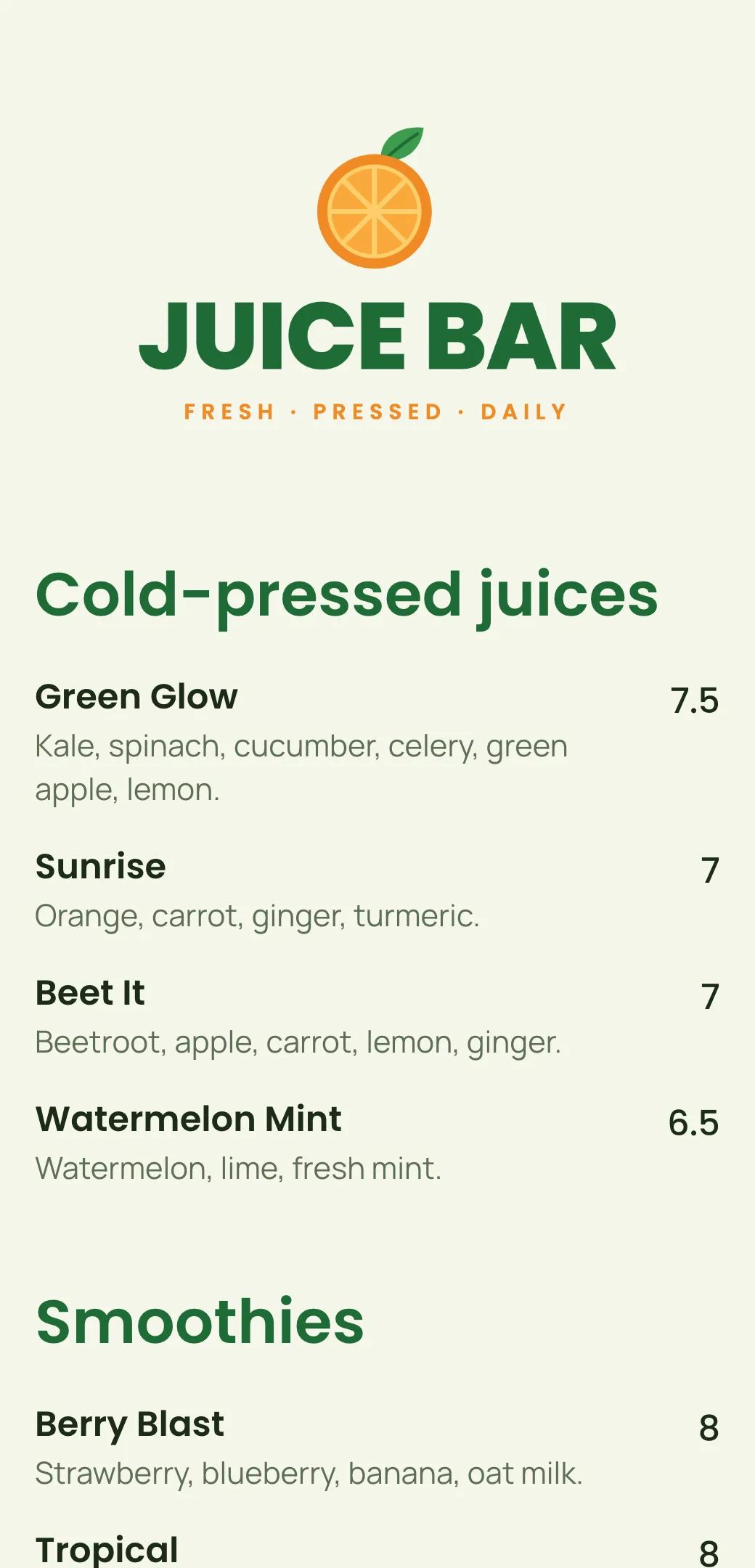
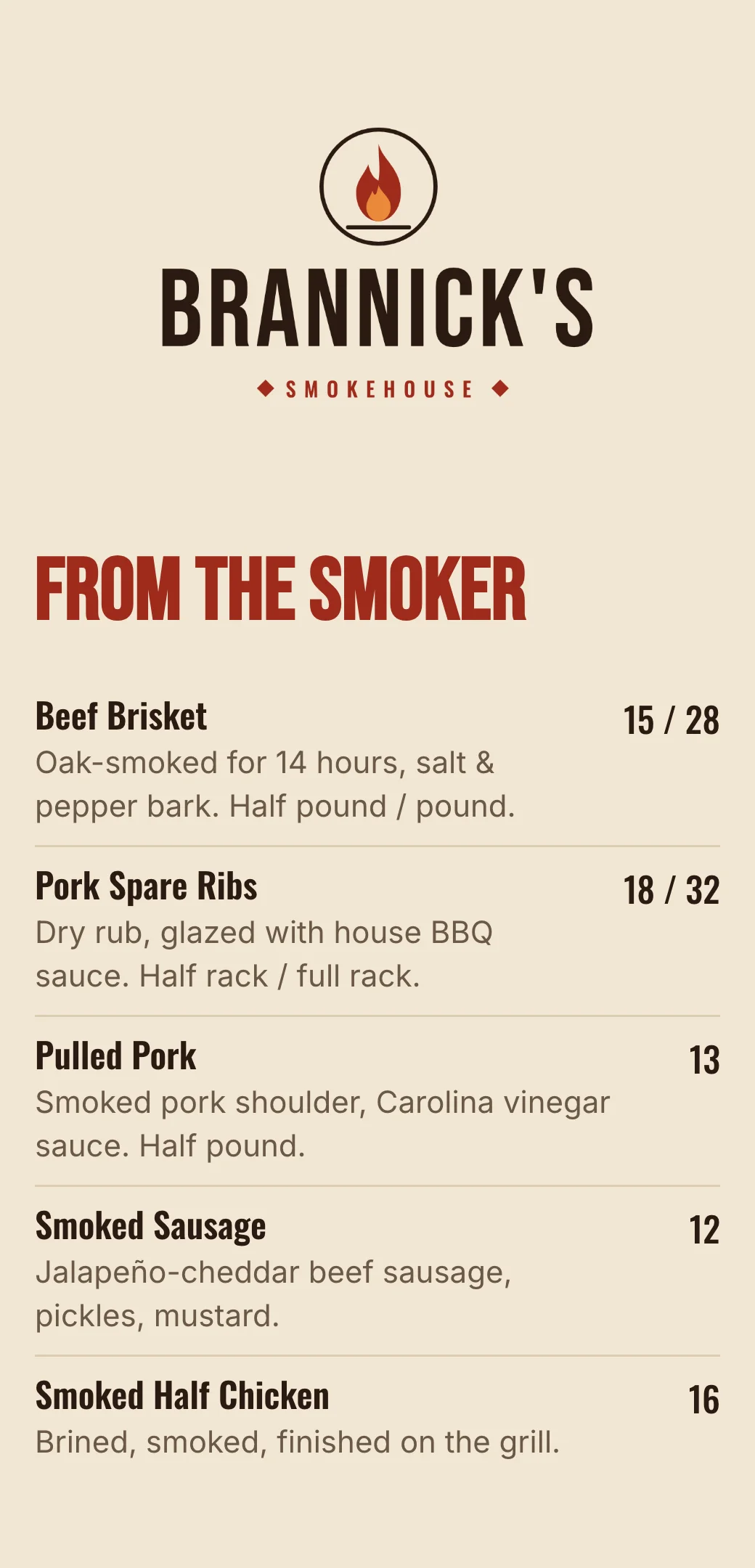
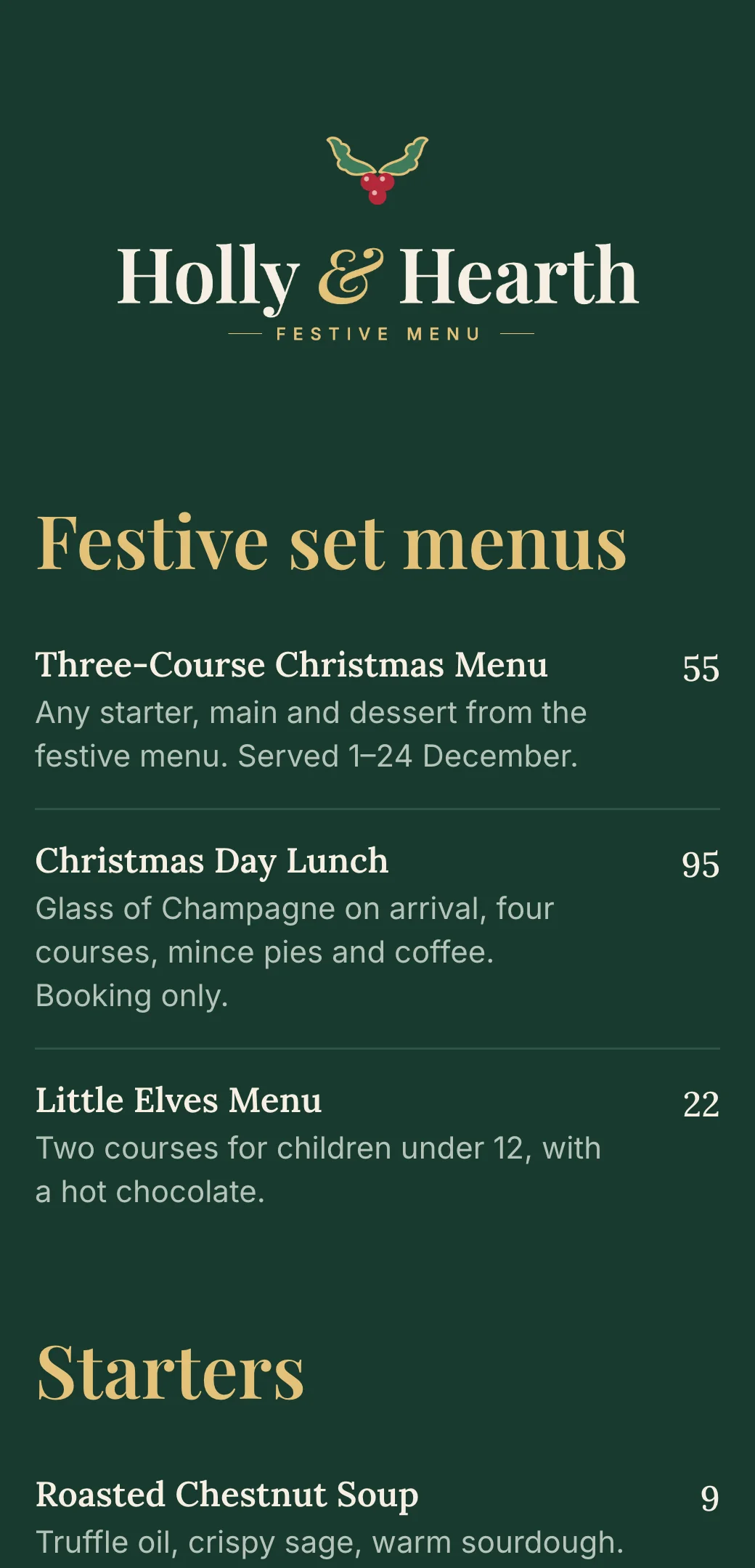
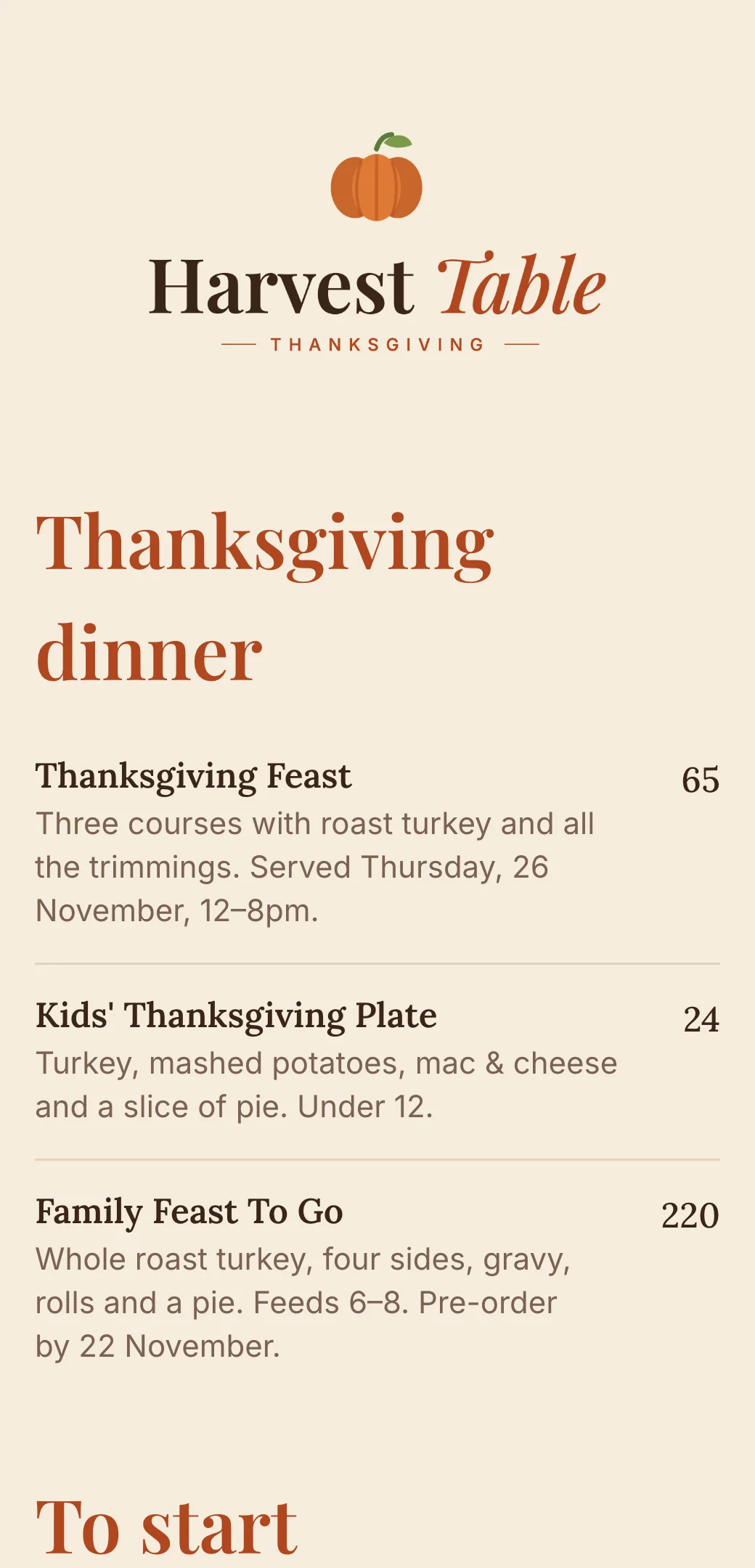
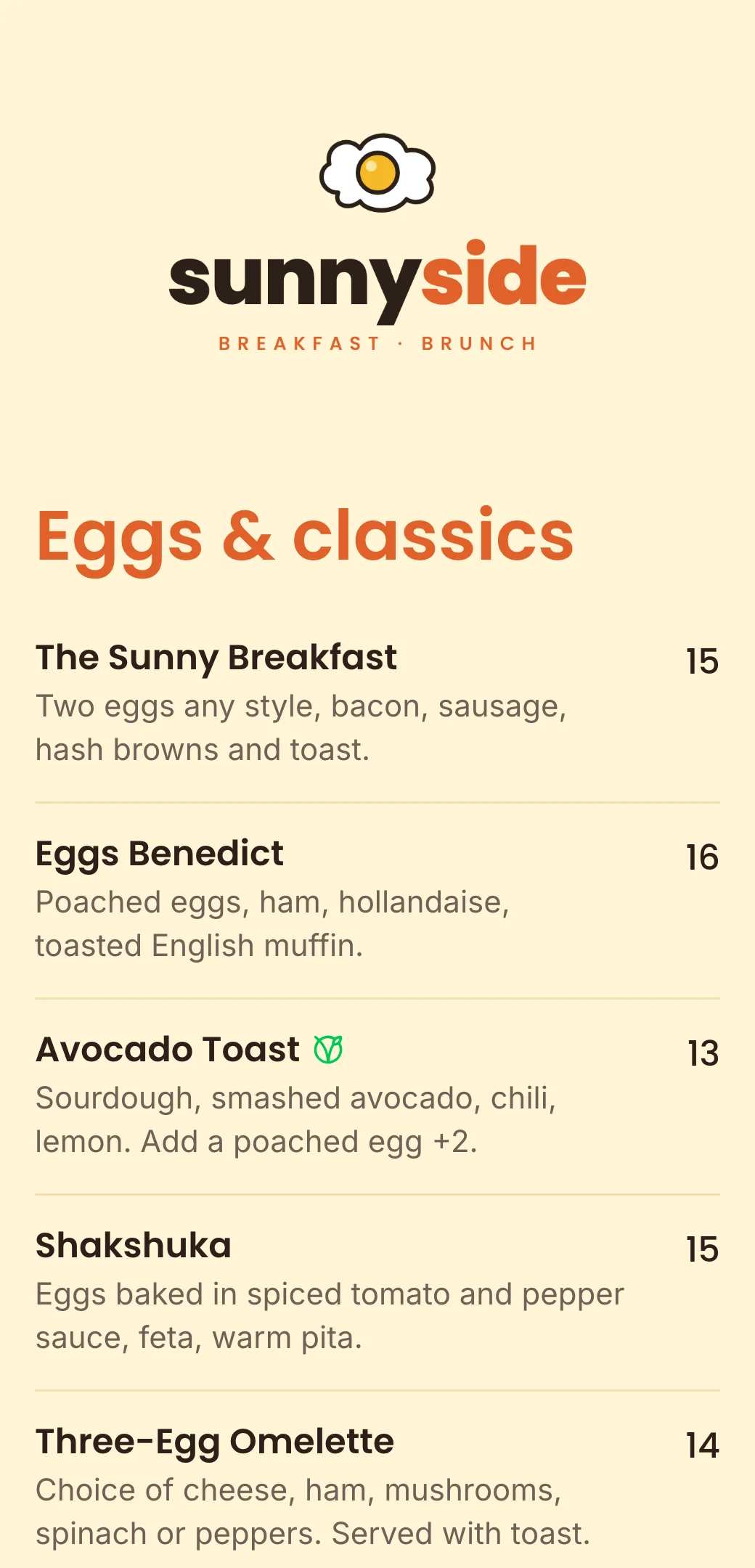
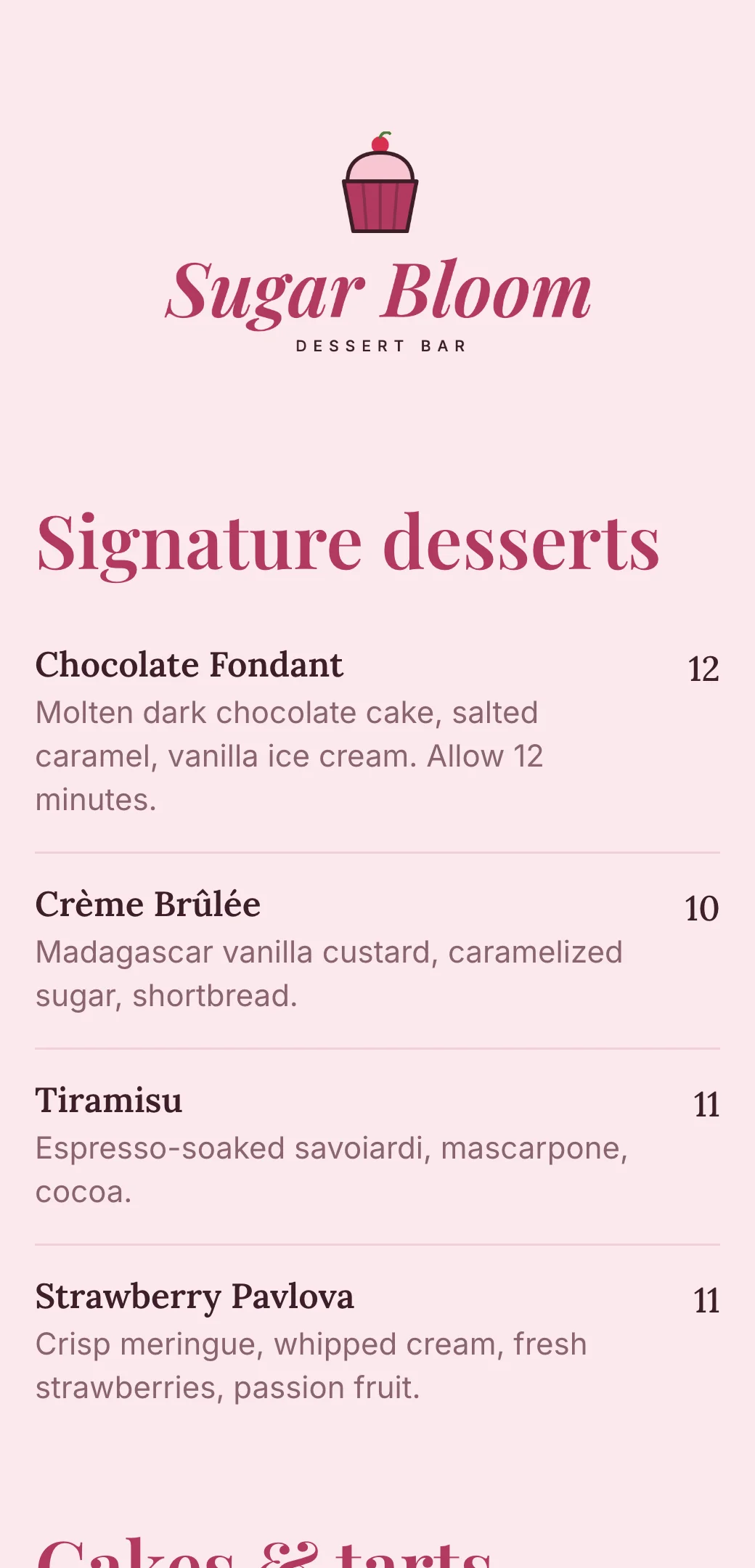
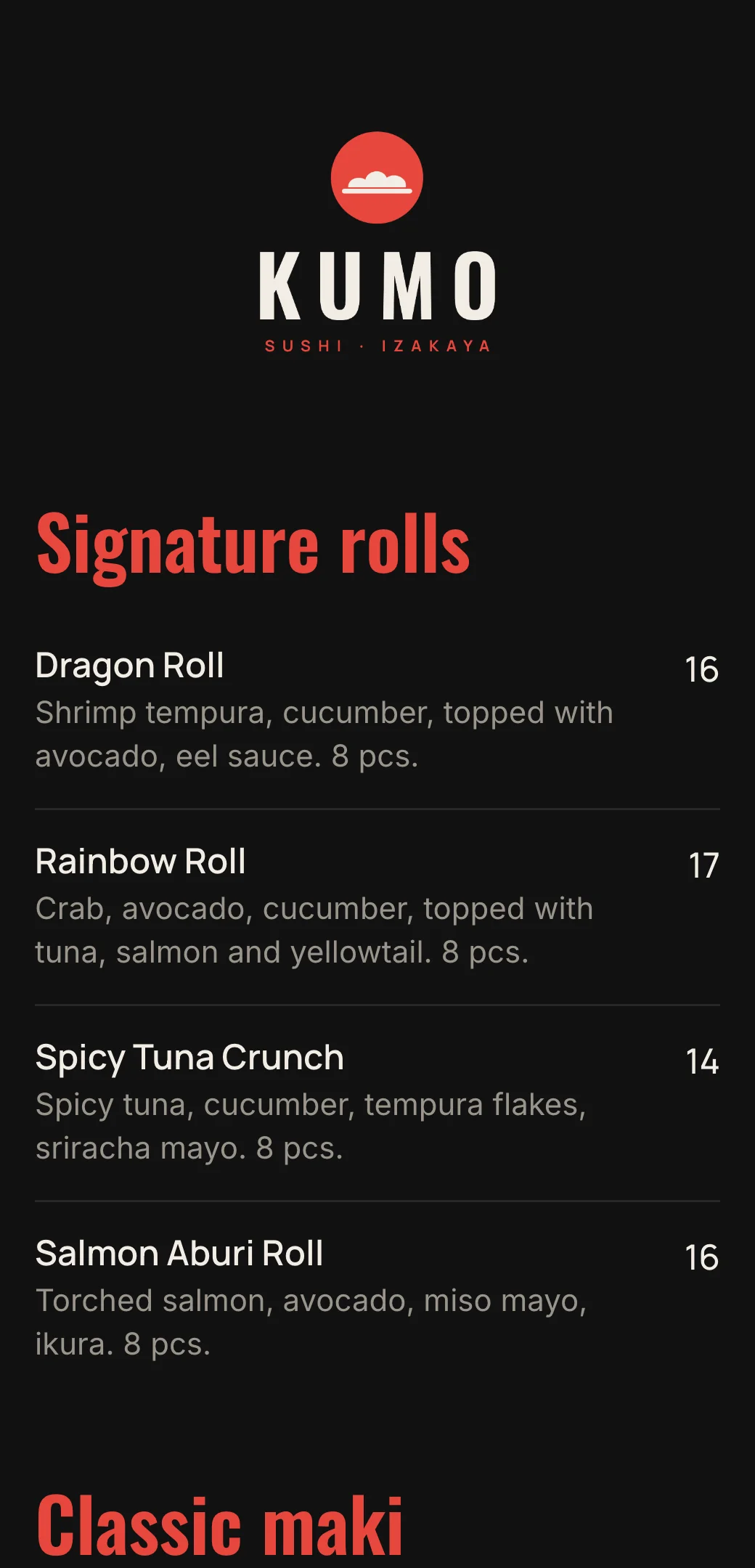
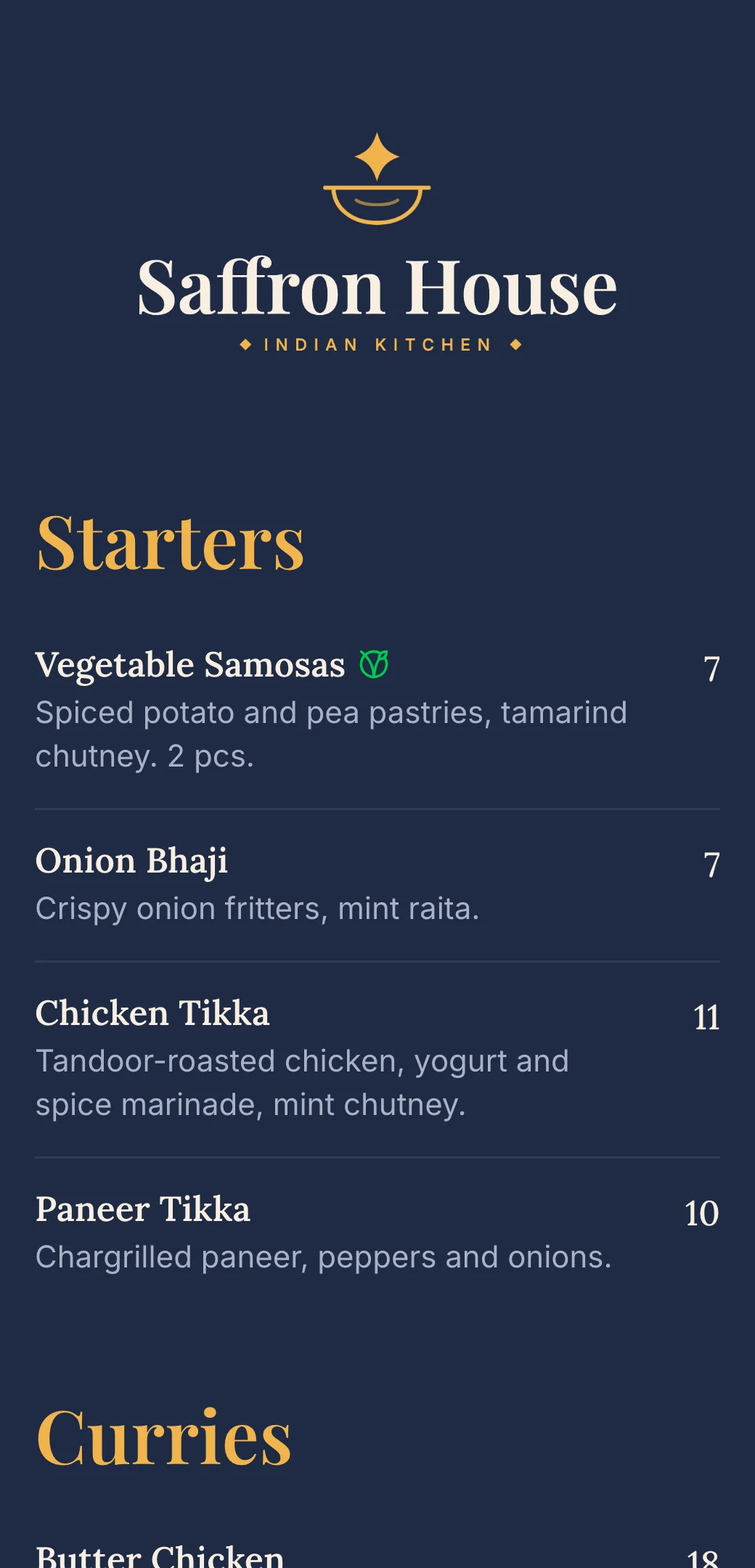
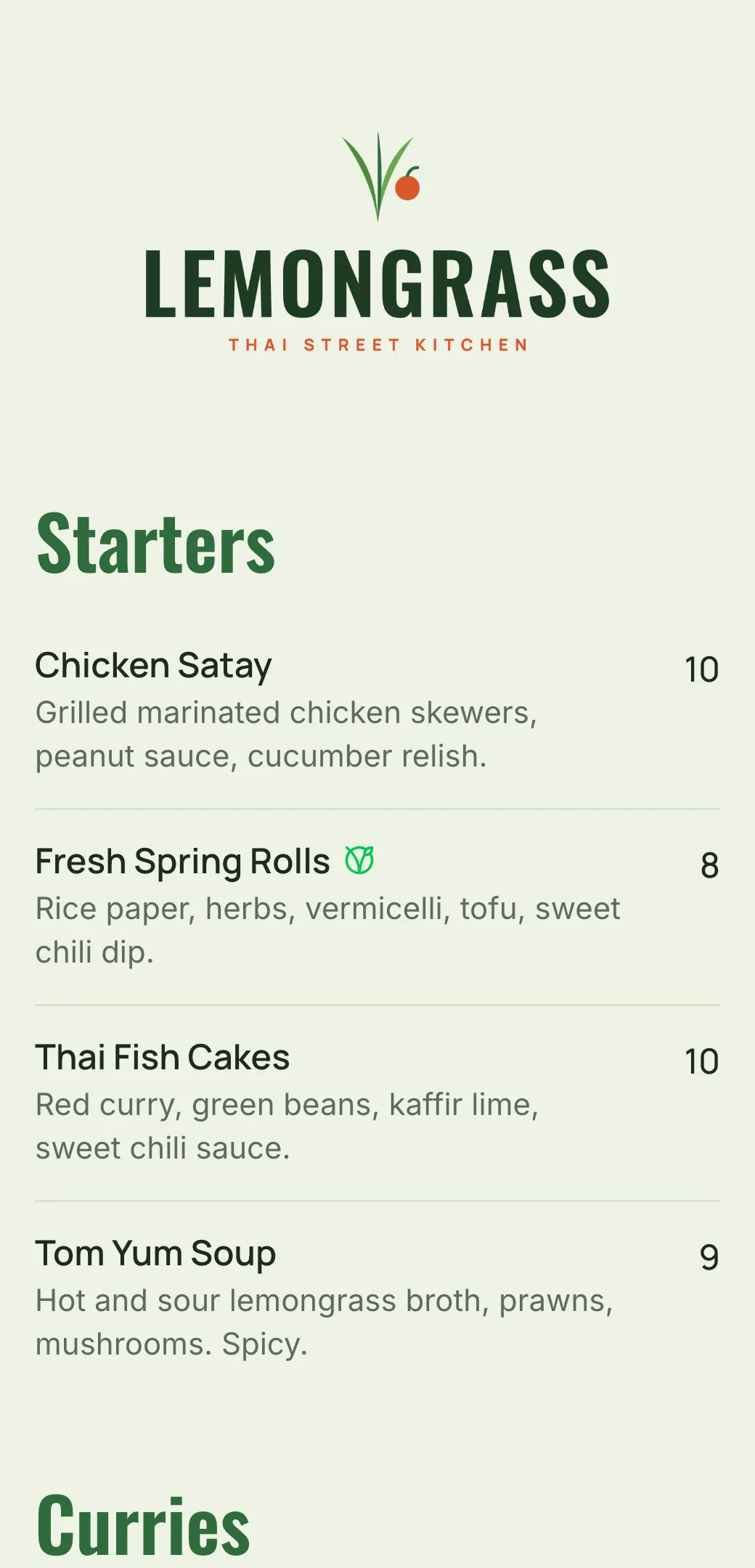
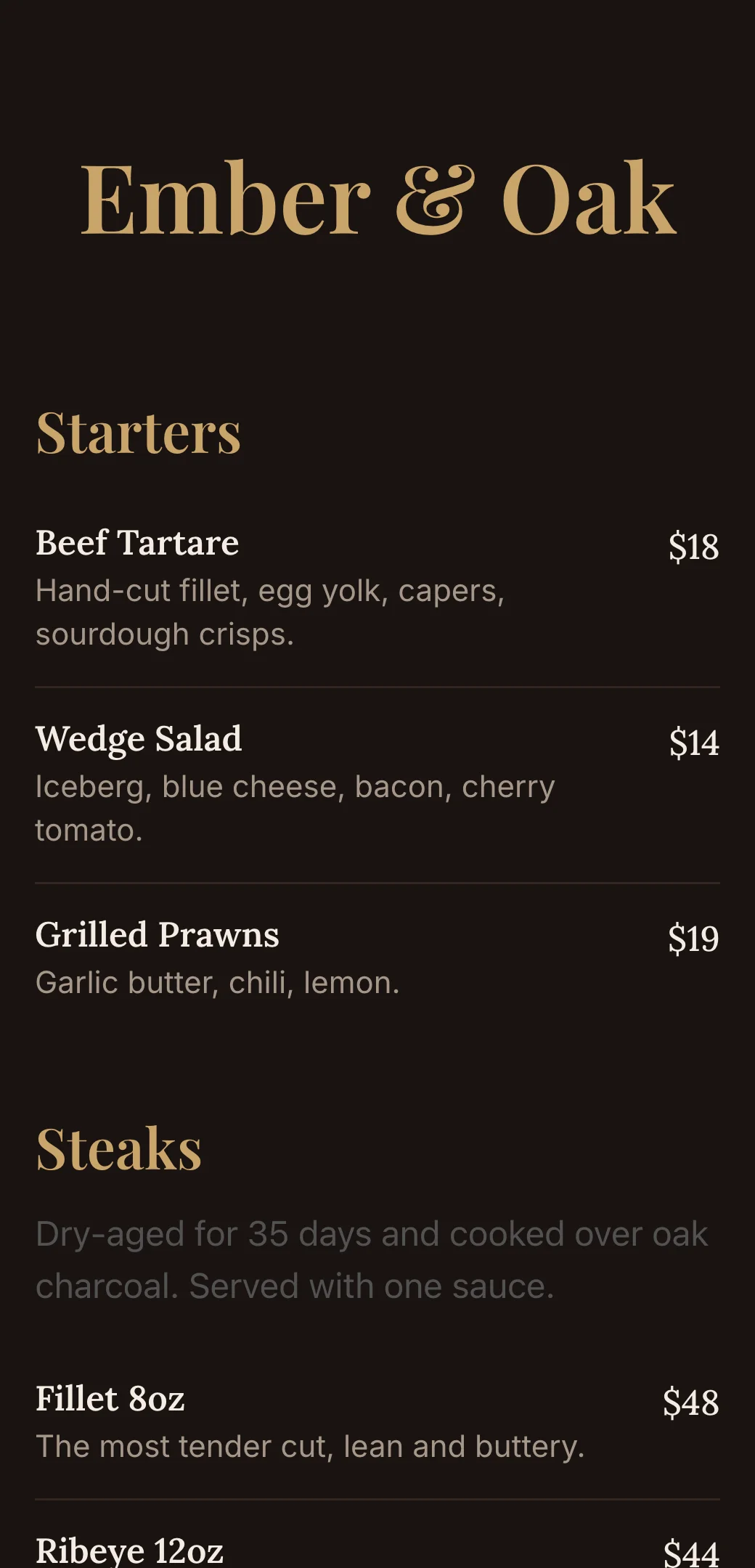
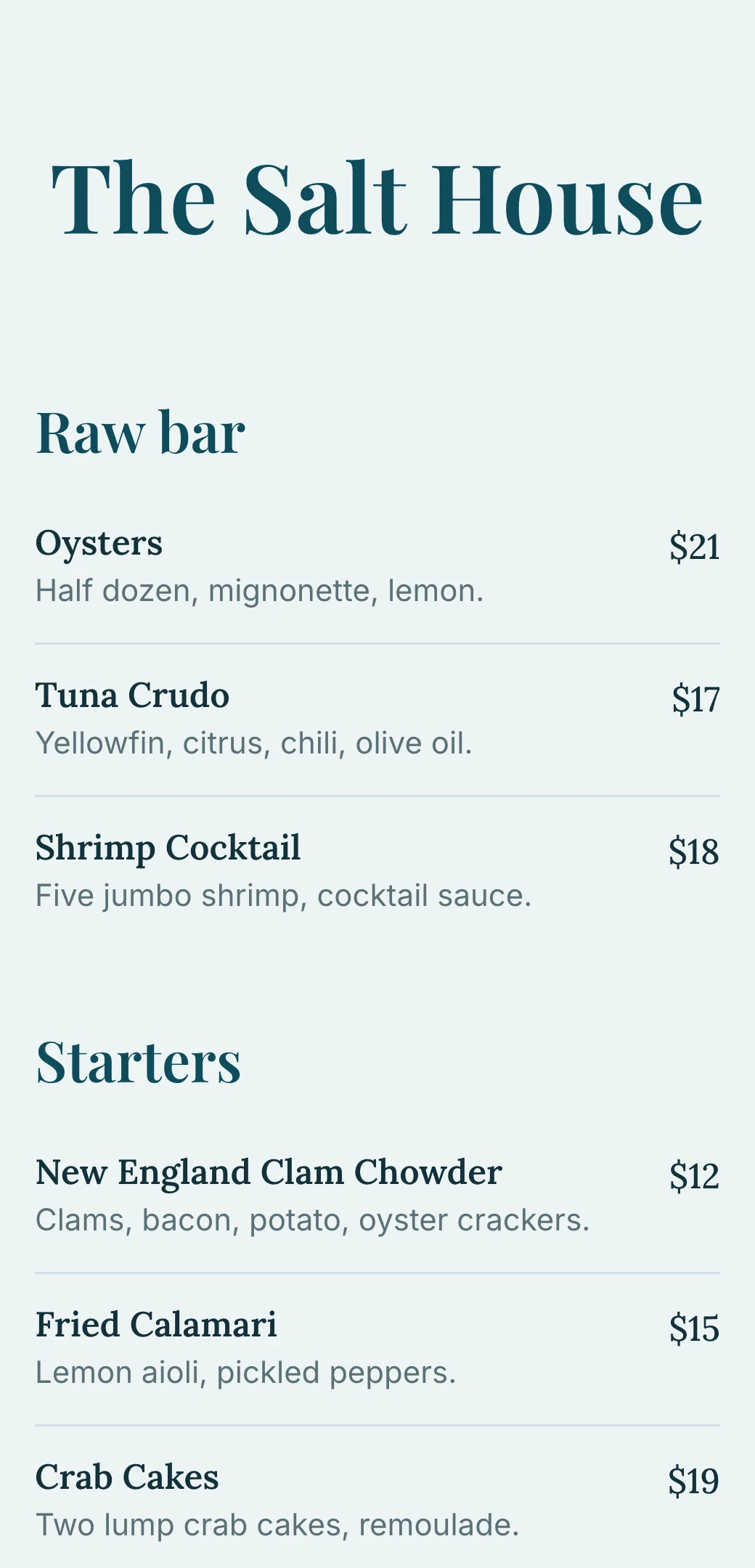
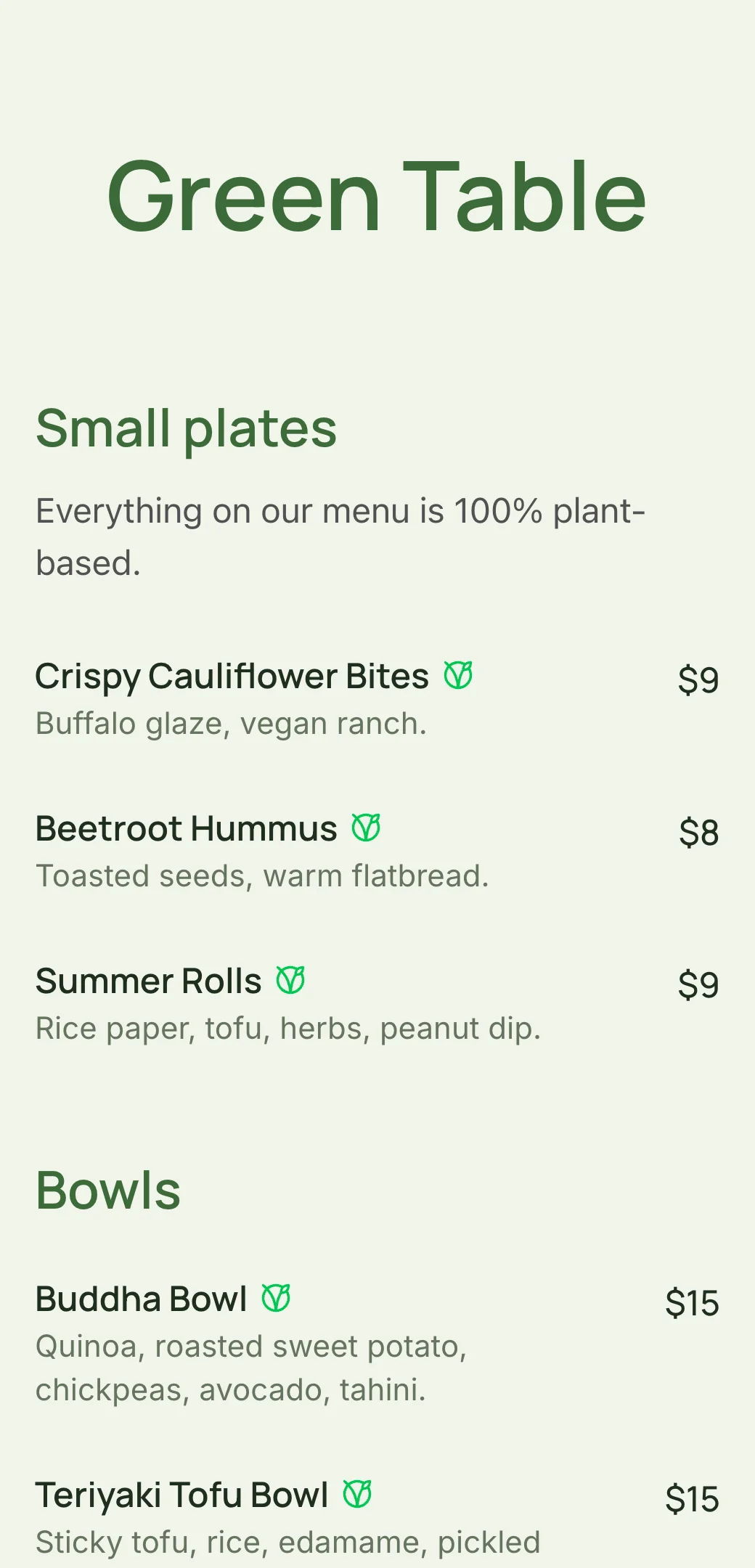
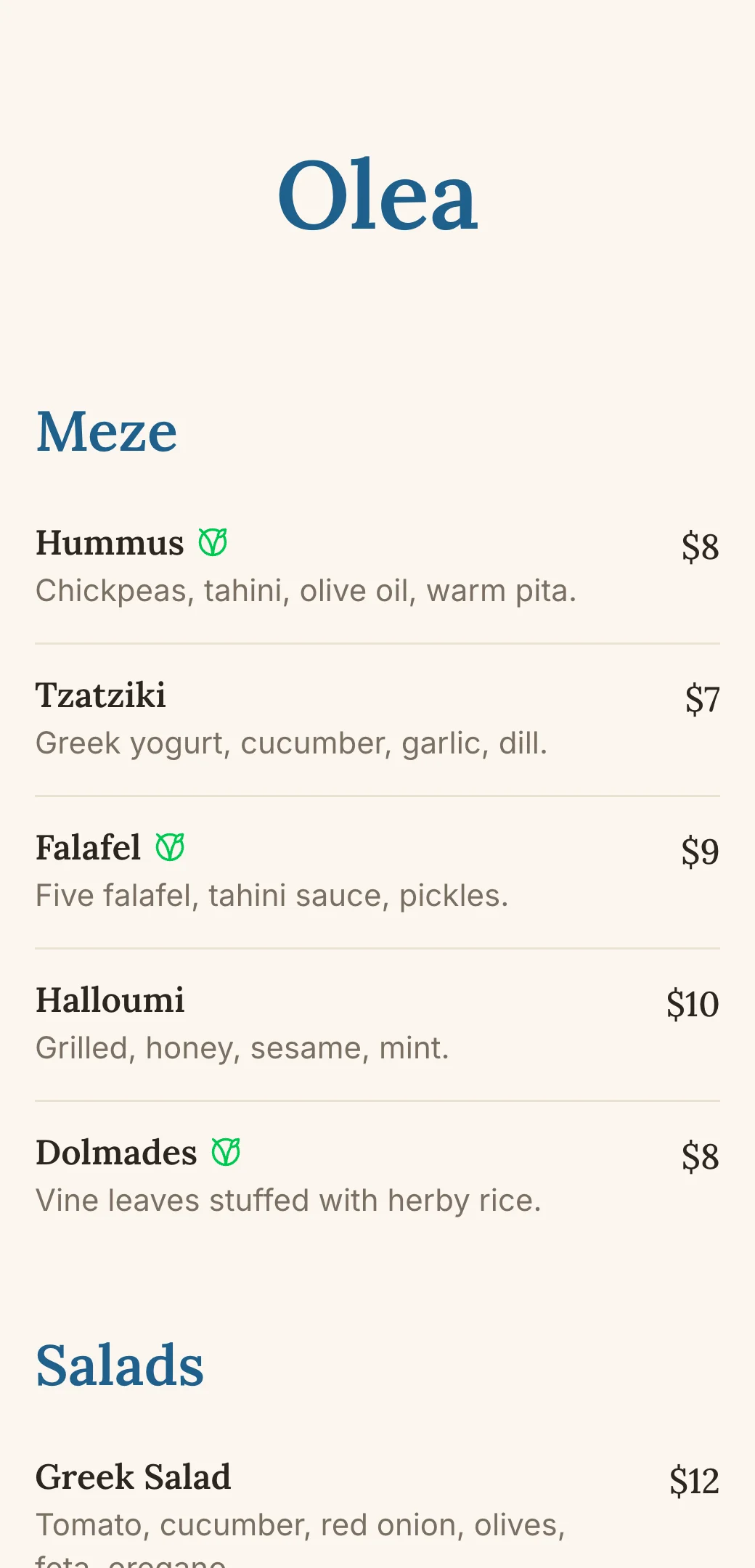
Explore professionally designed digital menu templates for restaurants. Create menus online, customize branding, and share your menu with a link or QR code.
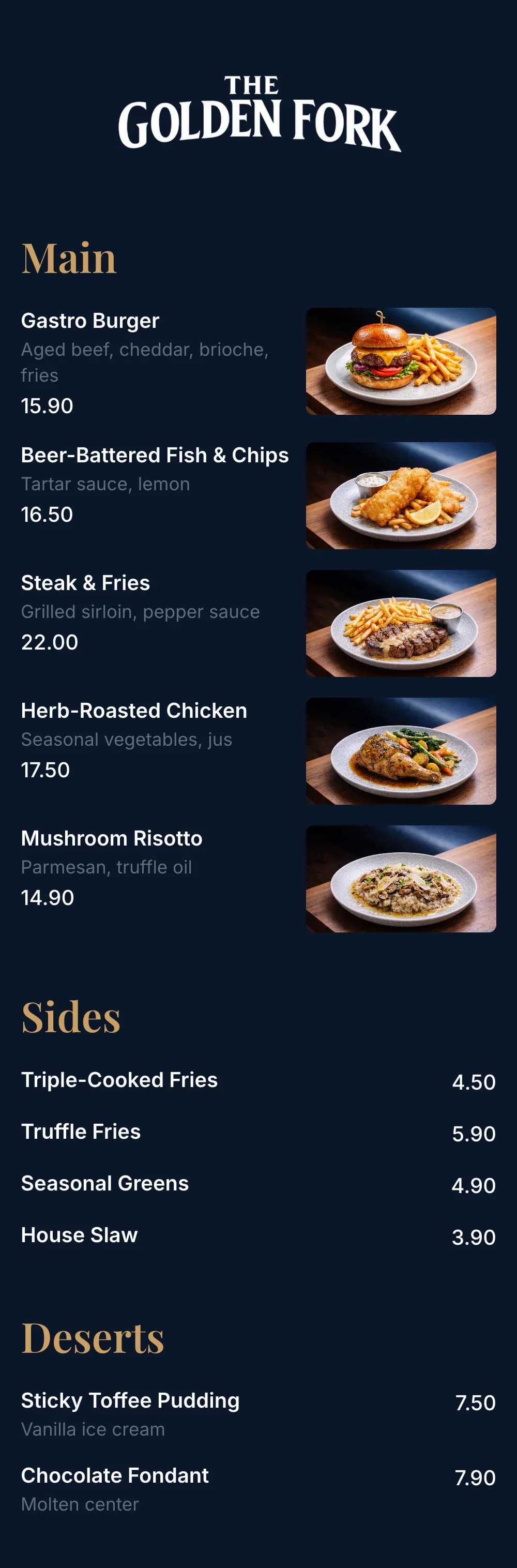
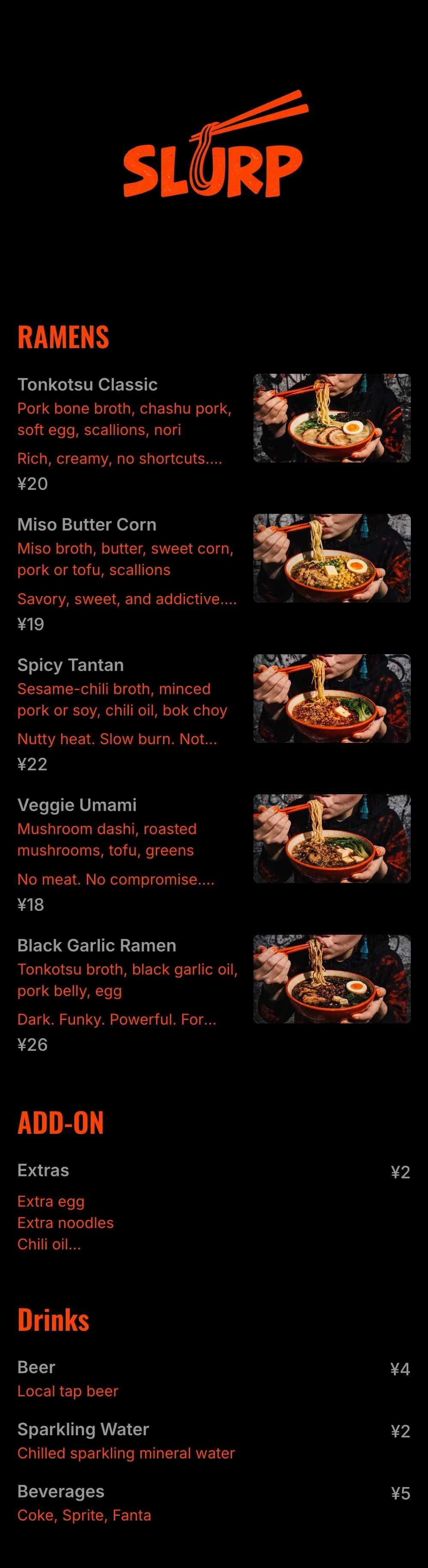
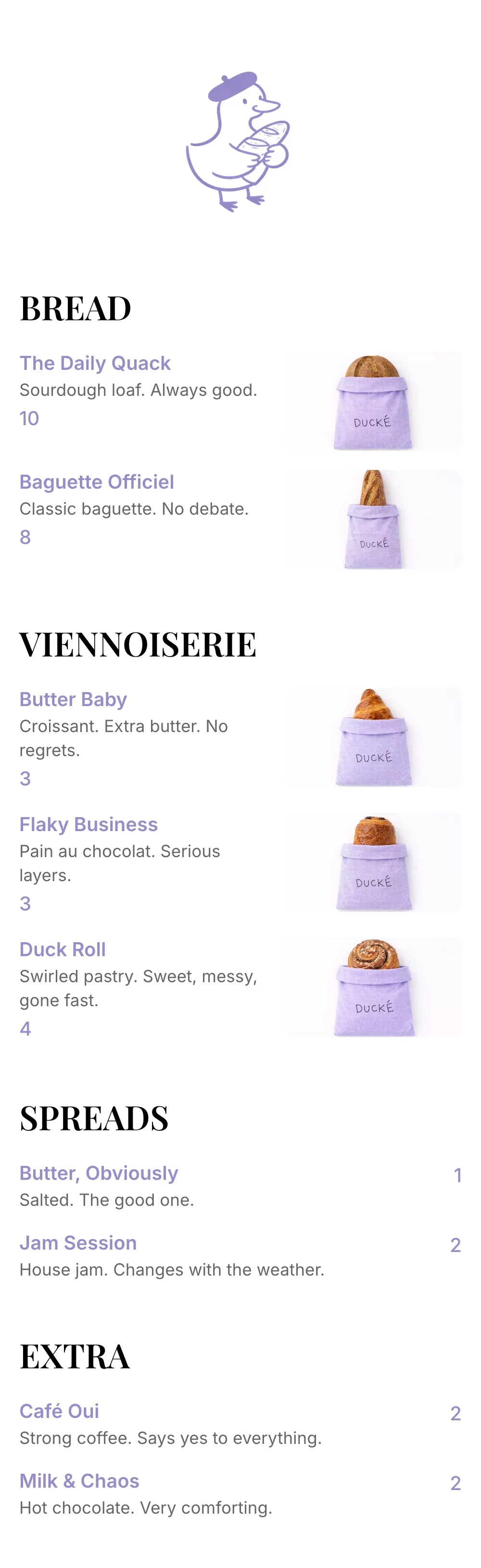
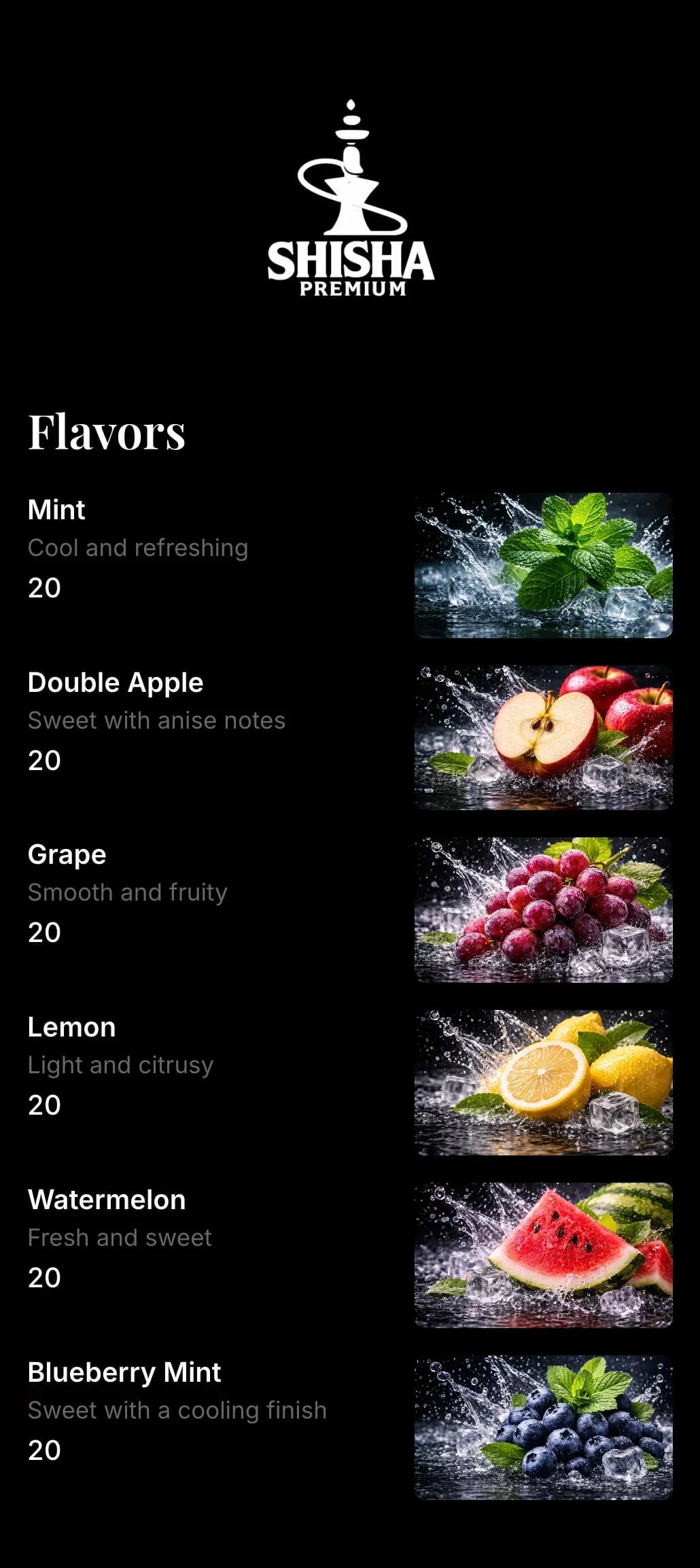
Kids menu maker questions and answers
- What should a kids menu include?
- Keep it short: a few familiar mains like burgers, chicken tenders, pasta and pizza, a couple of healthier picks, kid-friendly drinks and a dessert. Small portions and simple descriptions work best.
- How do I show what comes with a kids meal?
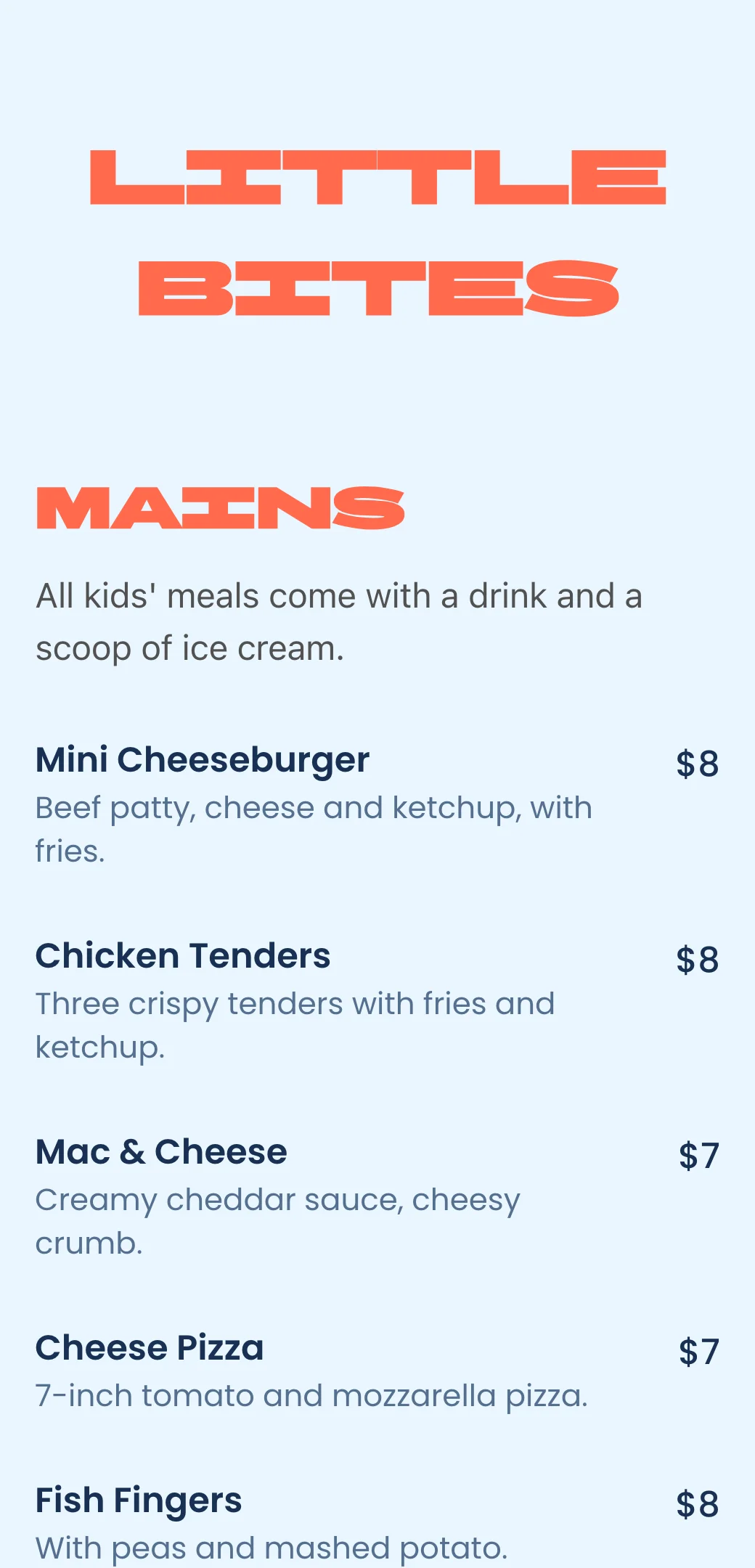
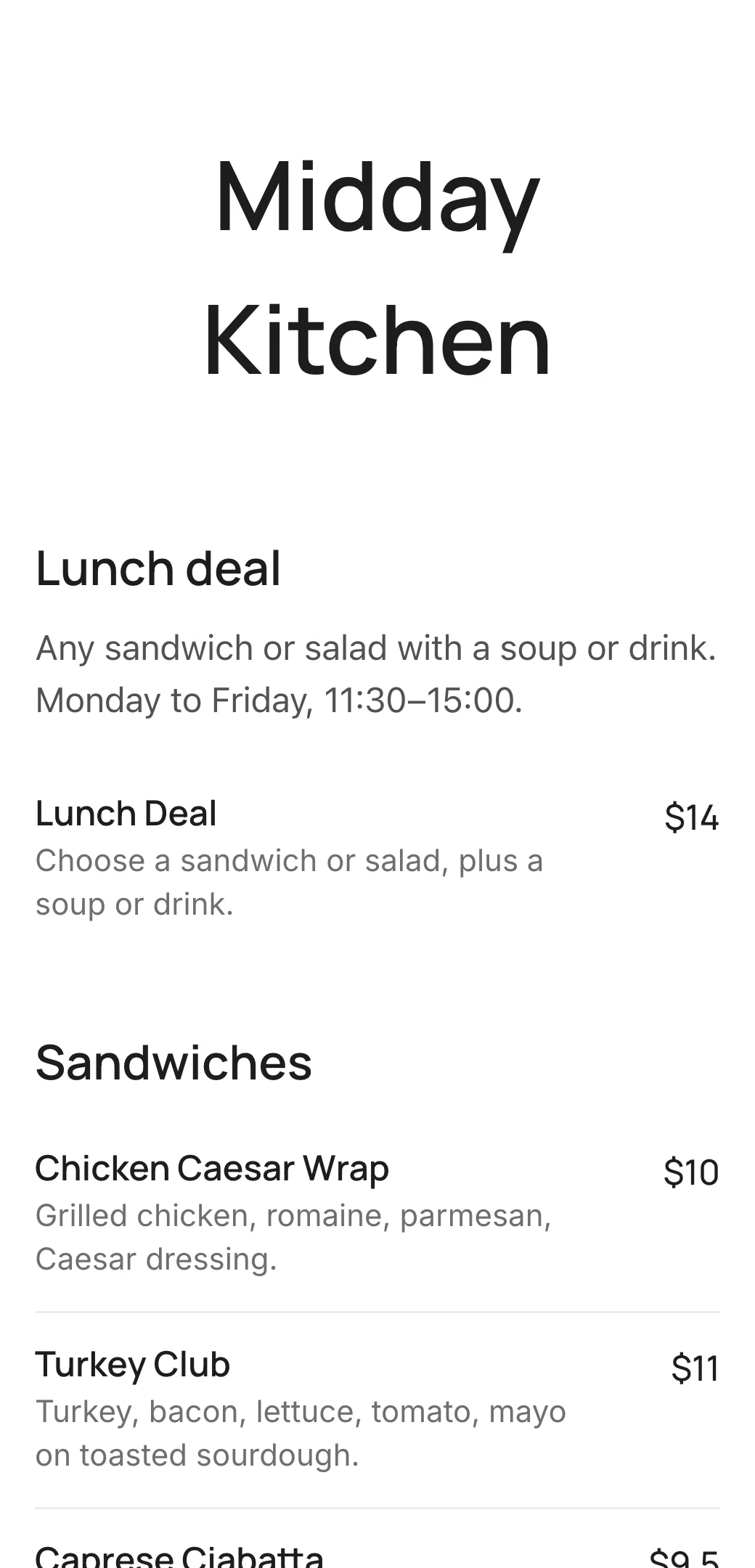
- Add a category description such as “All kids’ meals come with a drink and a scoop of ice cream”, so parents see what’s included before they order.
- Can I make the kids menu colorful?
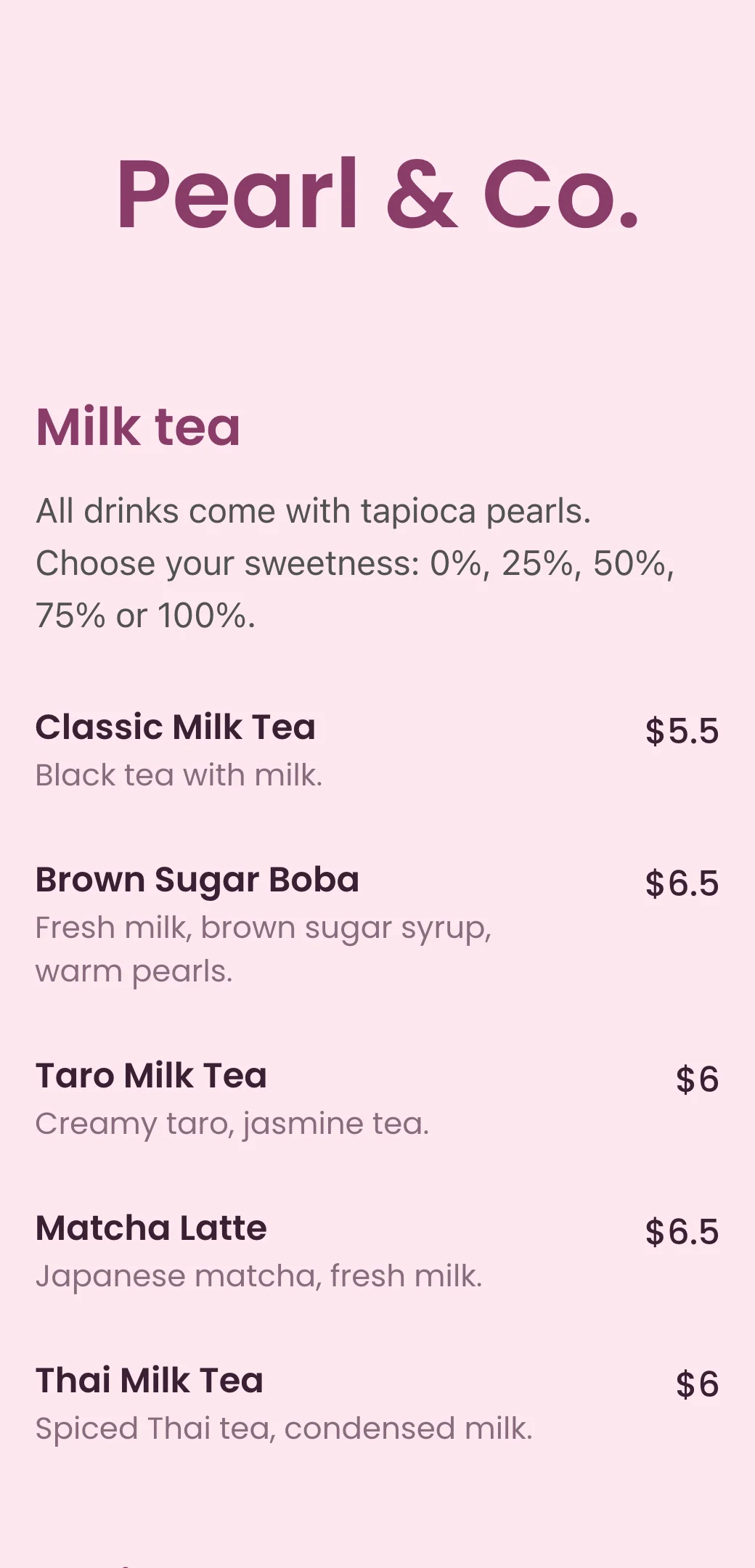
- Yes. Choose bright background and text colors and a playful font so the kids menu feels fun, while your main menu keeps its own look.
- Can I have a kids menu next to my main menu?
- Yes. Create the kids menu as a separate menu with its own QR code and link, or add it as a Kids category at the end of your main menu.
- How do I show allergy information to parents?
- Mention common allergens like nuts, dairy or gluten in each dish’s description, and tick the vegan option for plant-based dishes.