
Food truck QR code menu
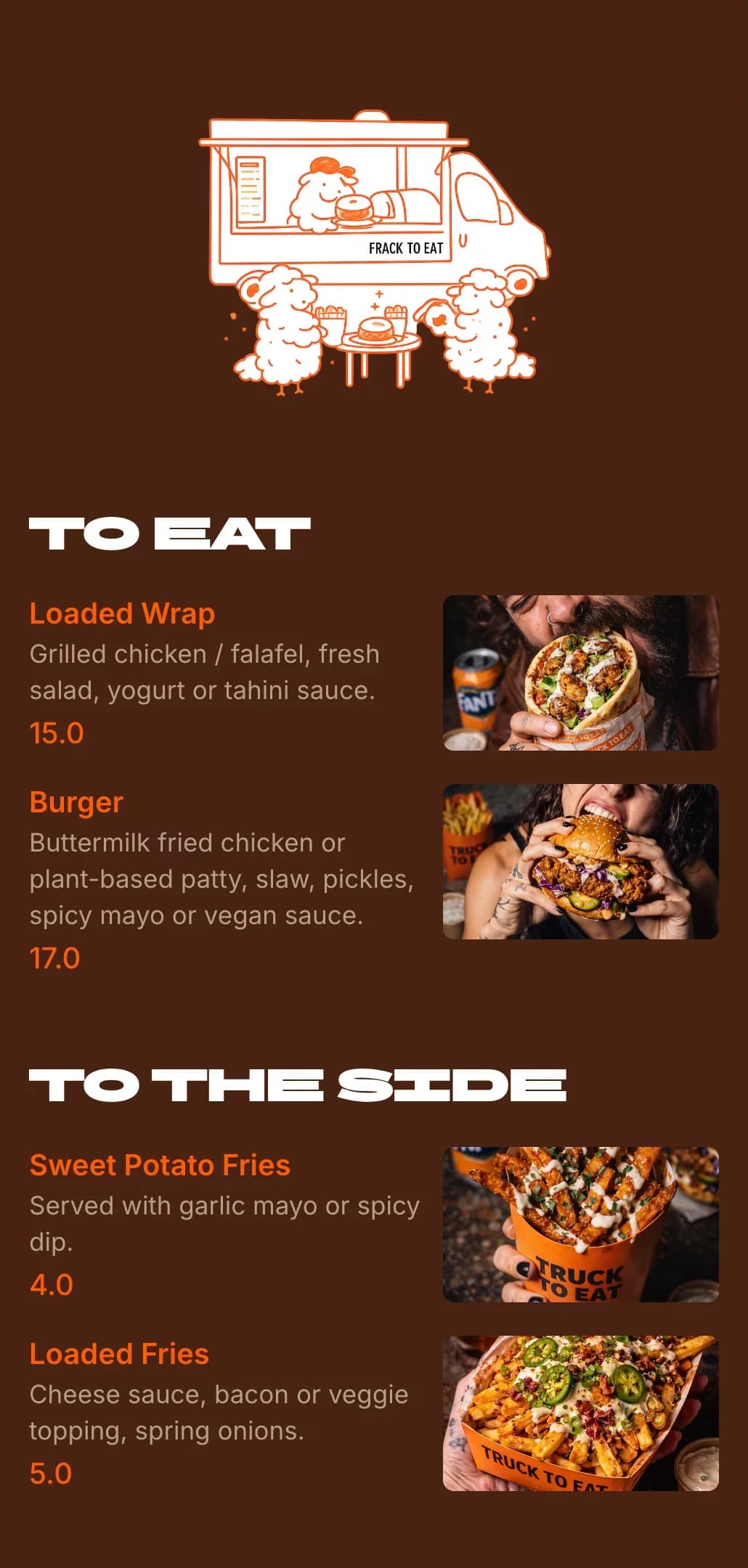
Let customers read your menu while they queue. Change dishes and prices from your phone at every stop — no reprinting signs.



Why food trucks use QR code menus
A menu board at the window only works for the people at the front. A QR code menu lets the whole queue decide before they order, and keeps up with sold-out dishes.
Customers choose while they queue, so the line moves faster
Take sold-out dishes off the menu from your phone
Different menus for festivals, markets and catering
One code works at every location you park
Works on iPhone and Android — no app required
How customers use your food truck QR code menu
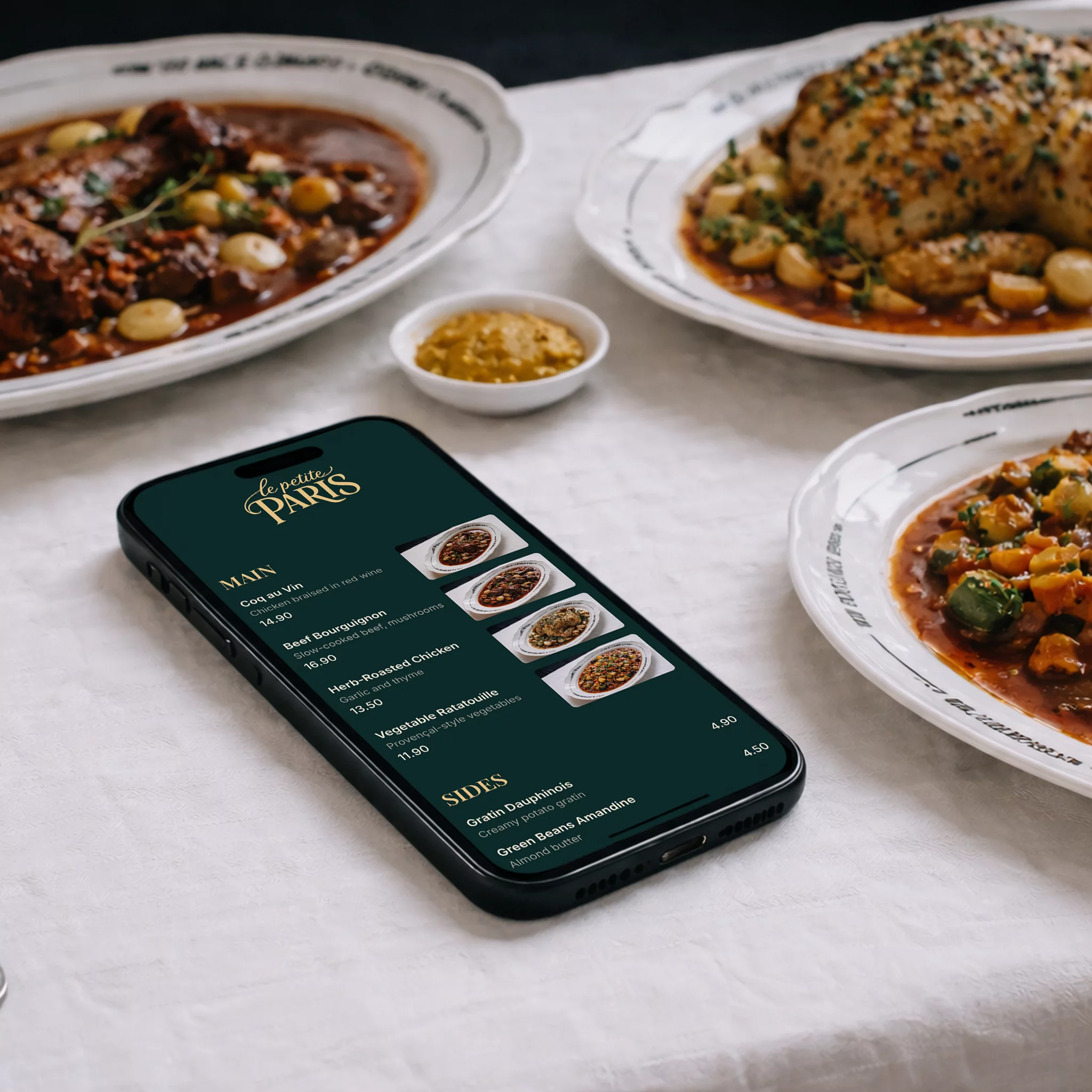
No crowding around the window to read the board — just a phone camera.
- 1
Scan the code
Customers scan the QR code on the truck, the A-frame sign or a flyer.
- 2
Your menu opens
It loads straight in the browser on iPhone and Android — no app to install.
- 3
Decide and order
They read dishes, descriptions and prices, then order at the window ready to go.
Where to put your food truck QR code
Make it big, at eye level and easy to scan from the back of the queue.
On the truck
A weatherproof sticker by the serving window and on the side of the truck.
A-frame sign
Put the code on the sign at the start of the queue.
Along the queue
A second code further back so the whole line can browse.
Markets and festivals
On your stall banner and the event map listing.
Social media
Post the menu link with today’s location on Instagram and Facebook.
Catering and events
Send a separate event menu link to clients before the day.
A QR code that matches your truck
Your colors
Match the QR code and menu to your truck’s wrap, colors and logo.
Print-ready downloads
Download a 1000×1000 PNG or an SVG that stays sharp on large stickers and banners.
Print once, update forever
The code always opens your latest menu, so new dishes and prices never mean a new sticker.
Comes with a menu link
Share the same menu on Instagram, Google and event pages.
Update from your phone
Change prices or remove a sold-out dish right from the truck in seconds.
Daily specials
Add a specials section for today’s spot and remove it tomorrow.
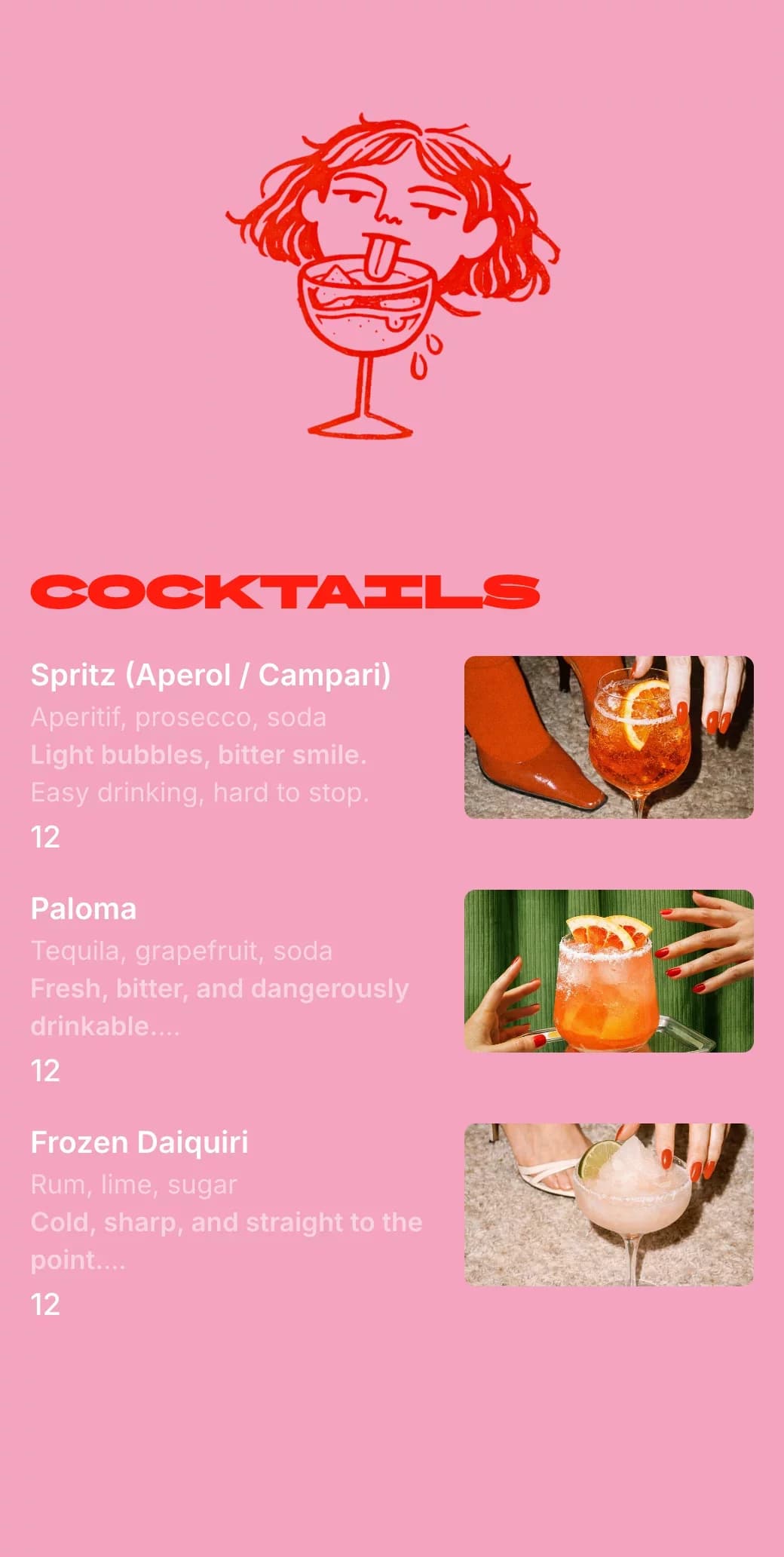
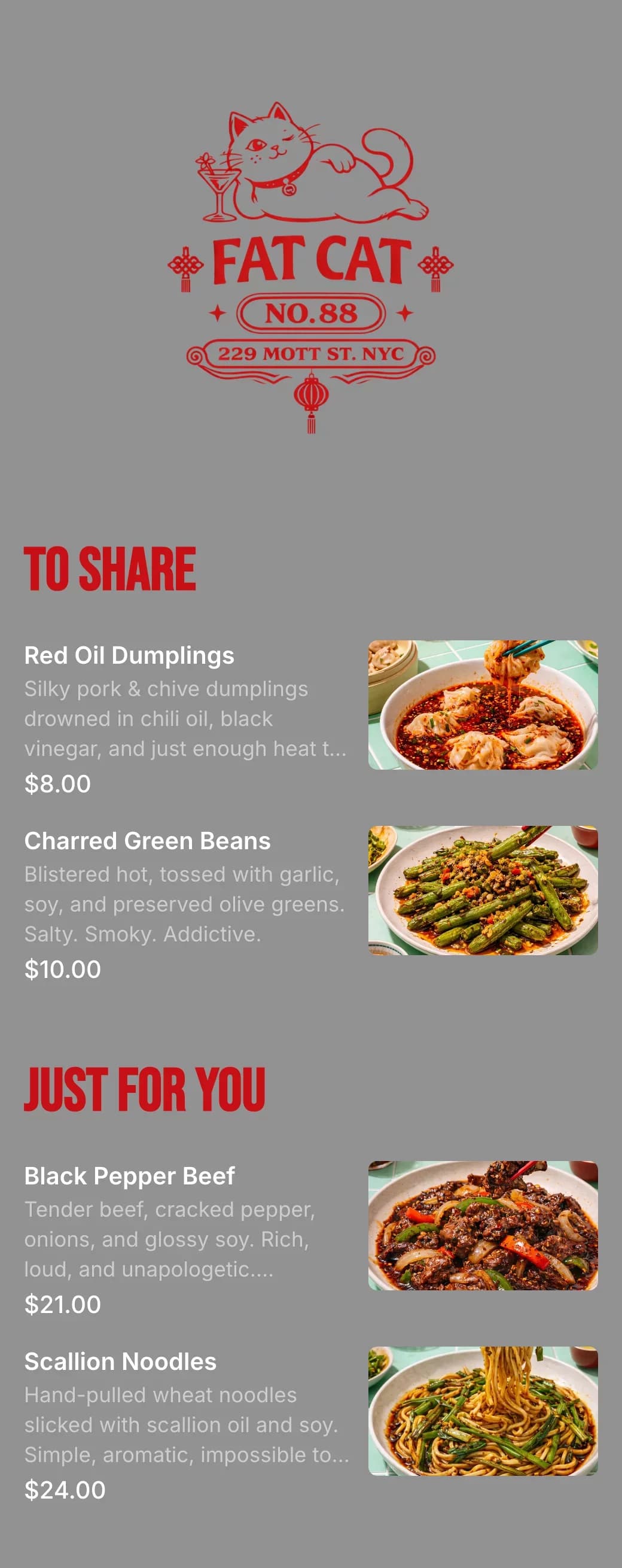
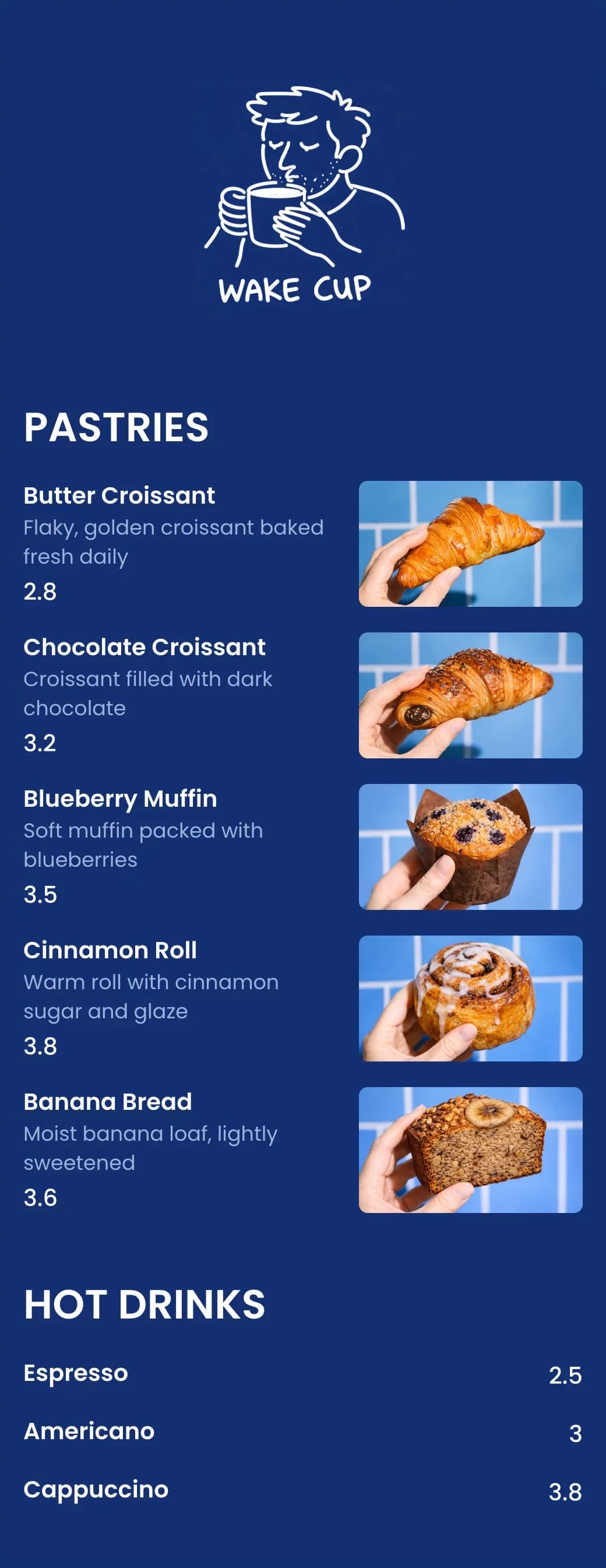
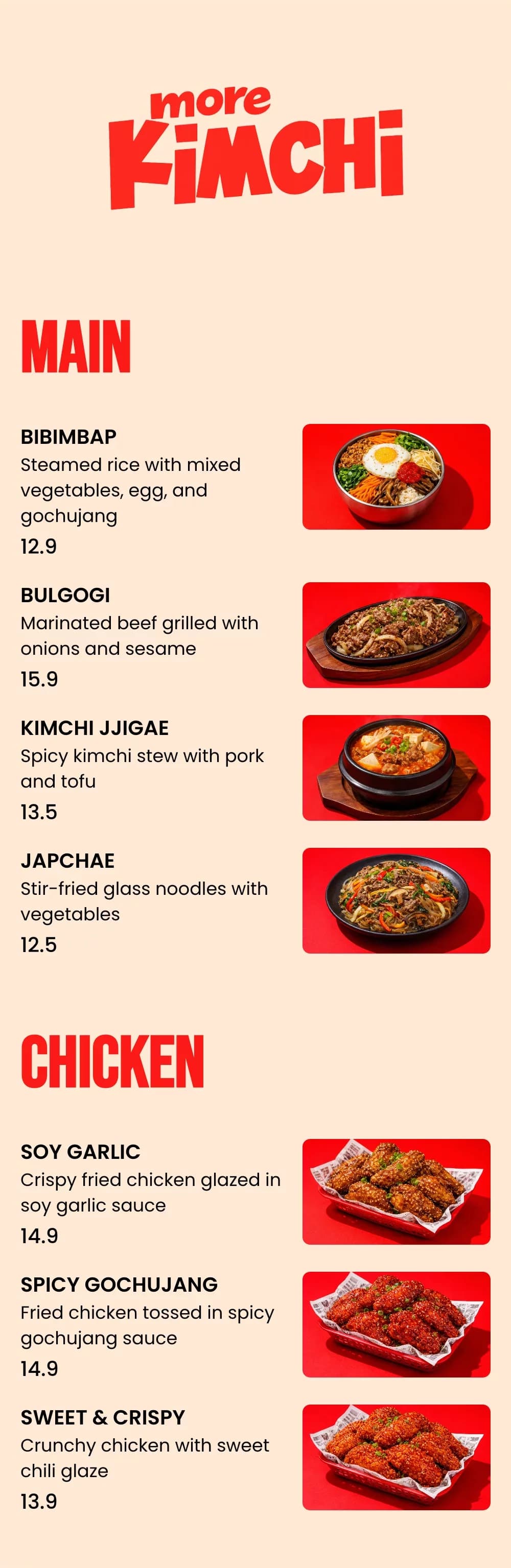
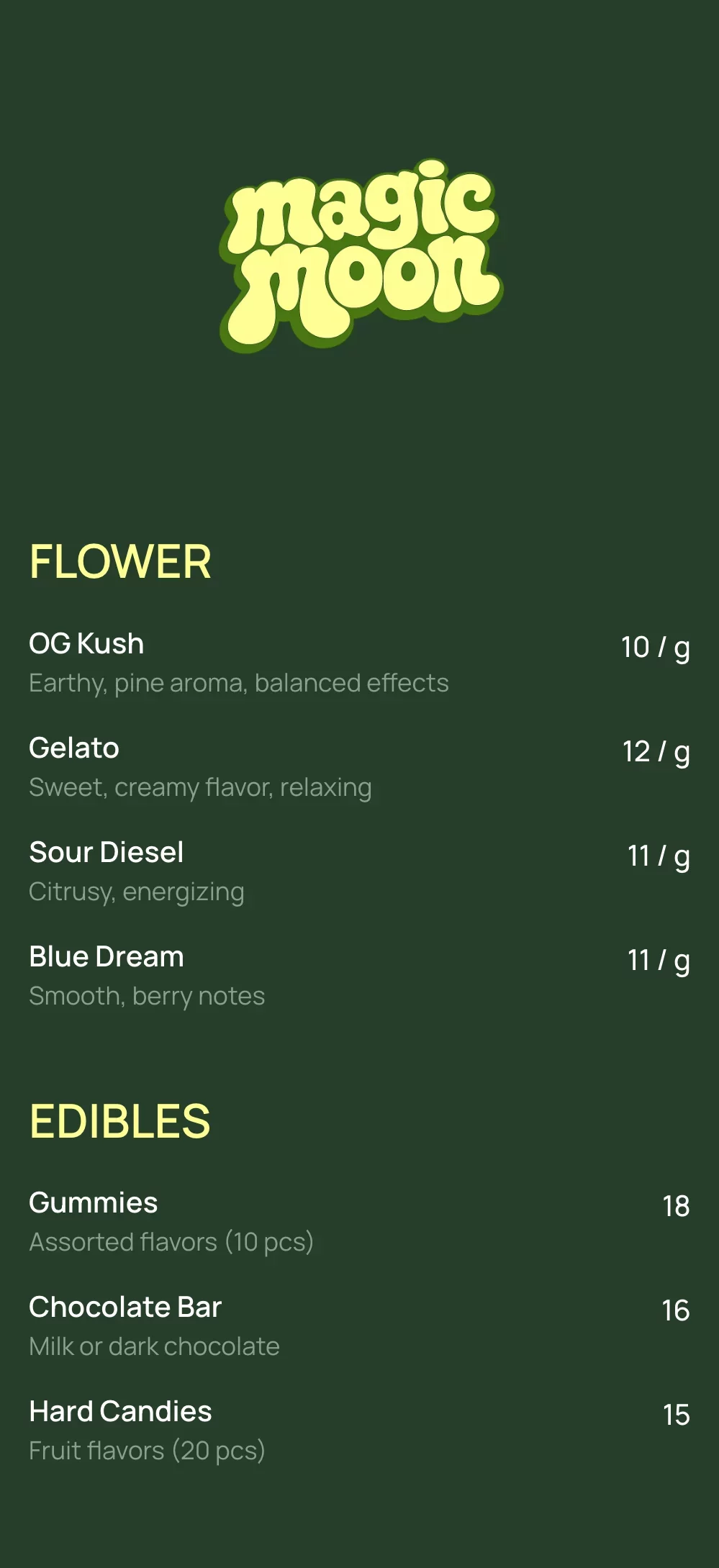
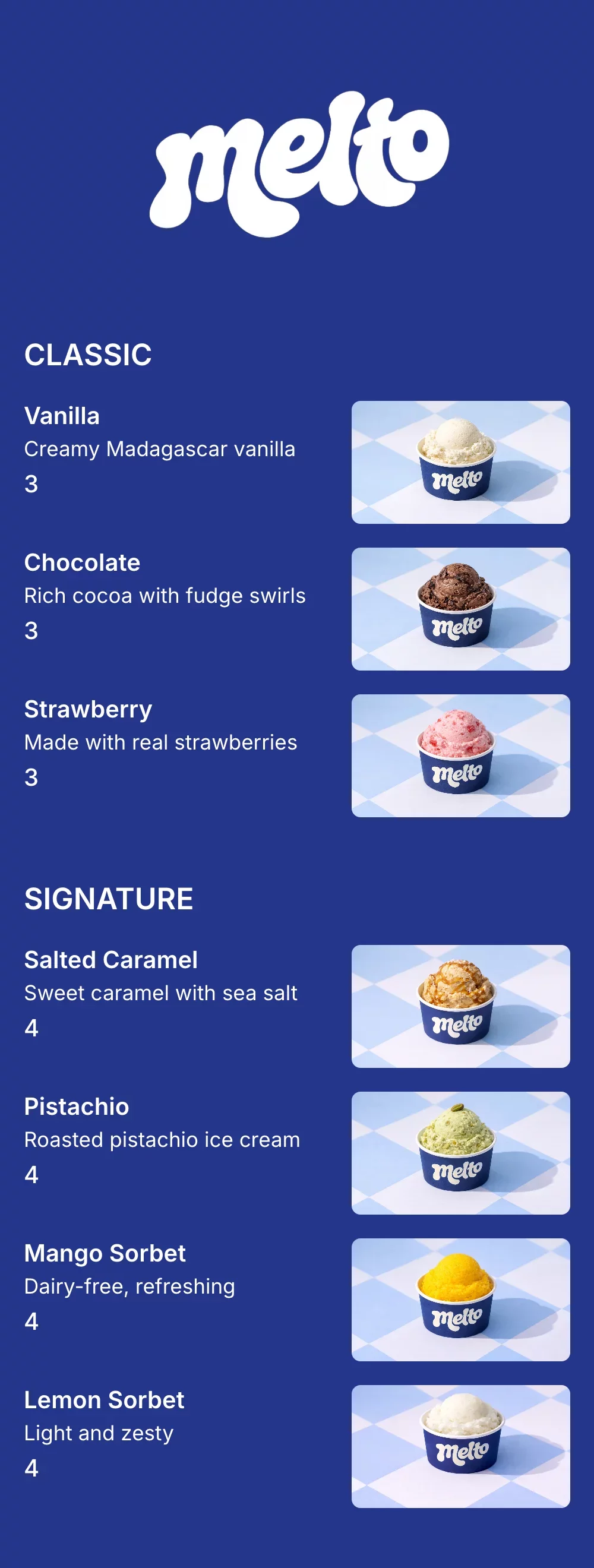
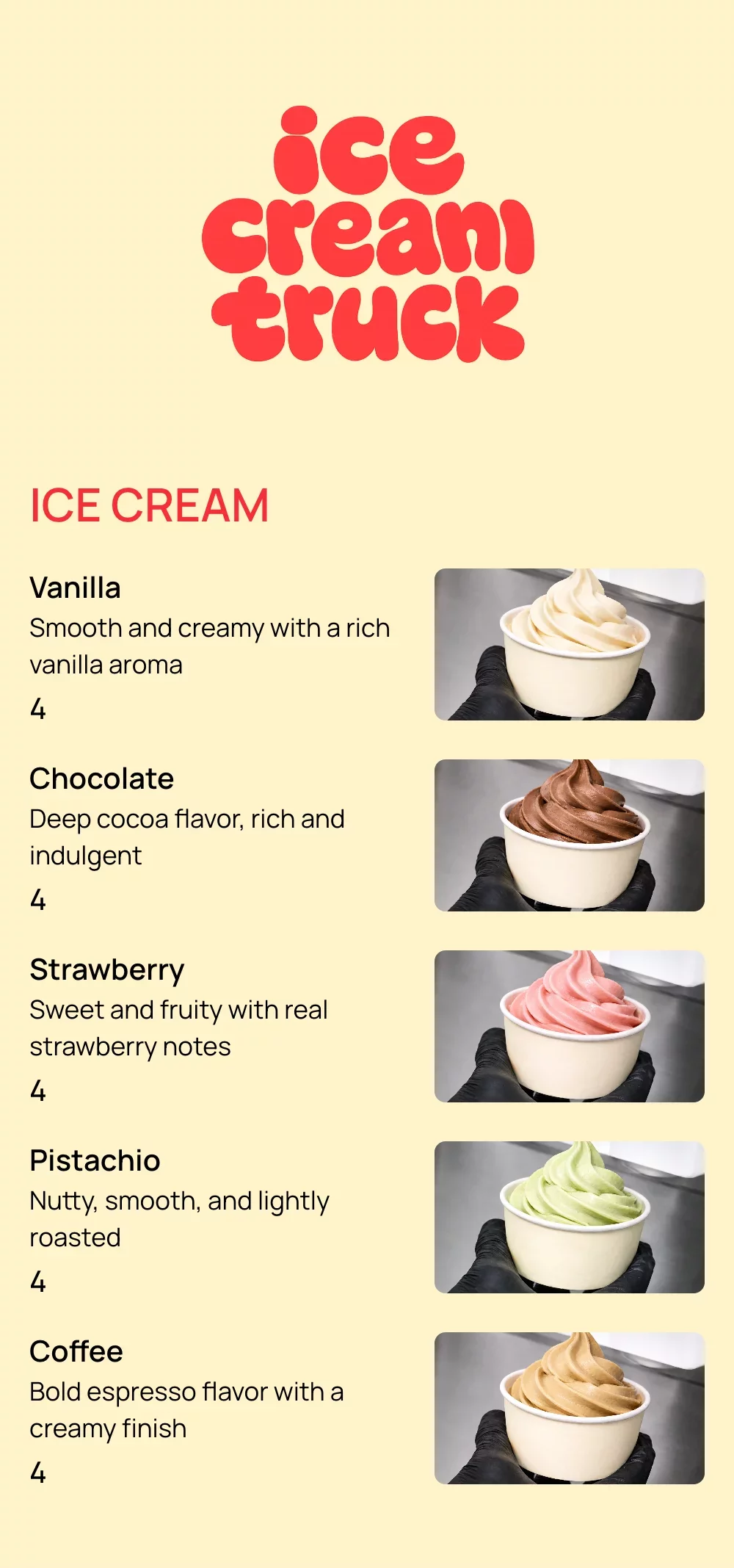
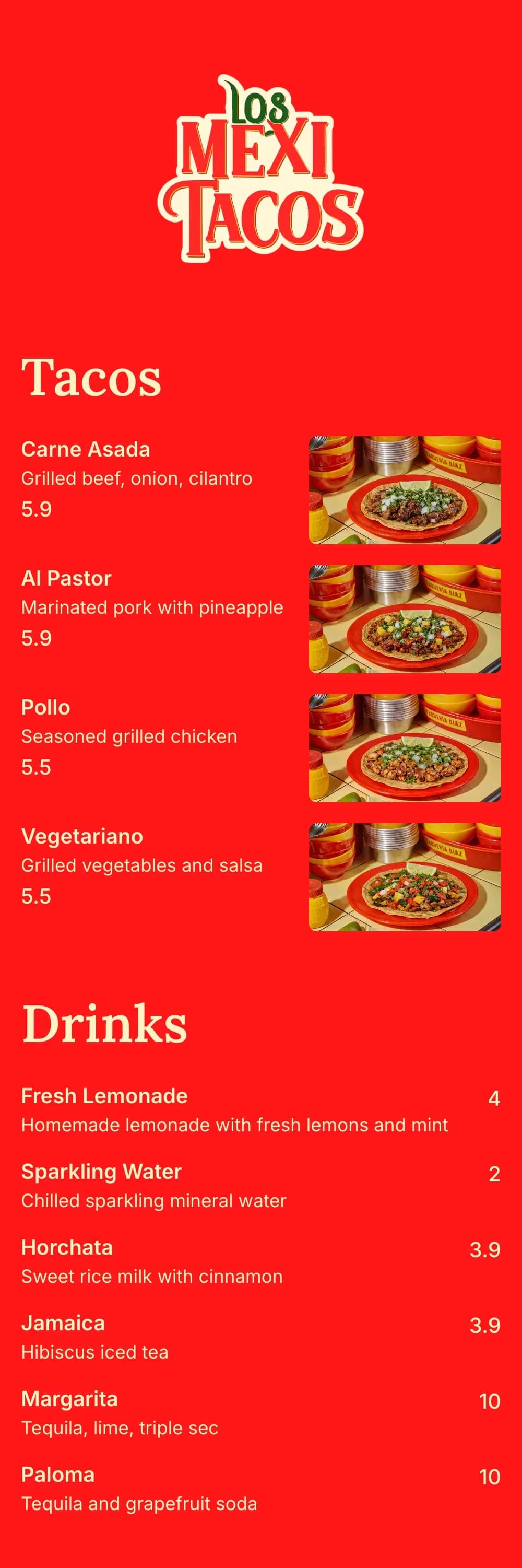
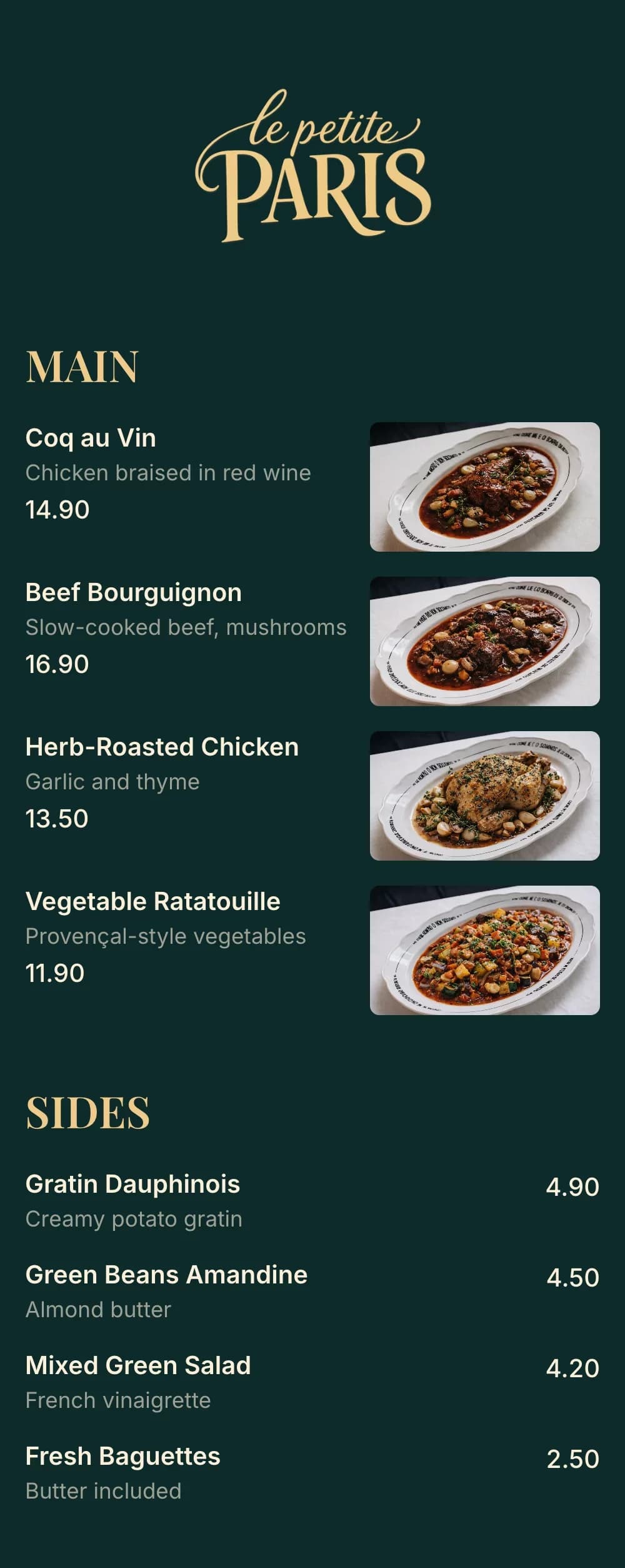
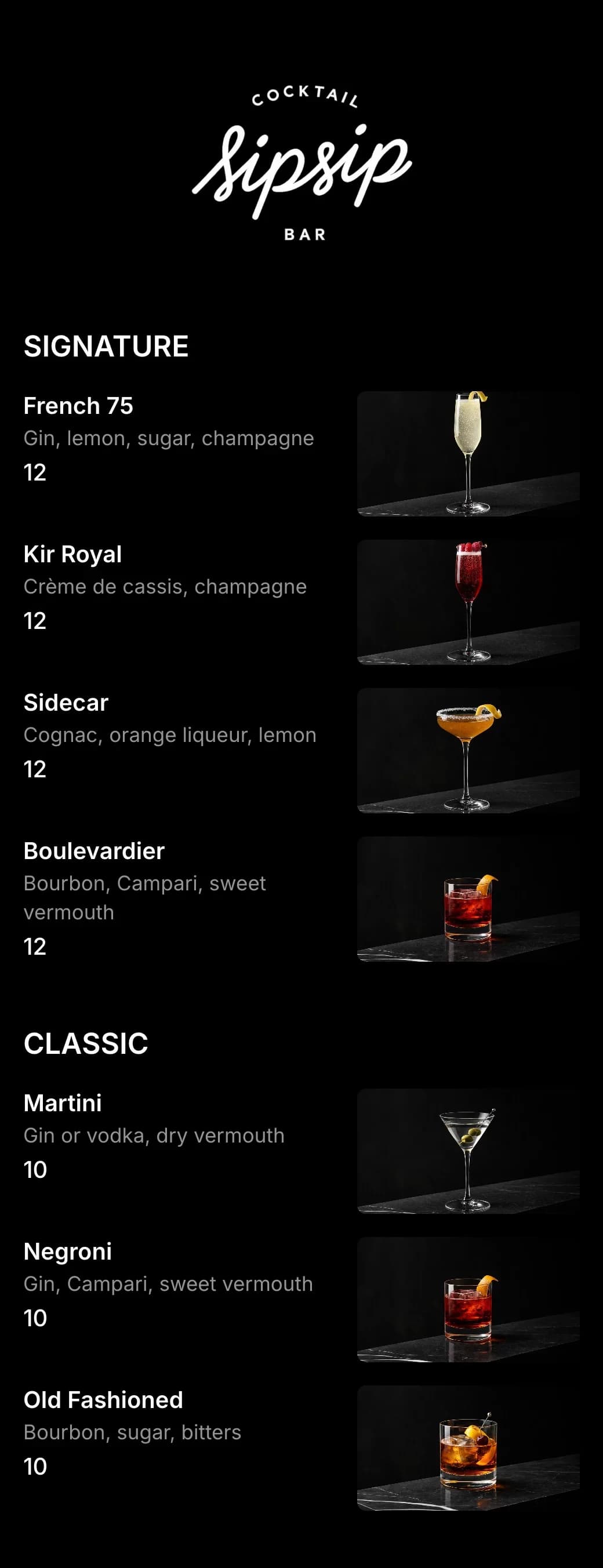
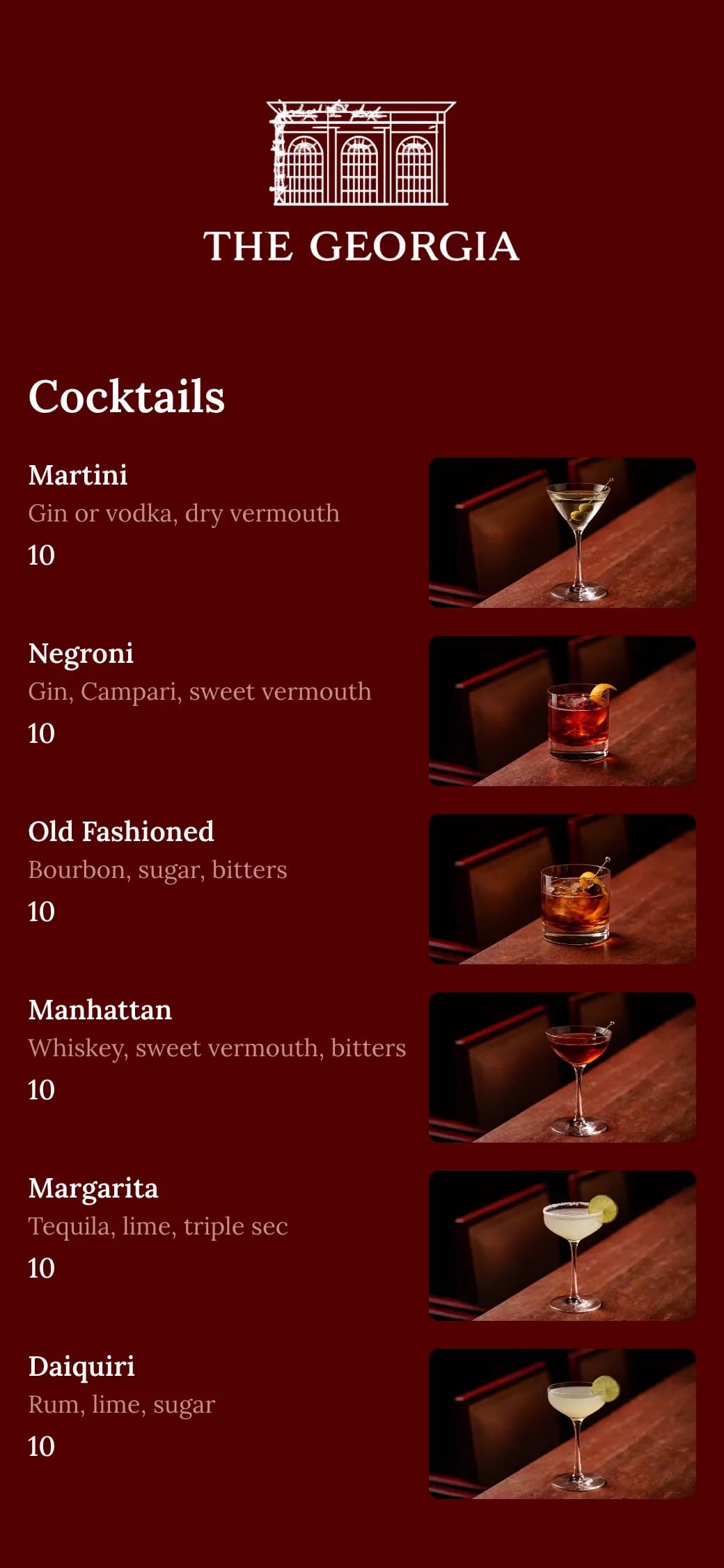
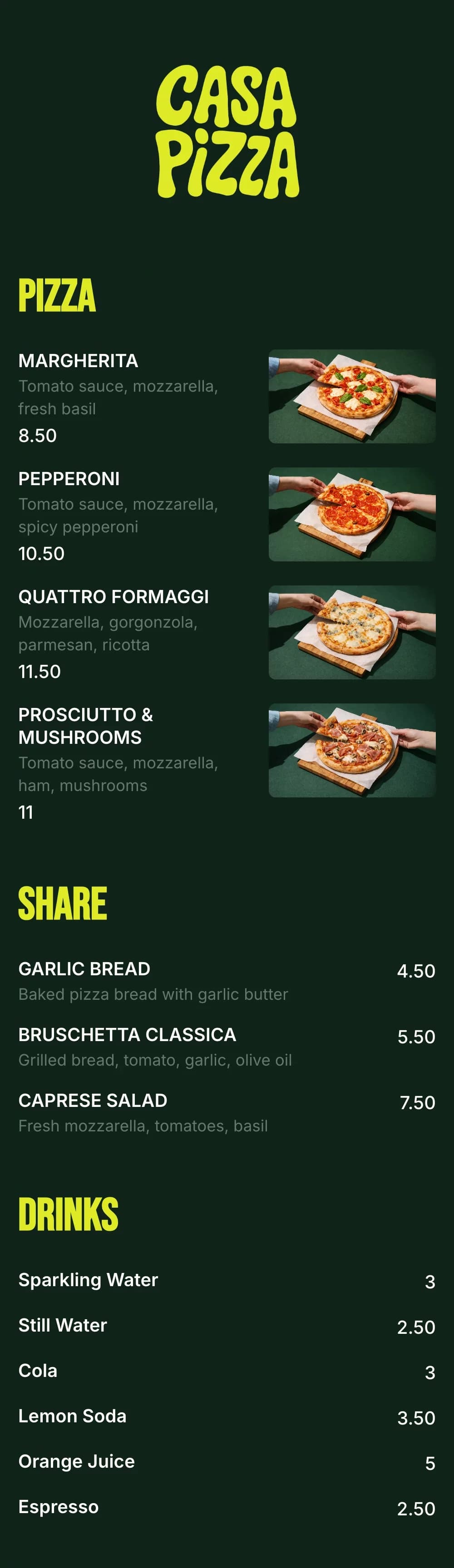
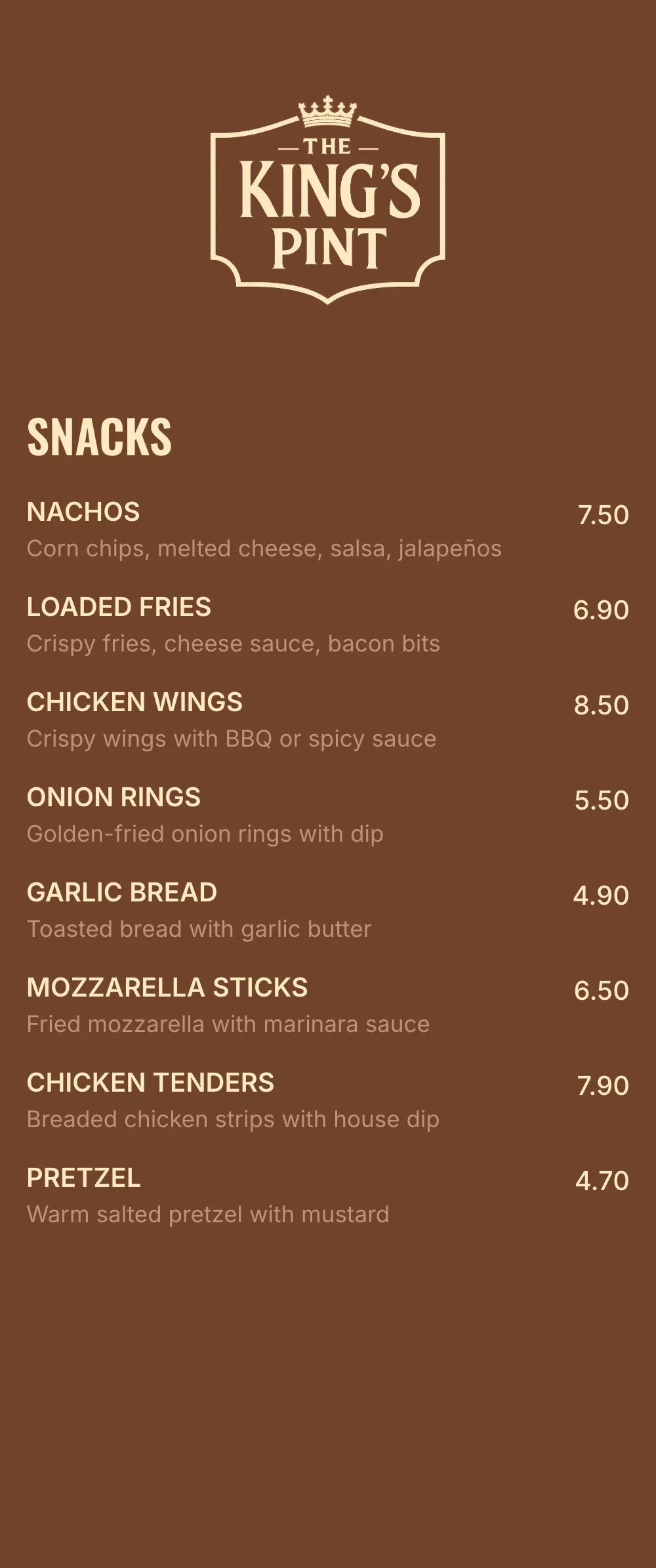
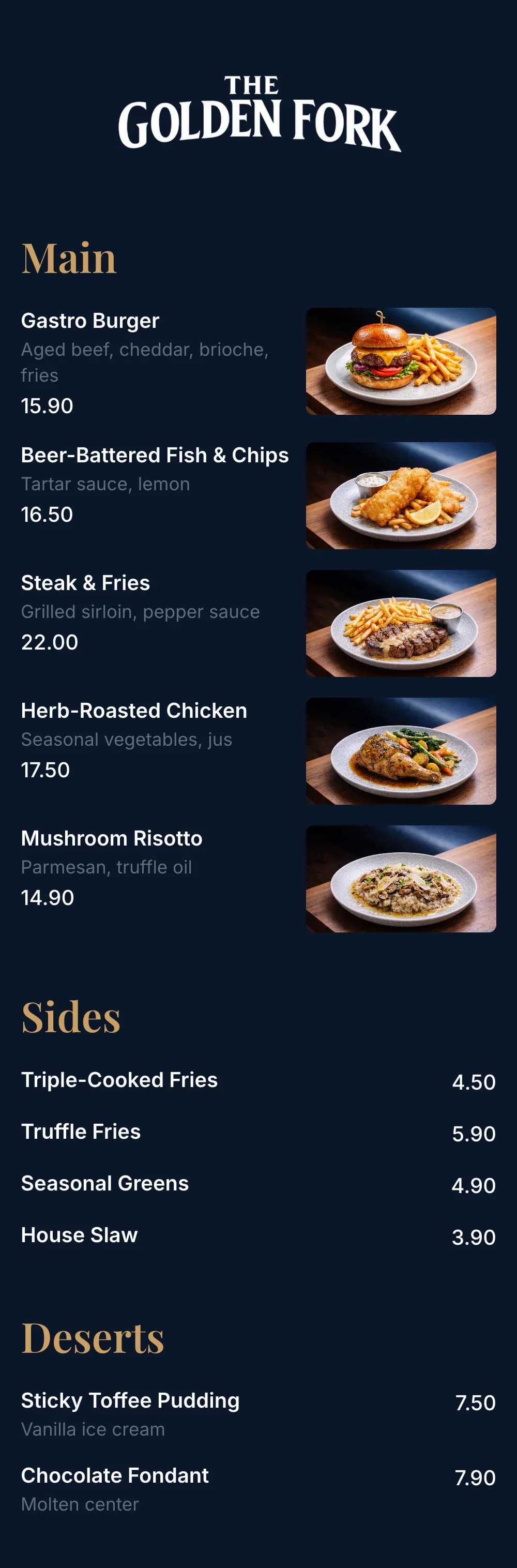
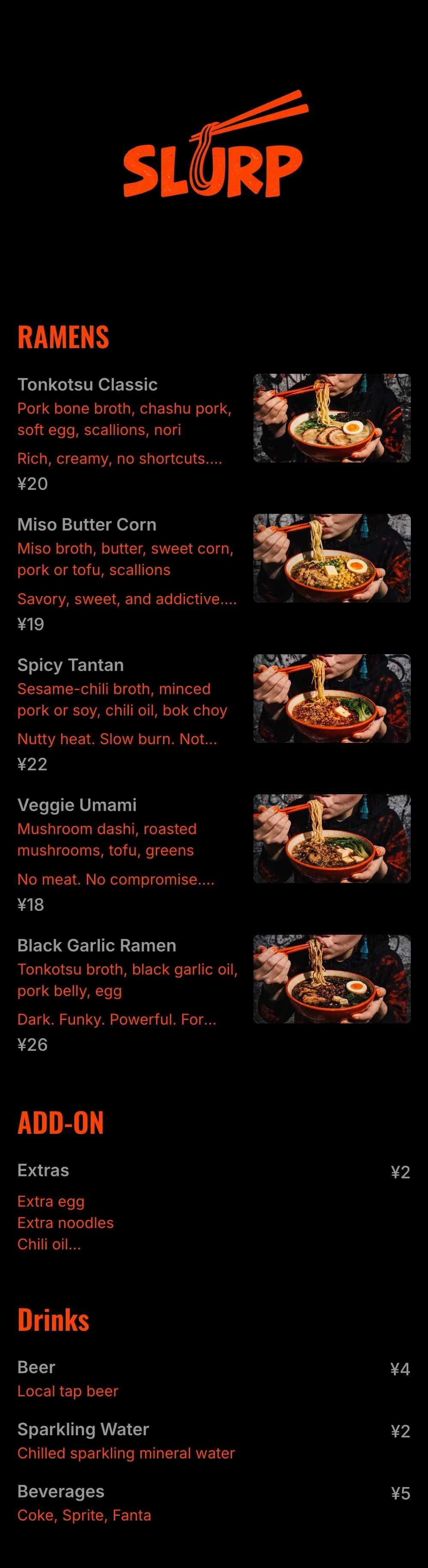
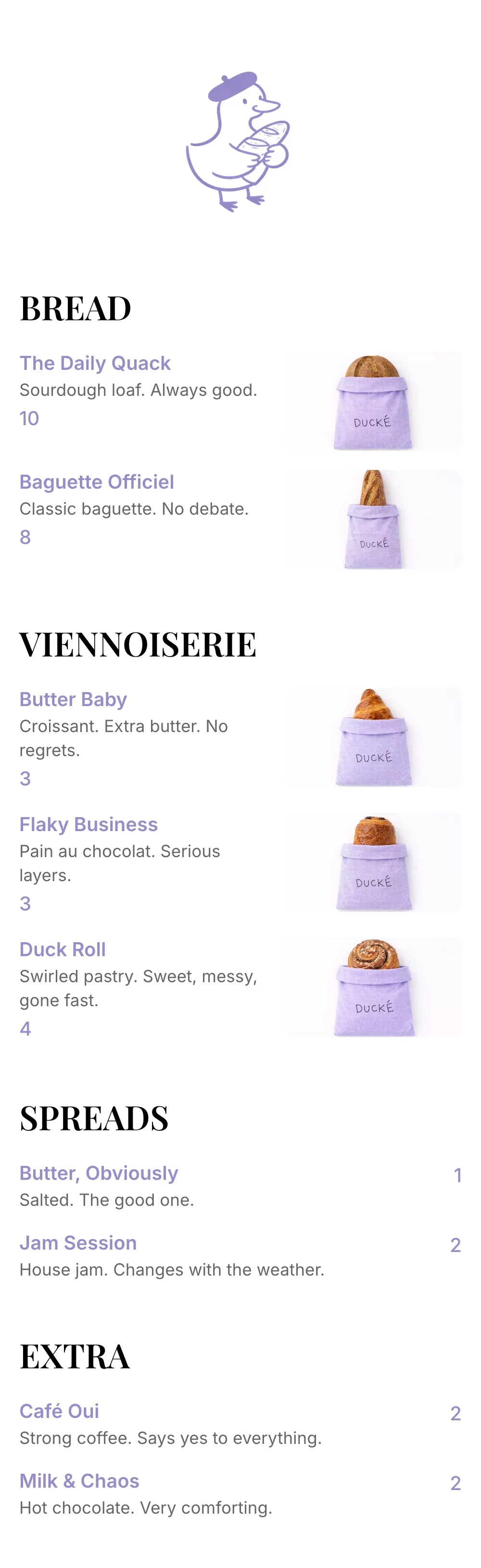
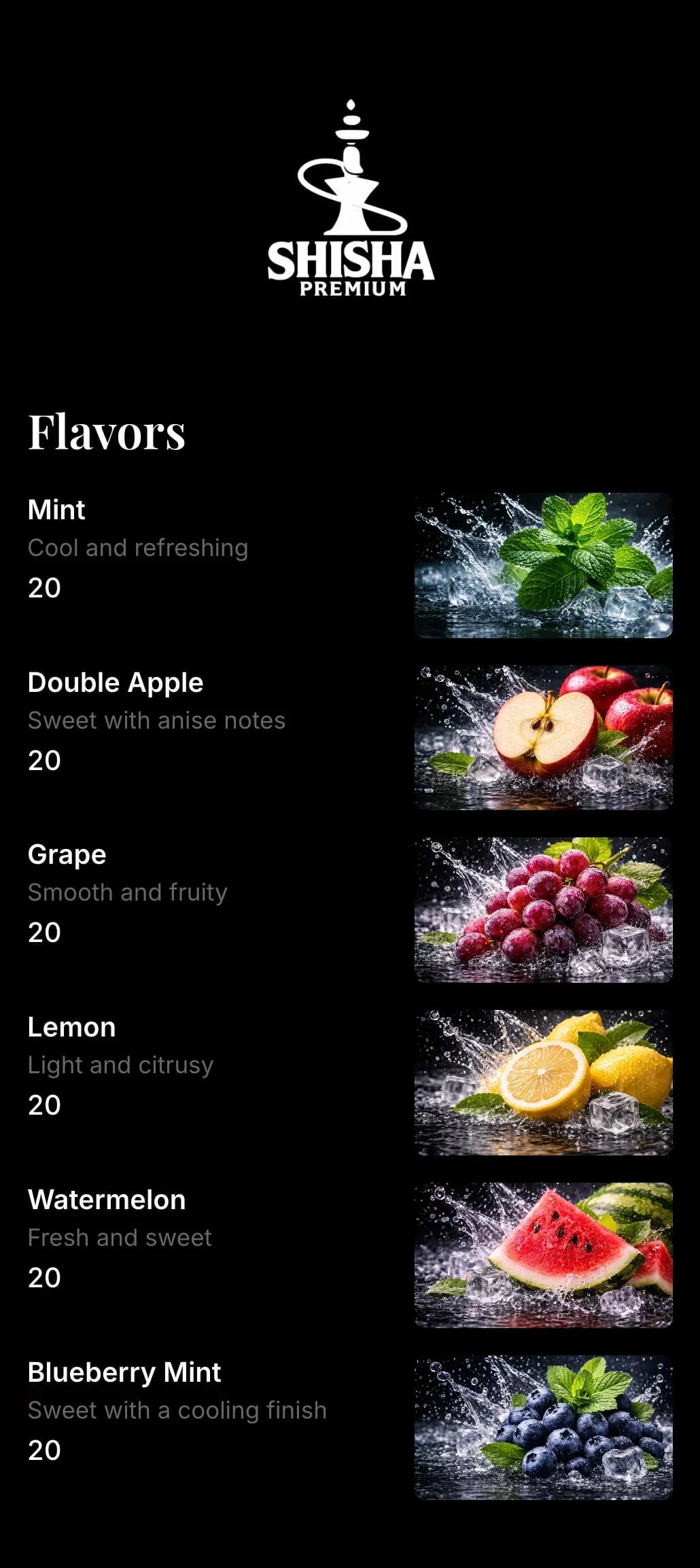
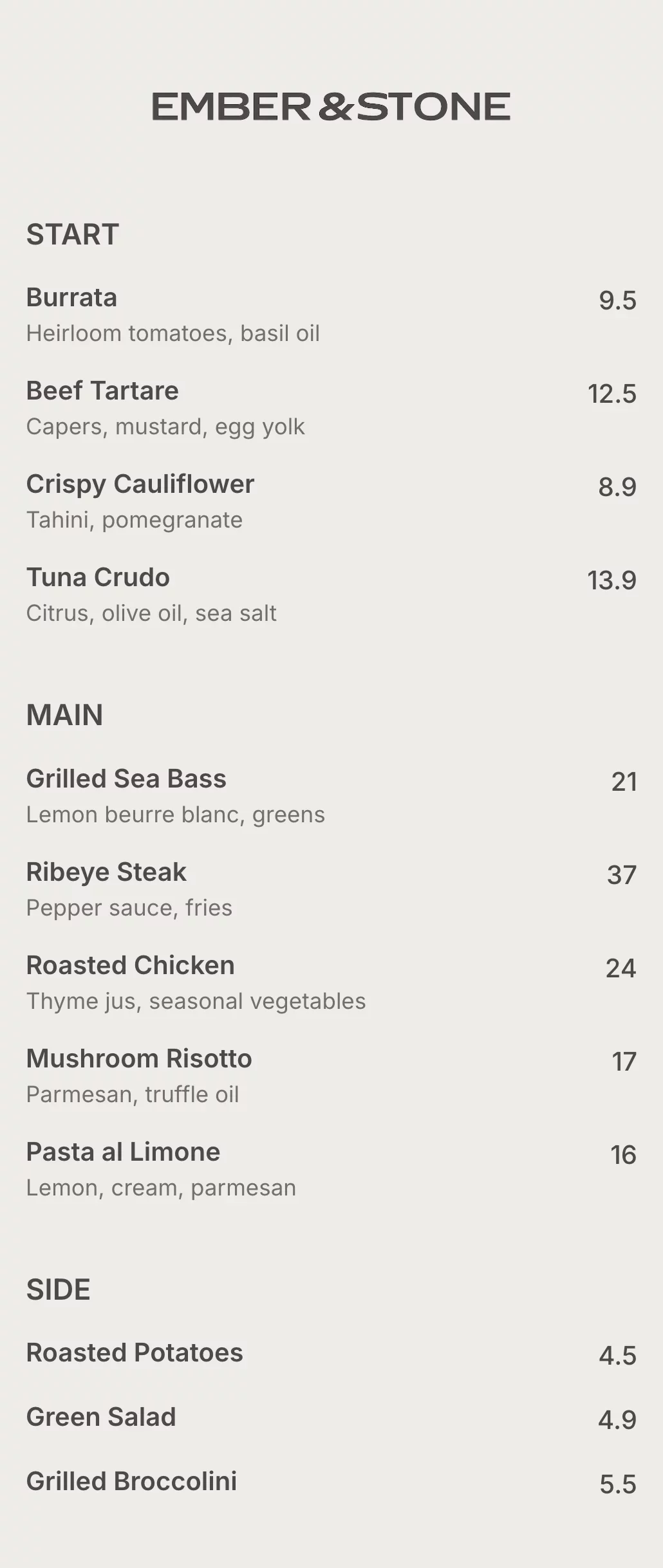
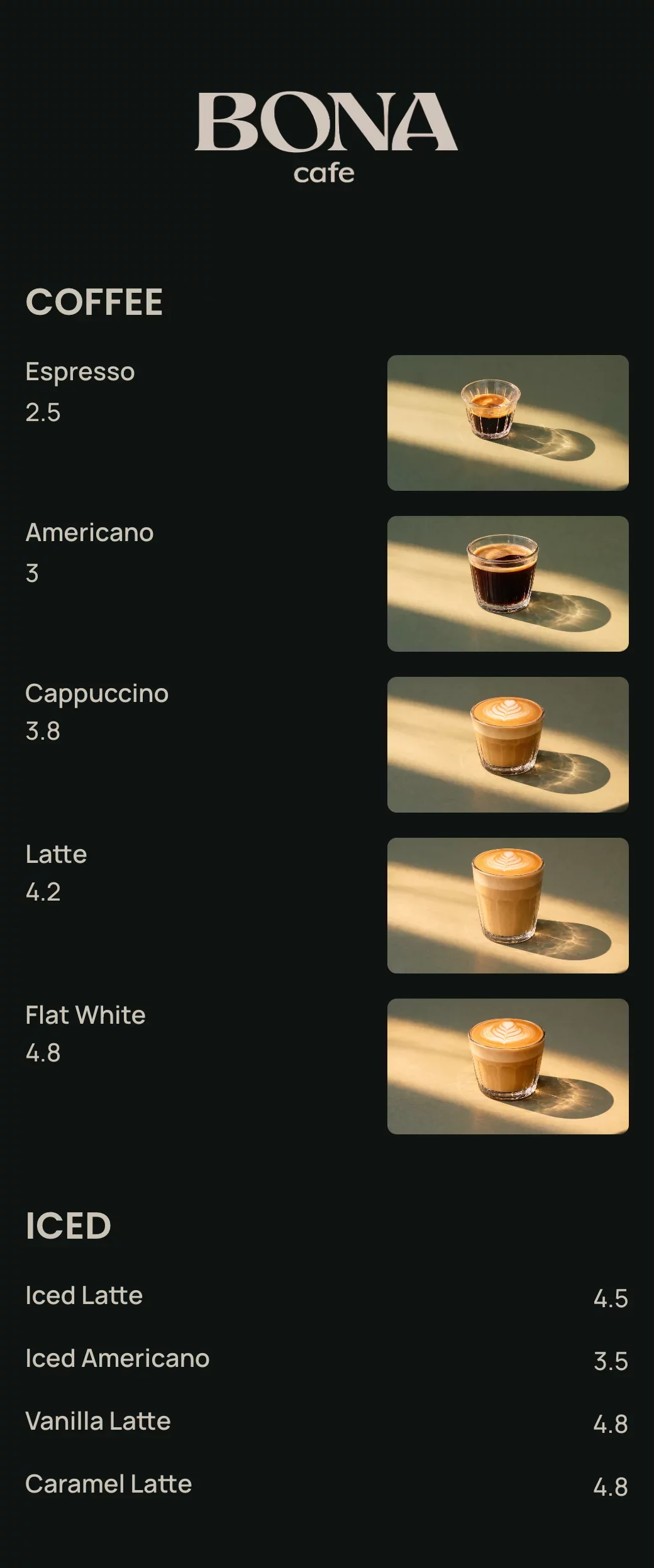
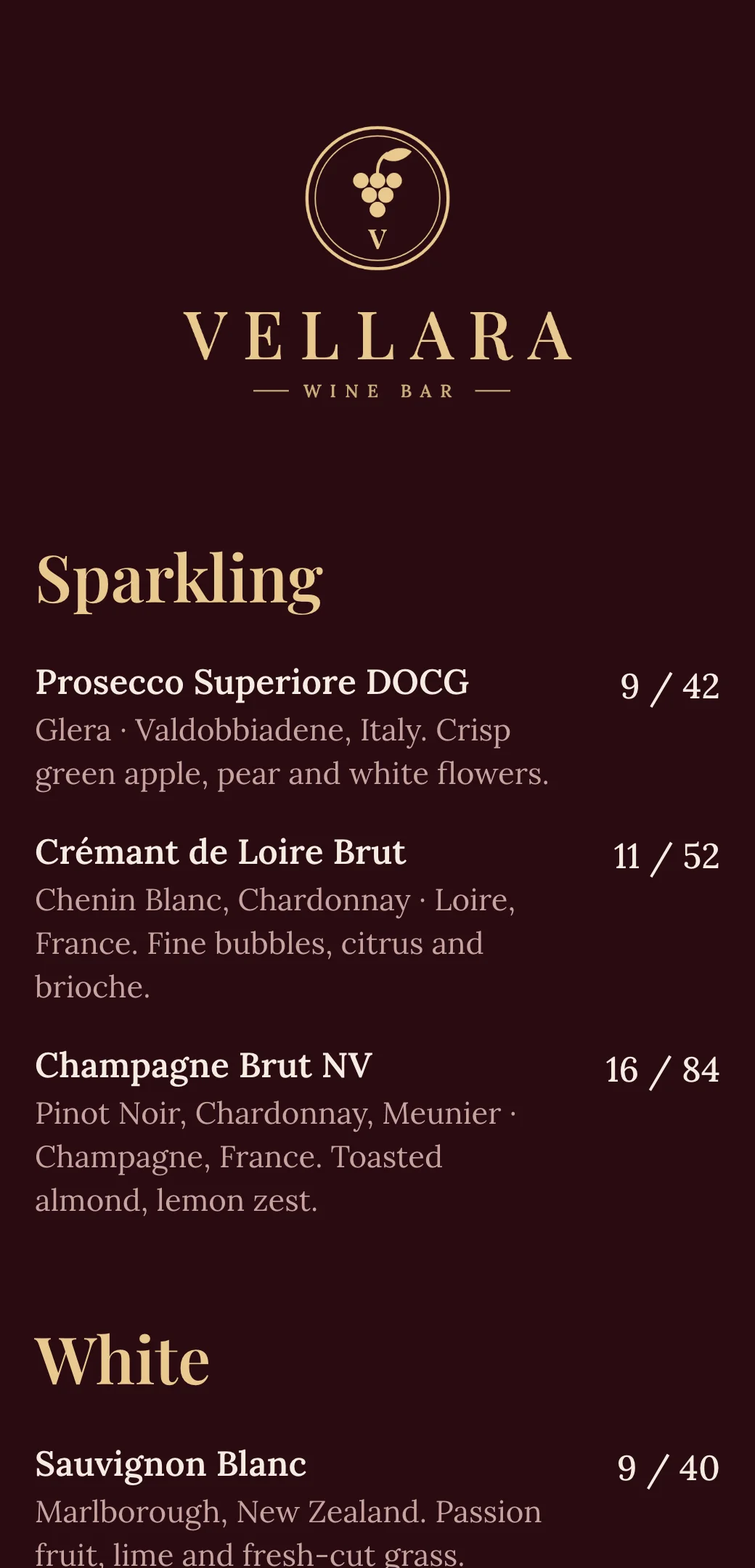
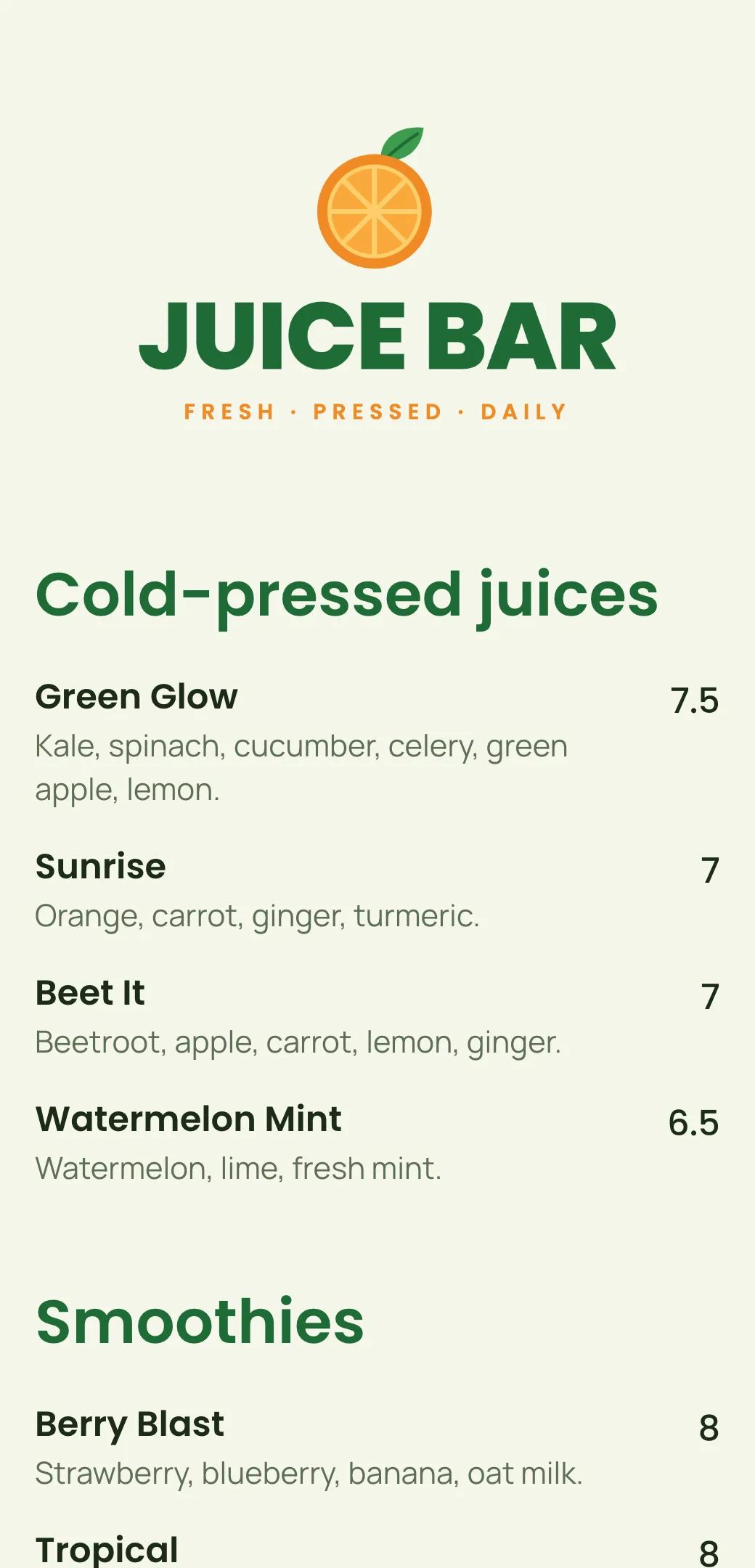
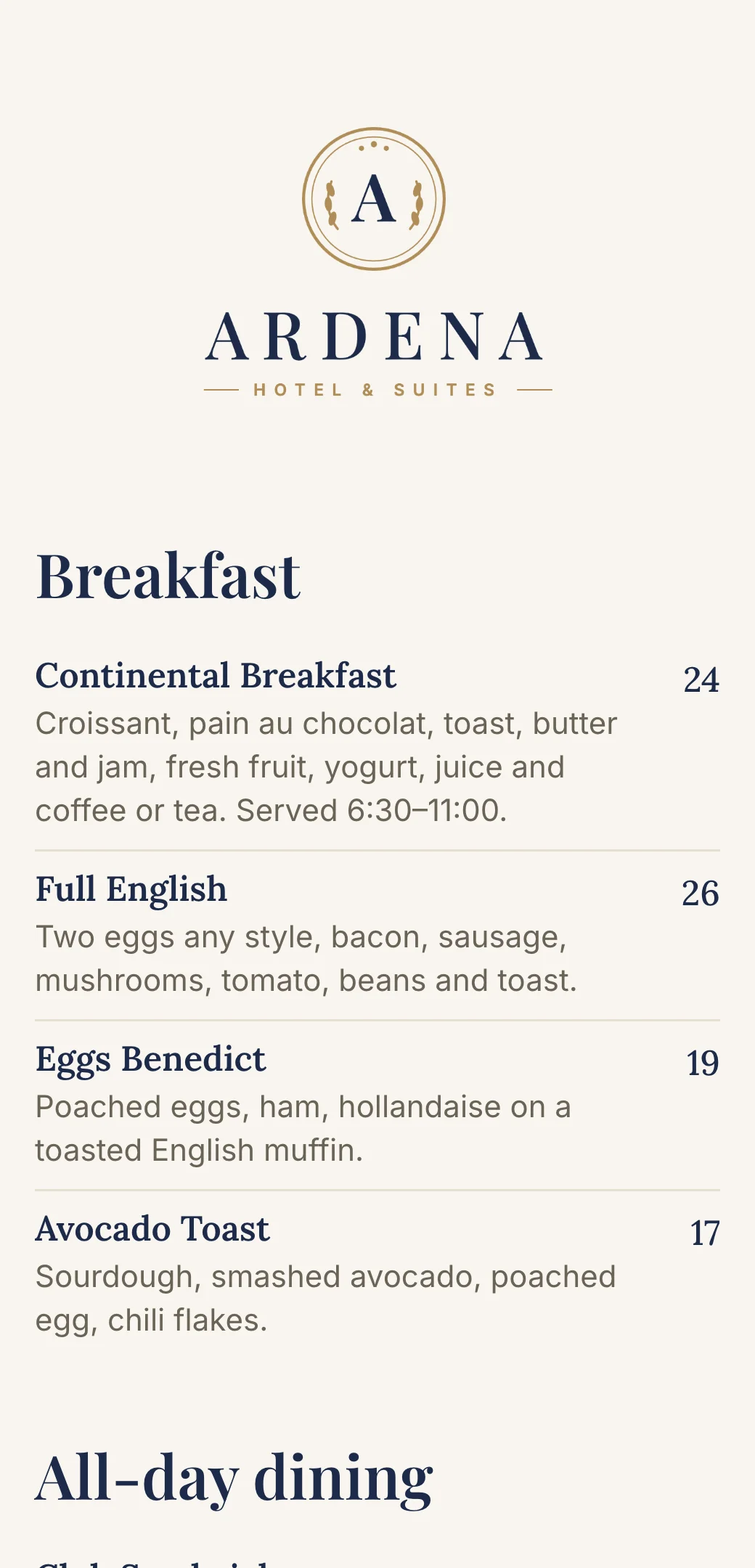
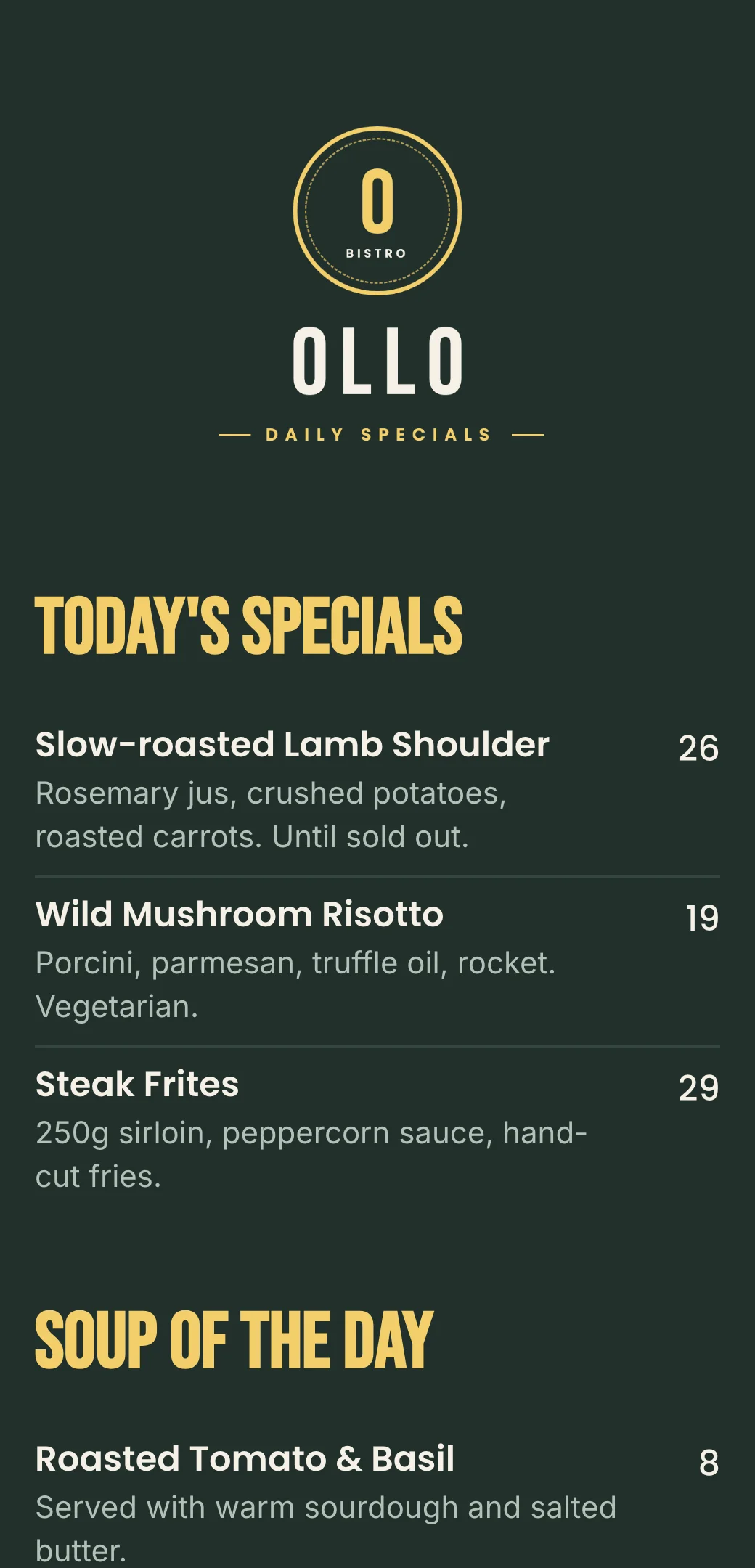
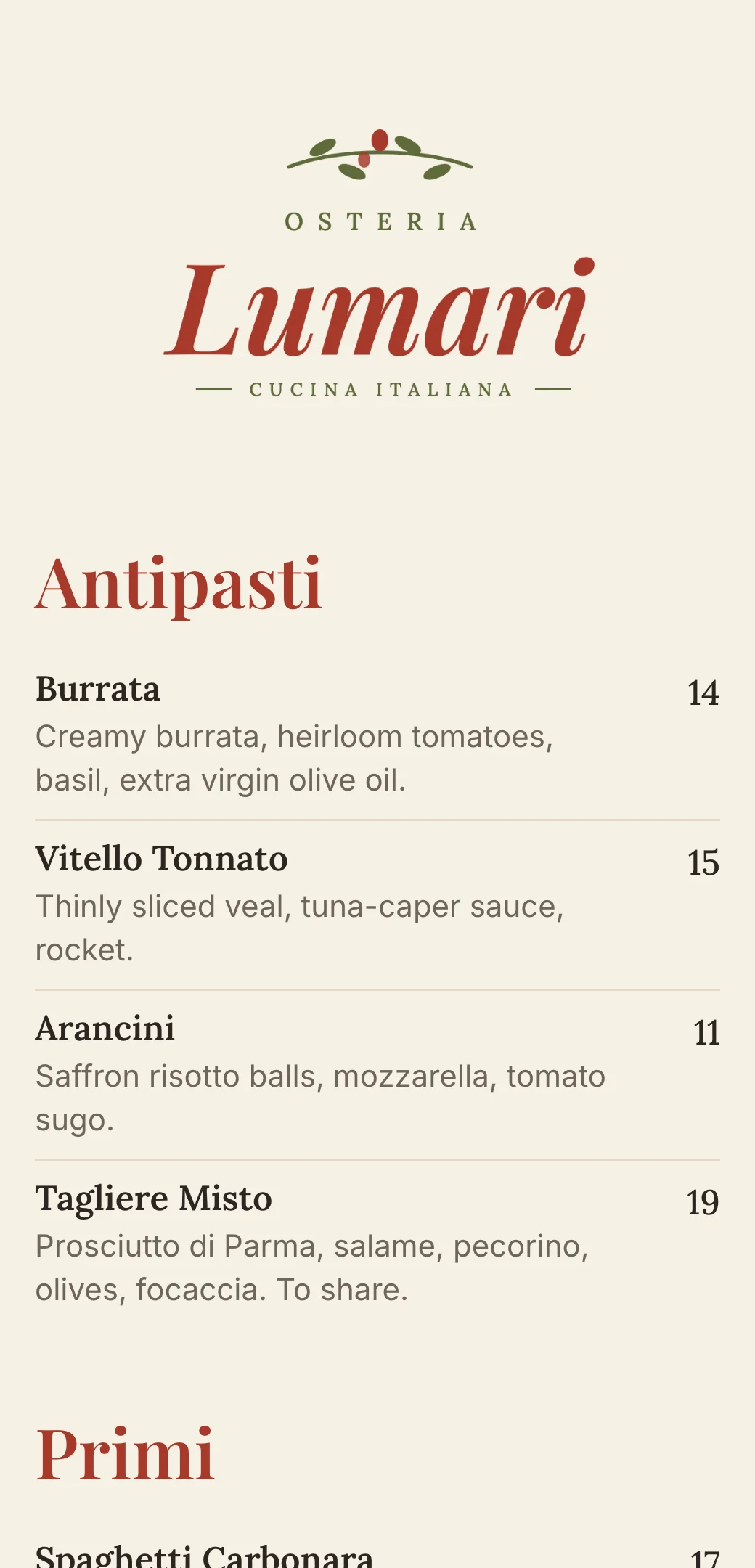
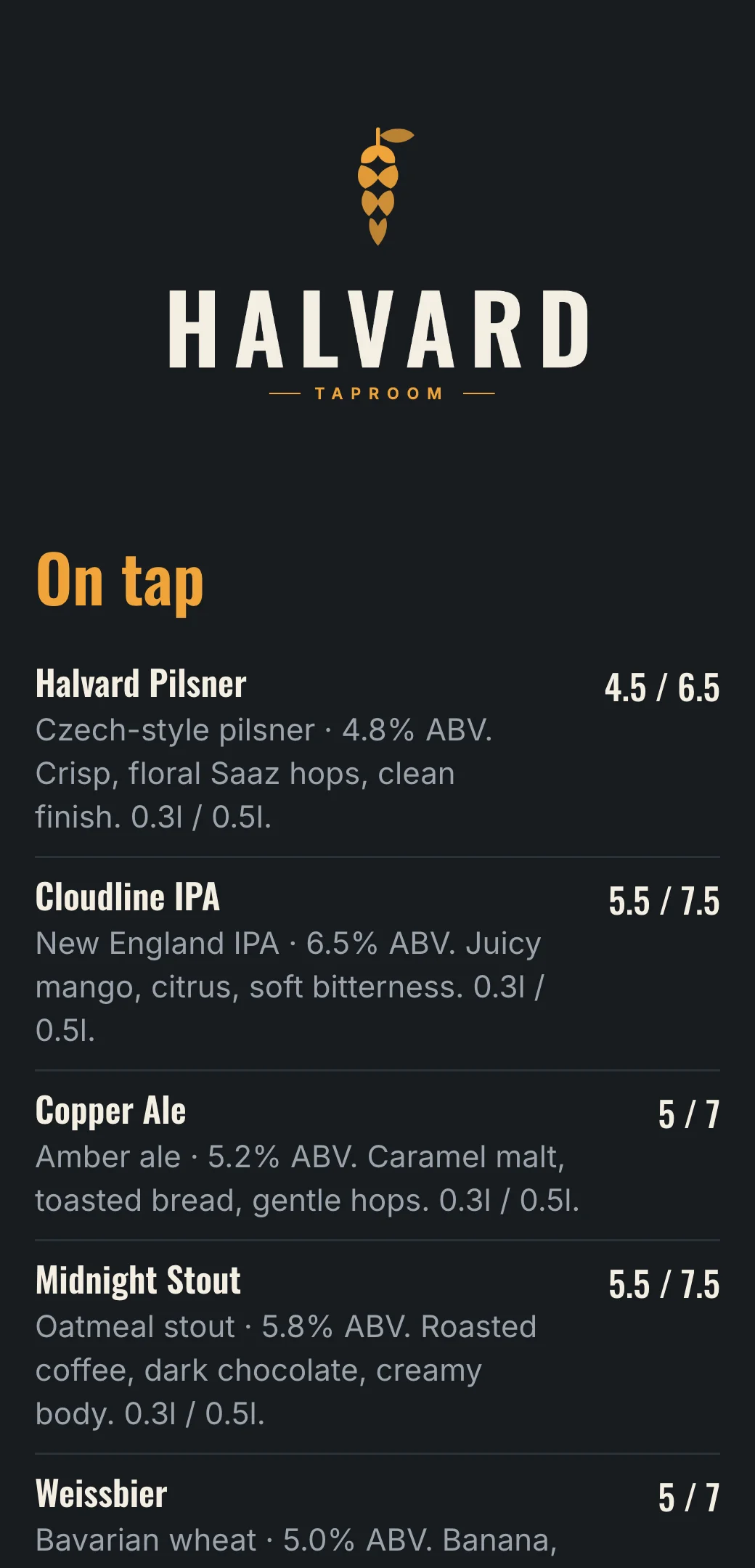
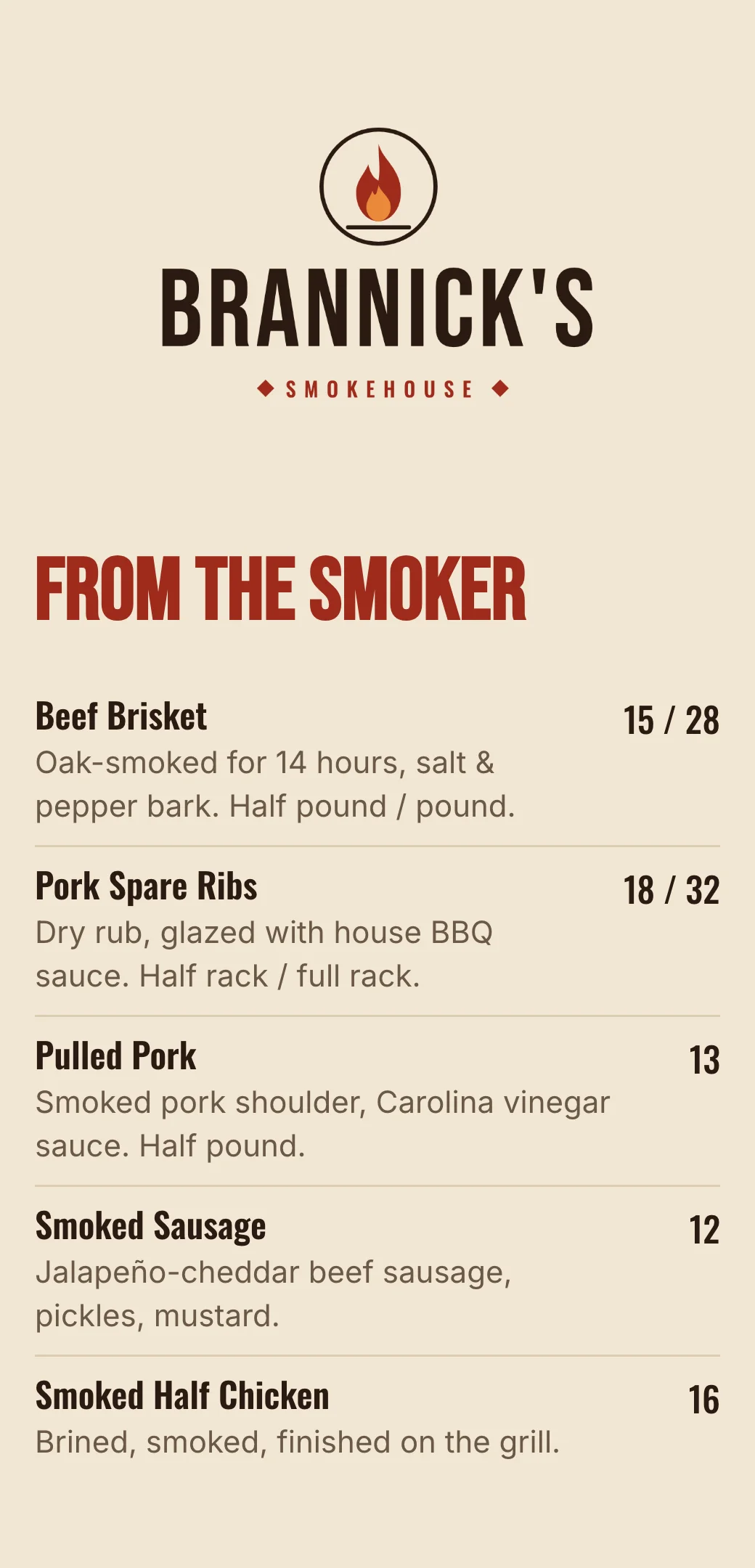
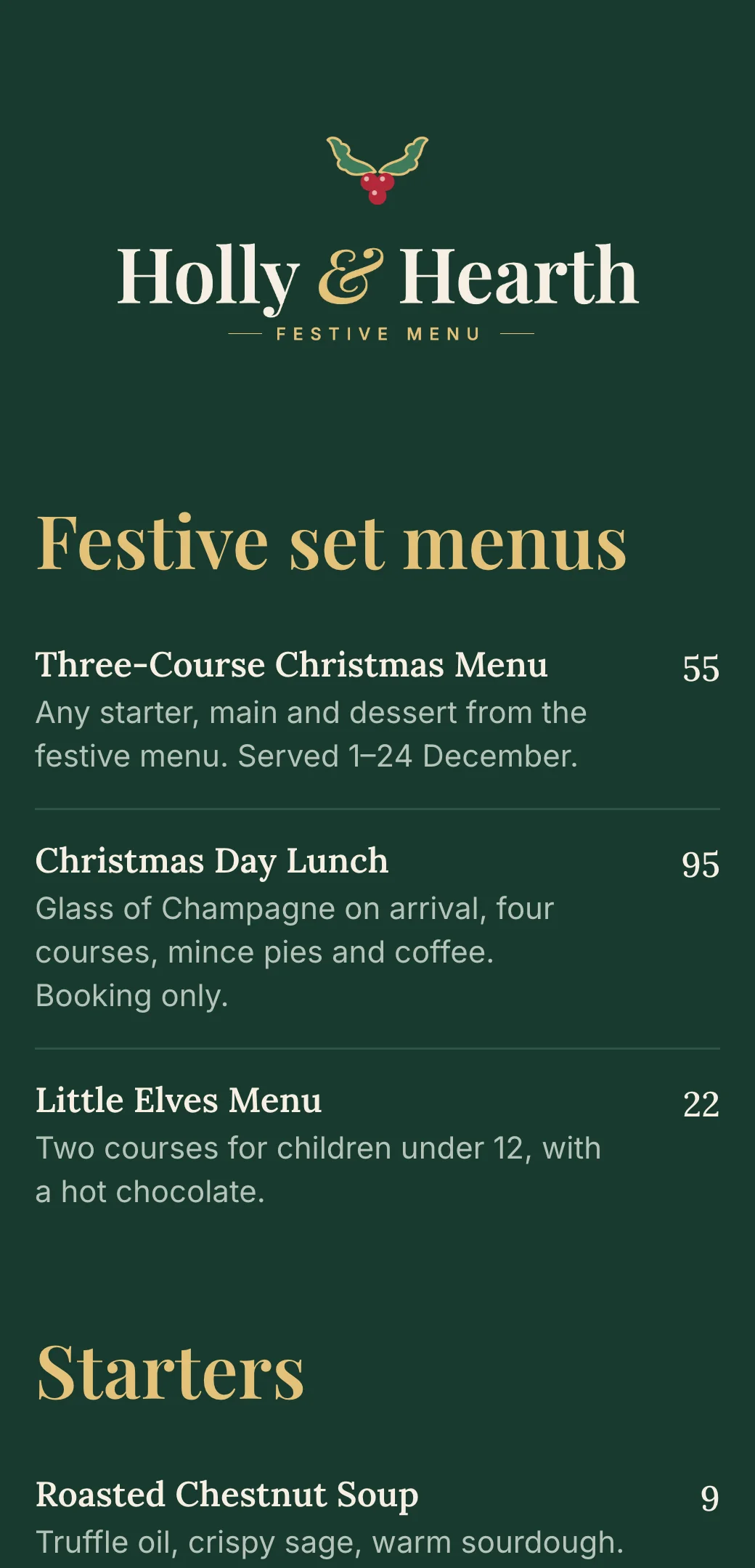
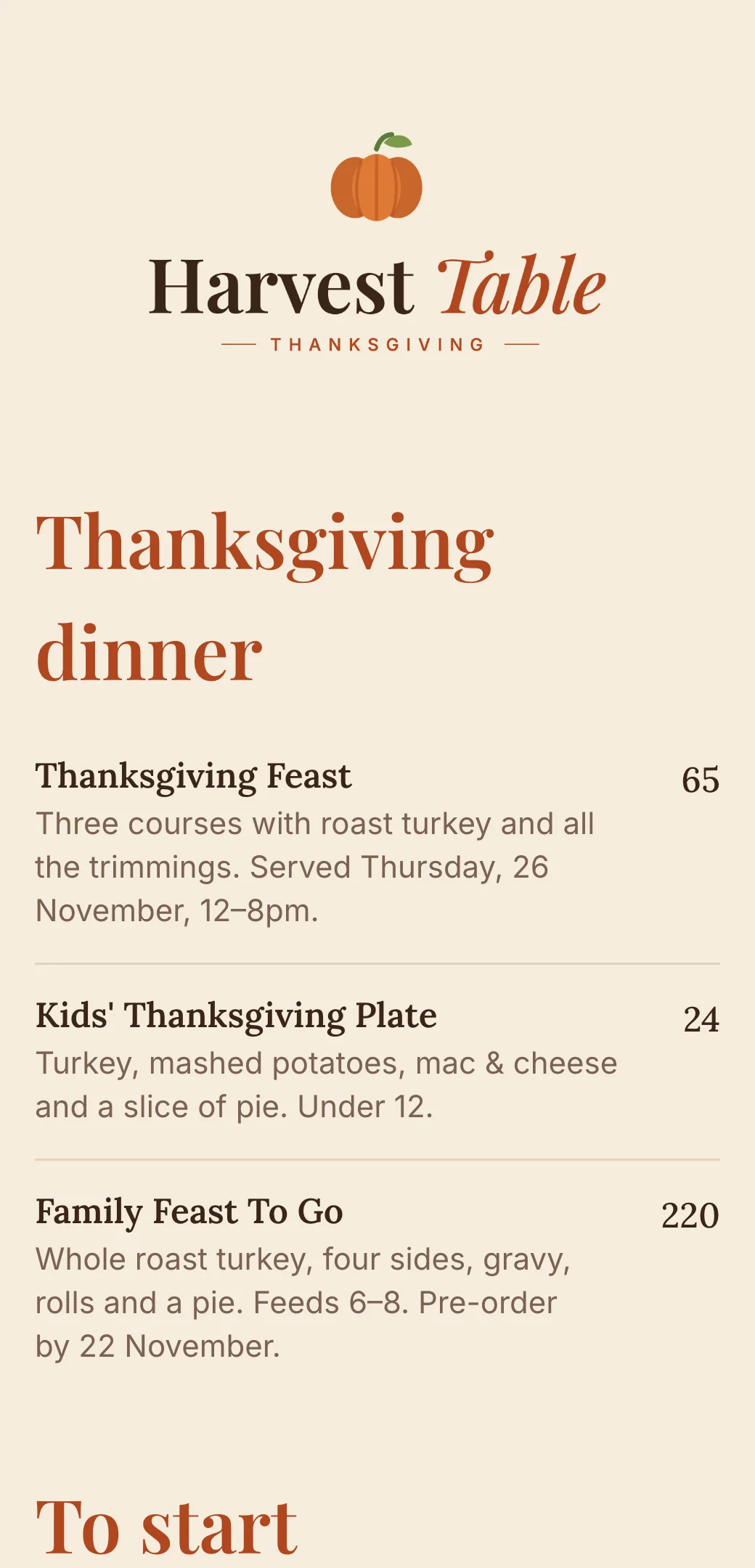
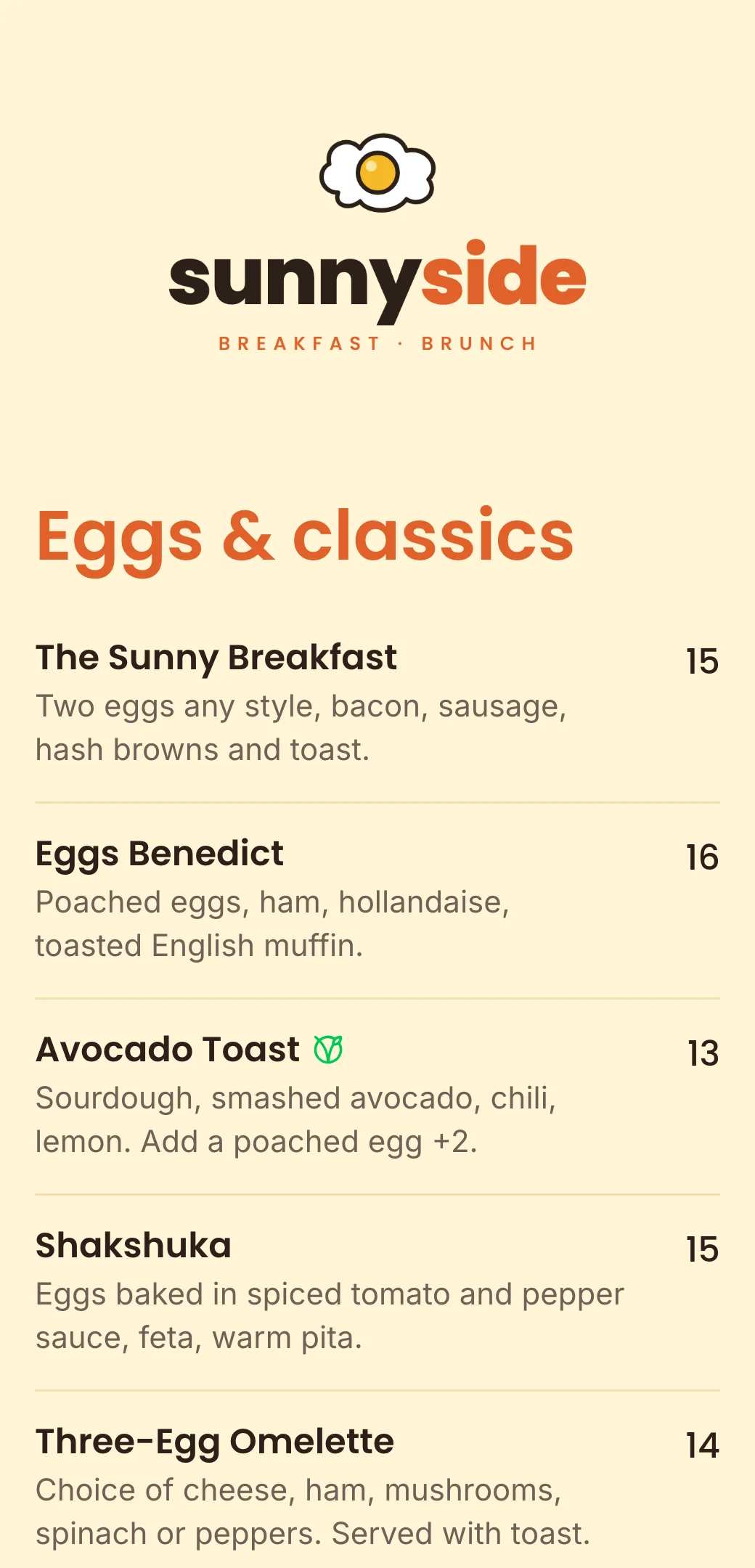
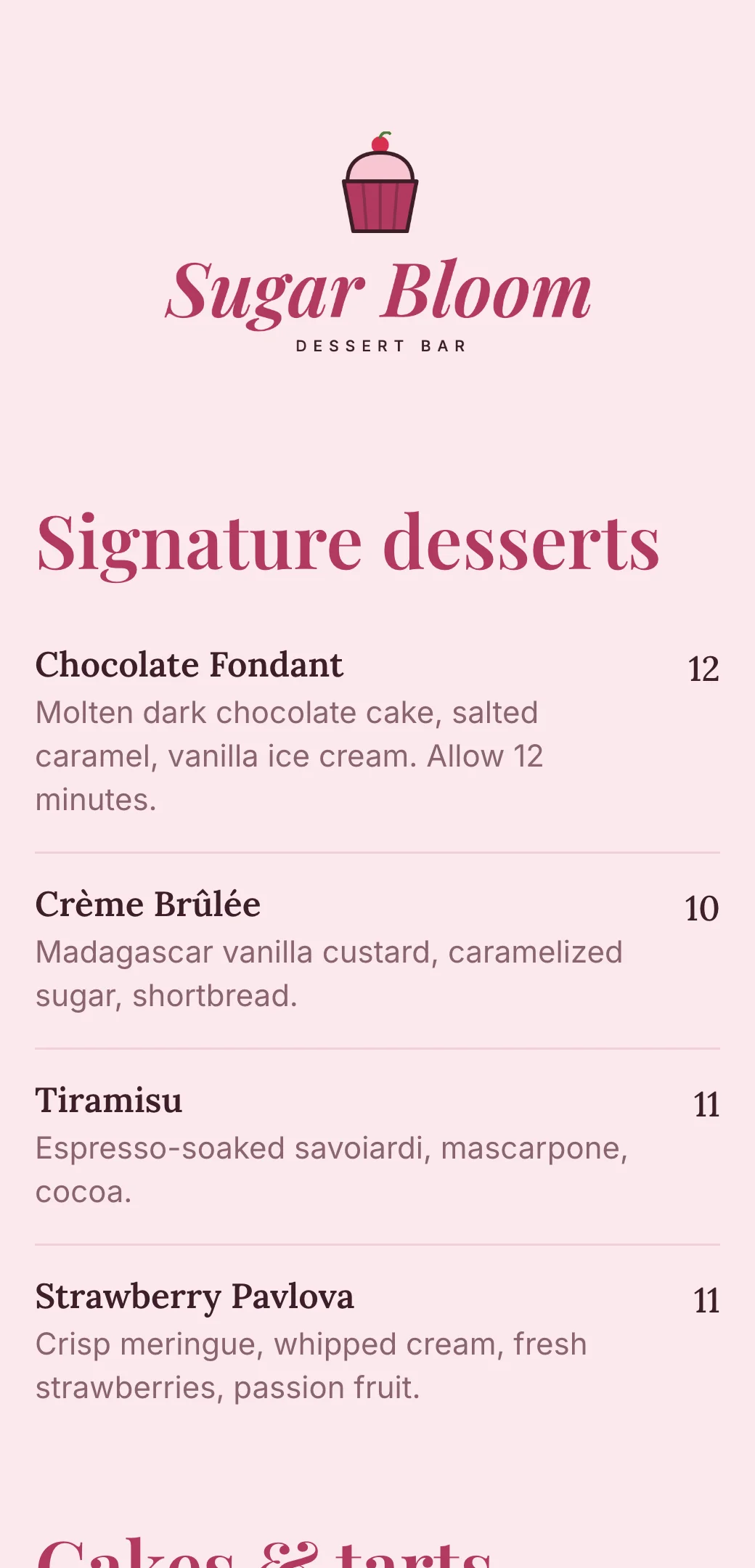
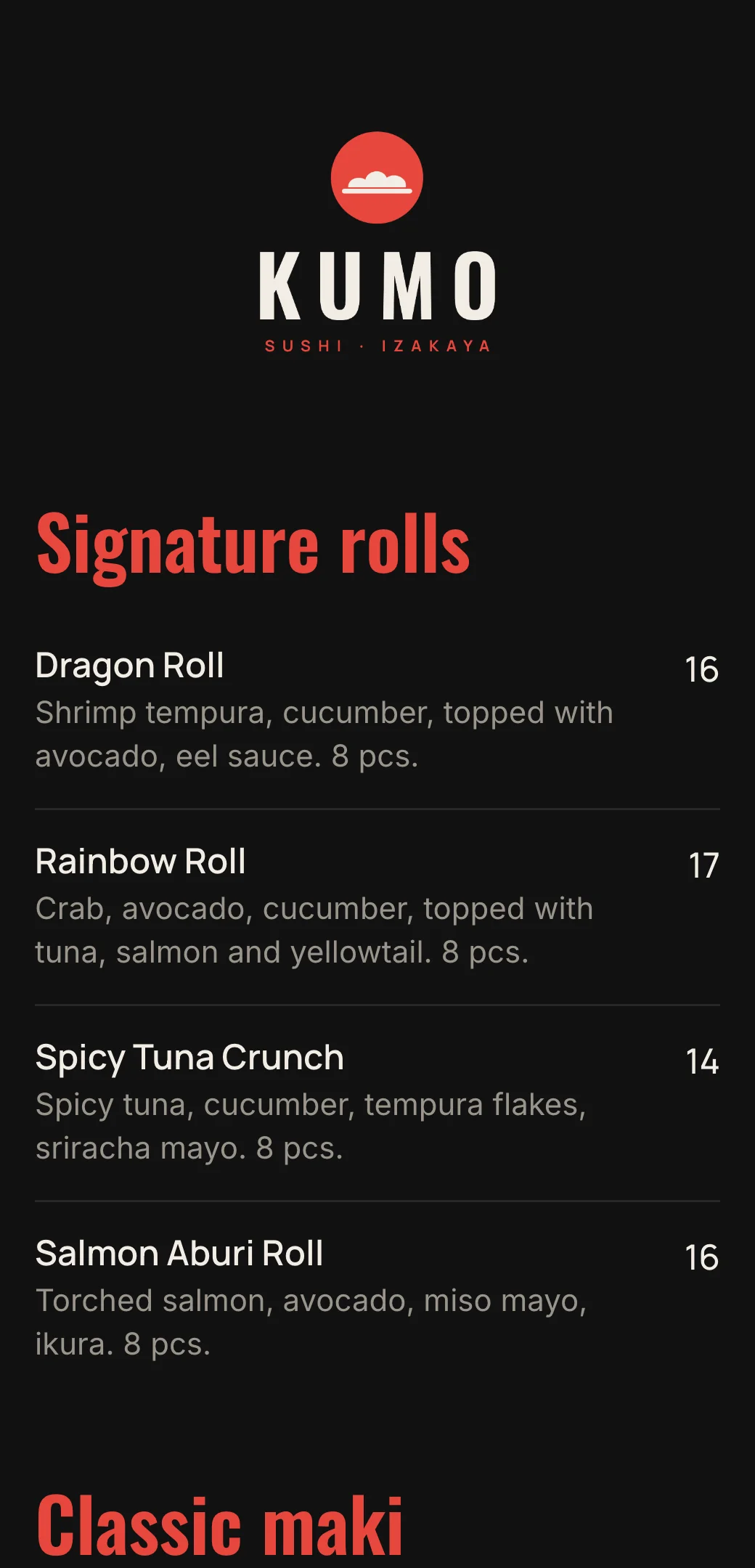
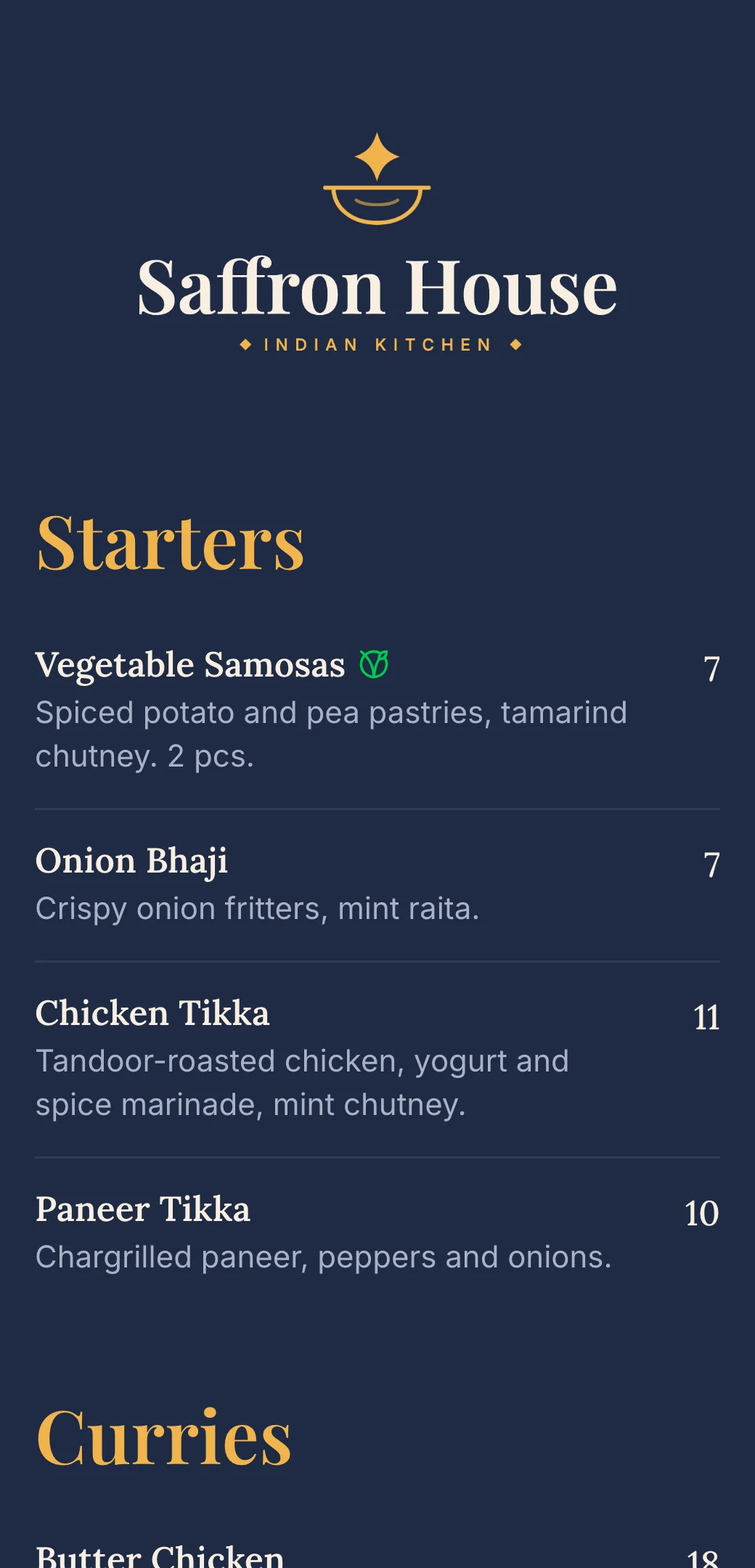
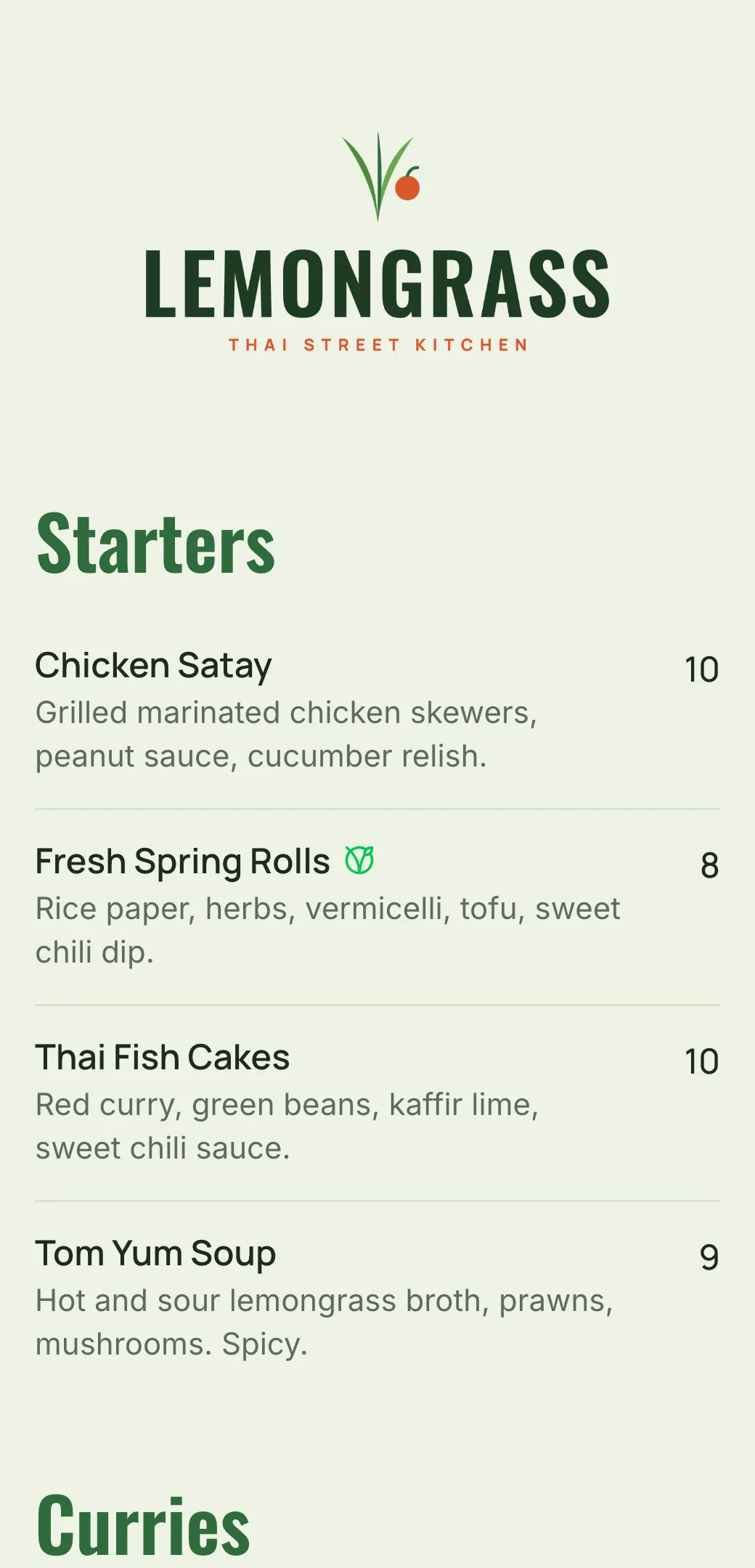
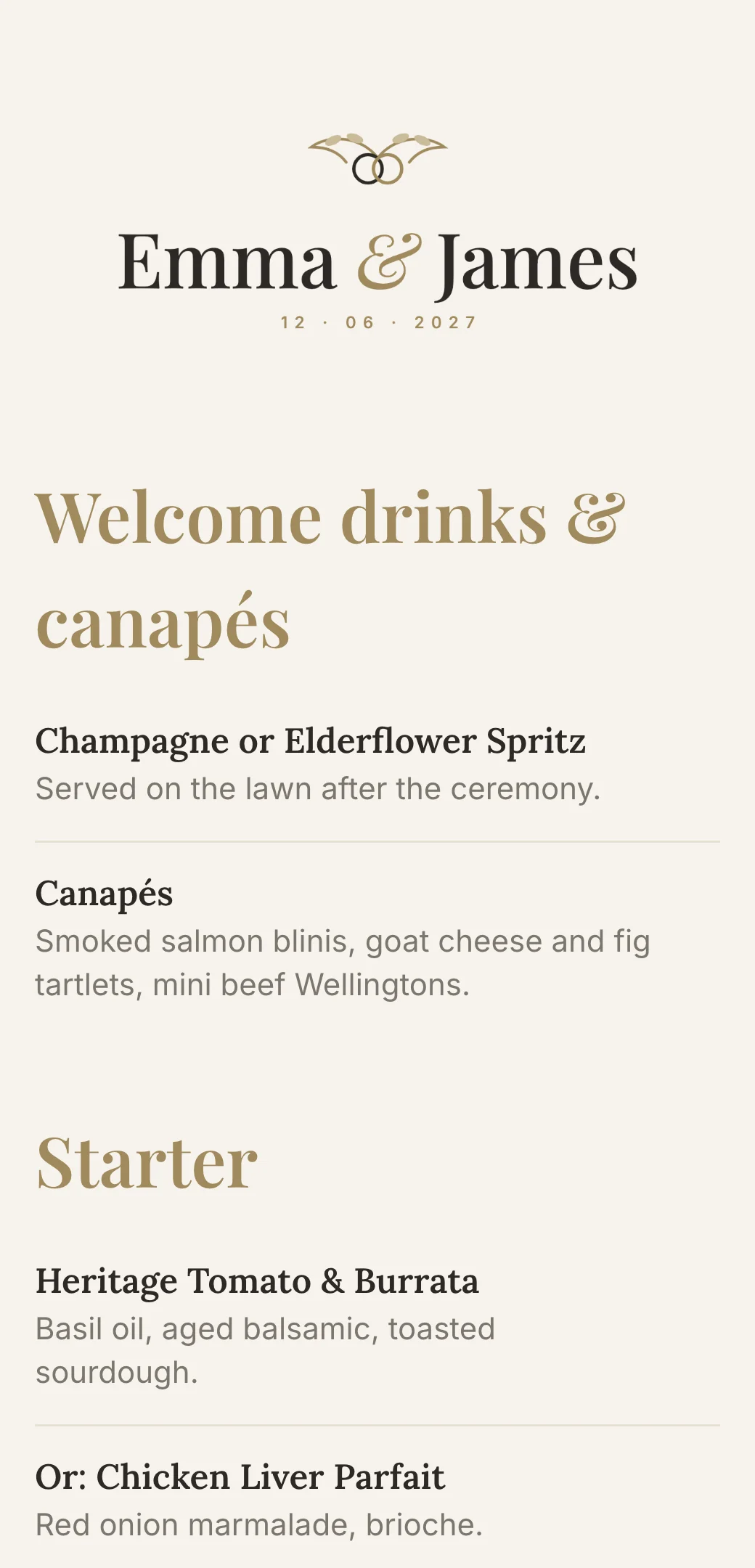
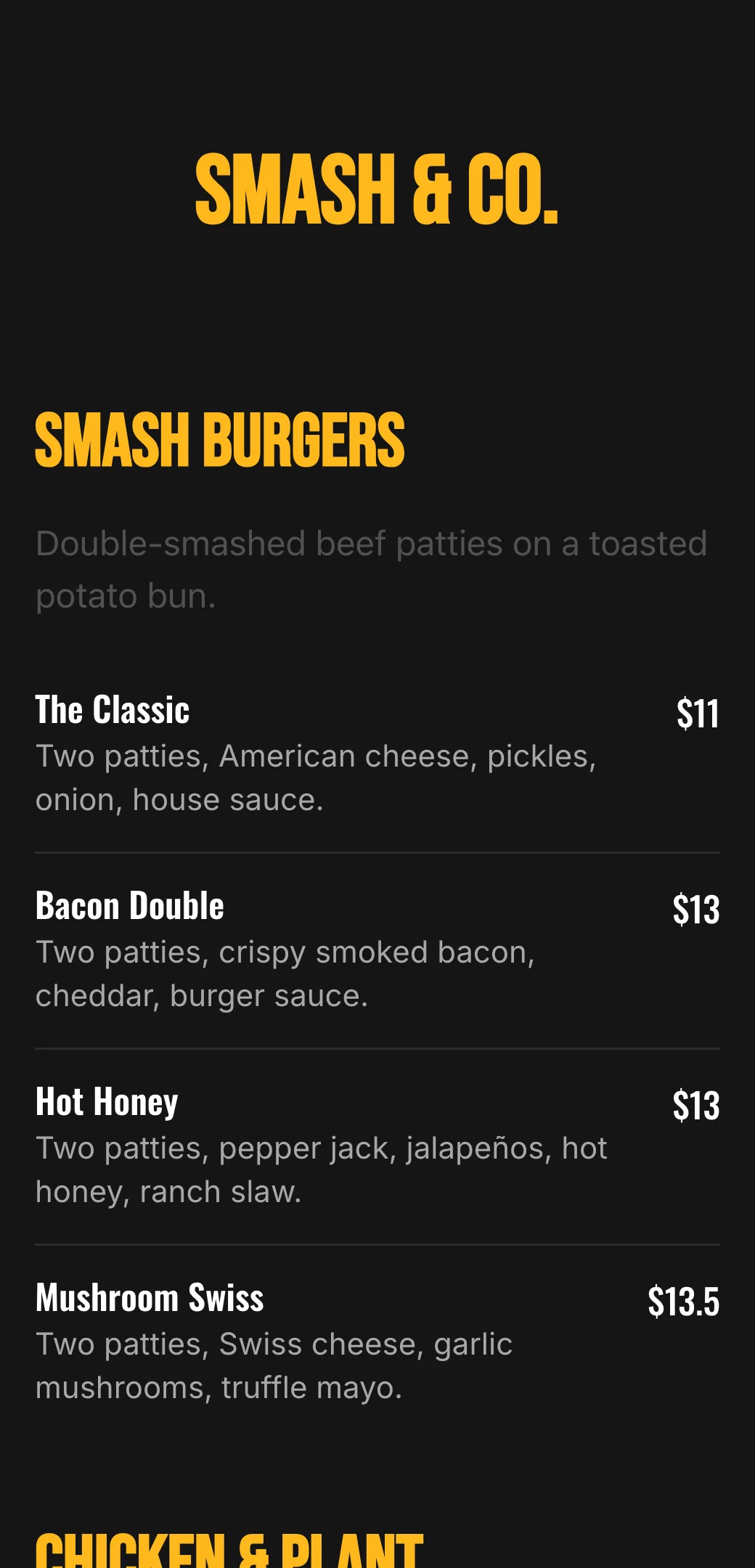
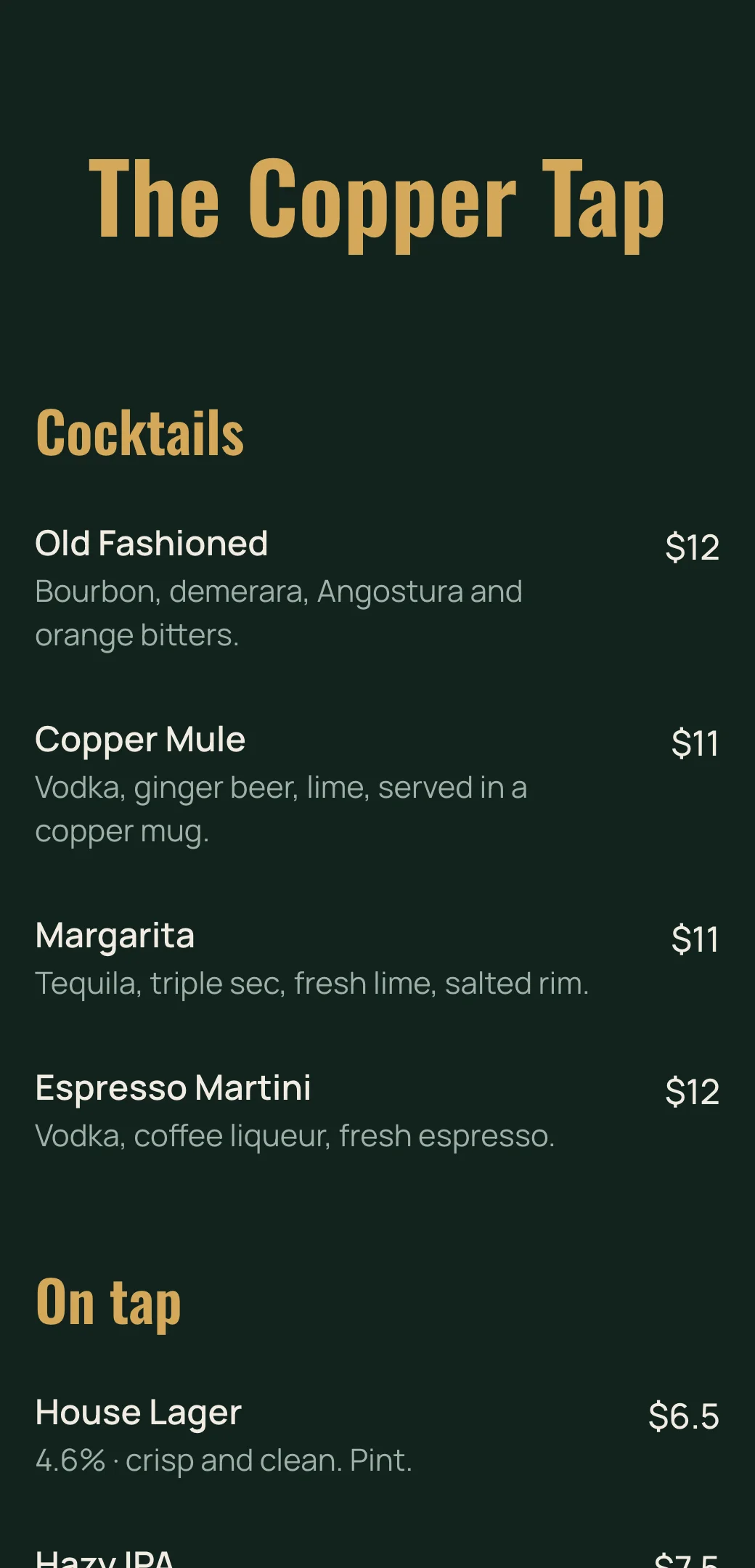
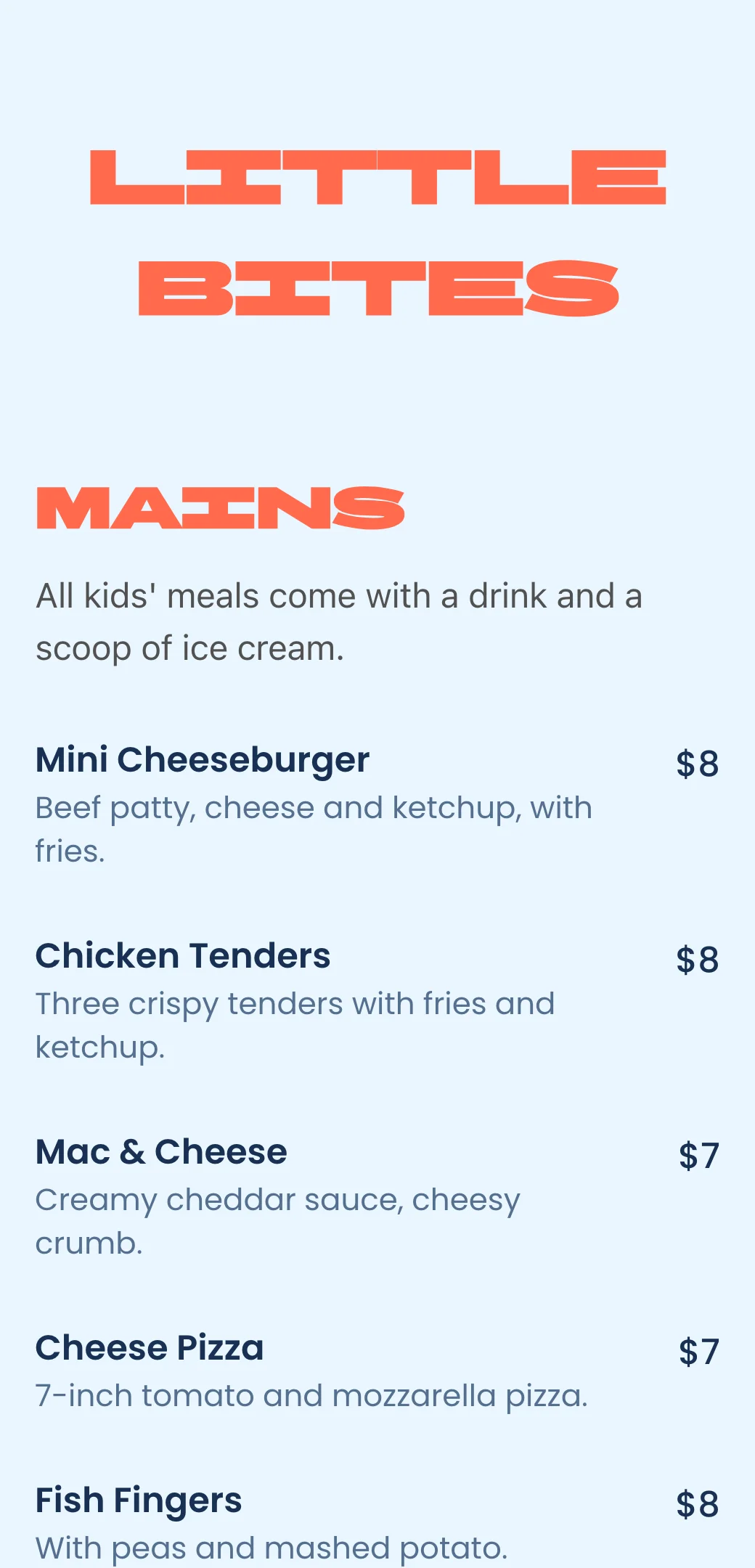
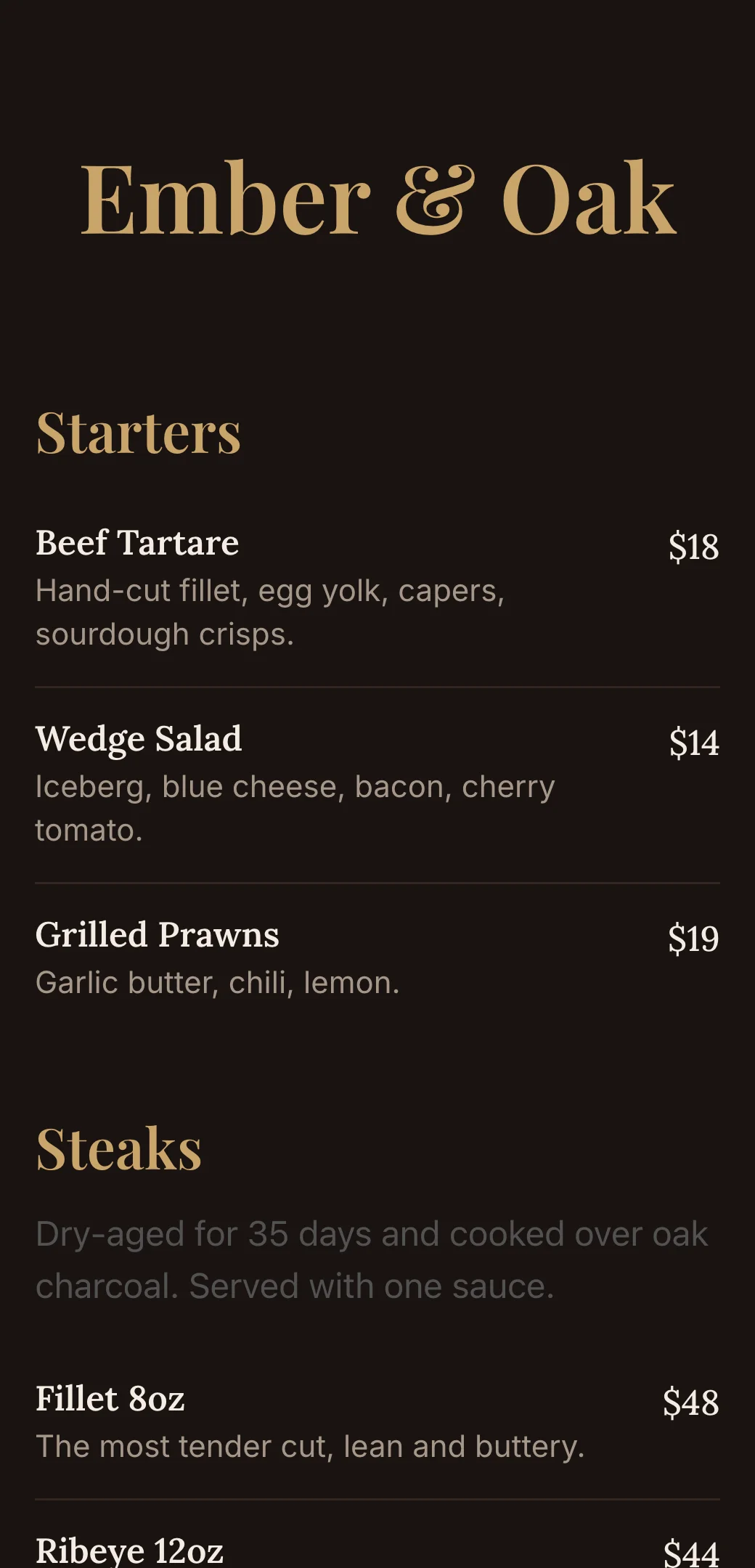
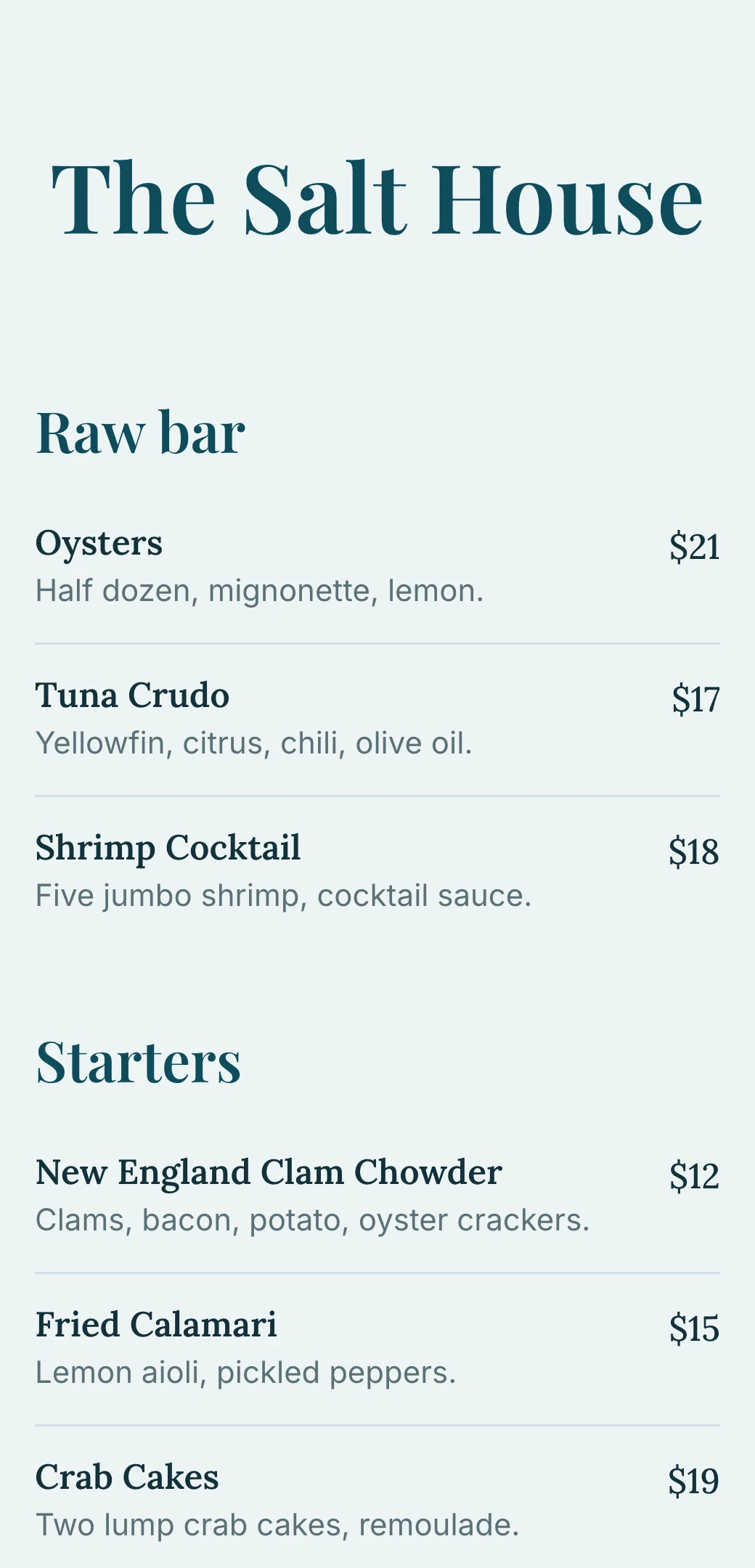
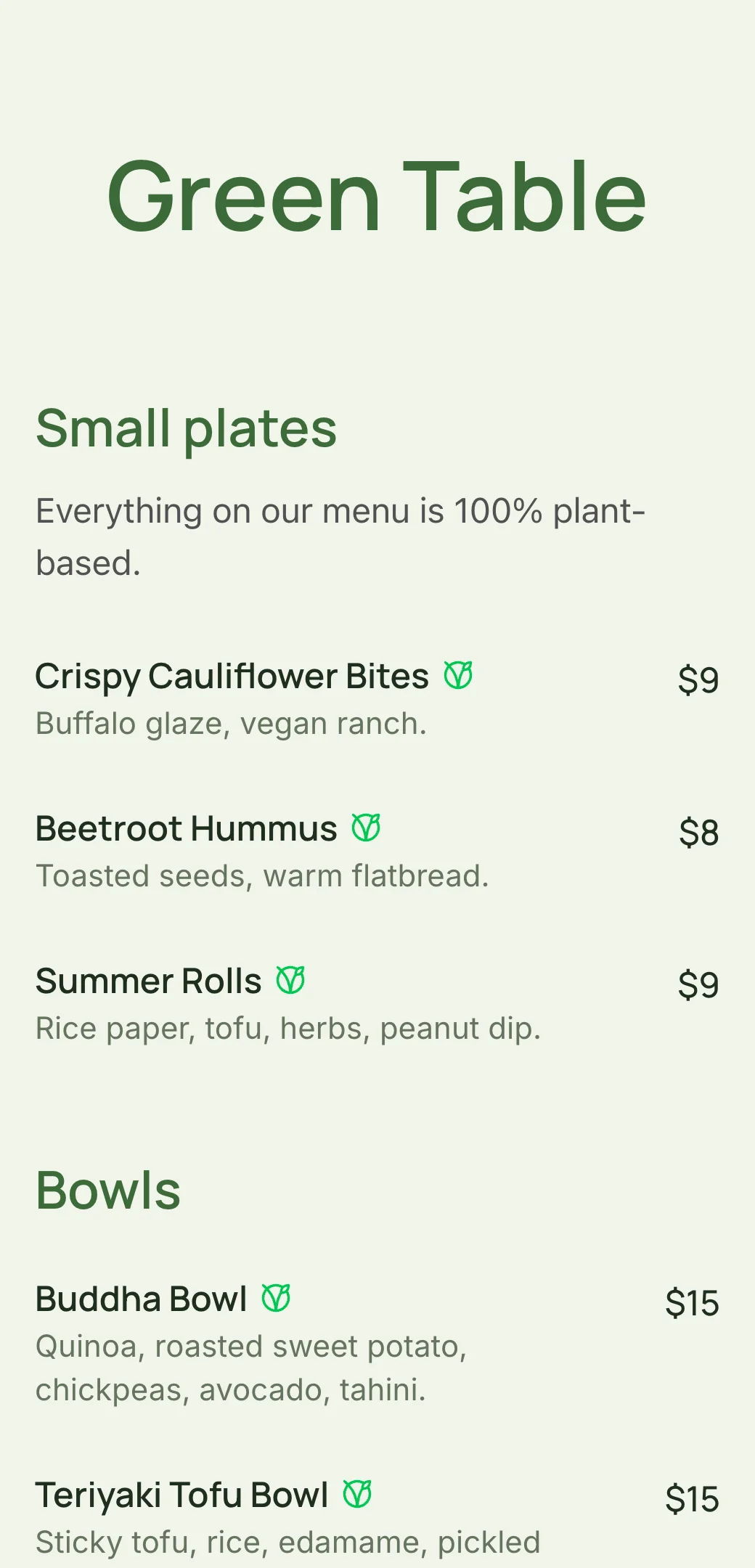
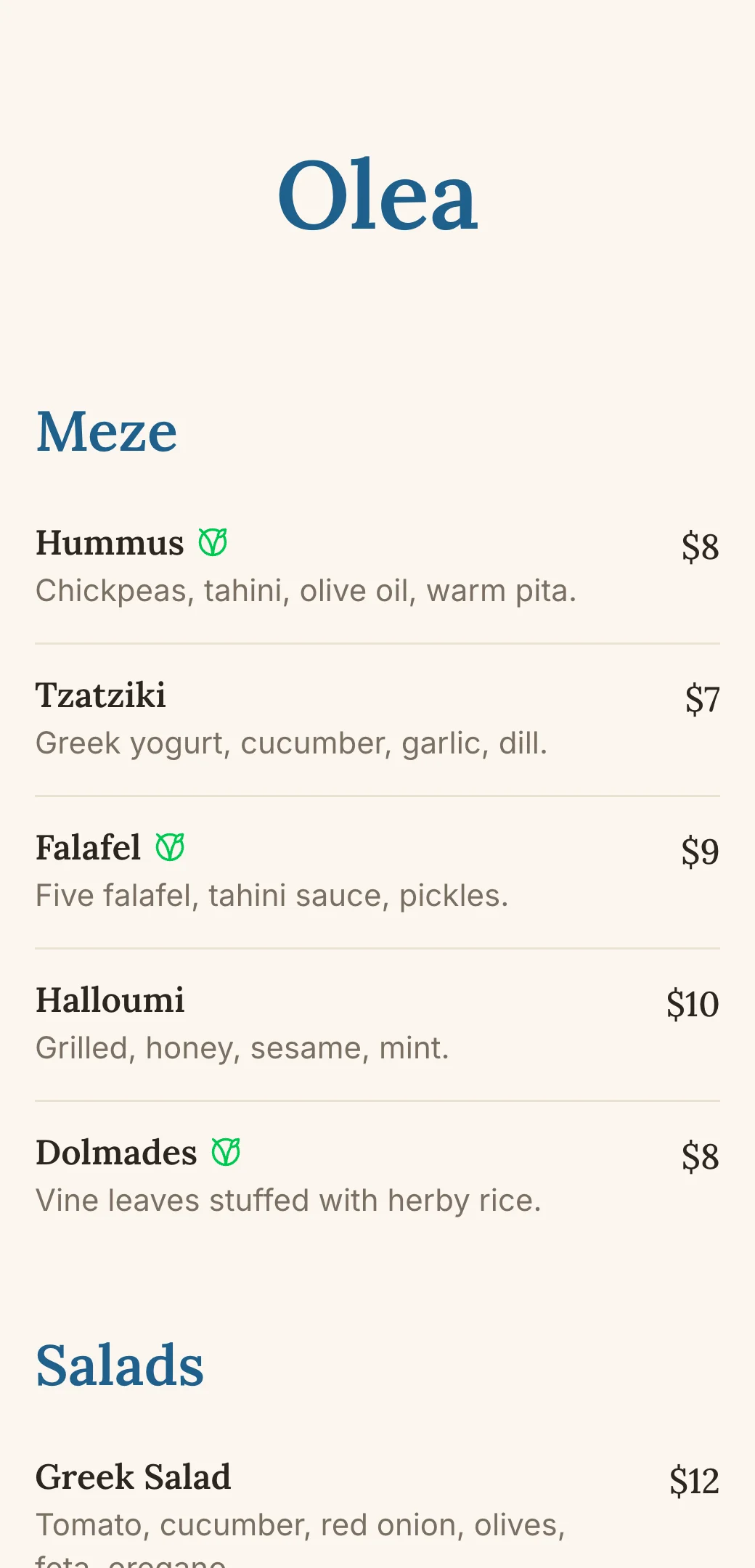
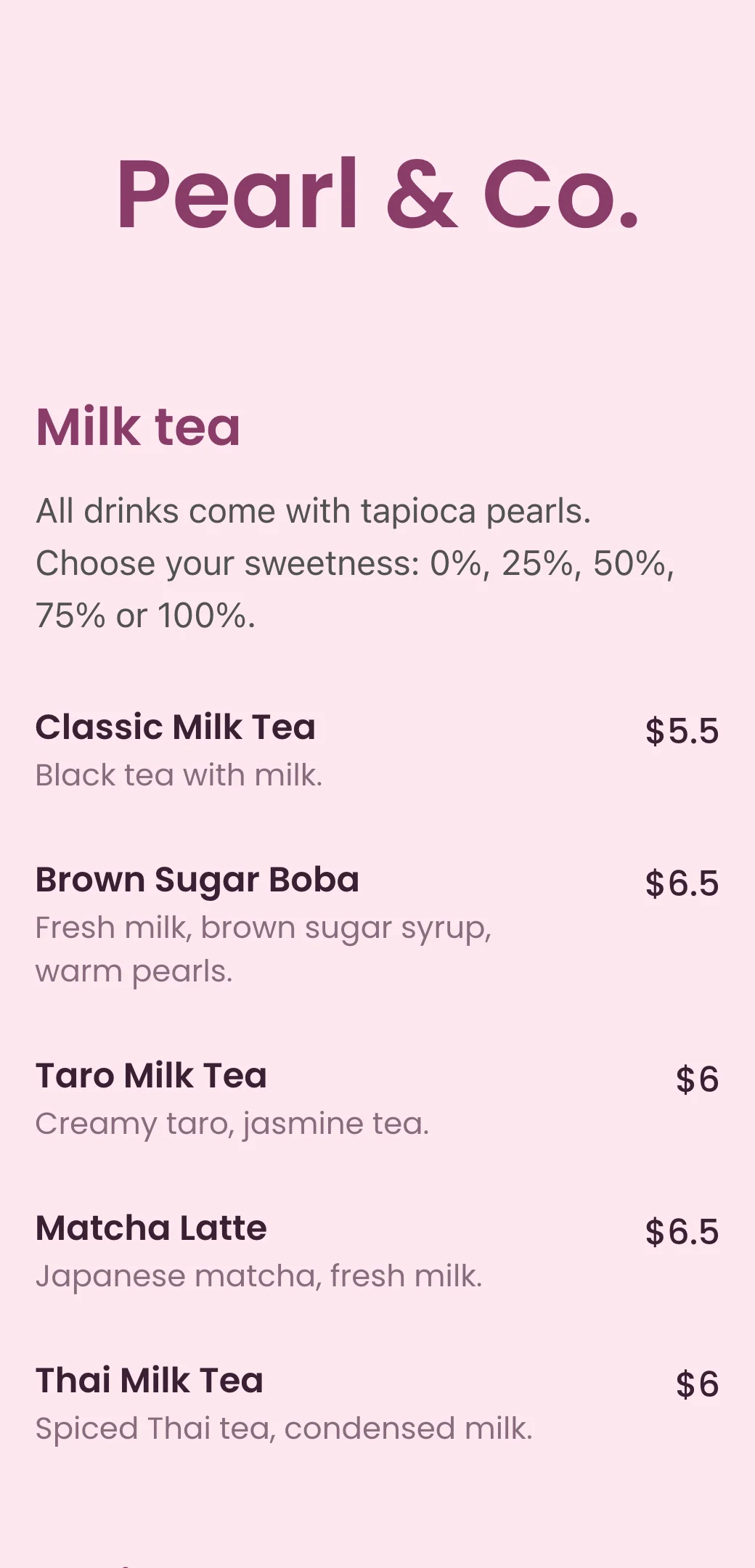
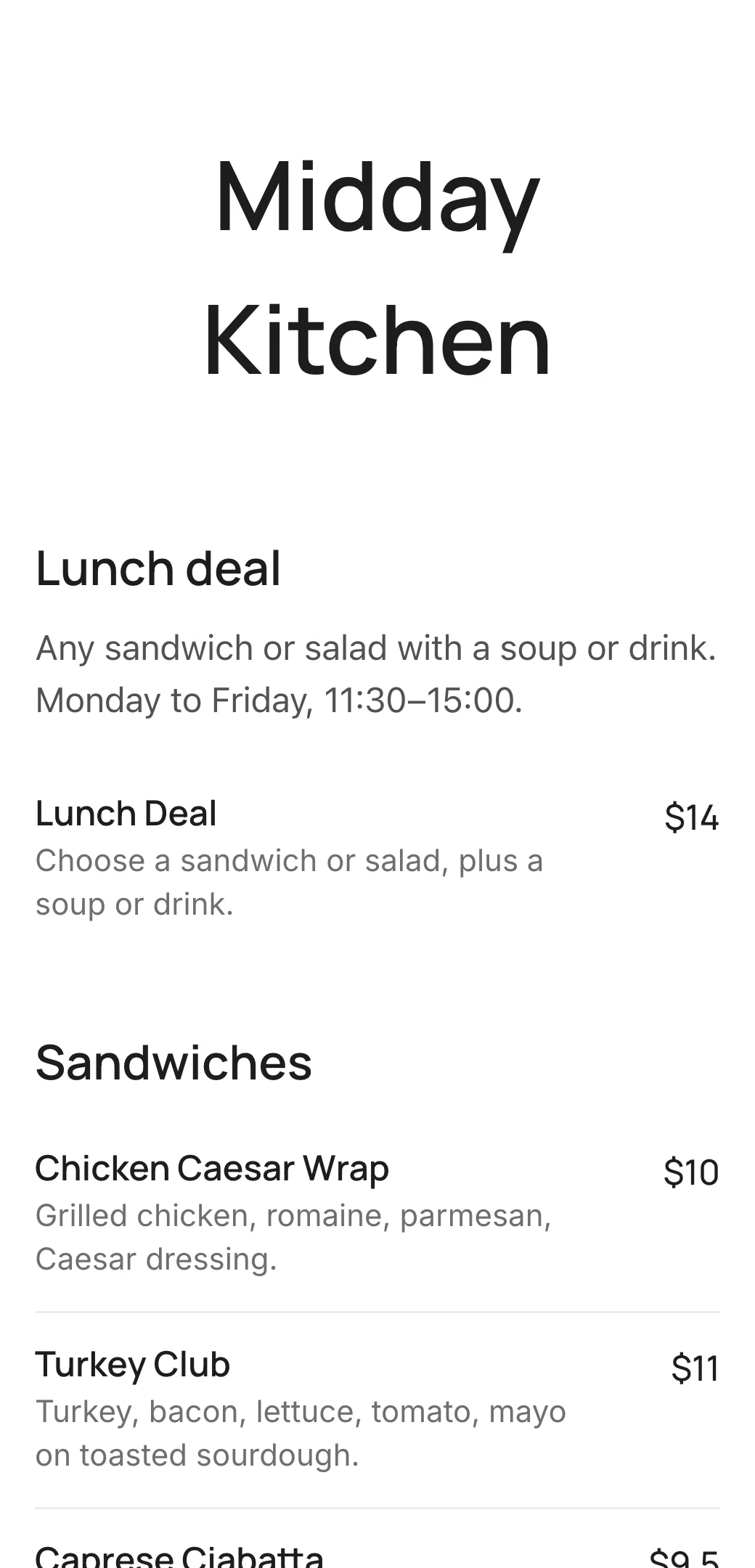
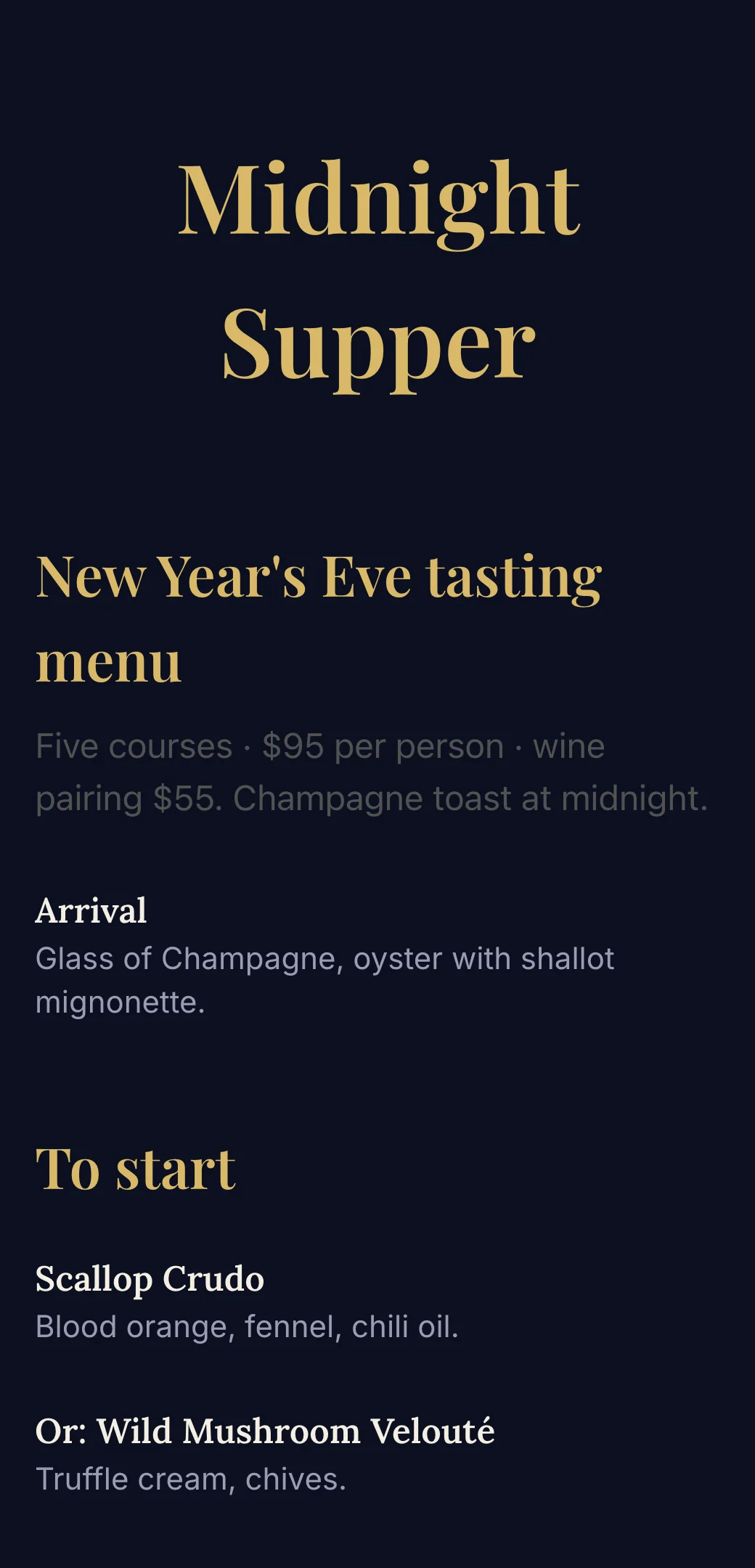
Food truck and street food menu templates
Explore professionally designed digital menu templates for restaurants. Create menus online, customize branding, and share your menu with a link or QR code.
Your questions, answered
- What is a food truck QR code menu?
- A food truck QR code menu is a digital menu customers open by scanning a QR code on the truck or a sign. It shows your dishes and prices on their phone and can be updated anytime.
- Do customers need to download an app?
- No. The menu opens directly in the phone’s browser on iPhone and Android.
- Can I update the menu from my phone?
- Yes. Edit dishes, prices and sections from your phone, and the change shows up instantly for everyone who scans the code.
- Does the same QR code work at every location?
- Yes. The QR code points to your menu, not a place, so one sticker works wherever you park.
- Is there a food truck menu template?
- Yes. Start from the food truck, burger, BBQ or ice cream truck menu template, then change the dishes, prices, colors and logo. Need dish ideas? Read our food truck menu ideas.