Turn your PDF menu into a QR code menu
PDF menus are hard to read on a phone. Turn yours into a mobile menu with its own QR code — and update prices anytime without re-uploading a file.
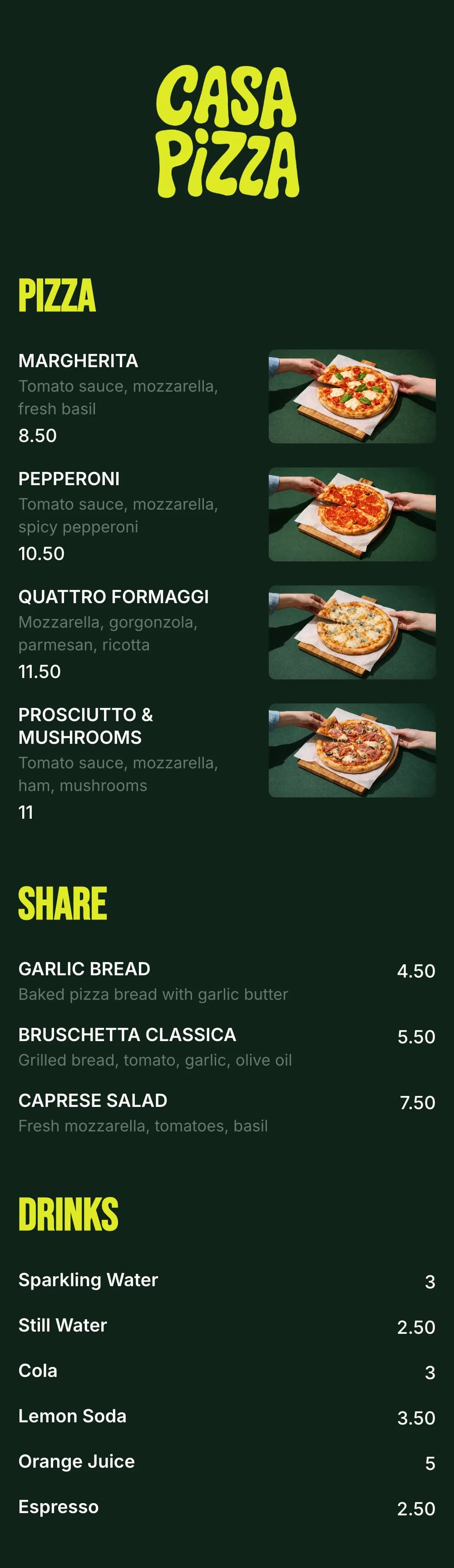



Why PDF menus don’t work well on phones
A PDF is made for printing. When guests open it from a QR code, they get a tiny page they have to zoom around.
Pinch and zoom
Guests have to zoom and drag around a page designed for A4 paper.
Slow to load
Large PDF files with photos take a long time on mobile data.
Re-upload every change
Every price change means editing the design, exporting and uploading a new file.
Broken links
If the file link changes, every printed QR code stops working.
Downloads, not menus
Some phones download the PDF instead of opening it, so guests lose the menu in their files.
Hard to find dishes
No sections to jump between — guests scroll through pages to find drinks or desserts.
How to turn a PDF menu into a QR code menu
Move your dishes over once, then edit them online forever.
- 1
Add your dishes
Copy your sections, dishes, descriptions and prices from your PDF into the menu editor.
- 2
Match your design
Pick colors, fonts and your logo so the mobile menu looks like your printed one.
- 3
Download your QR code
Publish and download a print-ready QR code for tables, windows and flyers.
QR code menu vs PDF menu
A mobile menu does everything a PDF does on a phone — and you can change it without a designer.

Just need a QR code for your PDF?
Upload your PDF menu to your website or a public file link, then paste that link into our free menu QR code generator. Pick your colors, add a “Scan for menu” frame and download a PNG or SVG.
Open free QR code generatorStart from a menu template instead
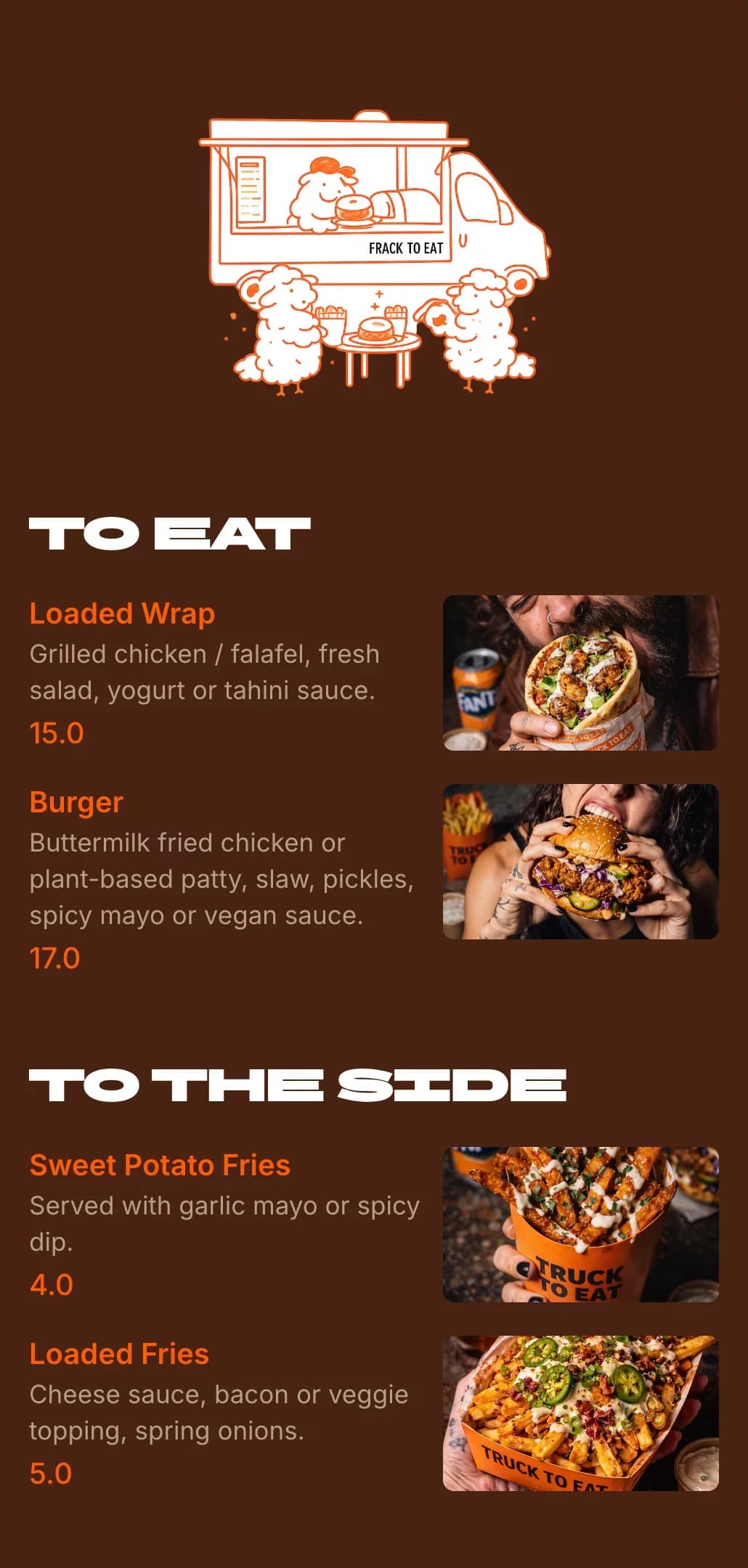
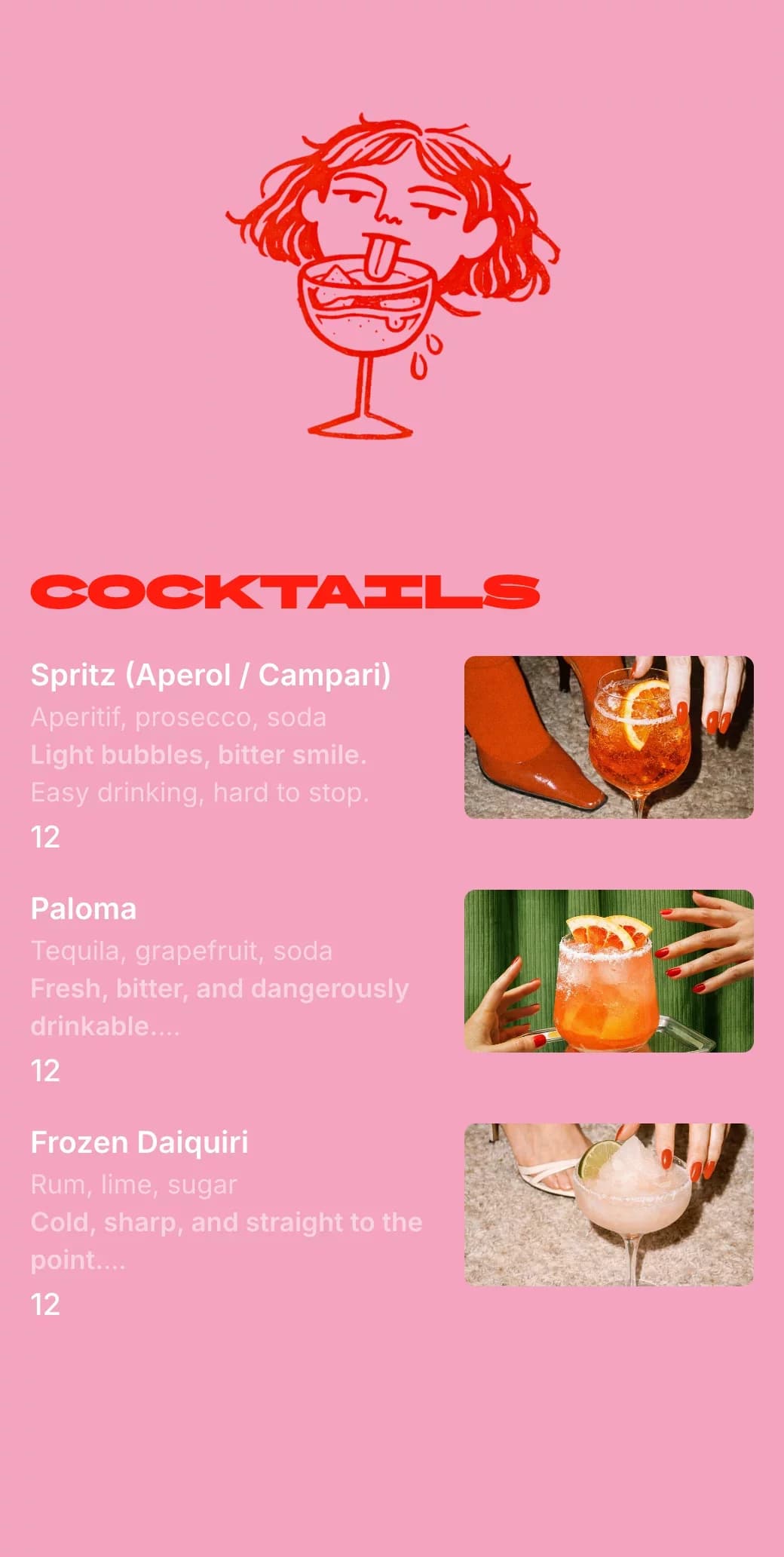
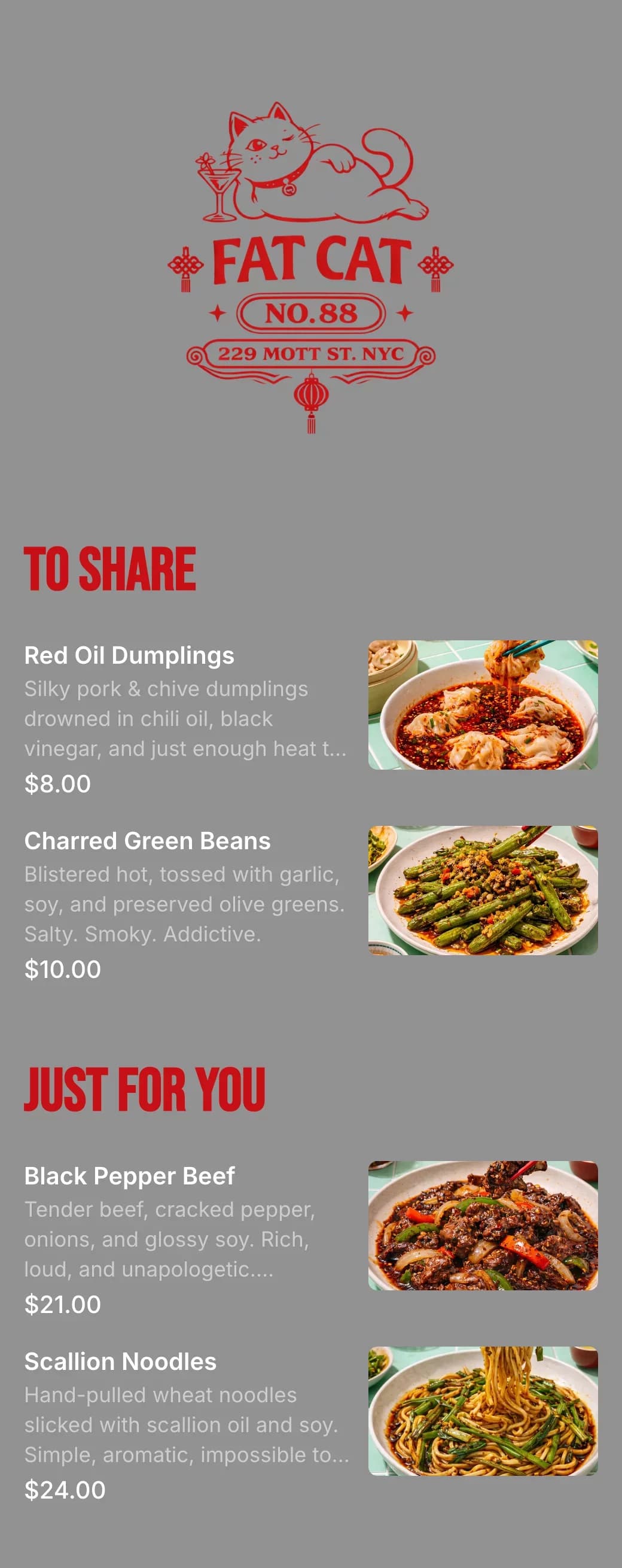
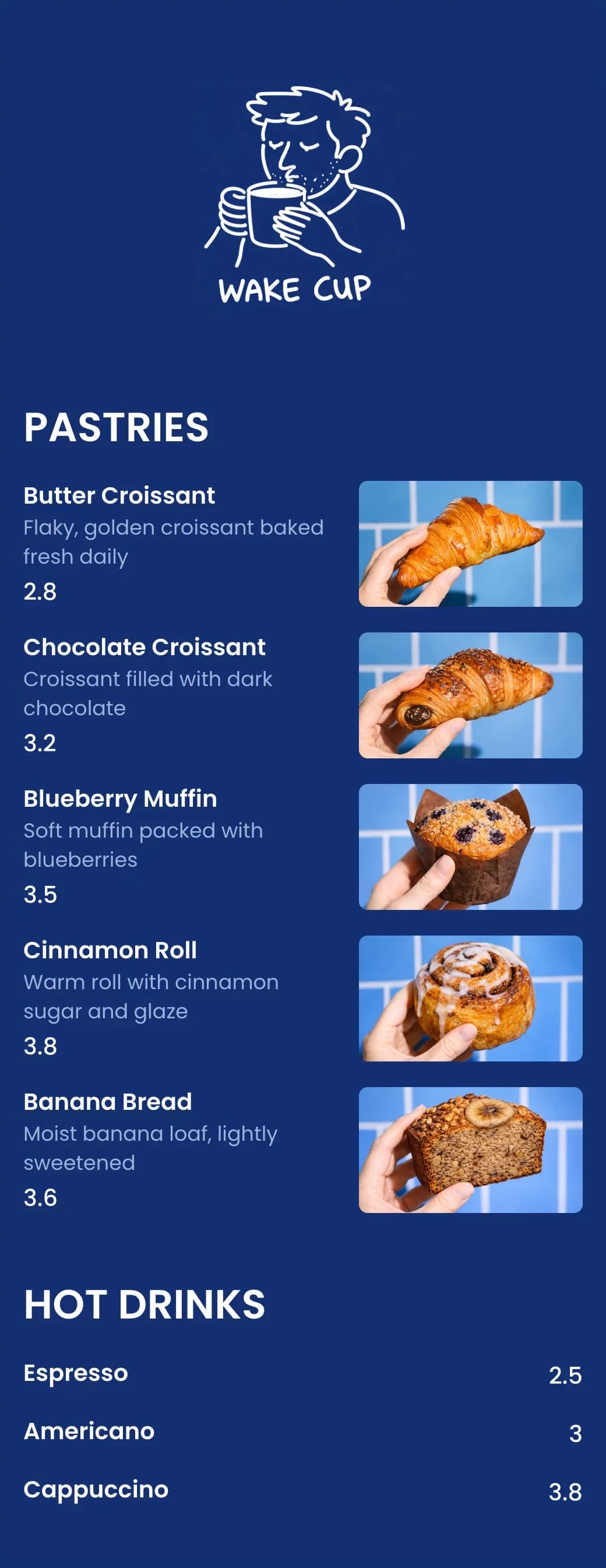
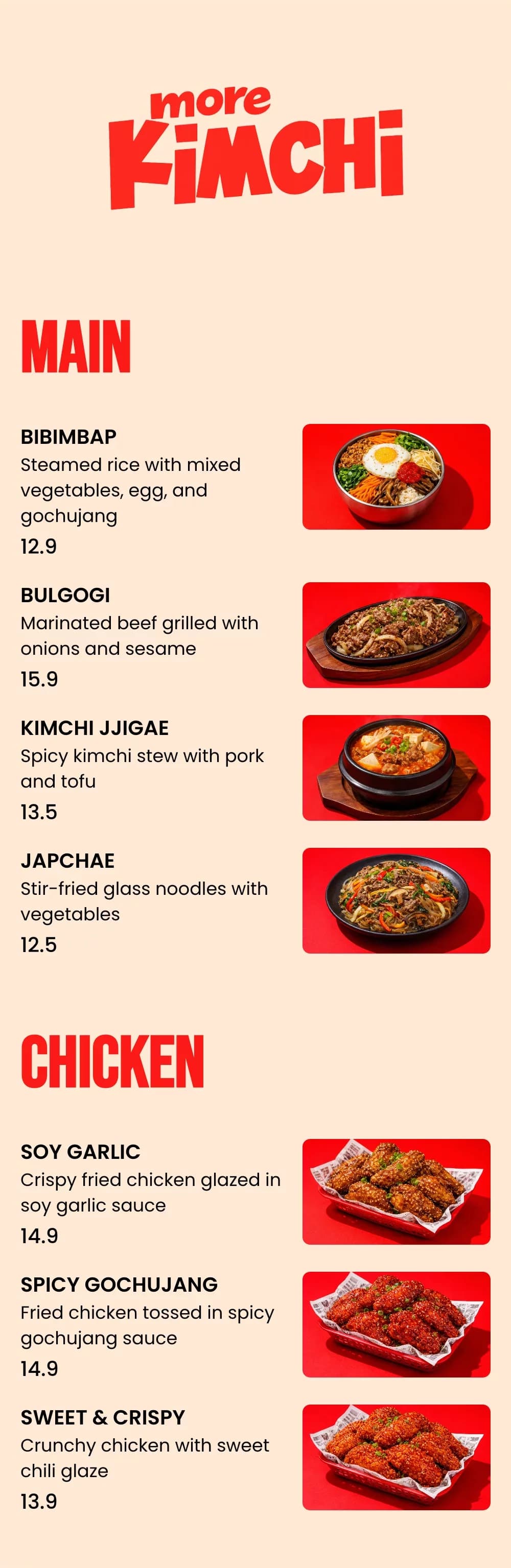
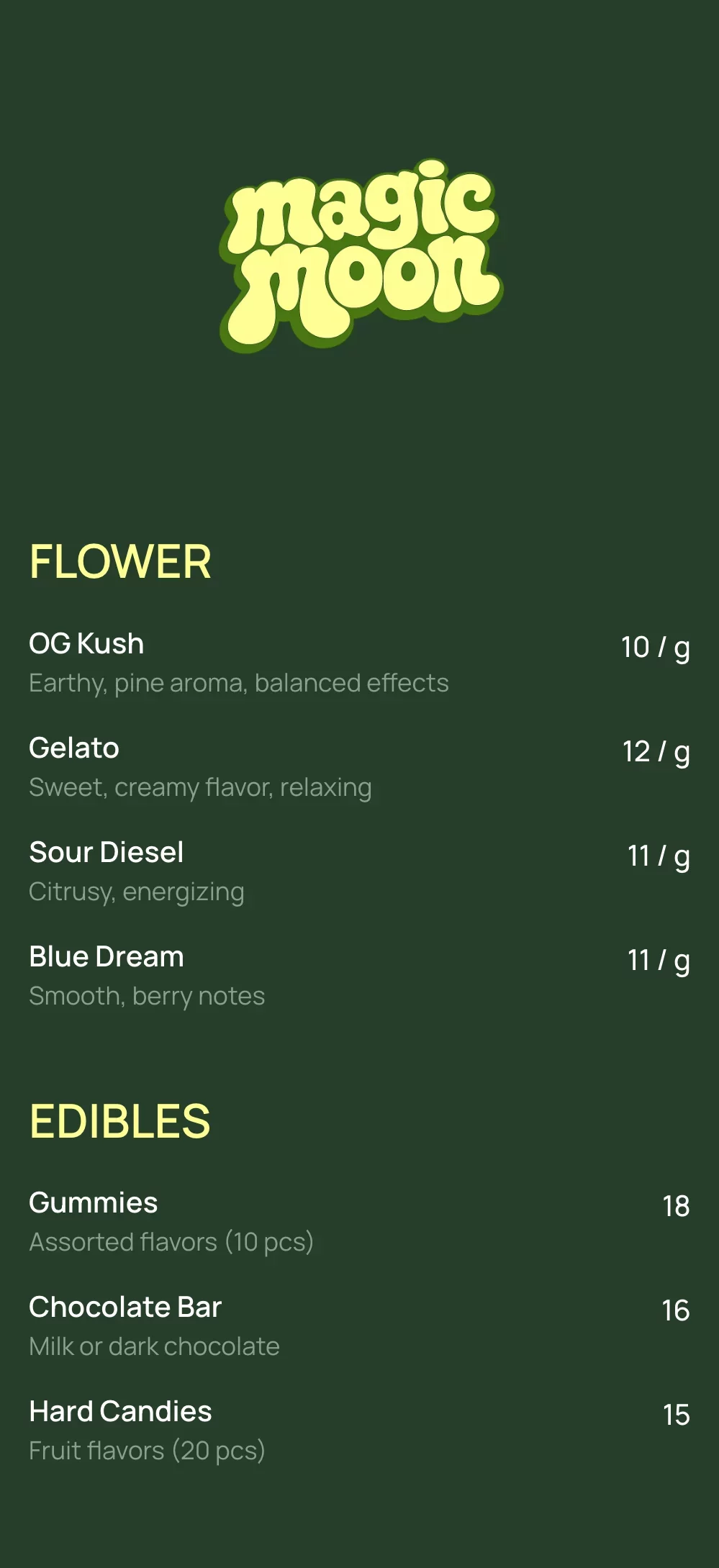
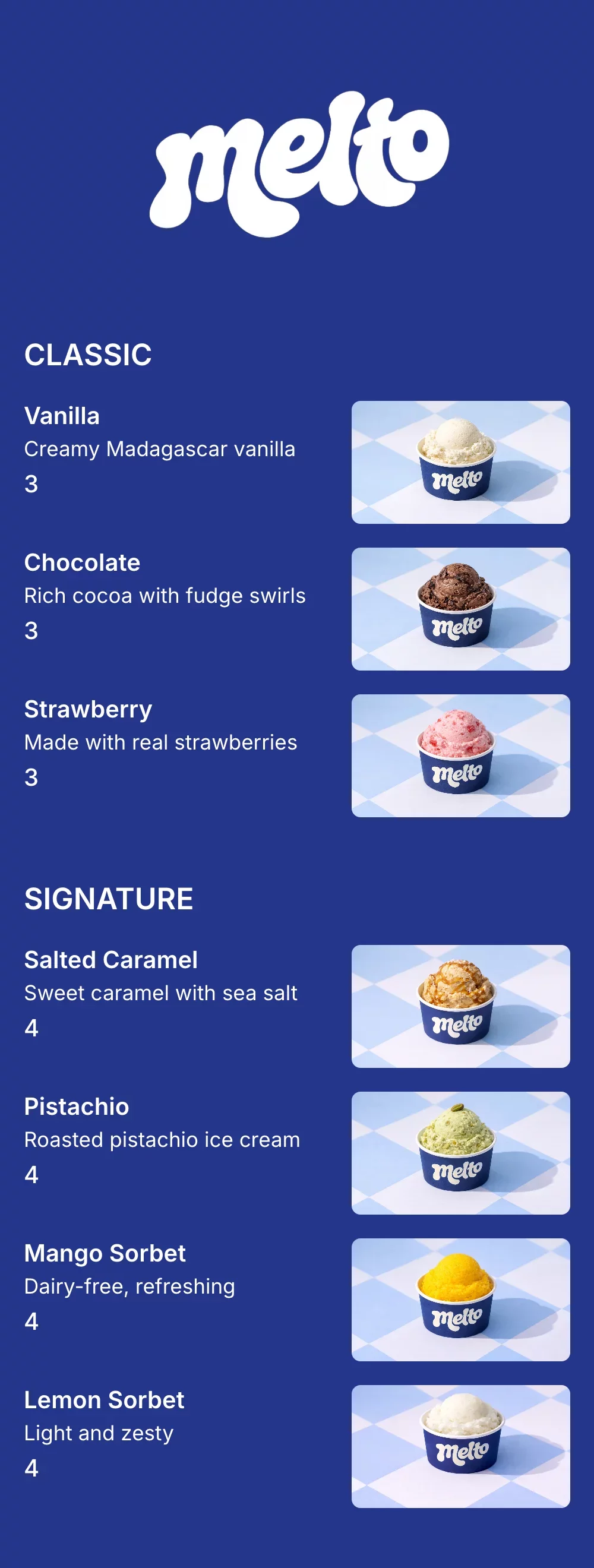
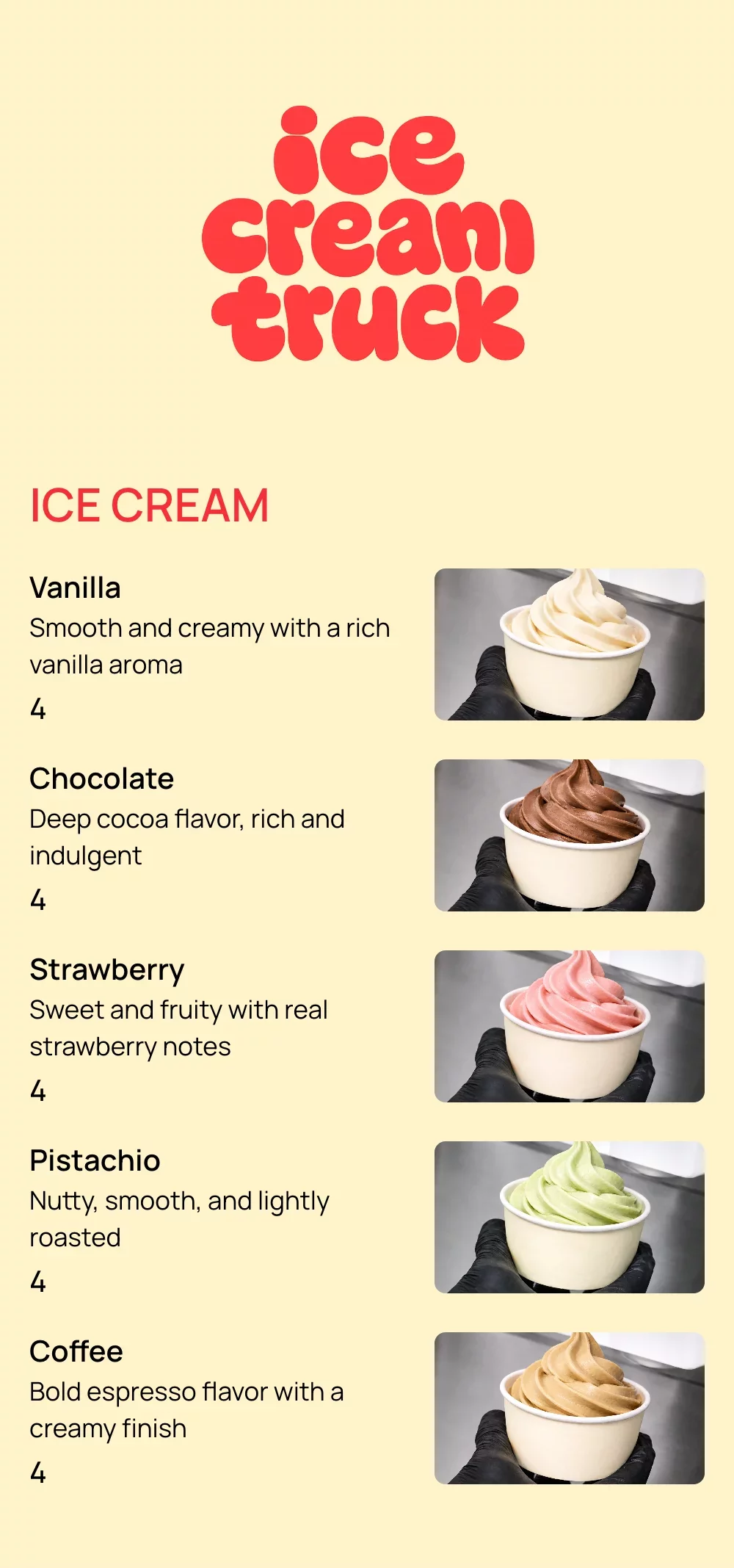
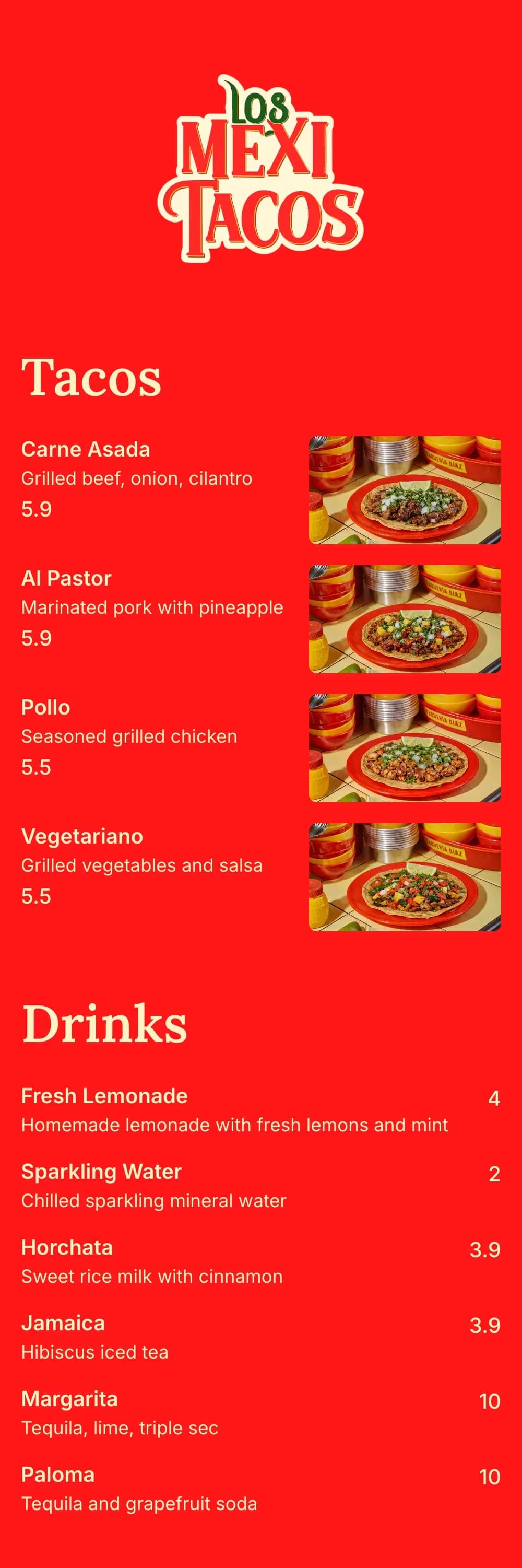
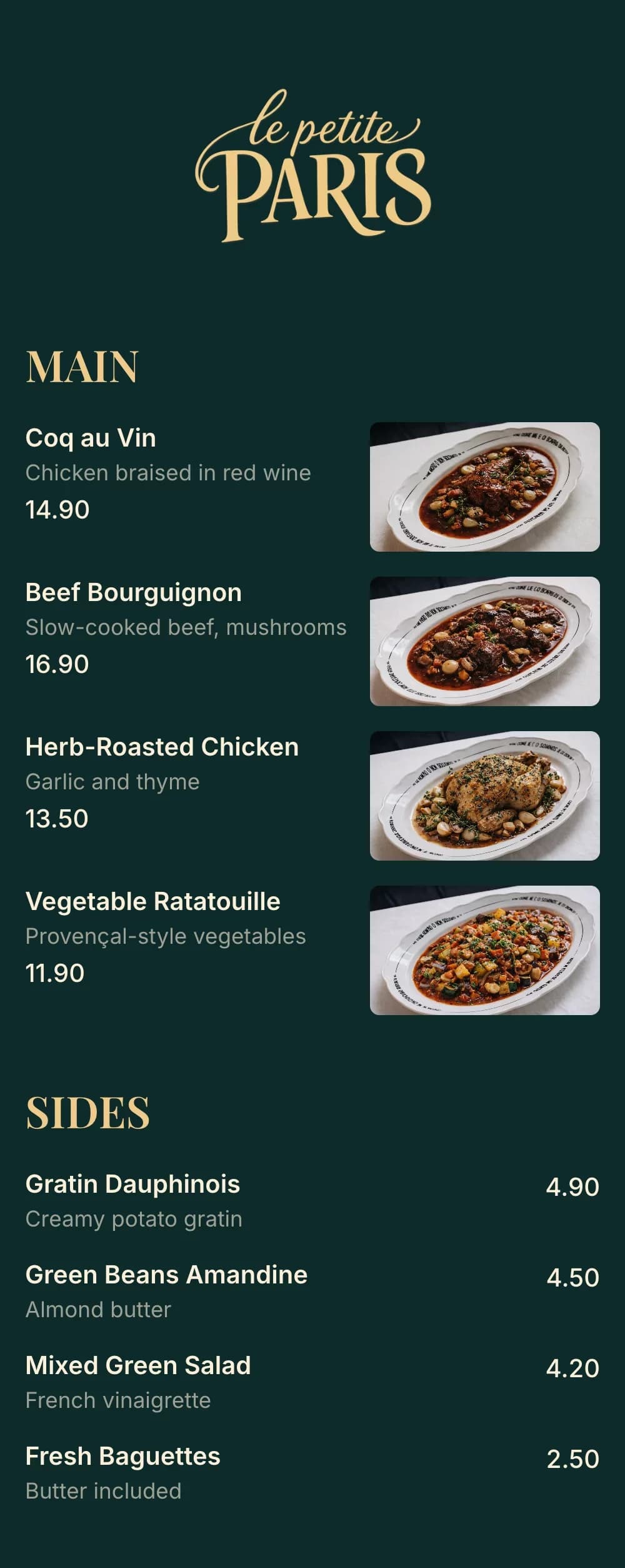
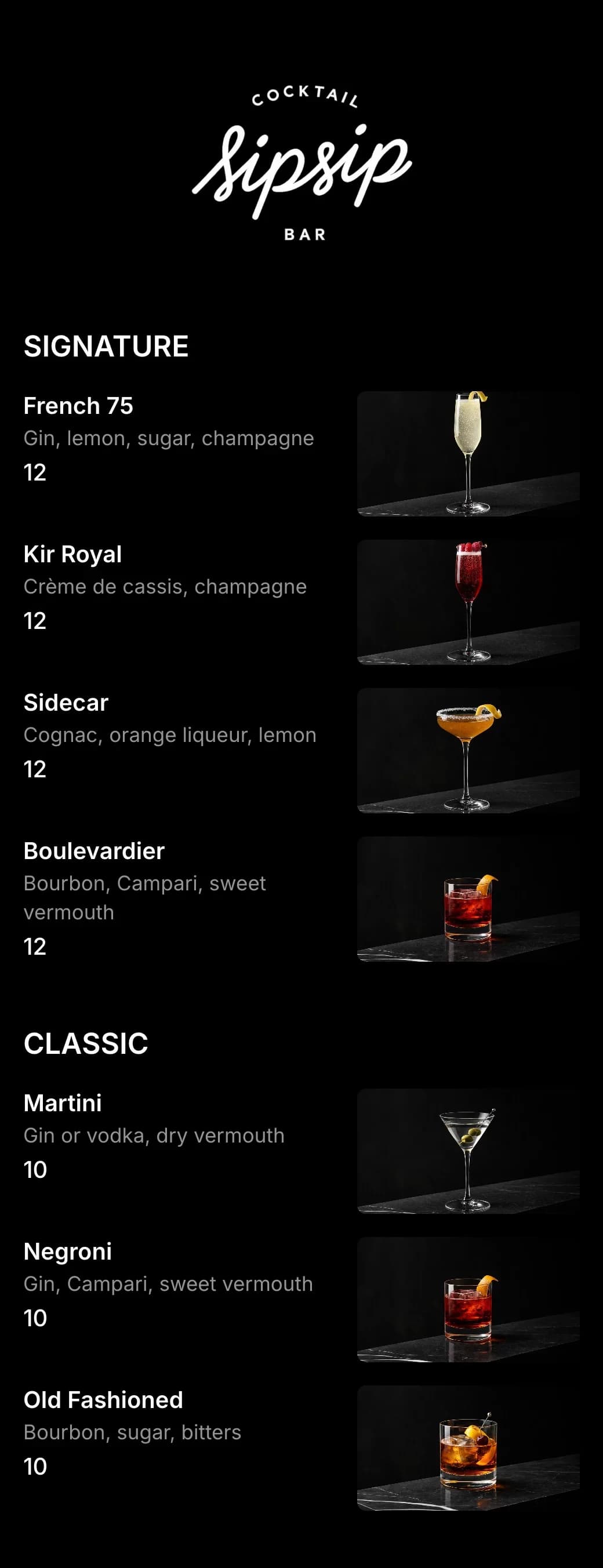
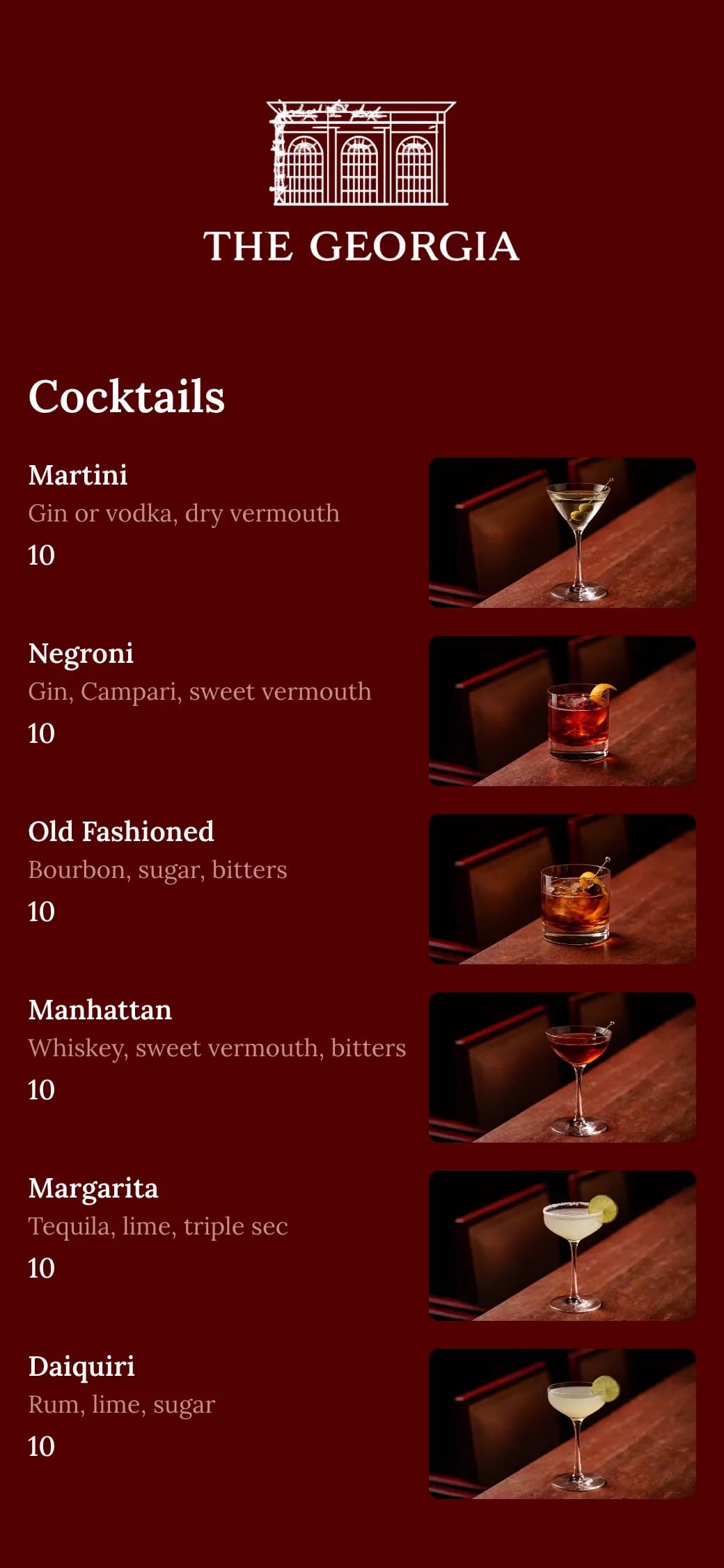
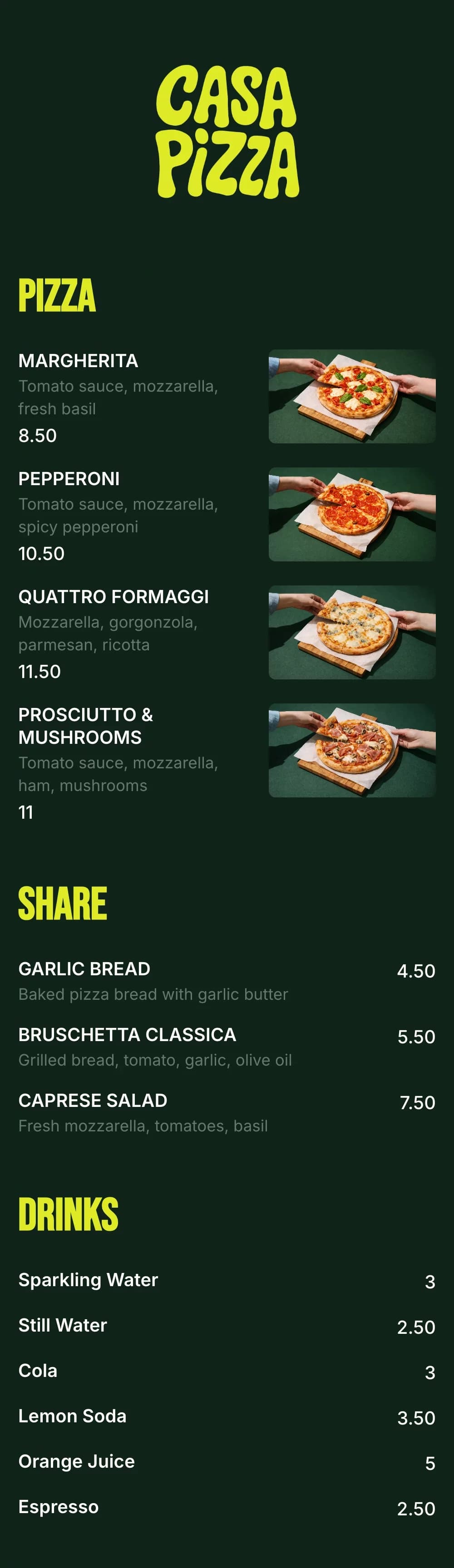
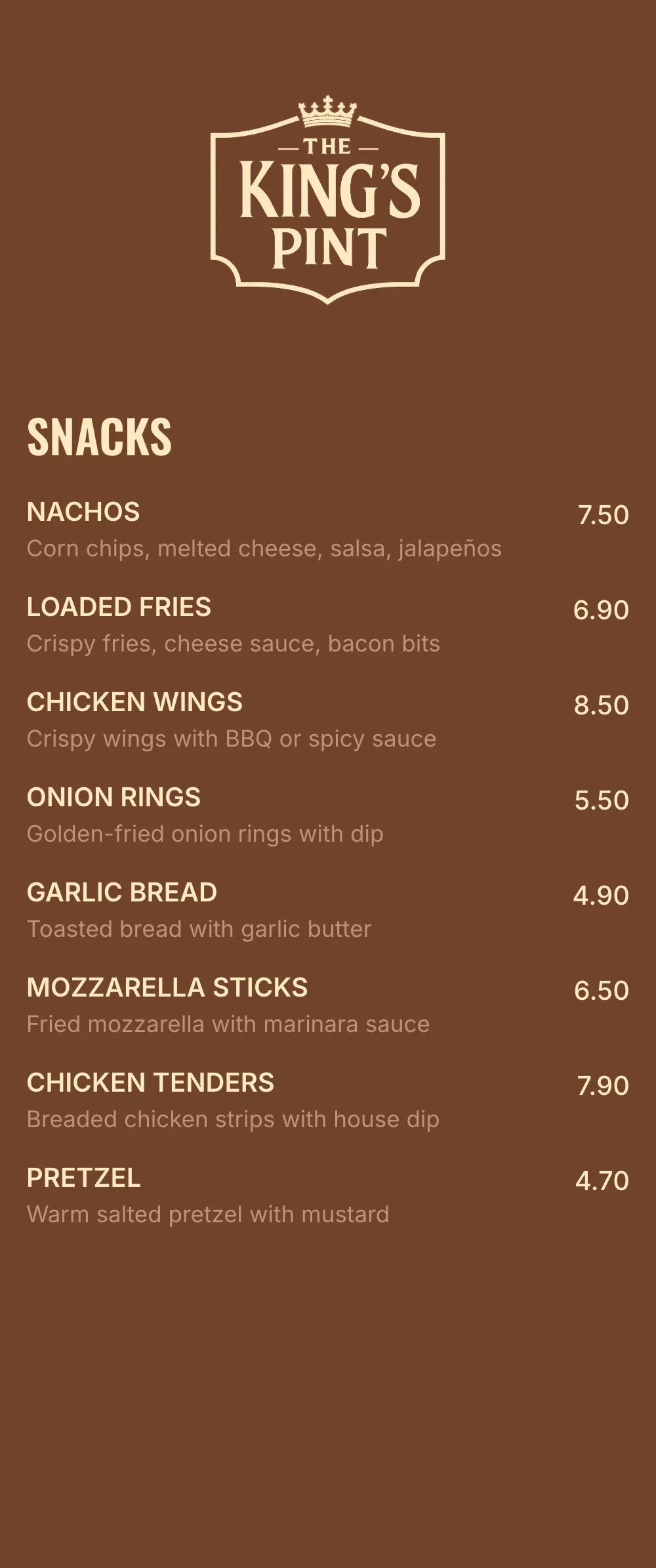
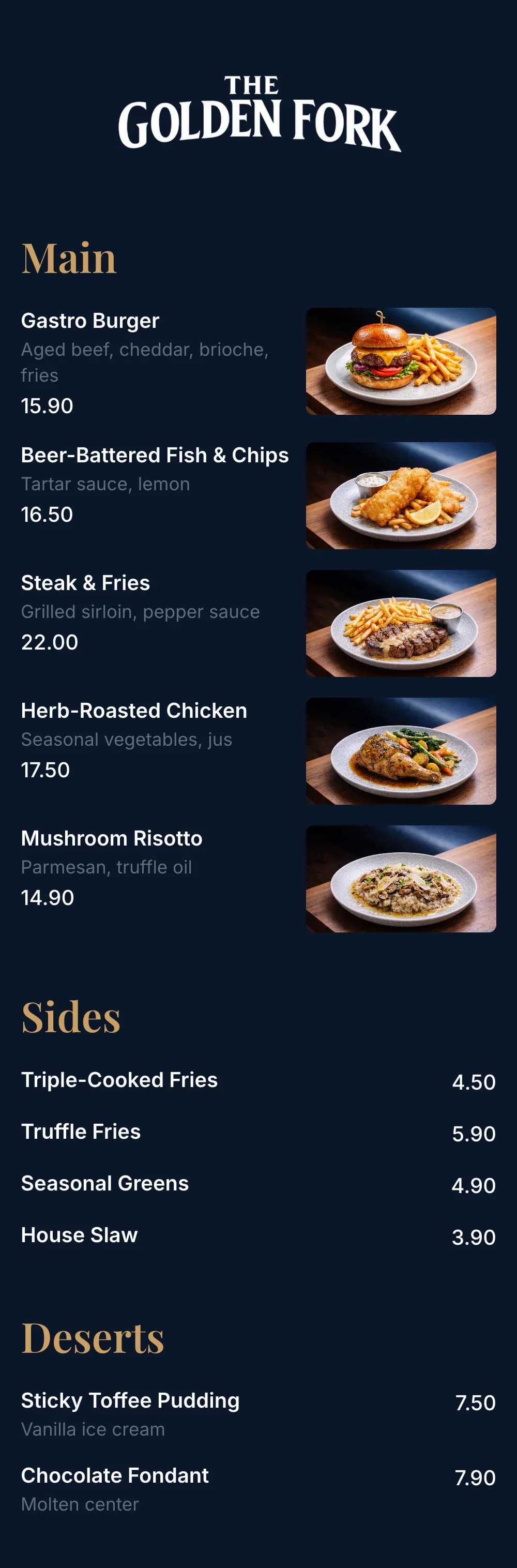
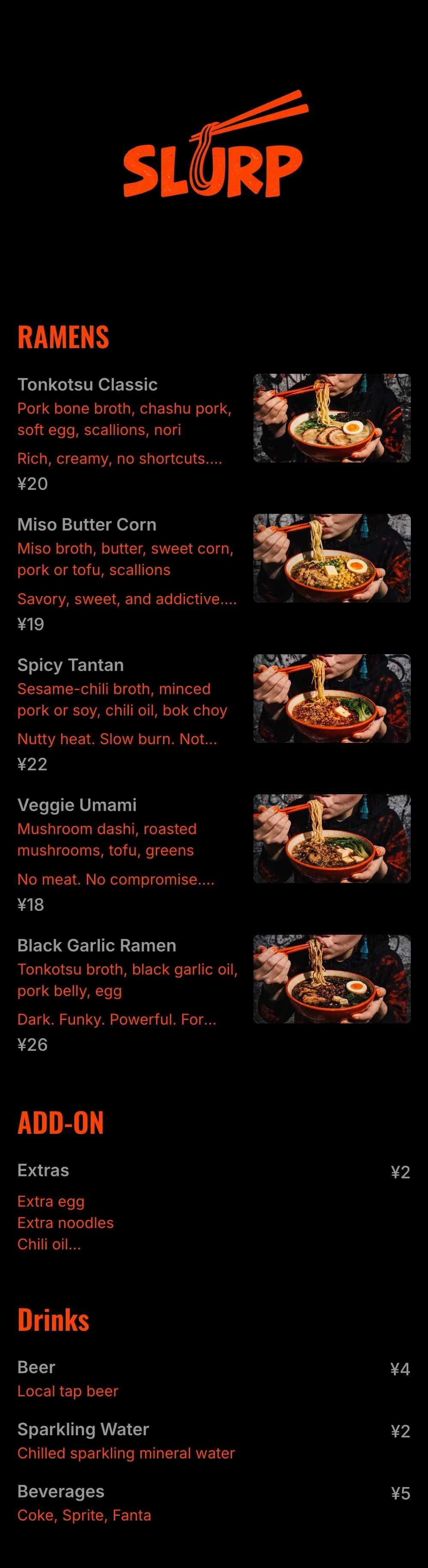
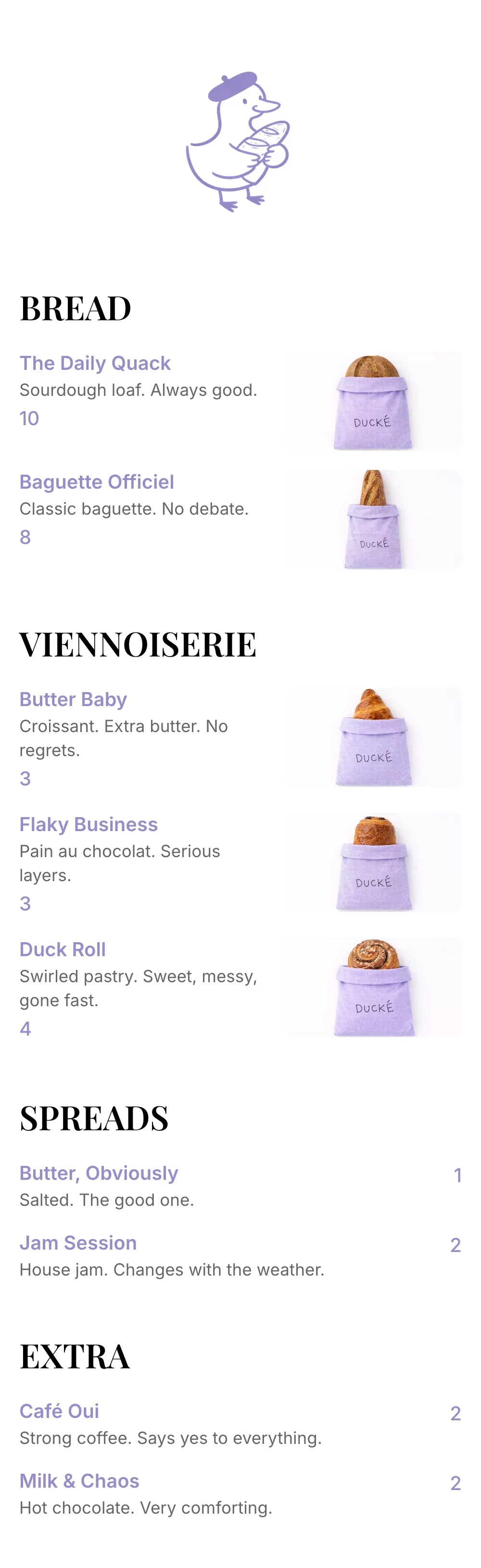
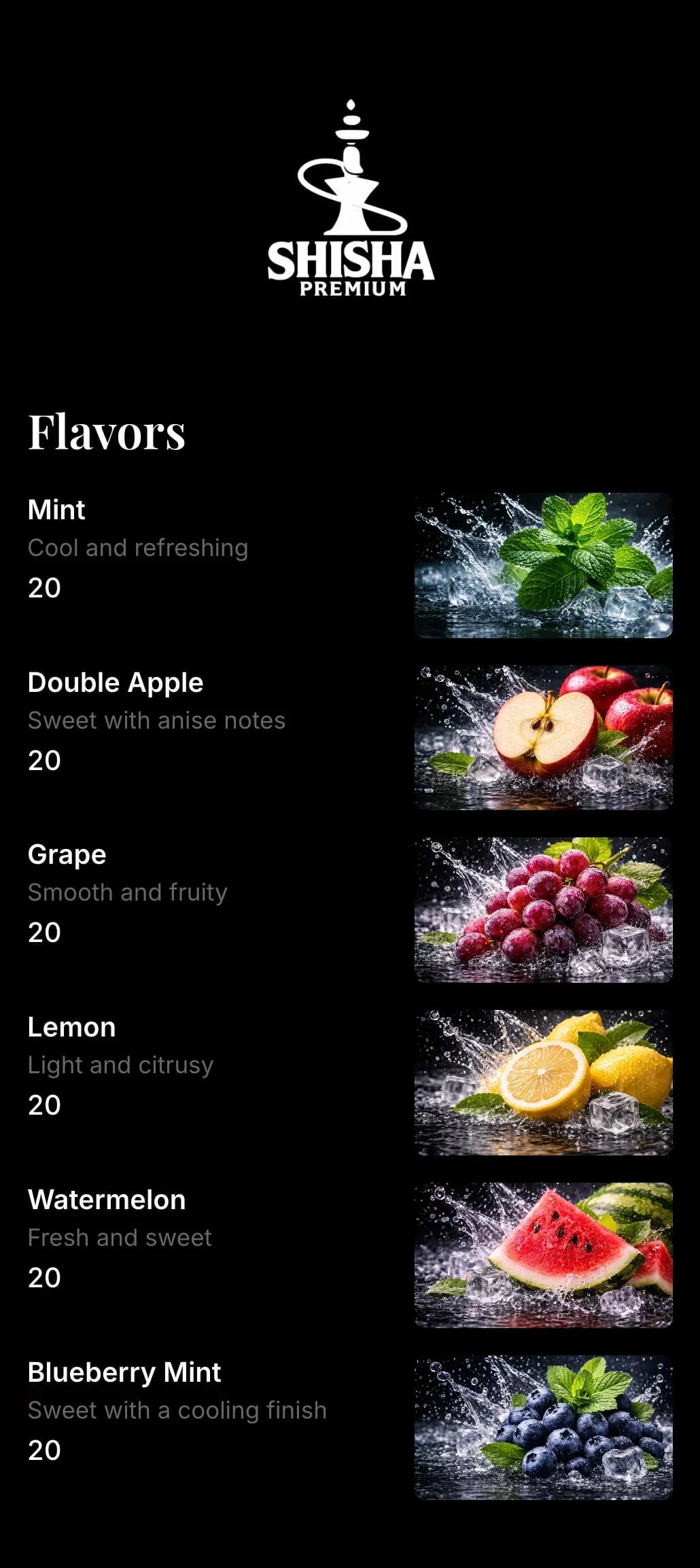
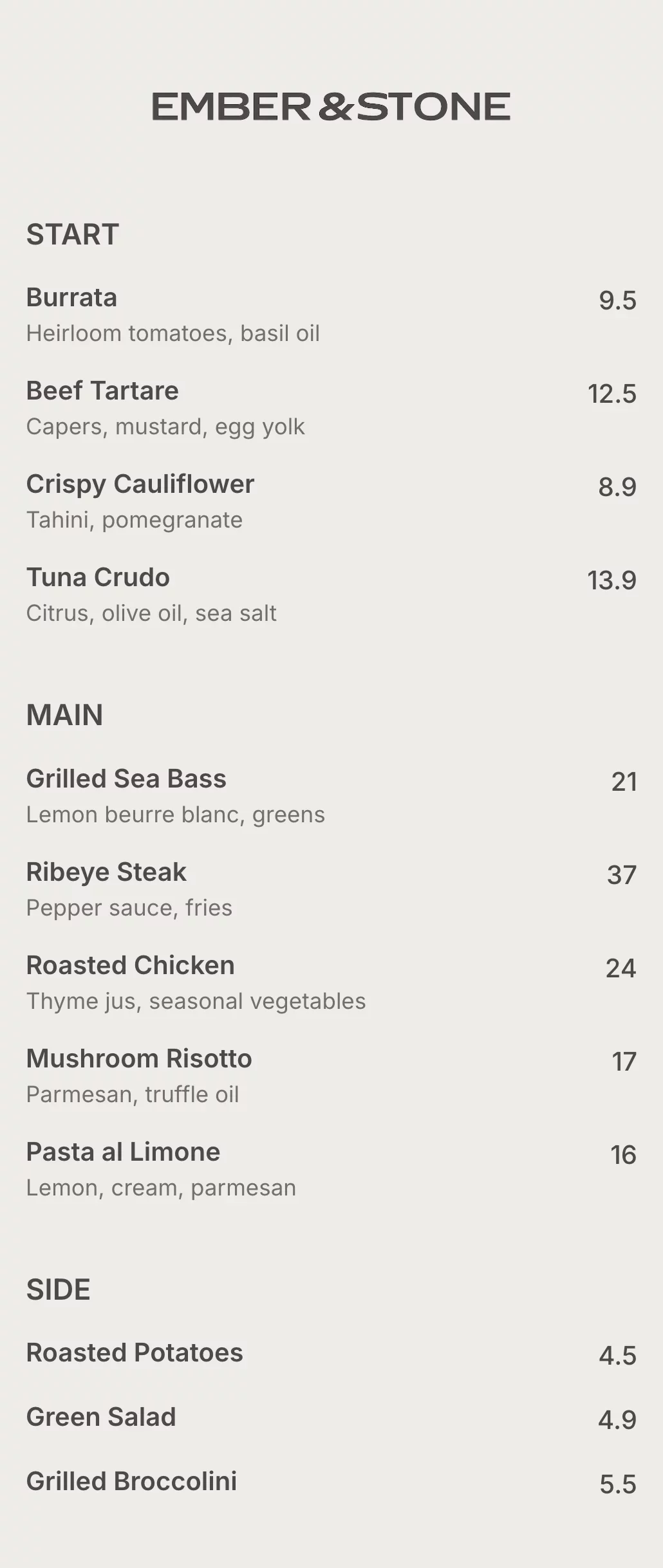
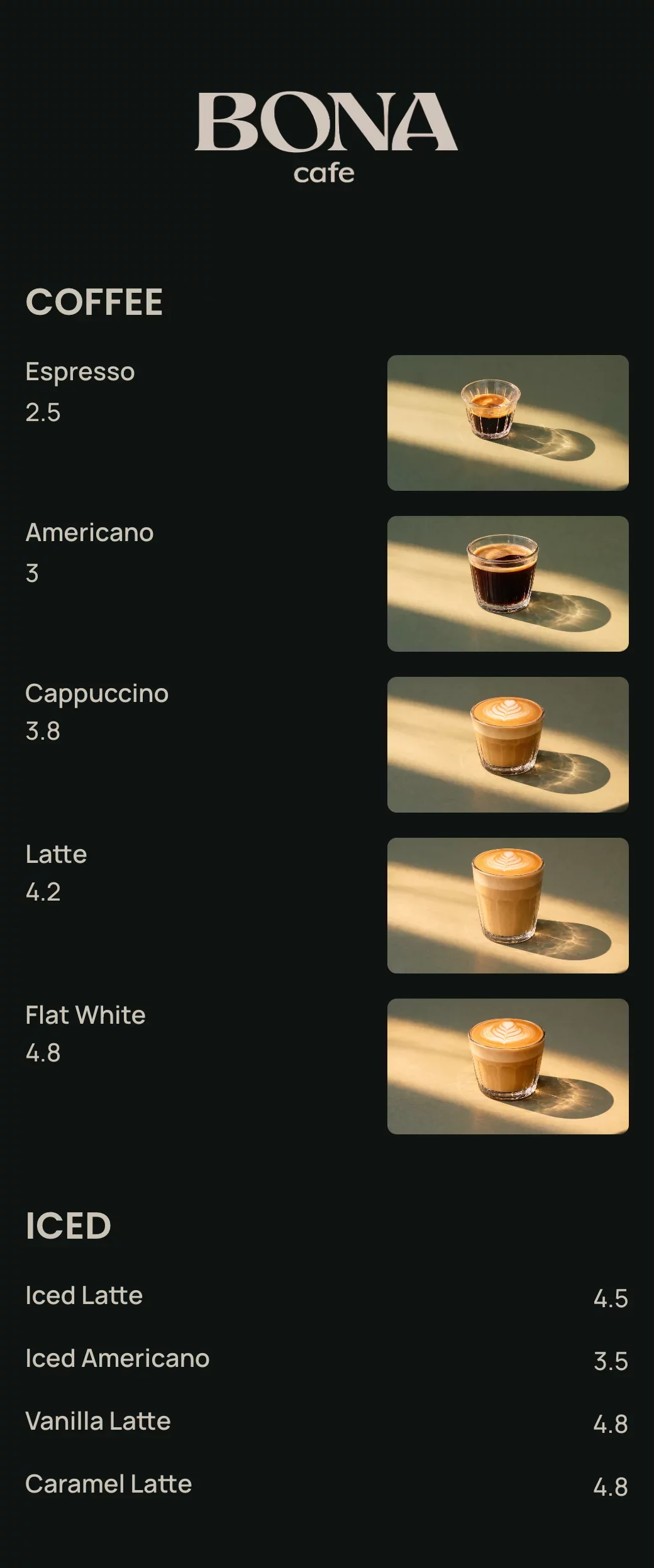
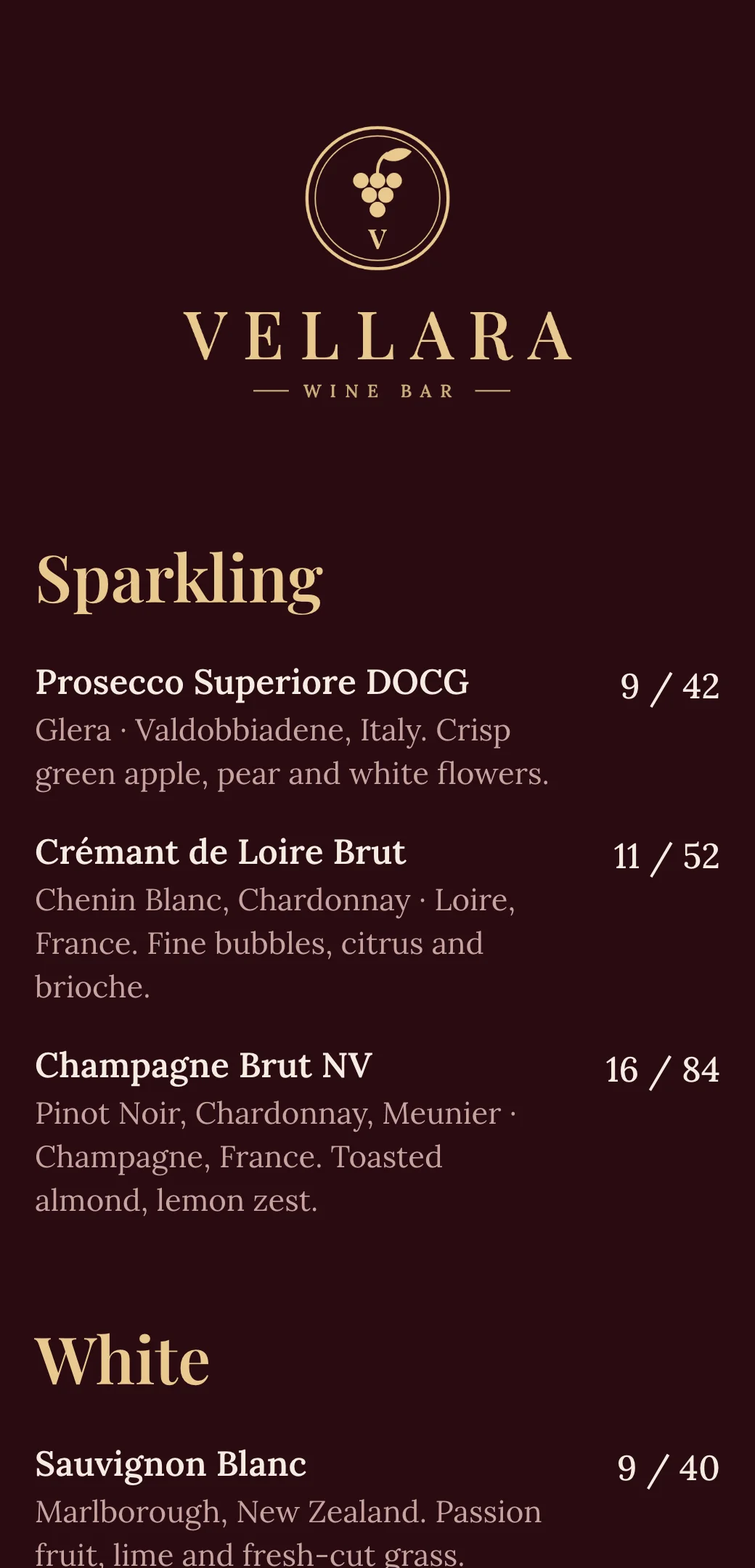
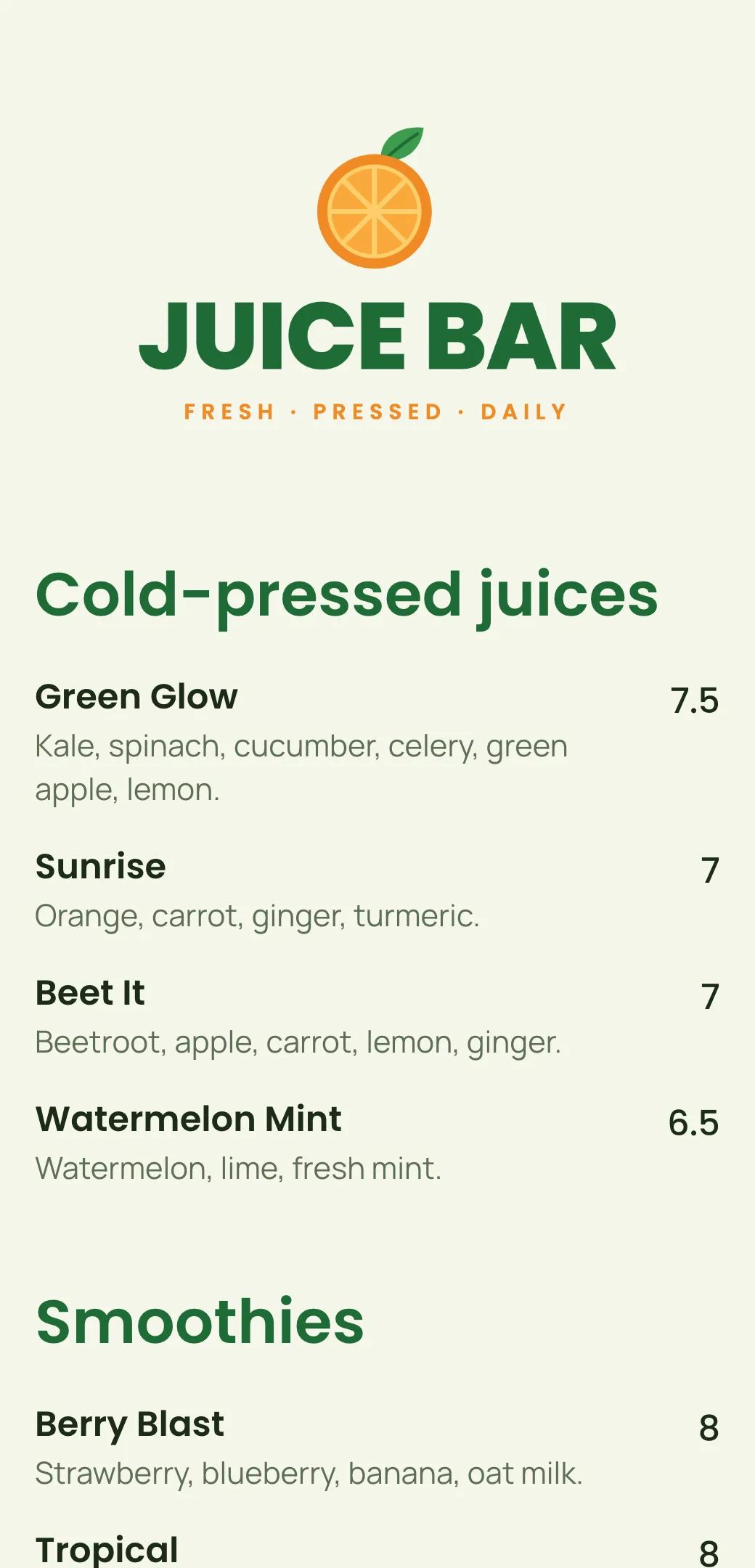
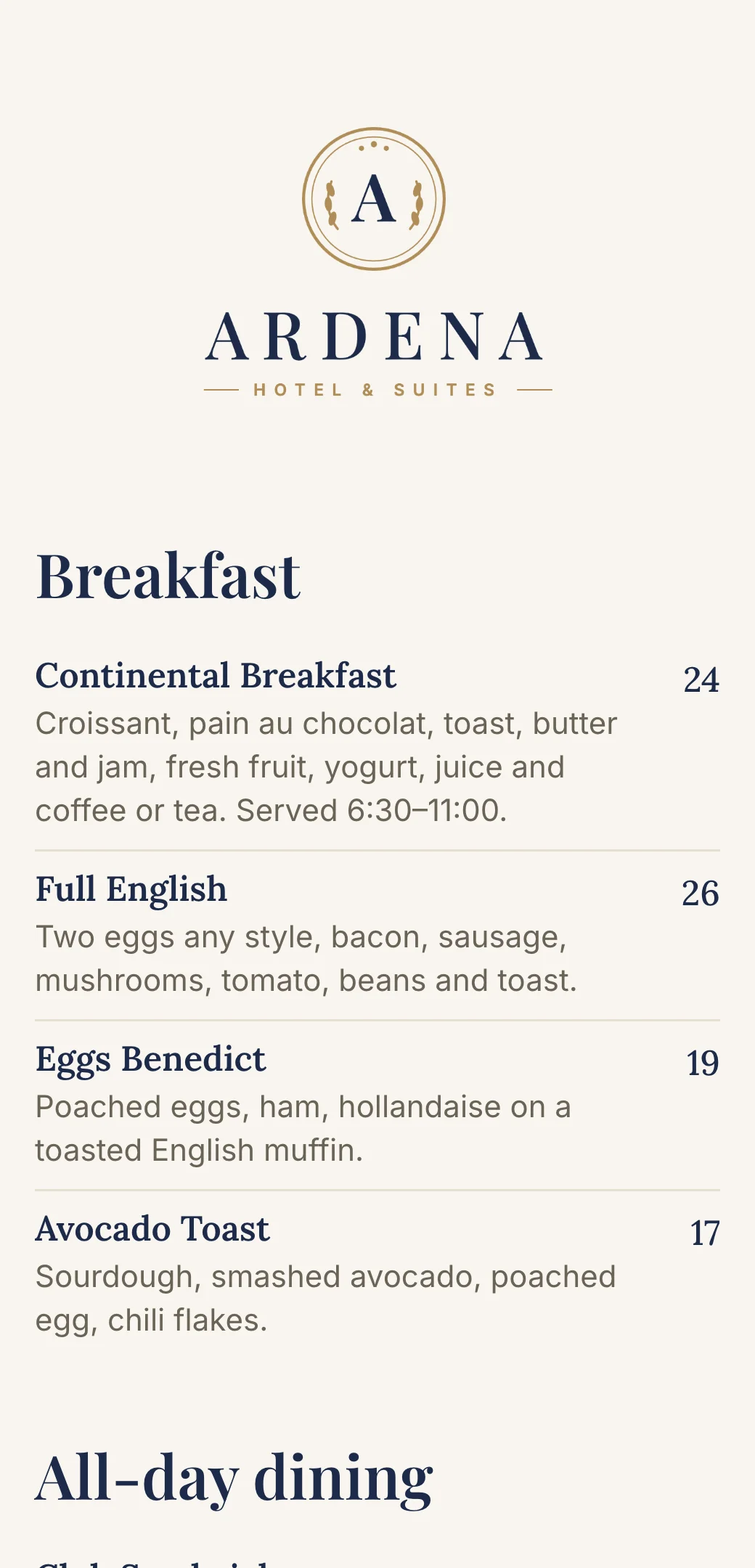
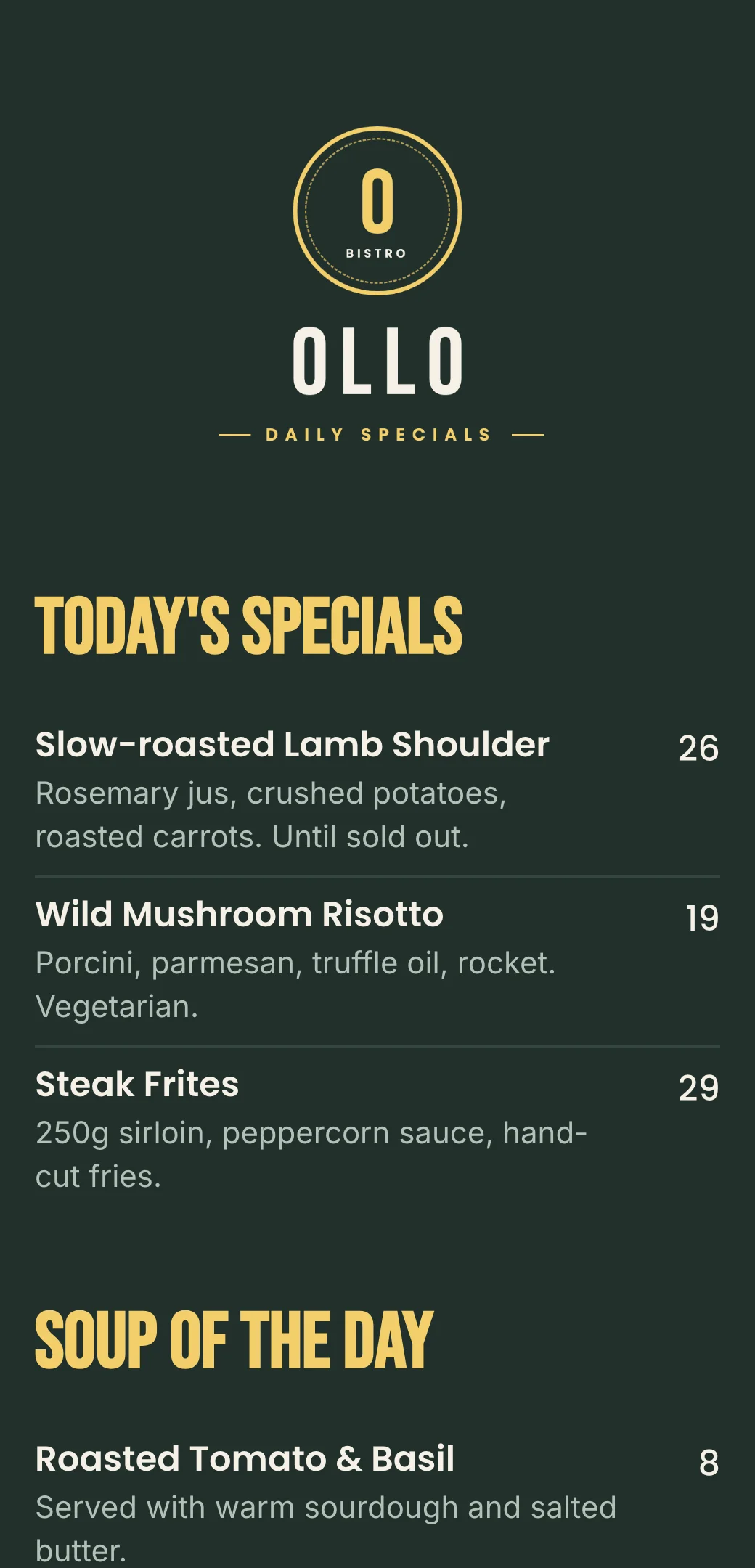
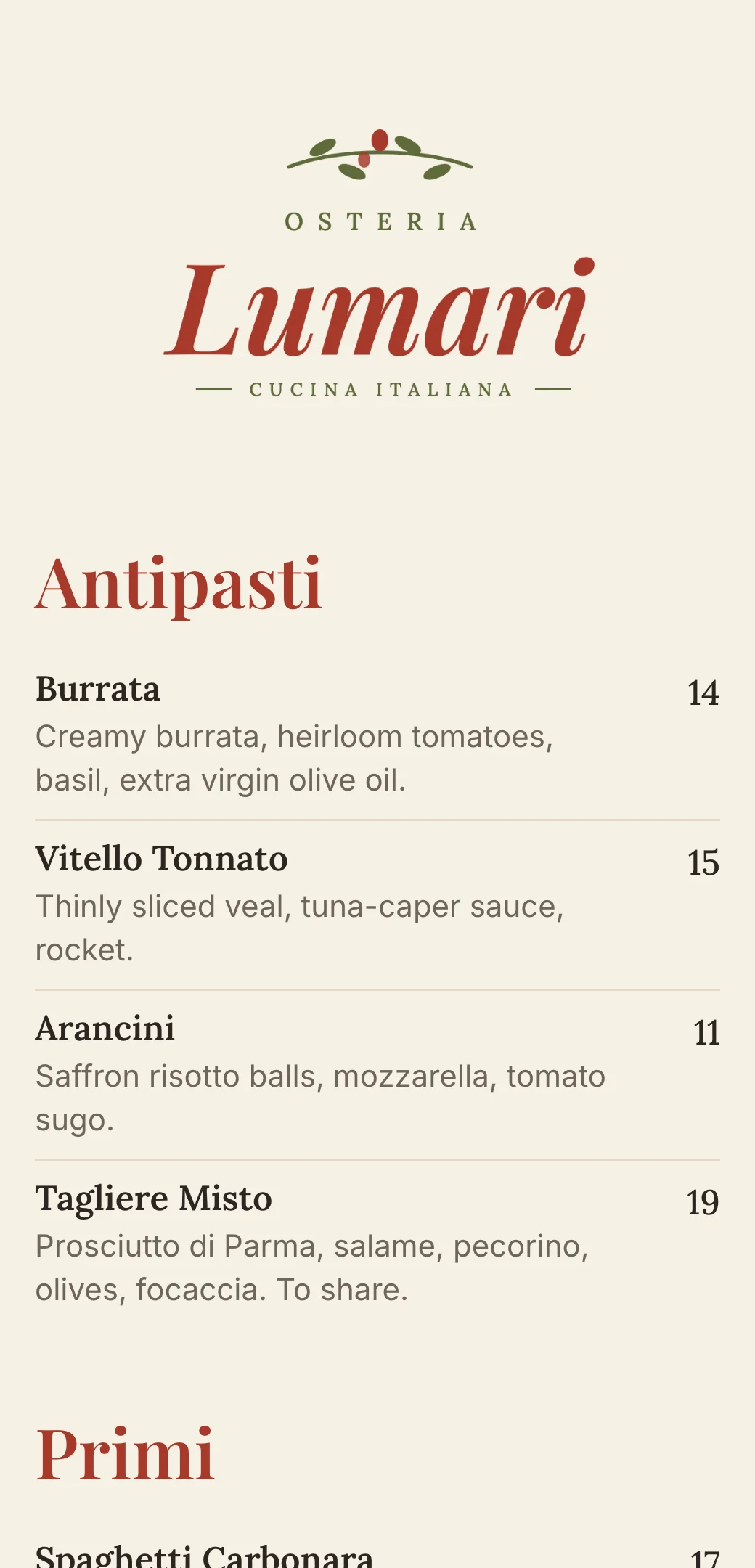
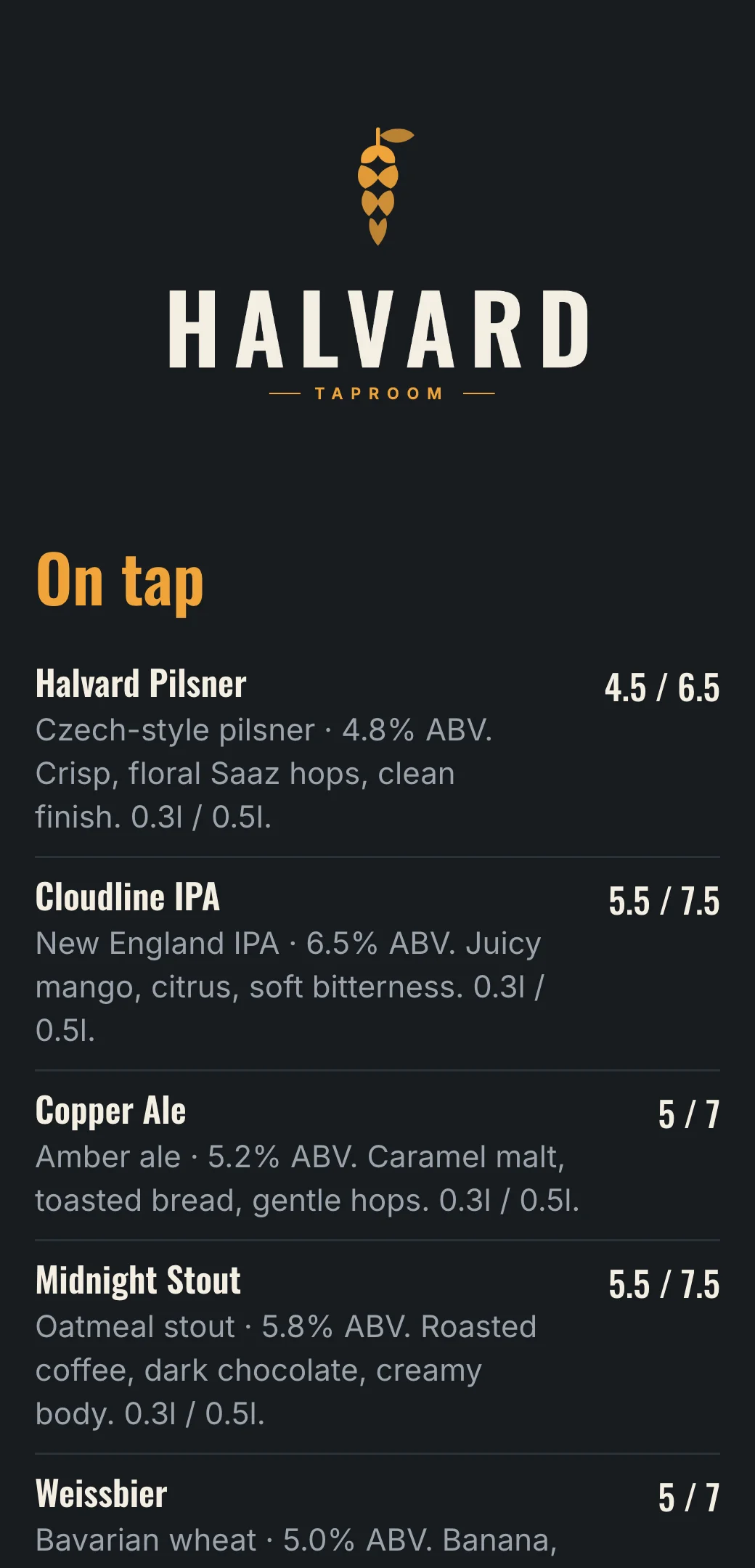
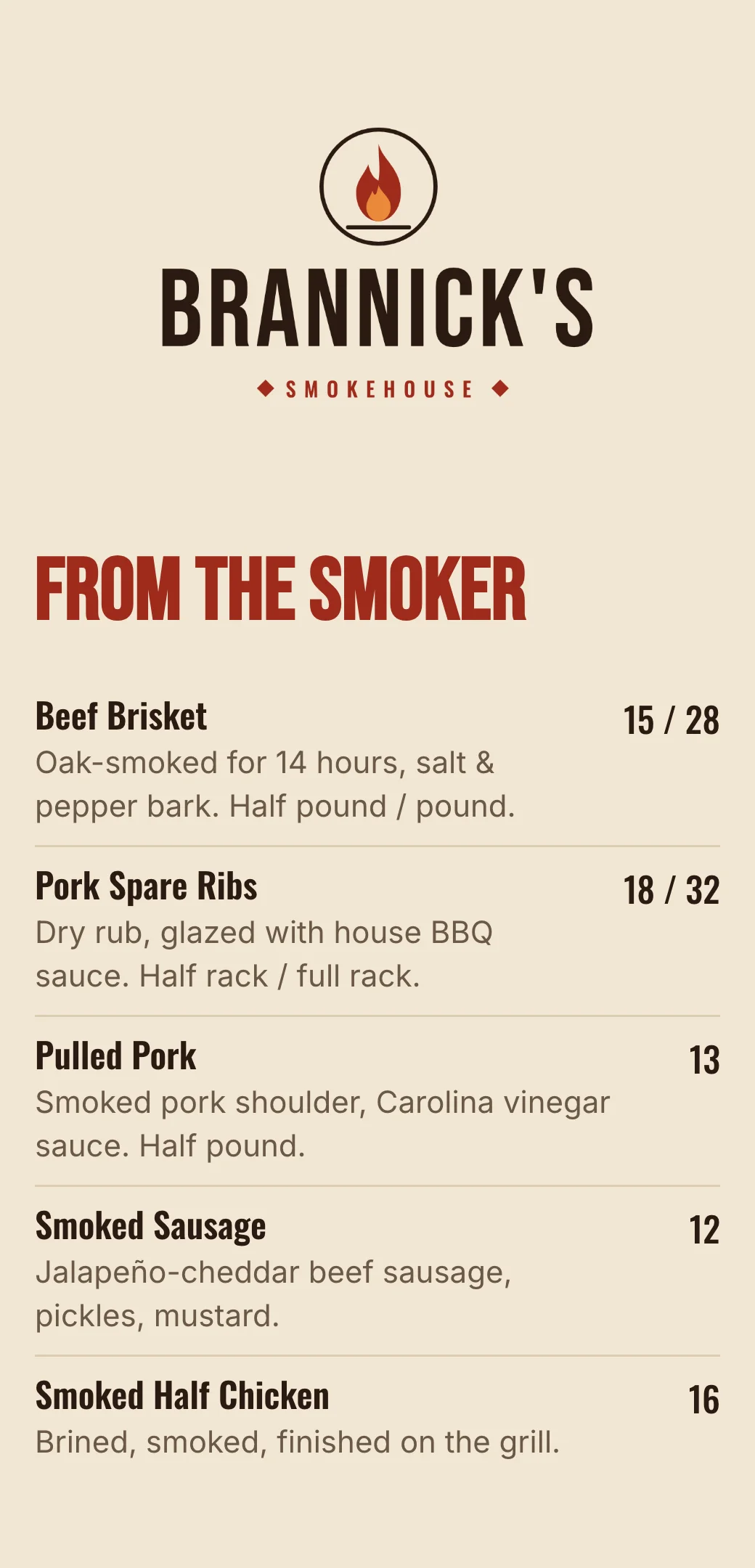
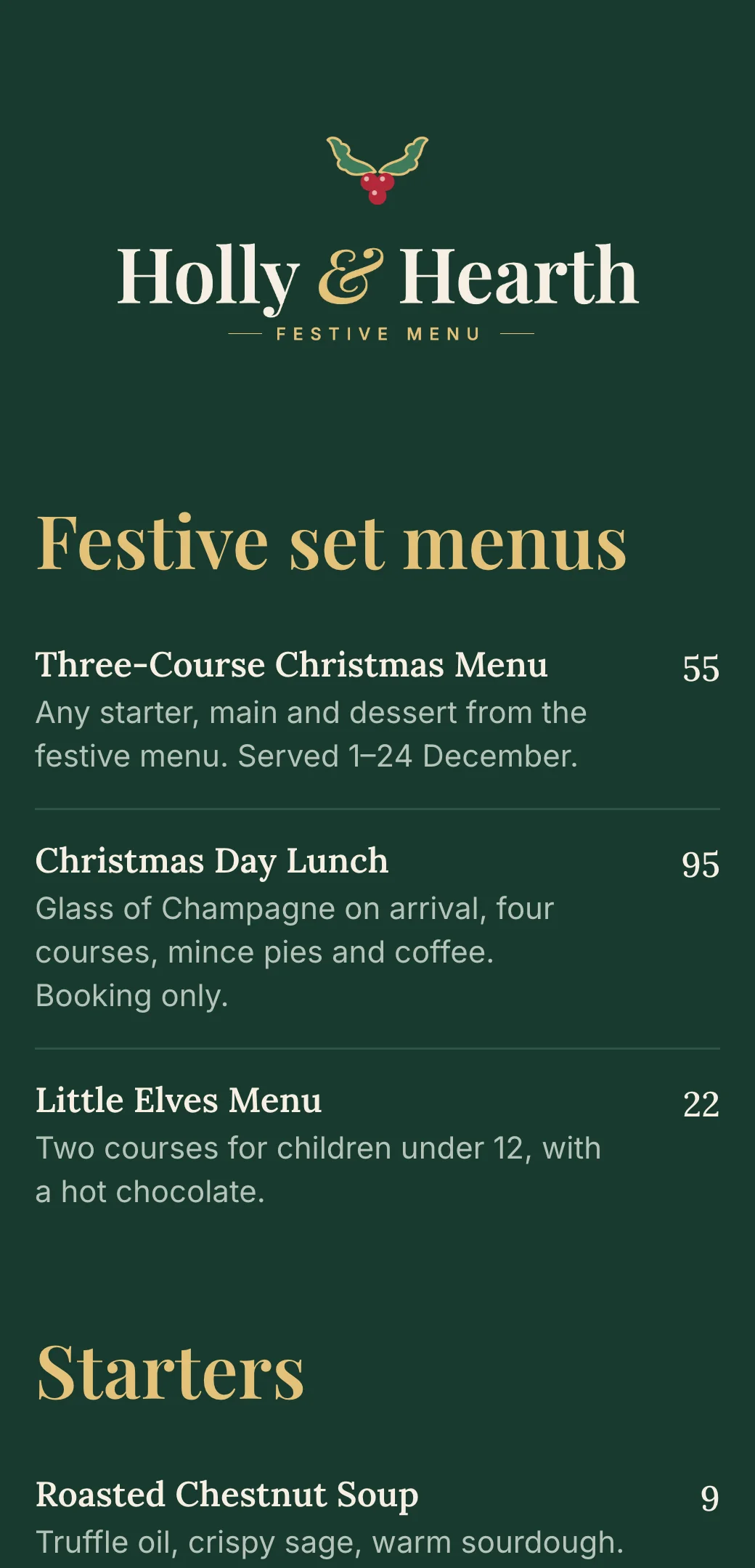
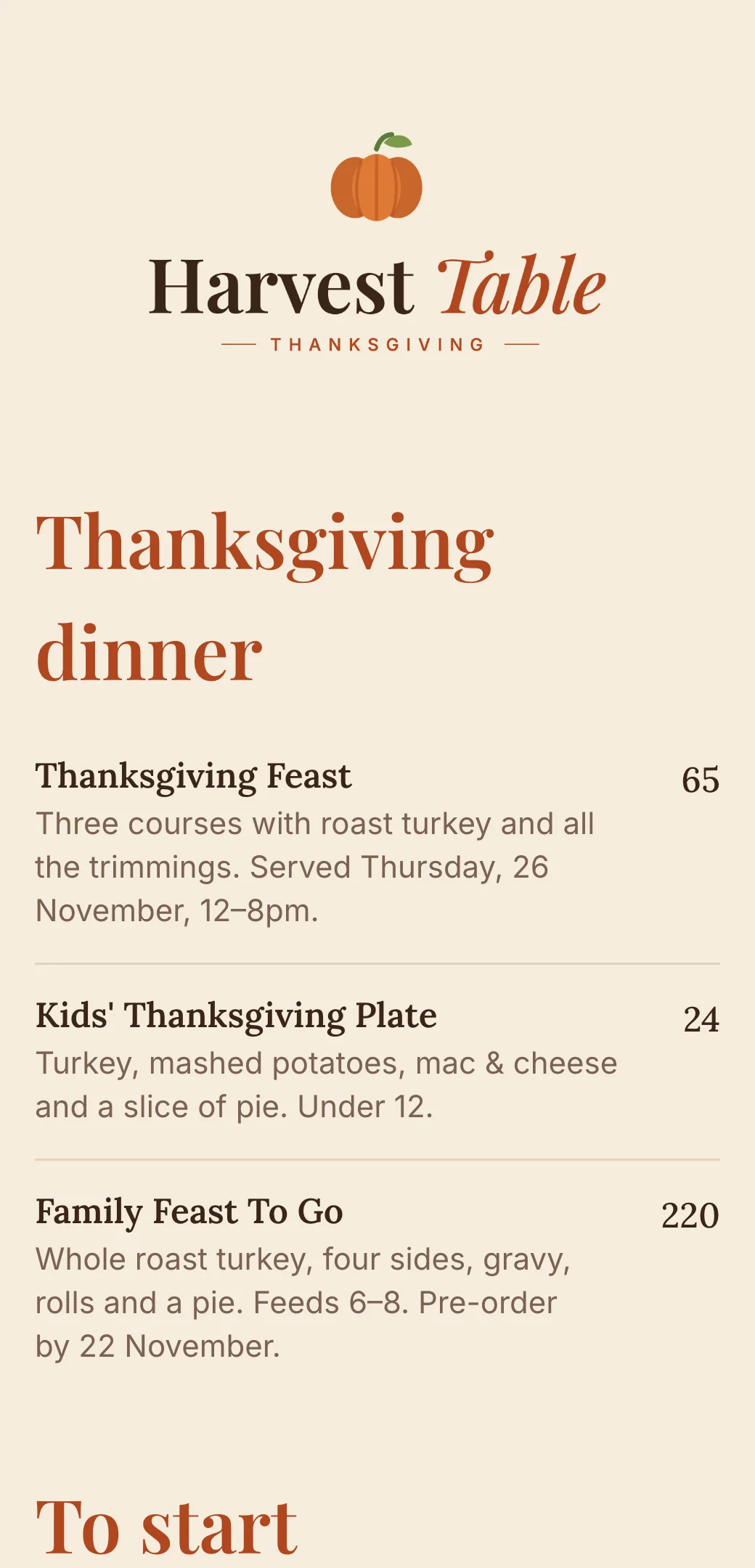
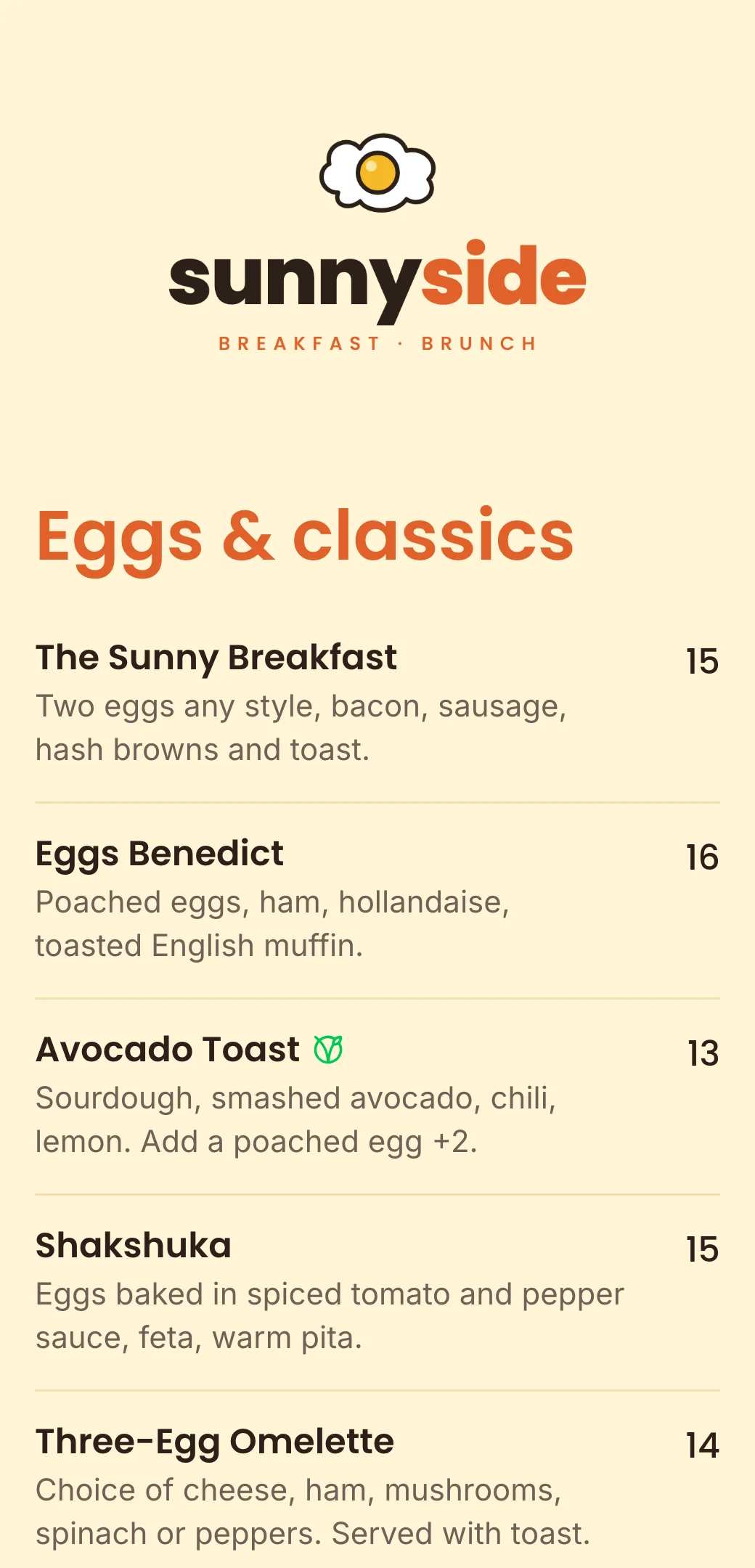
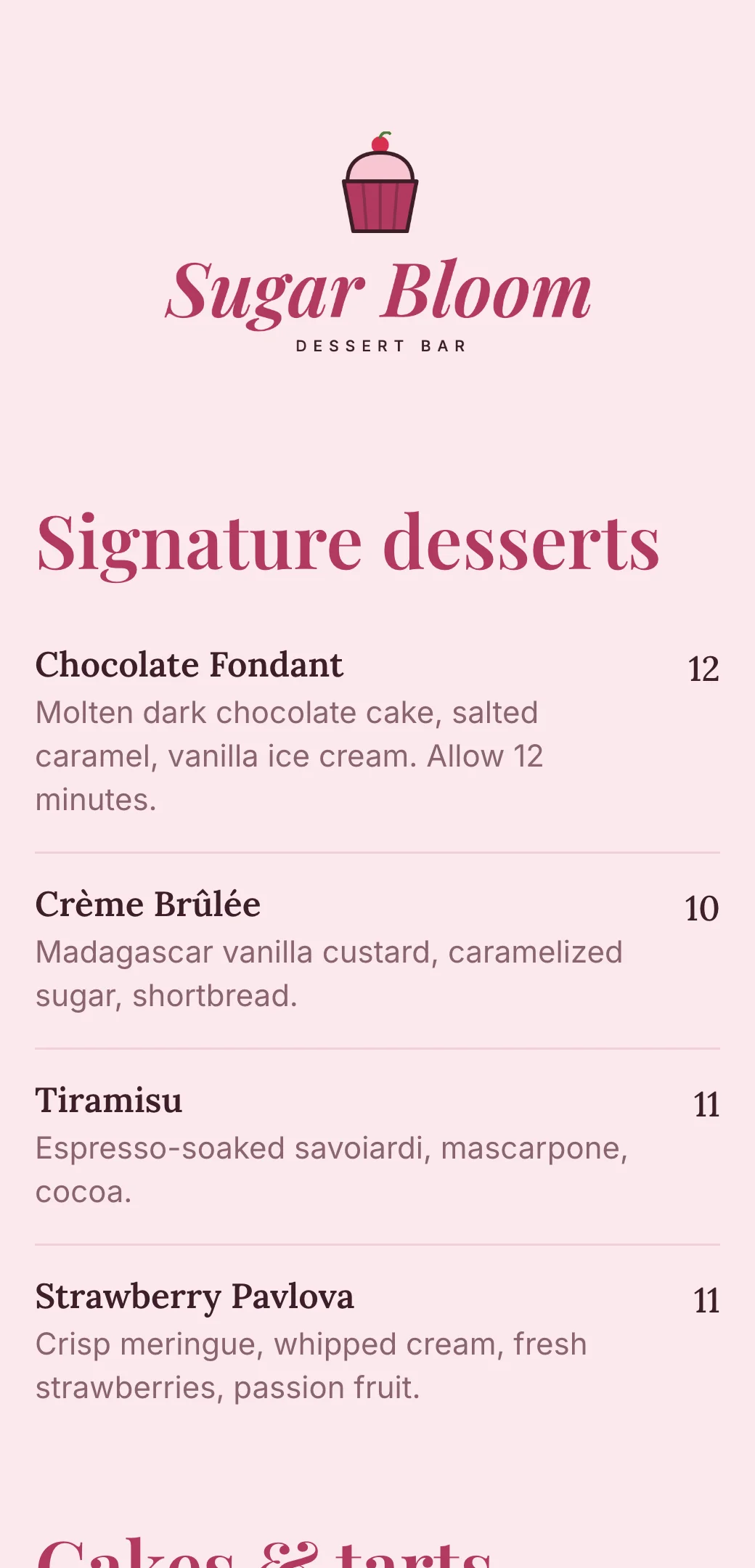
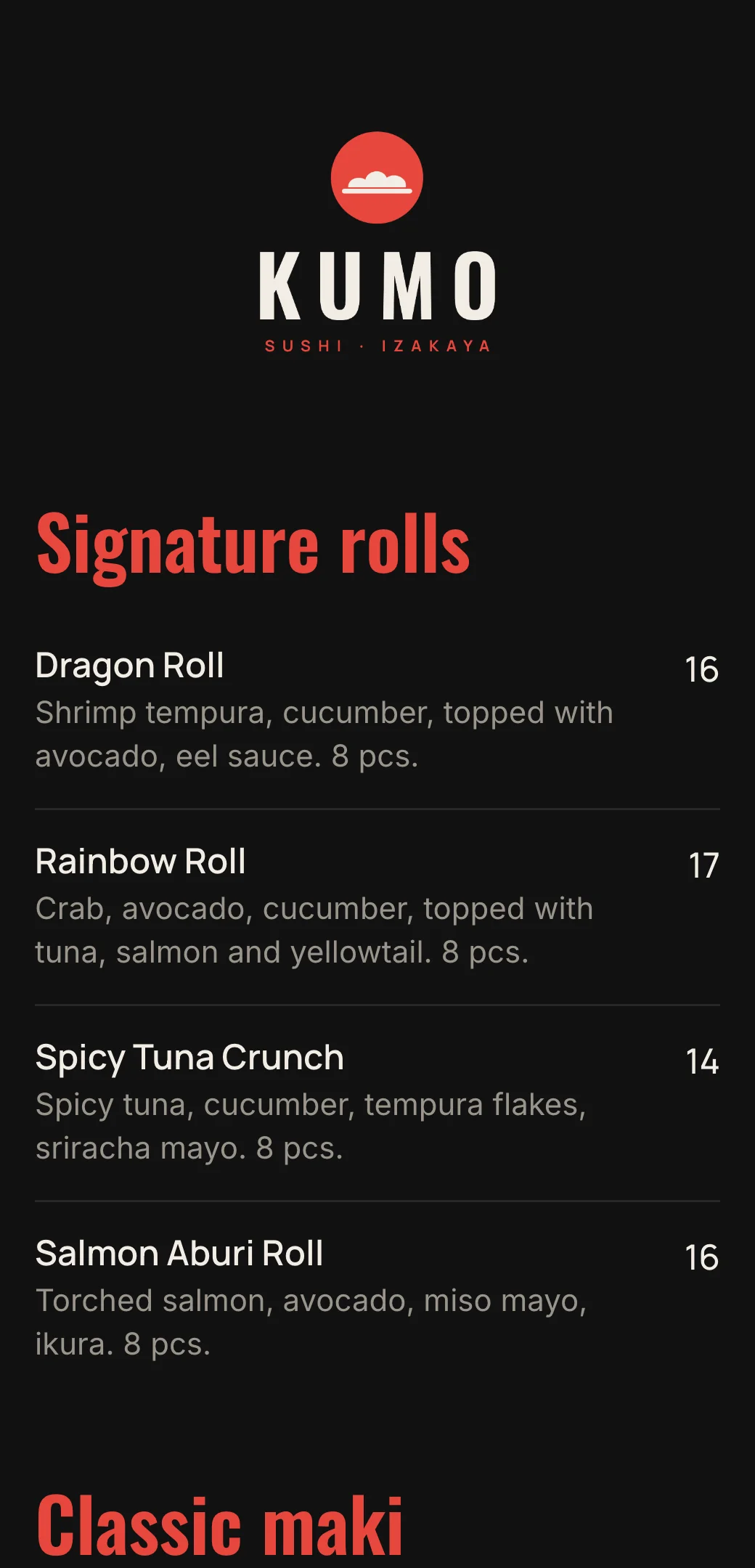
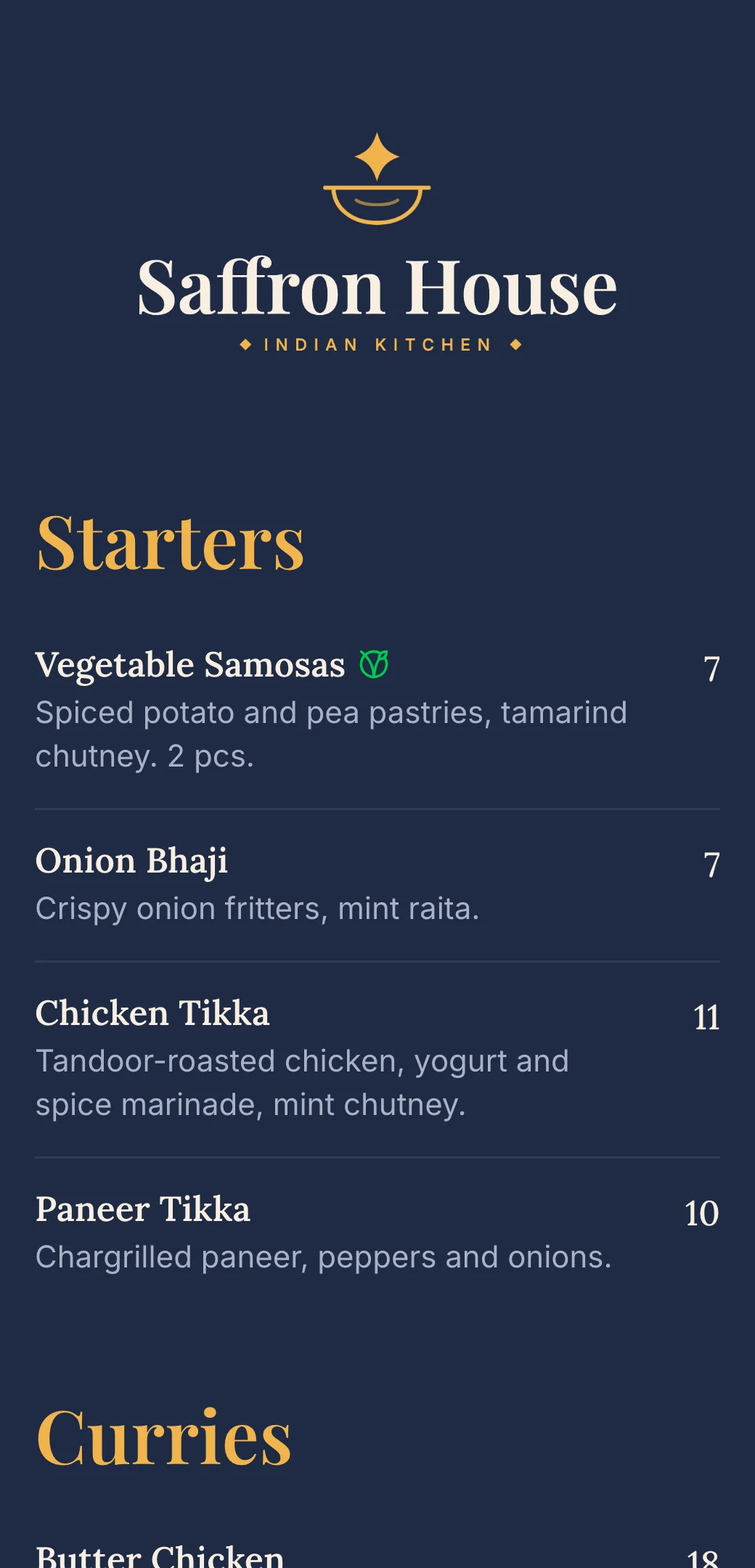
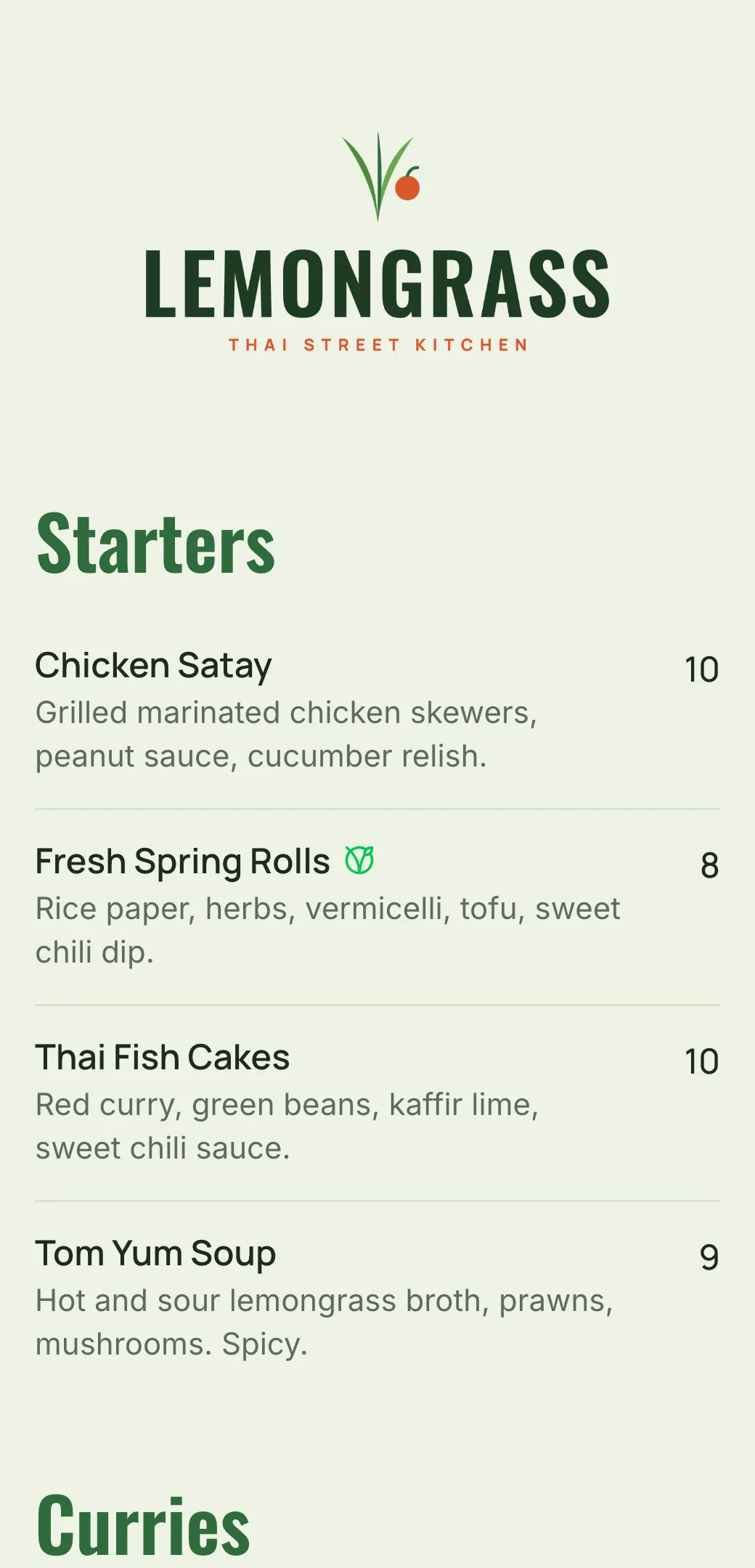
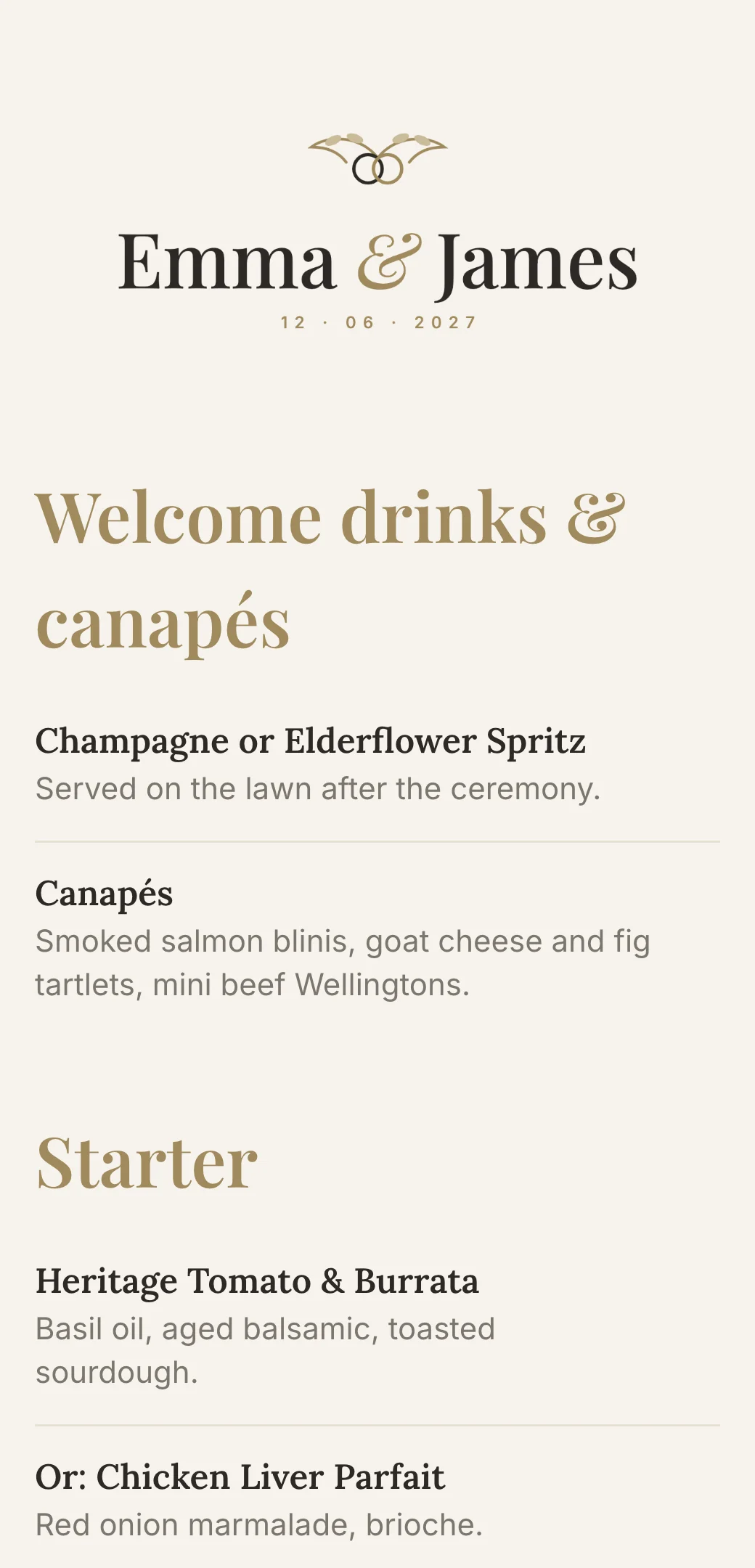
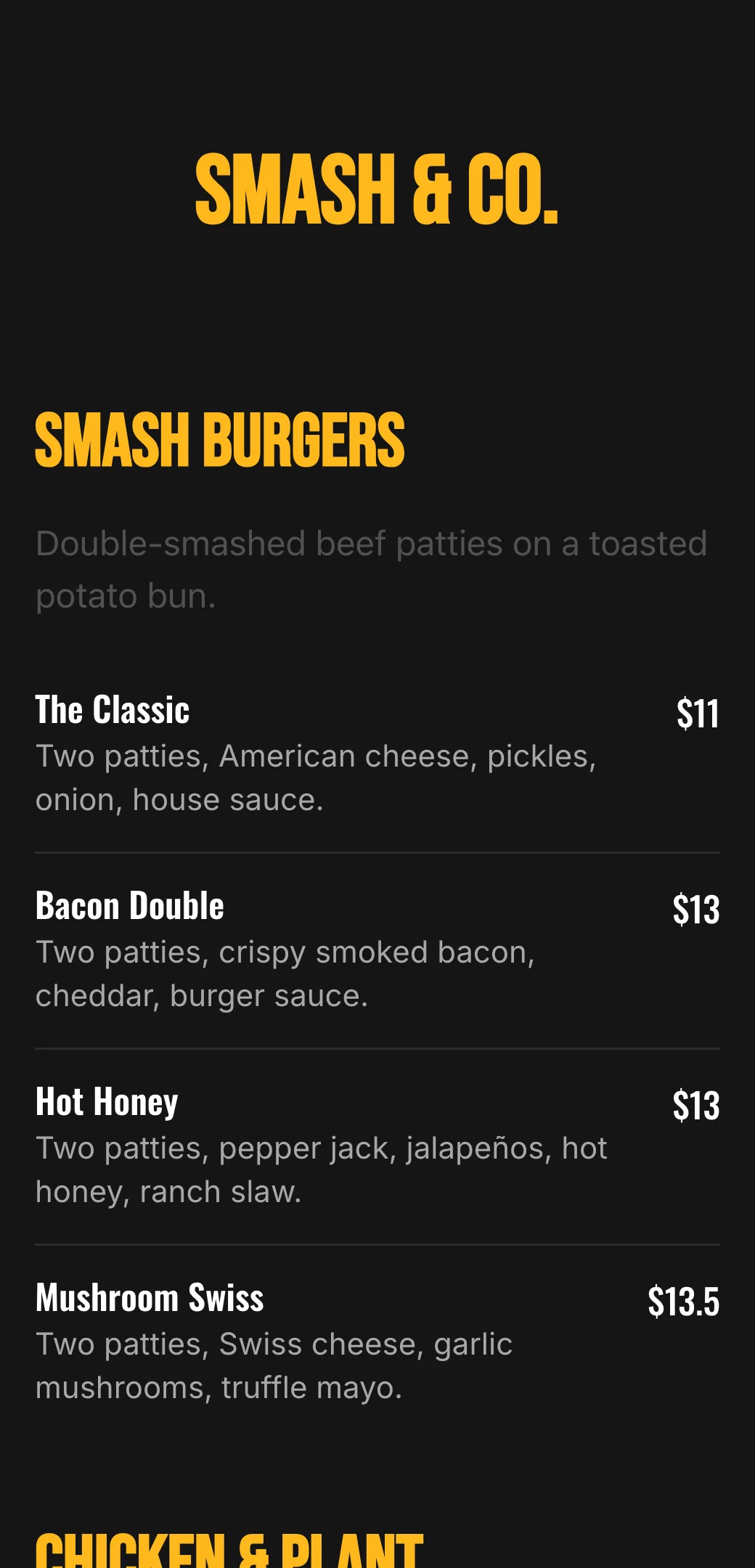
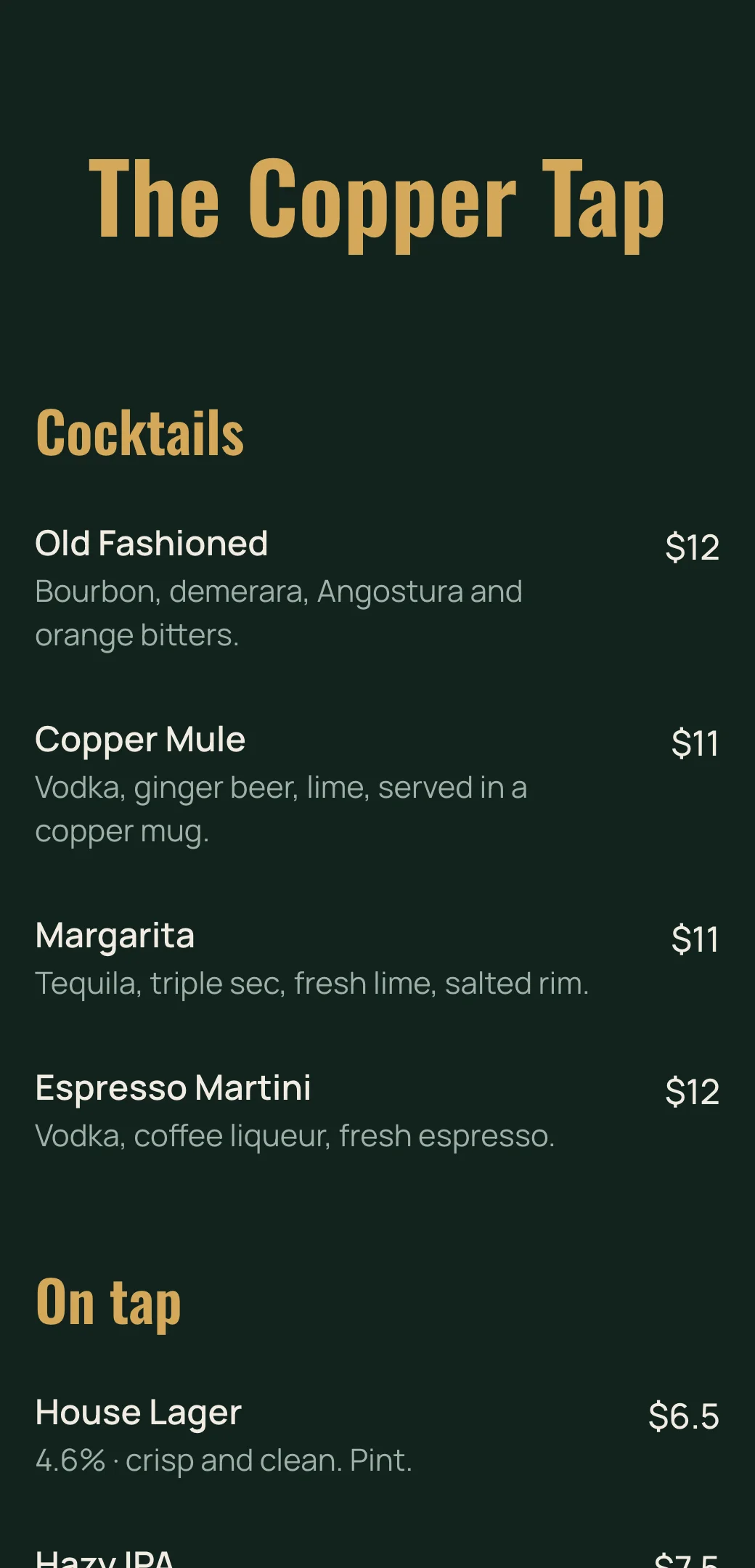
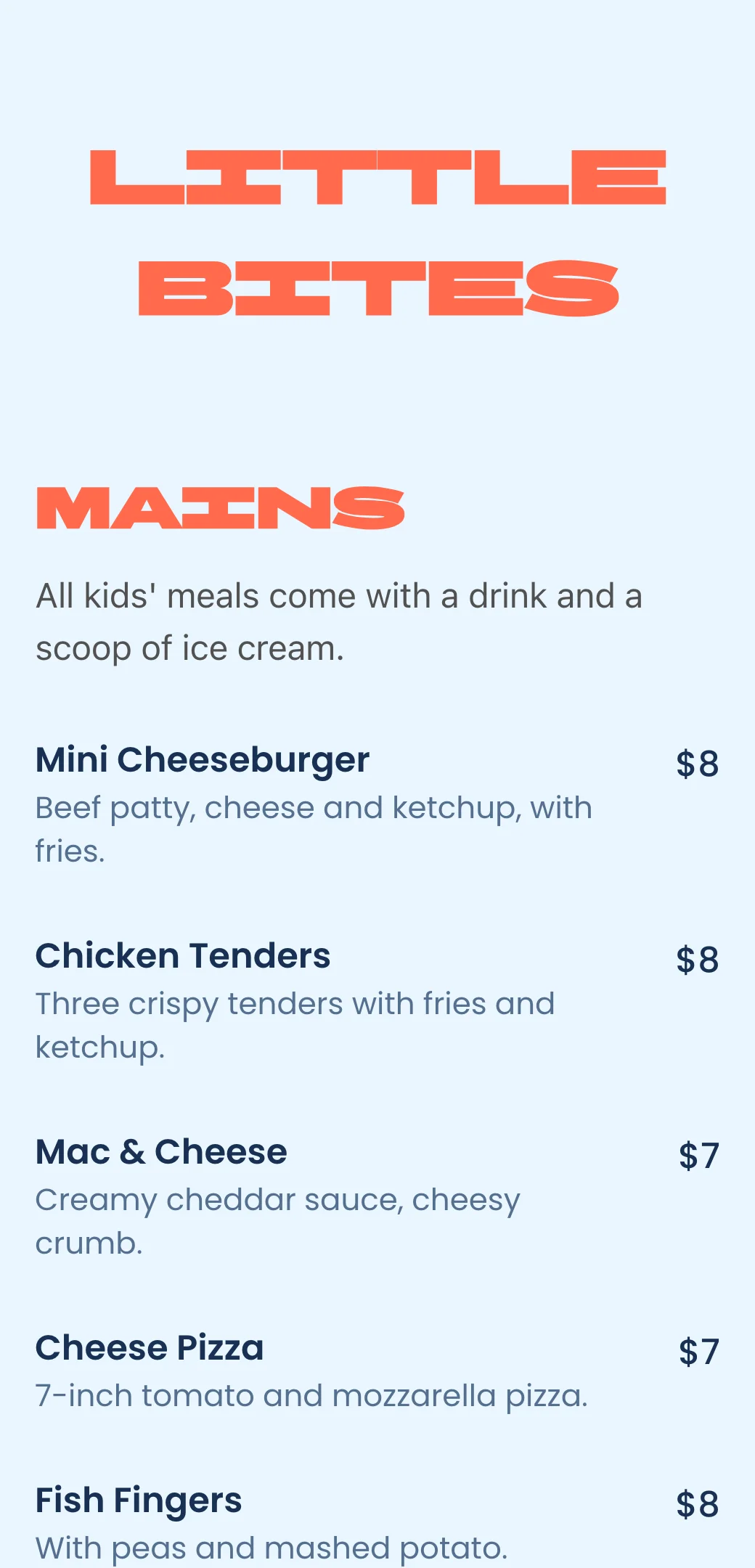
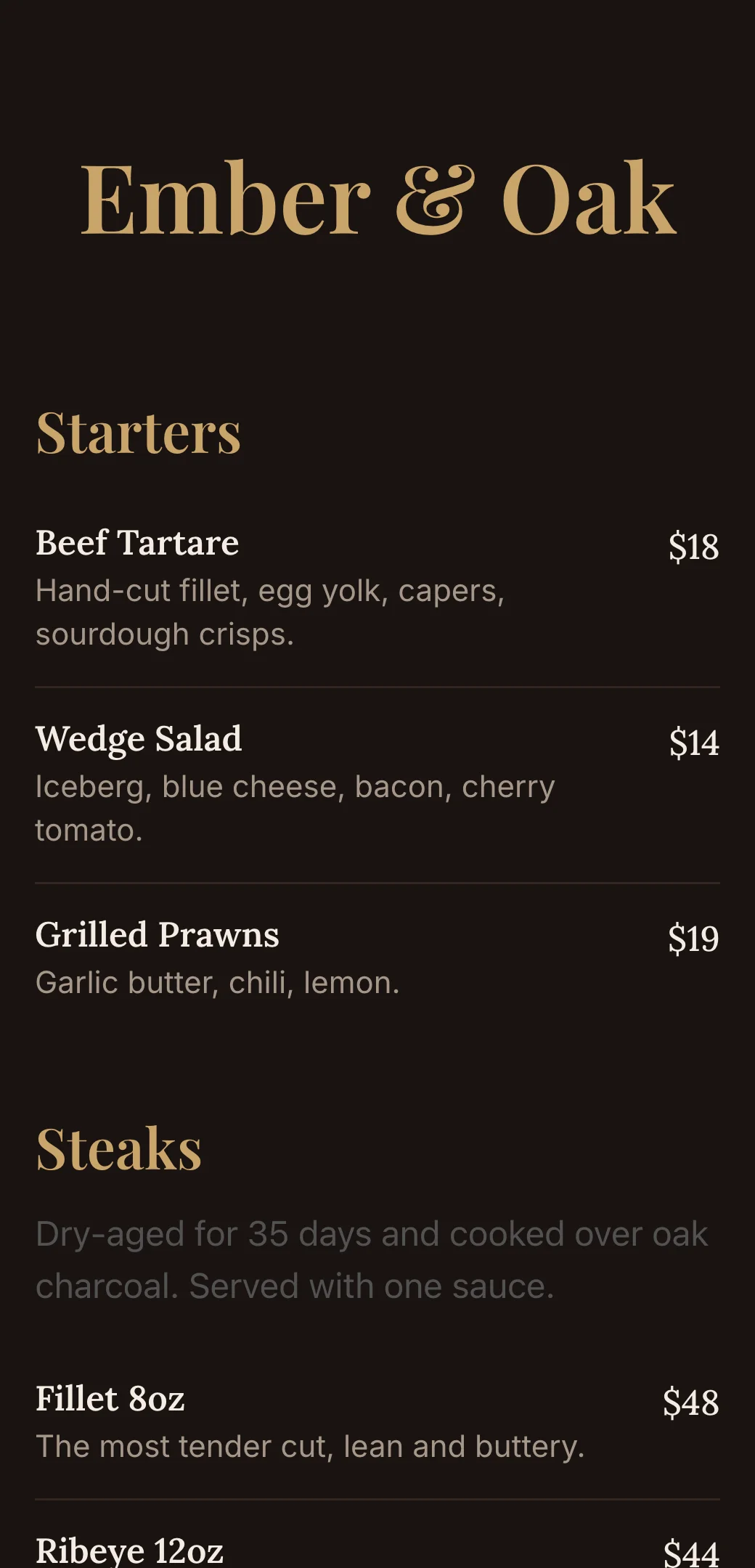
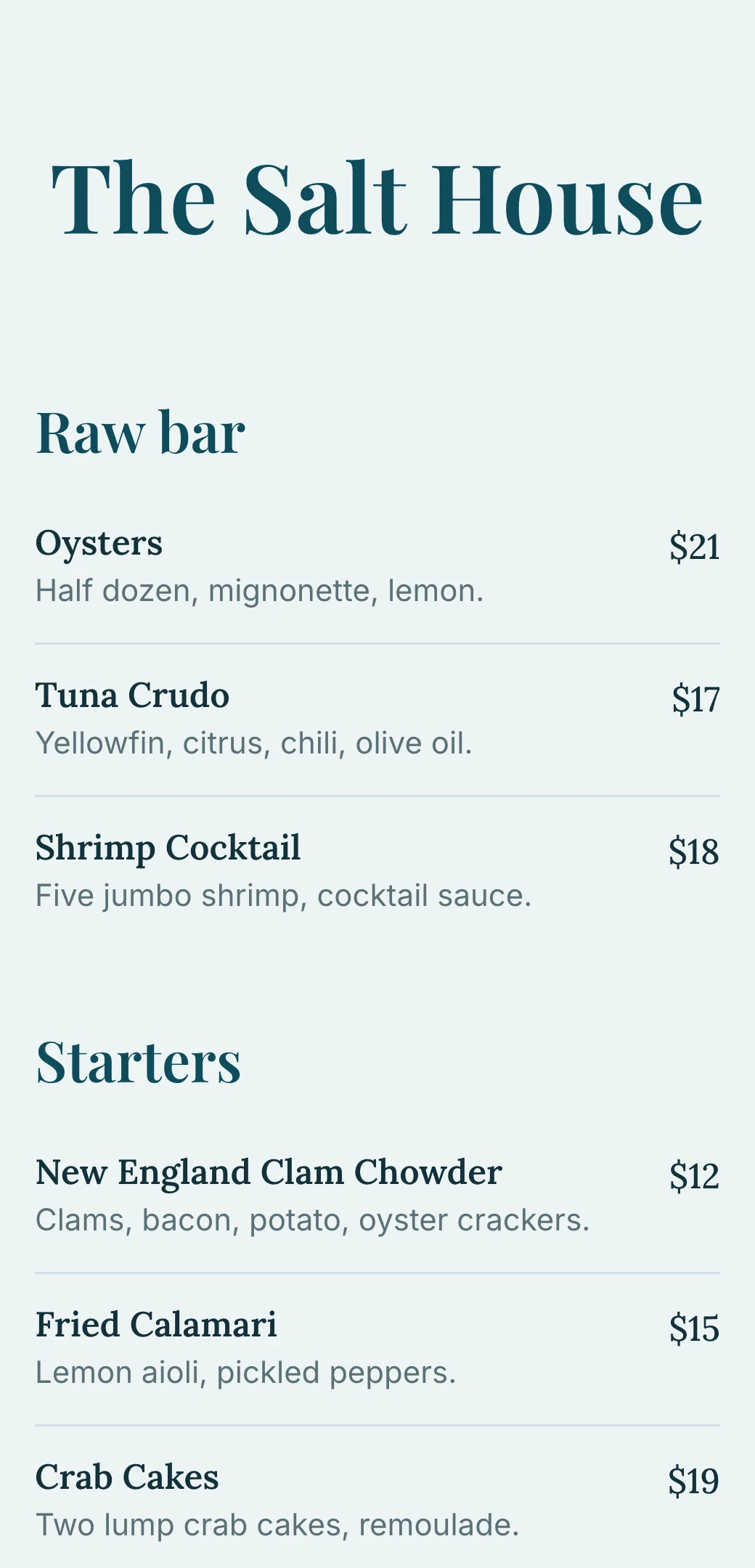
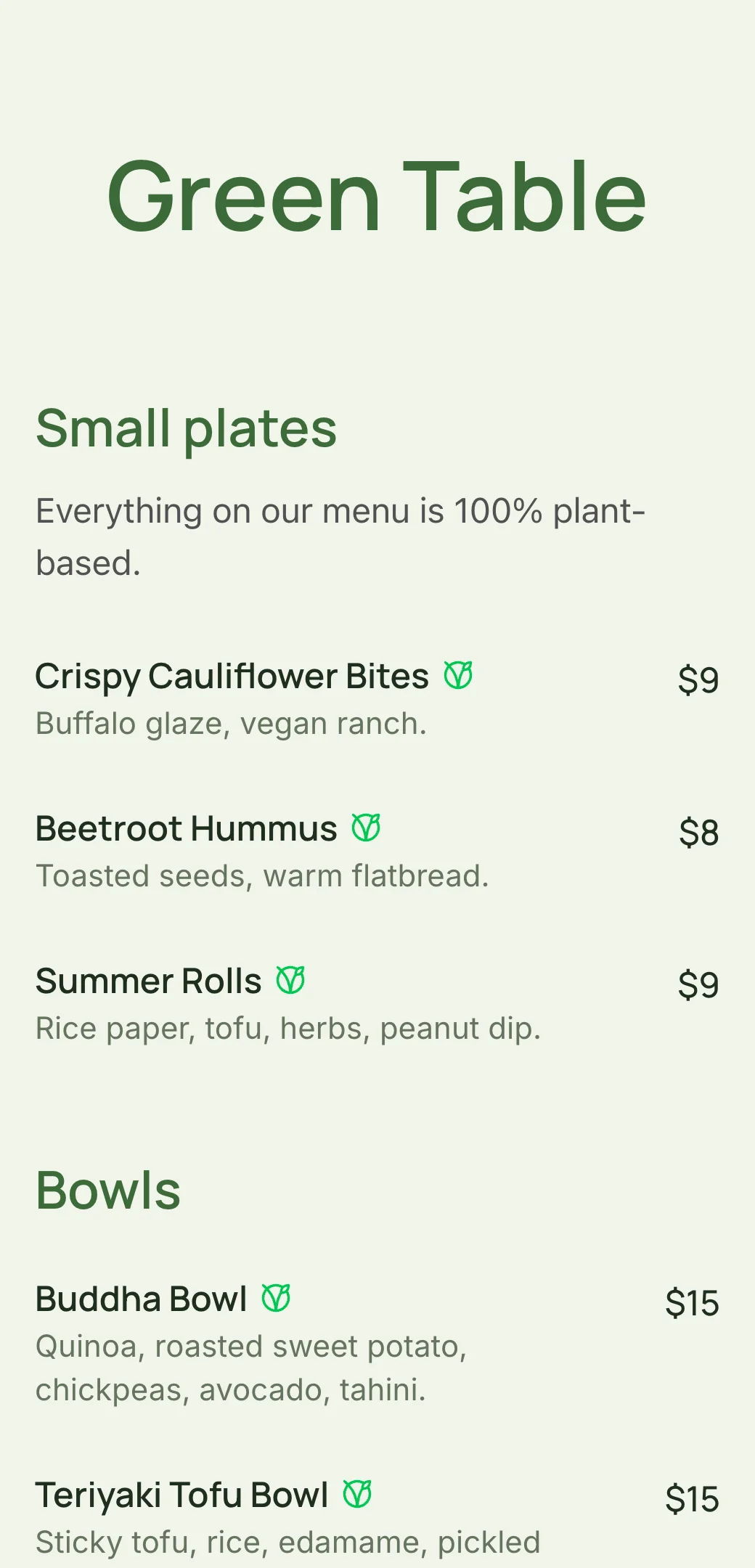
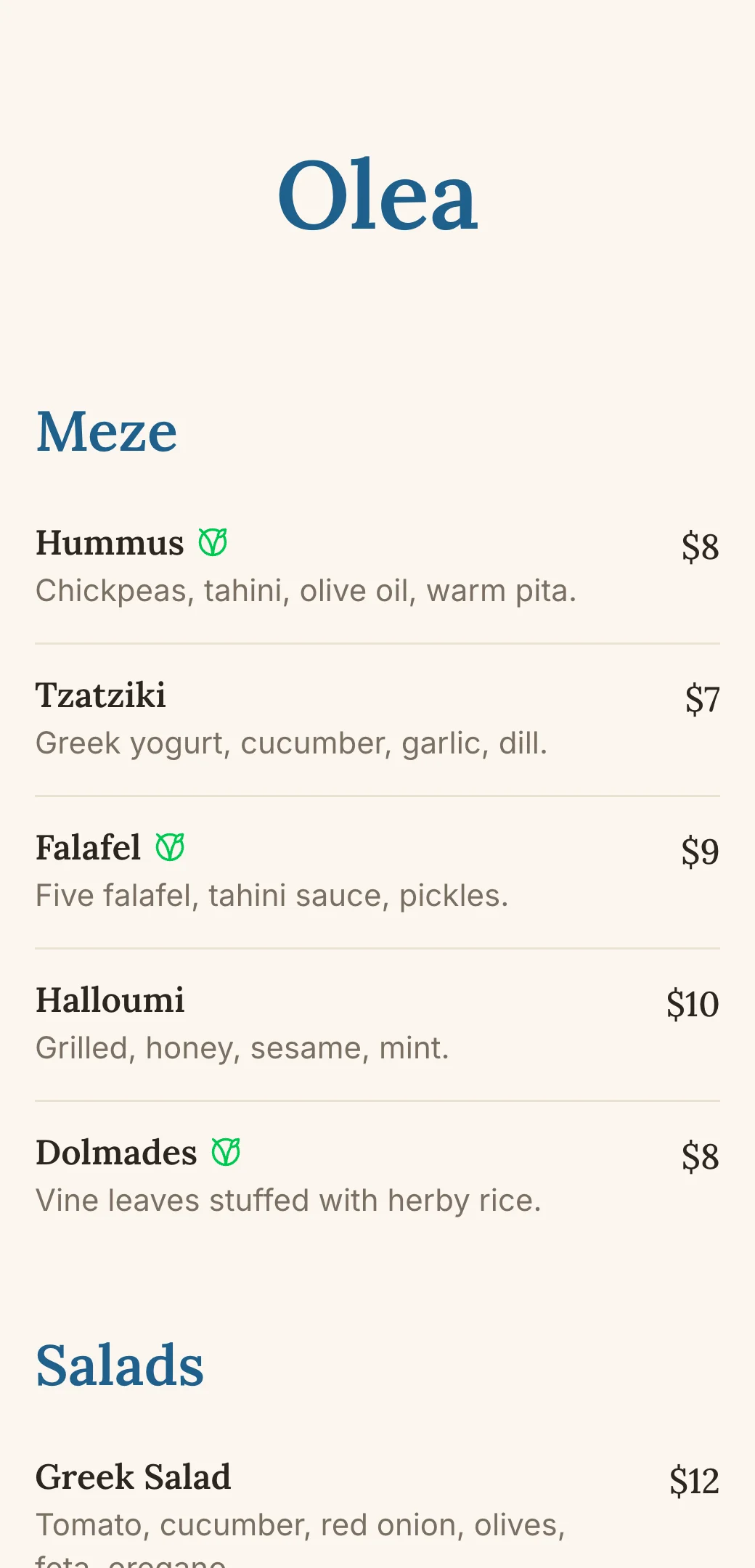
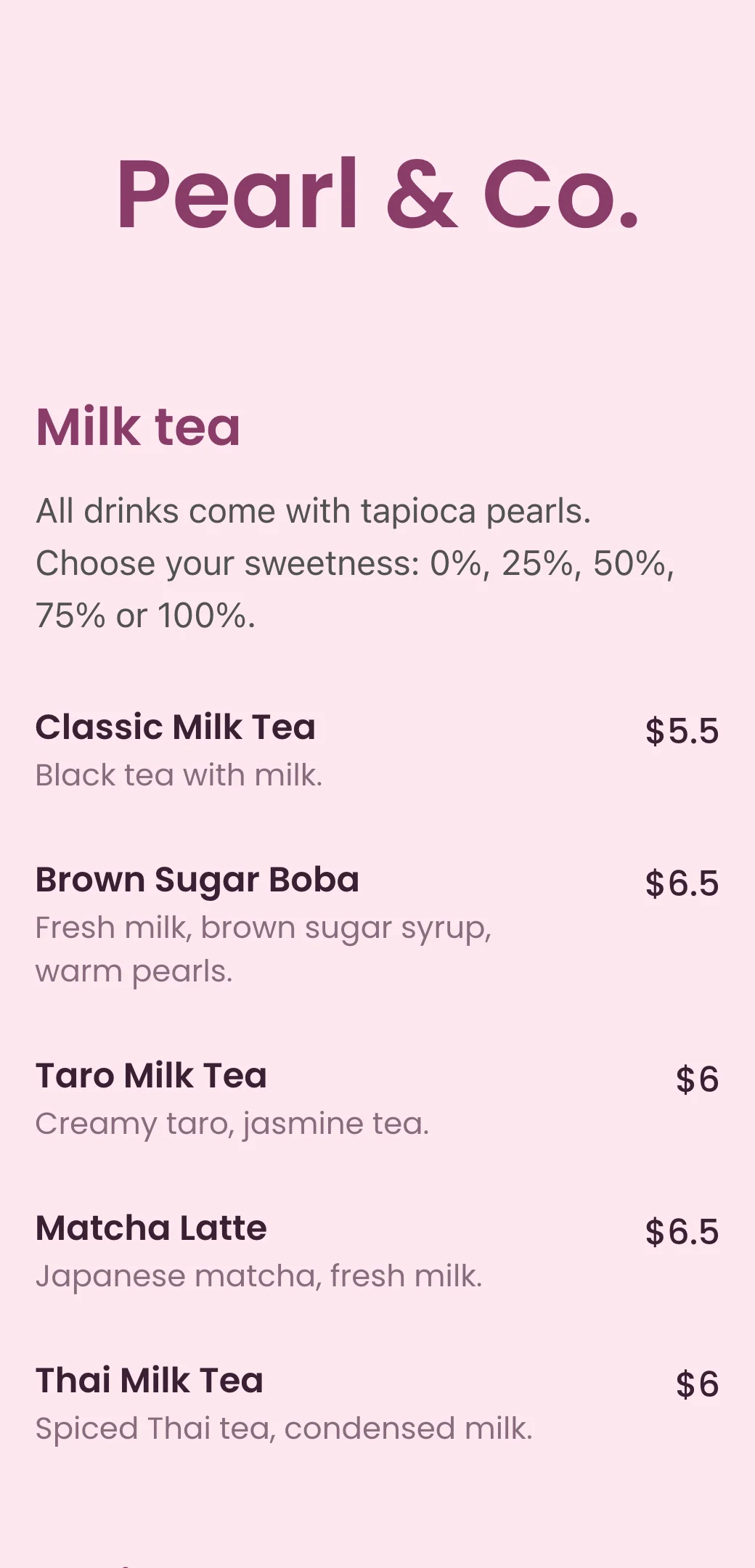
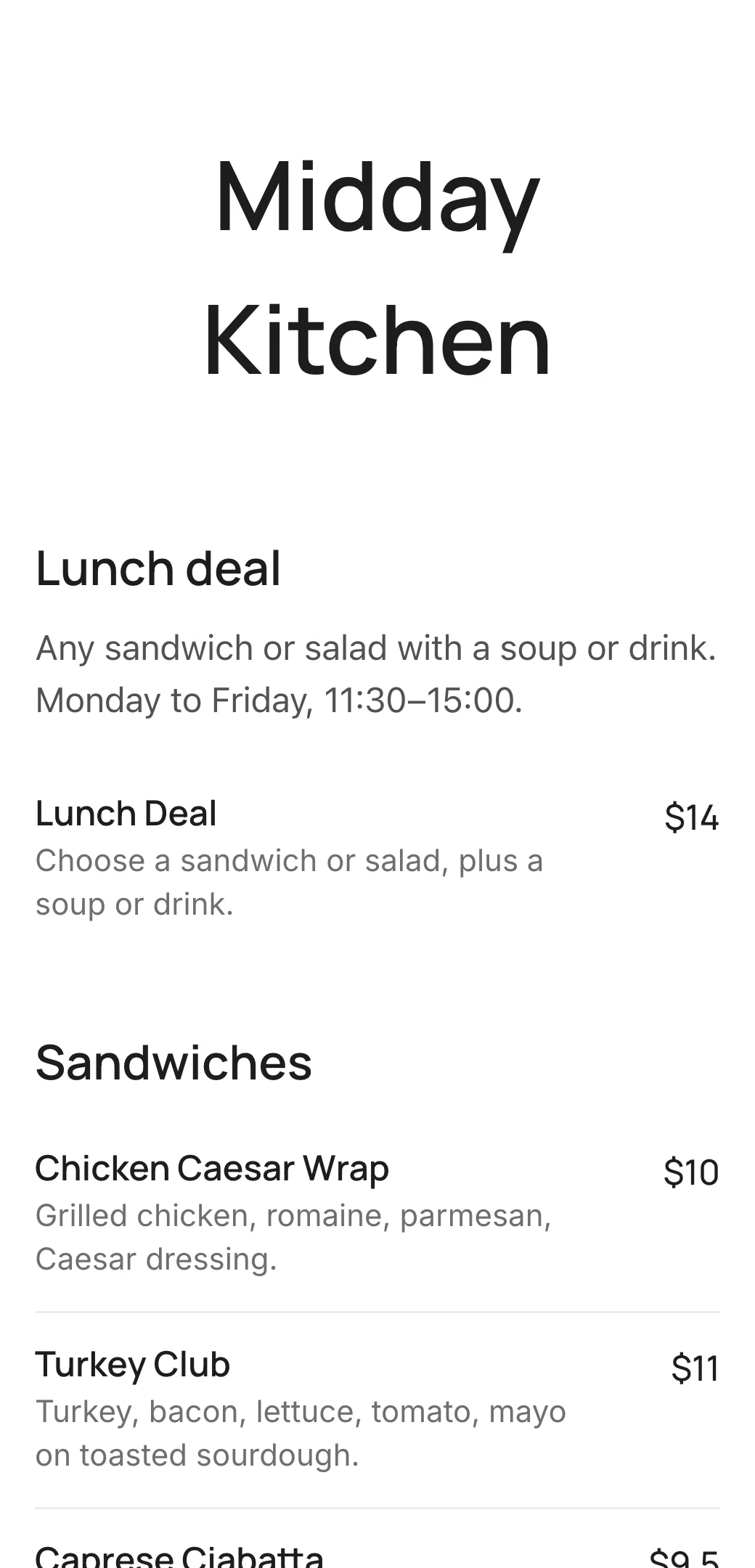
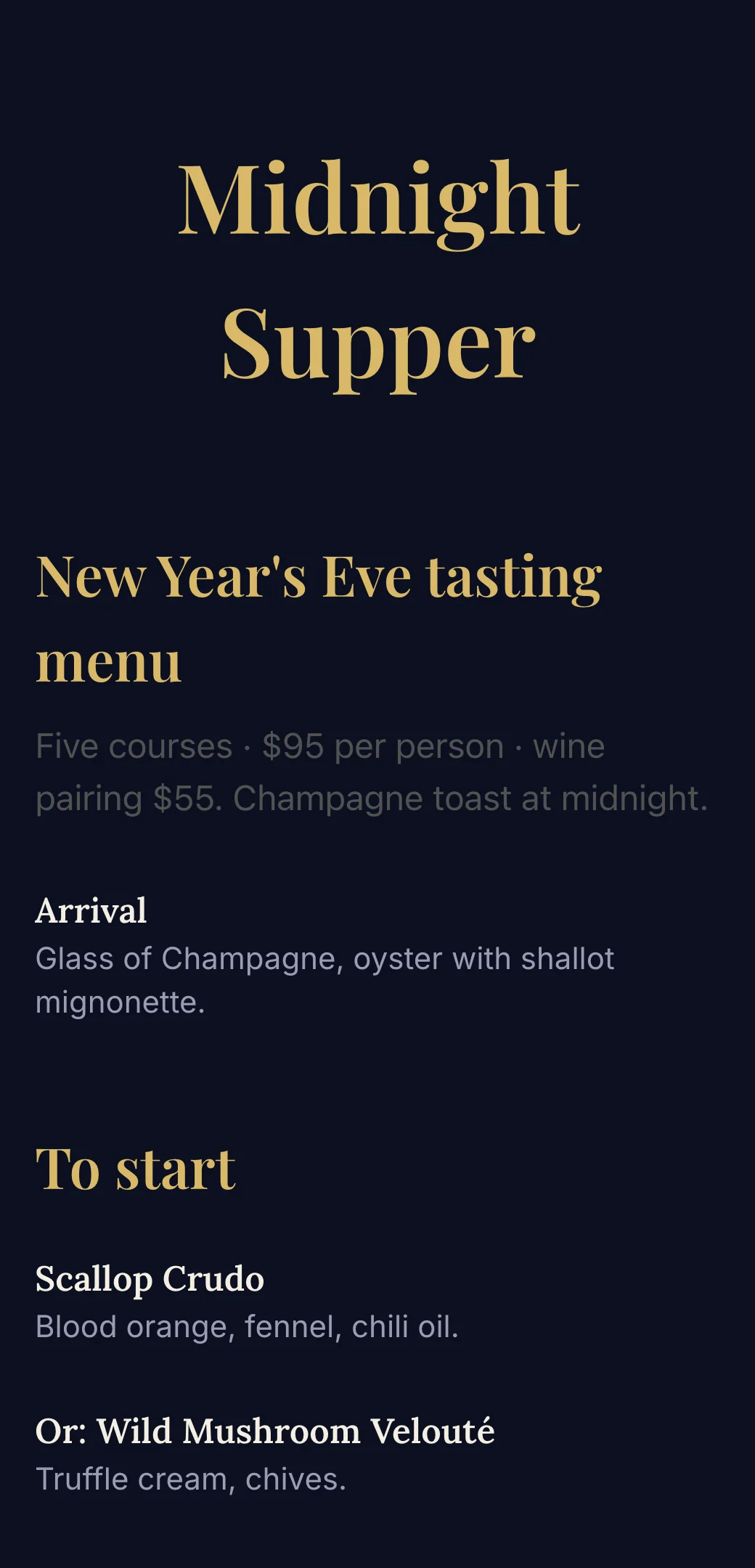
Explore professionally designed digital menu templates for restaurants. Create menus online, customize branding, and share your menu with a link or QR code.
Your questions, answered
- How do I turn a PDF menu into a QR code?
- Upload the PDF to your website or a public file link, then paste that link into a QR code generator. For a menu that’s easier to read on phones, add your dishes to a mobile menu instead and use the QR code it comes with.
- Is a PDF or a mobile menu better for a QR code?
- A mobile menu. It fits the phone screen, loads fast and can be updated instantly. A PDF has to be zoomed, can be slow on mobile data and needs a new upload every time you change a price.
- Can I make a free QR code for my PDF menu?
- Yes. Paste your PDF menu link into the free menu QR code generator and download a PNG or SVG. No sign-up needed.
- Will I need to reprint the QR code when my menu changes?
- Not with a mobile menu. The QR code always opens your latest menu, so price and dish changes show up instantly.
- Can my mobile menu look like my printed PDF menu?
- Yes. Choose your own colors, fonts and logo, or start from a template and adjust it to match your printed menu.